
The Sorting Recommended Products section controls the order in which matching products appear in a recommendation.
Click Add Sorting to choose a sorting method. You can use a single rule or add multiple rules and set their priority from 1st to 5th. WowRecommend provides 7 sorting options:
- Popularity – Sort products by sales volume.
- Conversion – Sort products by how often views turn into purchases.
- Freshness – Sort products by publish date.
- Price – Sort products by price.
- Rating – Sort products by average customer rating.
- Random – Shuffle the matching products.
- Bought Together – Sort products by how often they are purchased together with the current product.
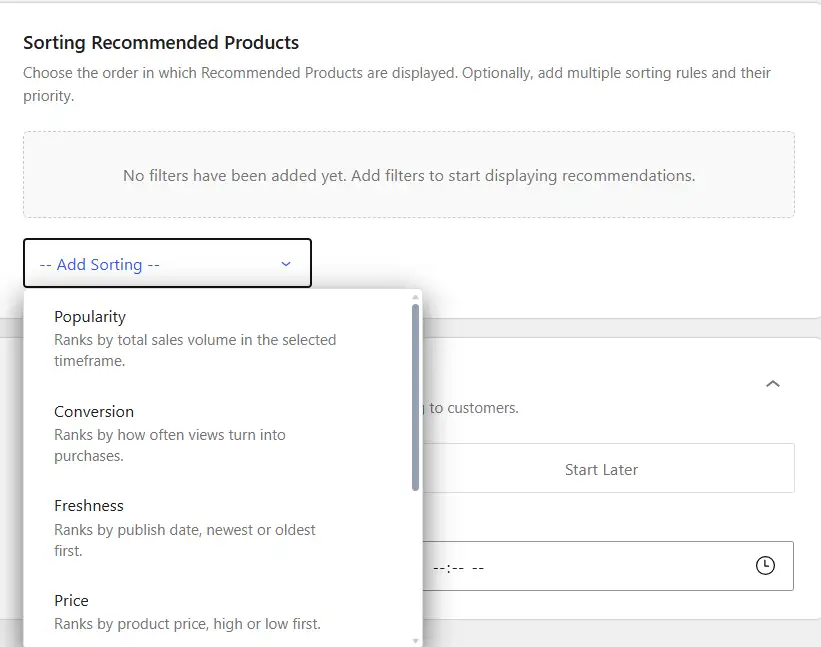
Popularity
The Popularity sorting option ranks products according to their sales volume. Choose a sorting direction:
High → Low– Show products with higher sales volume first.Low → High– Show products with lower sales volume first.
Then choose the period used to measure popularity: all time, last 24 hours, 7 days, 30 days, or 3 months.
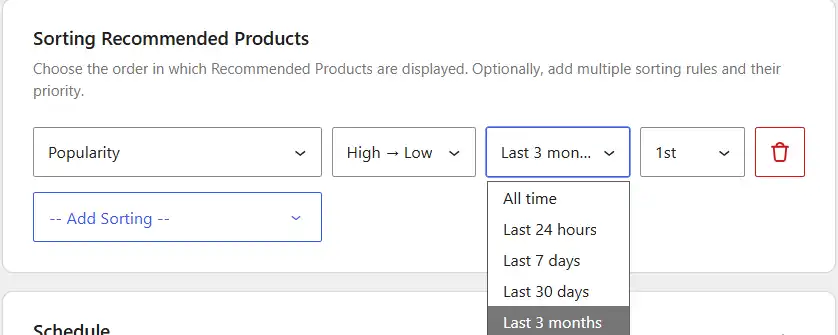
For example, High → Low → Last 30 days places the products with the highest sales volume during the previous 30 days first.
Conversion
The Conversion option sorts products based on how often product views turn into purchases. Choose:
High → Low– Show products with higher conversion first.Low → High– Show products with lower conversion first.
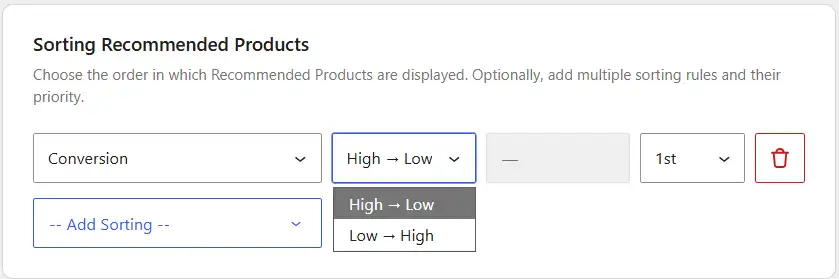
For example, High → Low puts products with better purchase conversion performance first.
Freshness
The Freshness option sorts products according to their publish date. Choose:
New → Old– Show newer products first.Old → New– Show older products first.
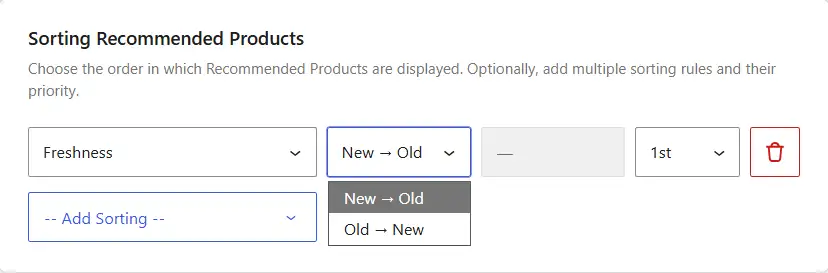
For example, use New → Old when you want recently published products to appear before older ones.
Price
The Price option sorts matching products according to their product price. Choose:
High → Low– Show higher-priced products first.Low → High– Show lower-priced products first.
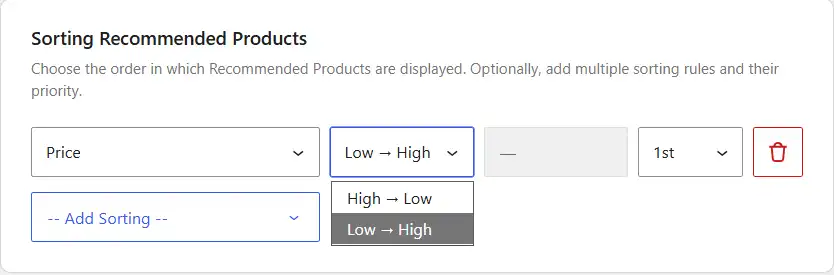
For example, Low → High places the least expensive matching products first.
Rating
The Rating option sorts products according to their average customer rating. Choose:
High → Low– Show higher-rated products first.Low → High– Show lower-rated products first.
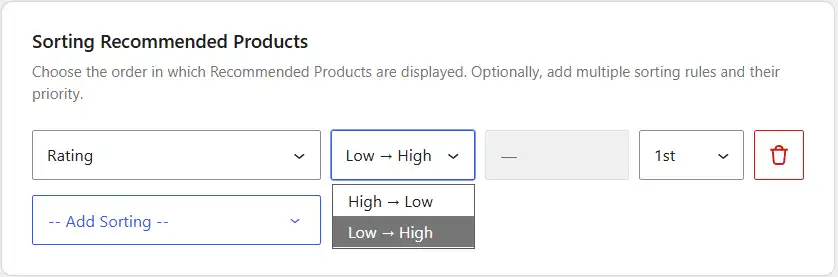
For example, High → Low puts the best-rated matching products first.
Random
The Random option shuffles the matching products instead of sorting them by a specific product value. It does not require a sorting direction or time period. Simply select Random and set its priority if you are using multiple sorting rules.
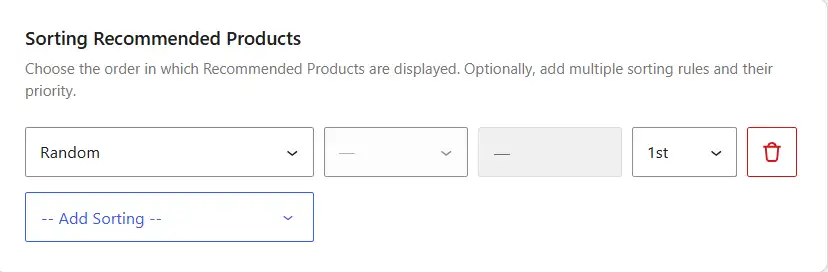
Use this when you want the order of recommended products to vary instead of always showing the same products first.
Bought Together
The Bought Together option ranks products according to how often customers purchased them in the same order as the current product.
There is no sorting direction for this option. Instead, choose the period used to check previous purchases: all time, last 24 hours, 7 days, 30 days, or 3 months.
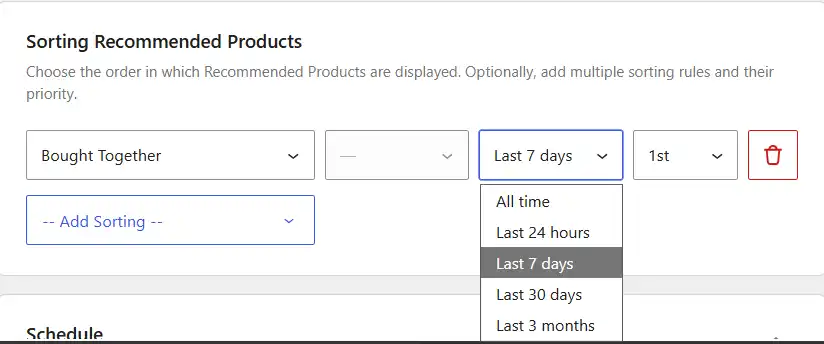
For example, selecting Last 30 days ranks products according to how often they were bought together with the current product during the previous 30 days.
How to Set Sorting Priority
When you add multiple sorting rules, use the priority field to decide the order in which WowRecommend applies them. You can assign priorities from 1st to 5th.
The 1st priority is applied first. If multiple products have the same result under that rule, WowRecommend uses the next priority as a tie-breaker. It continues through the remaining priorities when needed. For example, suppose you set:
- Popularity →
1st - Rating →
2nd
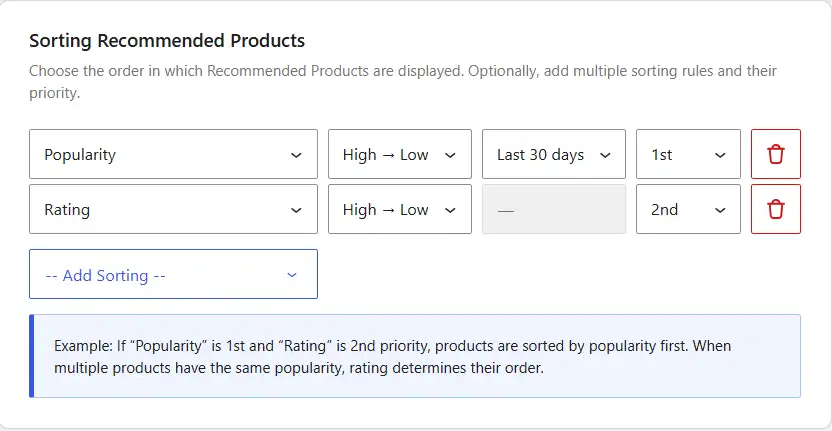
Products are sorted by popularity first. If multiple products have the same popularity, their rating determines which one appears first. For a more detailed setup:
- Bought Together →
1st - Rating →
2nd - Freshness →
3rd
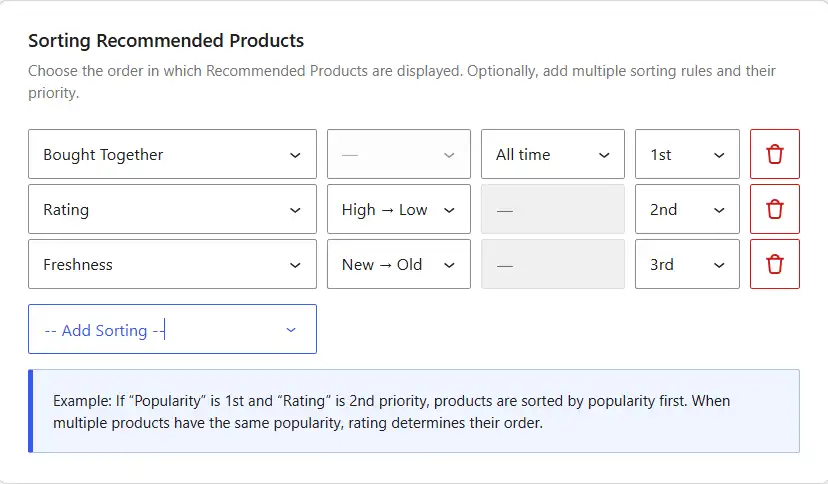
WowRecommend first sorts products by how often they are bought together with the current product. If multiple products have the same result, their ratings are compared. If they are still tied, freshness determines their order.
Note: Always use 1st for your main sorting factor, then assign the remaining priorities according to how you want ties to be resolved.

