
All-in-One Table Rate Shipping Plugin for WooCommerce – WowShipping
Add table rate shipping methods to your WooCommerce store that let you automatically calculate pricing at checkout using predefined conditional rules such as weight, cart total, quantity, and shipping zones.
 4.9/5 based on 440+ reviews on
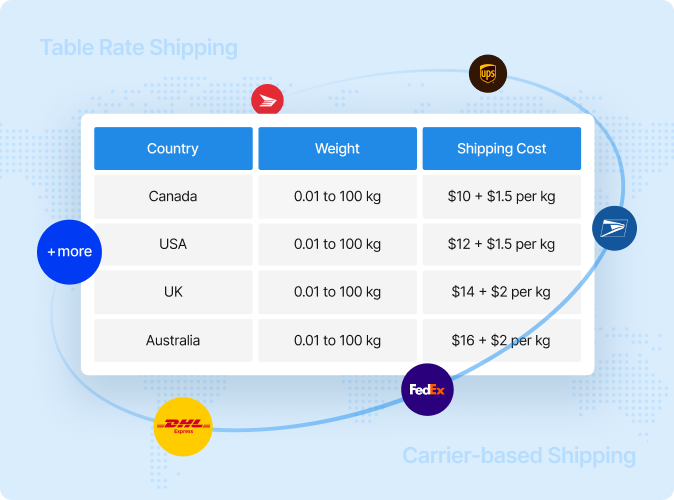
Unlock 30+ Table Rate Shipping Conditions
Create flexible and rule-based shipping logic in WooCommerce by choosing from a wide variety of conditional parameters.

Cart & Product Weight
Calculate accurate shipping rates based on cart or product weight.

Cart & Item Quantity
Dynamically adjust delivery charges according to order quantity.

Order Amount
Avoid overcharging by setting shipping costs depending on the order amount.

Products & Categories
Configure per-product or category-based shipping charges.

Customer Roles
Set different delivery costs for the same products based on user roles.

Destination Country
Automatically increase or decrease shipping costs for specific countries.

State / Region
Tailor shipping charges, factoring in the customer’s state or region.

Product Height
Determine the accurate shipping rates based on the product height.

Product Length
Instantly measure shipping costs according to the product length.

Product Volume
Dynamically adjust the shipping charges based on product volume.

Weekday
Set shipping cost based on specific or multiple days of the week.

Shipping Classes
Apply shipping rates based to a group of products using shipping classes.
Core Features of WowShipping
Explore the powerful features of WowShipping that extend WooCommerce shipping capabilities and work perfectly with your store setup.
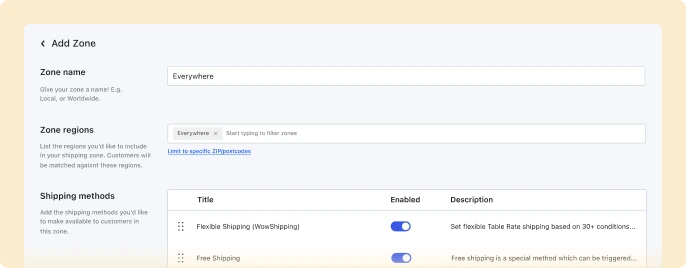
Integrated to Shipping Zones
WowShipping works perfectly with WooCommerce’s built-in customizable shipping zones.
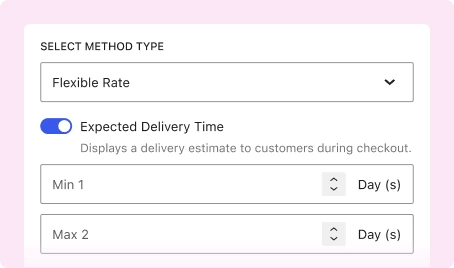
Expected Delivery Time
Give customers clear delivery estimations for your preferred shipping methods.
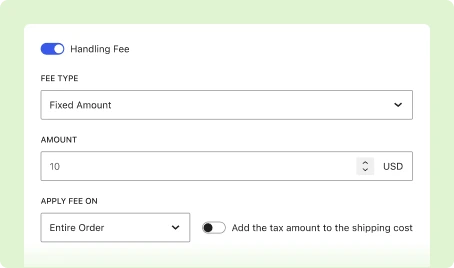
Shipping Handling Fee
Cover additional costs transparently by including them in the shipping cost.
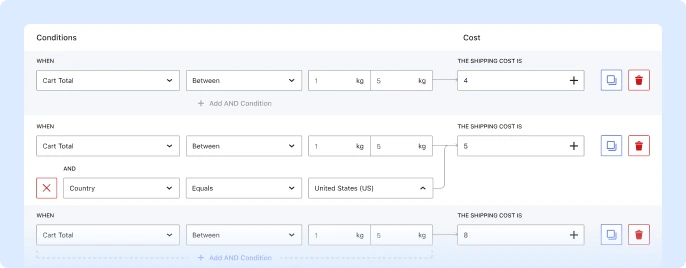
Combine Multiple Conditions
Handle complex delivery scenarios by combining multiple conditions into a single line, allowing you to calculate and show shipping prices dynamically.
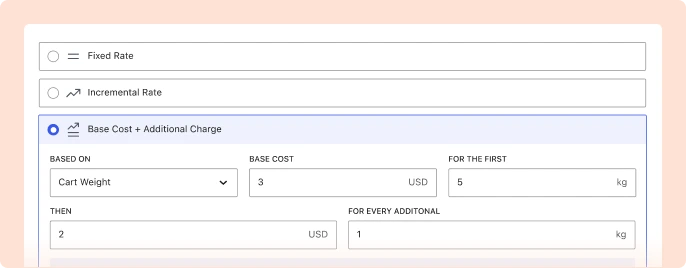
Incremental Rates
Add a base price and charge extra shipping cost for each additional unit, weight, etc.
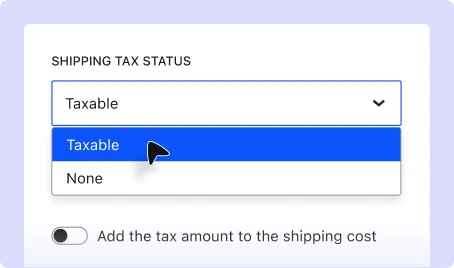
Shipping Tax
Automatically apply applicable taxes to the shipping charges.
Real-World Use Cases of WooCommerce Table Rate Shipping
Discover how WowShipping’s table rate shipping method helps solve a wide range of shipping challenges.
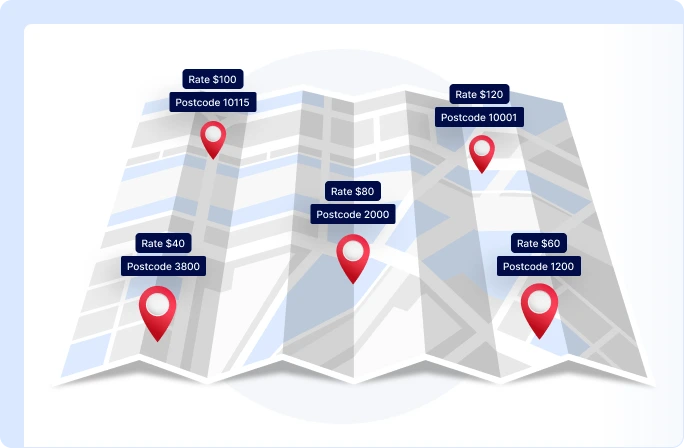
Location-based Shipping
Set up multiple shipping rates based on customer location using a table of conditions like country, region, city, or postal code.
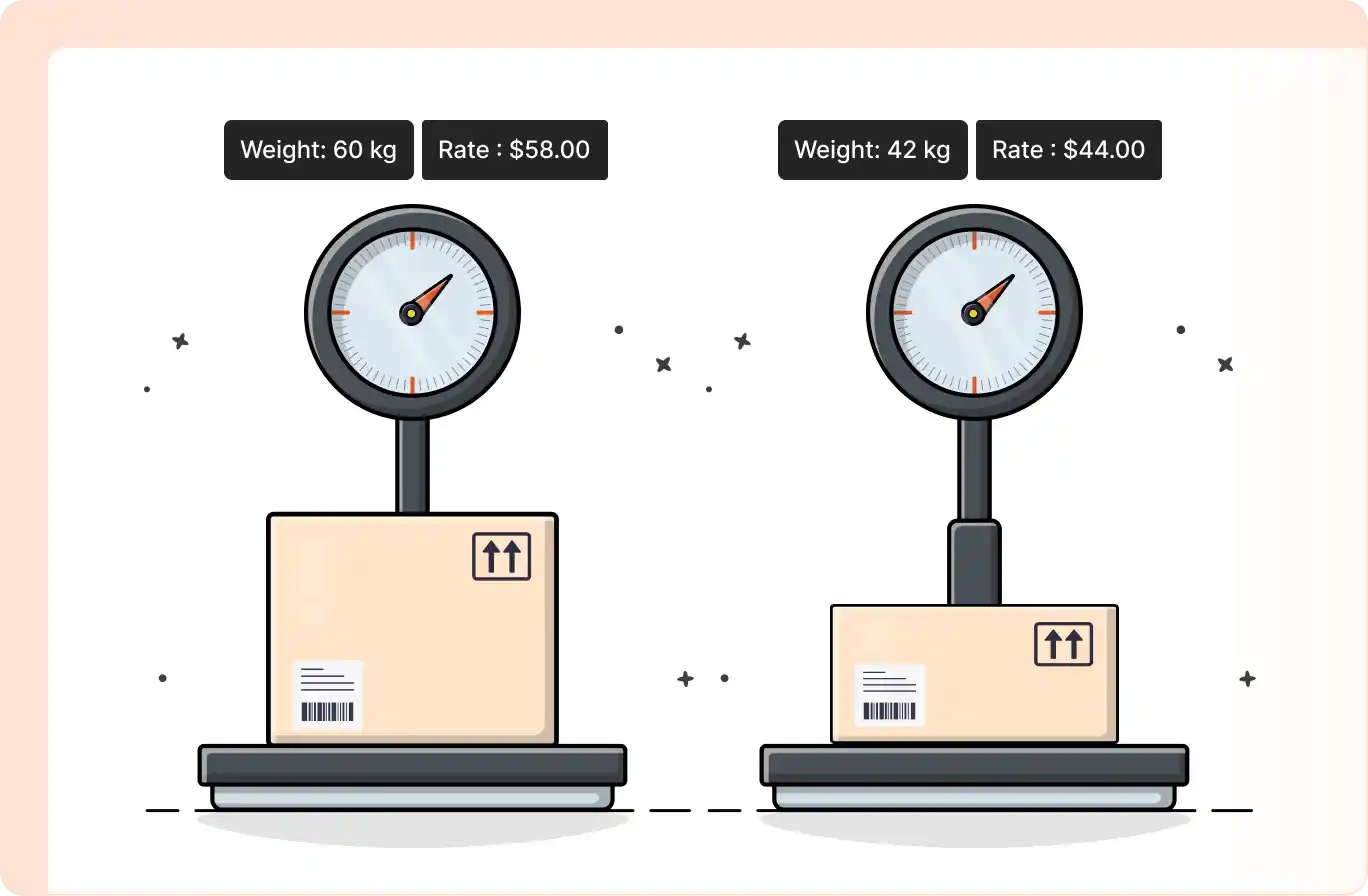
Weight-based Shipping
Set up multiple pricing tables with flexible weight ranges to ensure accurate shipping charges at checkout.
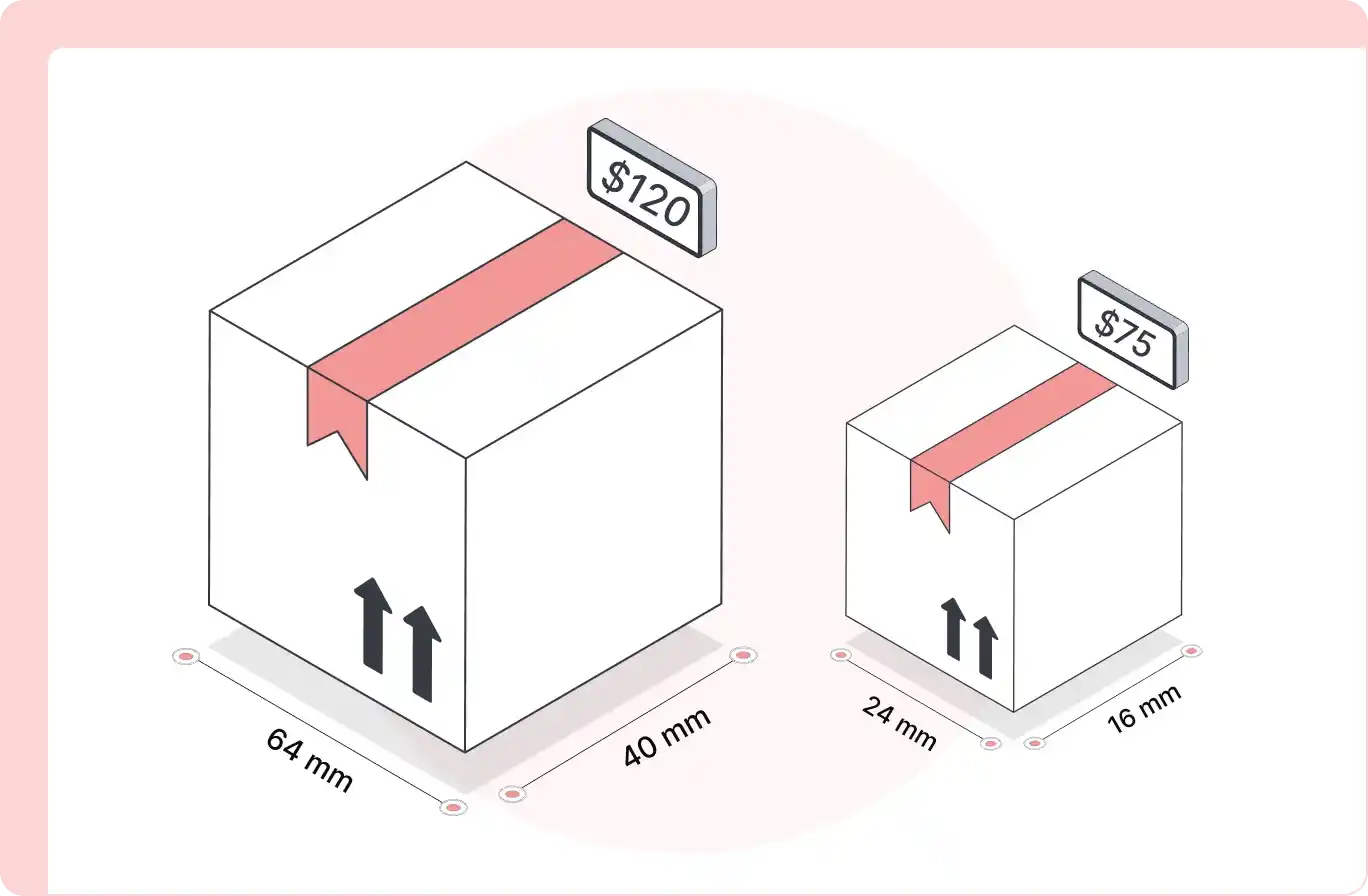
Dimension-based Shipping
Create a dimension-based shipping table and automatically charge precise delivery rates based on length, width, and height.
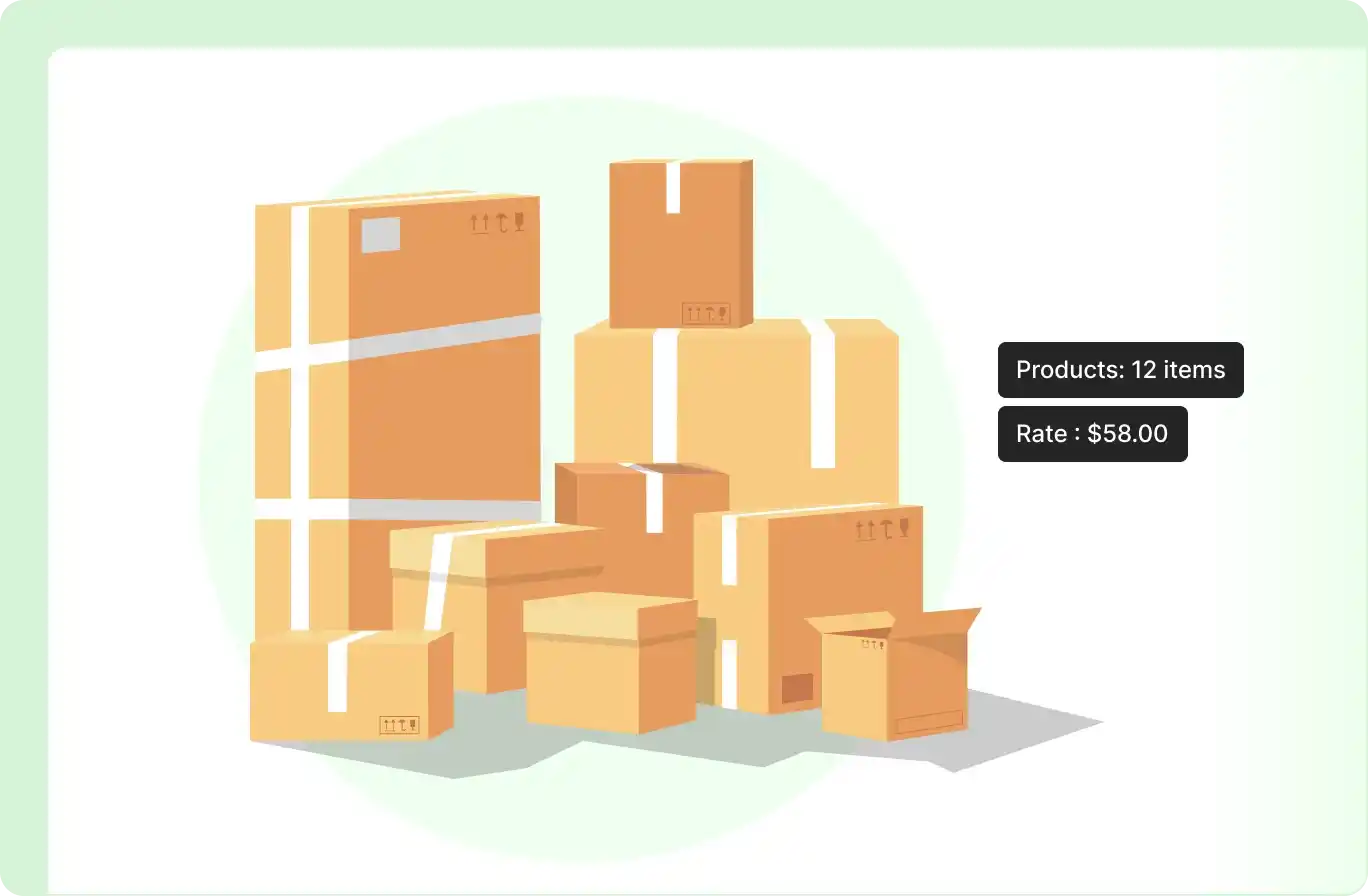
Quantity-based Shipping
Create a quantity-based shipping table to automatically adjust delivery rates based on the number of products in the cart.
Why Choose WowShipping?
See why you should use WowShipping as a complete table rate shipping solution for your WooCommerce store.

Highly Rated
5 out of 5 stars rated by real eCommerce businesses on the WordPress community.

Dedicated Support Team
Get fast, friendly, and professional assistance whenever you need help.

Money Back Guarantee
Risk-free purchase with a full refund if you don’t get the promised features.

Tested with Real Scenarios
It has been tested and proven with real eCommerce shipping scenarios.

Ensures Accuracy
Automatically calculates shipping charges accurately based on selected conditions.

Reduces Abandonments
Reduces cart abandonment by preventing unexpectedly high shipping costs.
WowShipping Pro Pricing Plans: All Features at a Fair Price
Get 30+ shipping conditions, advanced features, and popular carrier integrations – All in One Plugin!
WPXPO WooCommerce Mega Bundle (Included 10+ Plugins) 🎁










Our 100% No-Risk Money Back Guarantee!
All our products are under a 14-day money-back guarantee. So, you have the option to get a full refund on your purchase. Enjoy the convenience and peace of mind of knowing you can return your purchase. Learn More!

Md Jakir Hasan, CEO & Co-Founder, WPXPO
All pricing is in USD. You can change plans or cancel your account at any time. * Special introductory pricing, all renewals are at full price.

Set Table Rate Shipping Method in 3 Simple Steps
With WowShipping, you can easily set table rate shipping,
ensuring accurate pricing and a better shopping experience
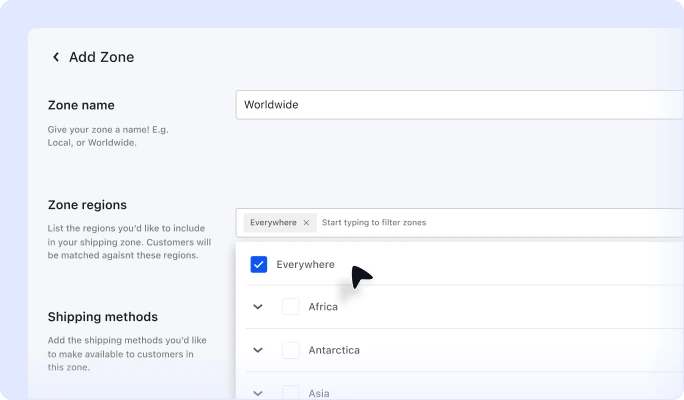
Choose Shipping Zone
Go to WooCommerce >> Shipping. Choose your preferred zone or create a new one.
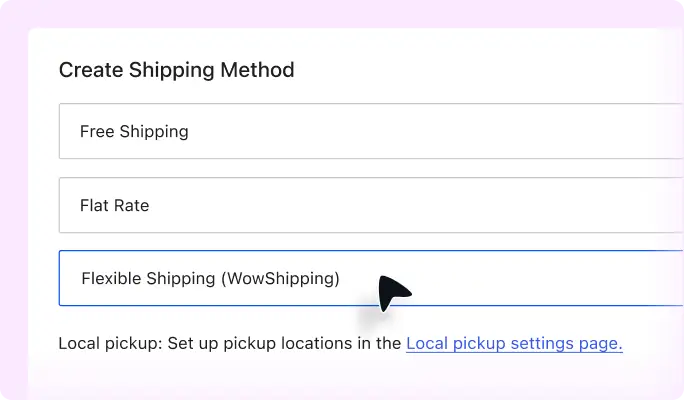
Add Shipping Method
From the available options, select WowShipping’s table rate shipping method, then start editing it.
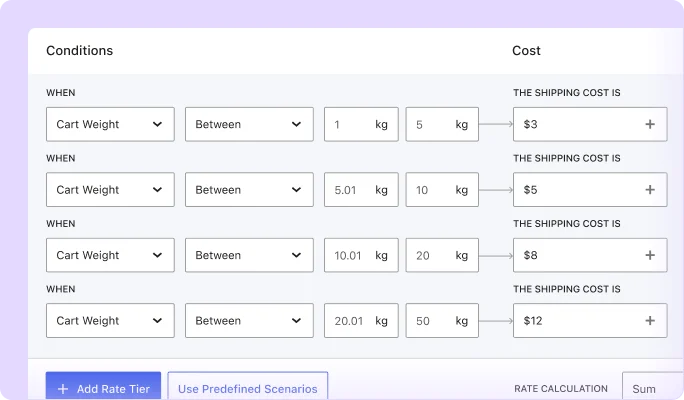
Configure Shipping Rate
Add shipping pricing tiers based on your required conditions. You can also combine multiple conditions
Integrates with Popular Carriers!
WowShipping integrates with your favorite shipping carriers like FedEx, UPS, DHL, and more. Improve your WooCommerce business with these carriers!
Our Latest Blog
Read our latest blog posts on WowShipping to make your WooCommerce shipping faster, more accurate, and hassle-free.


Testimonial: What Customers Say
Many WooCommerce store owners are already showing their trust. See what they have to say about WowShipping.











Our Other WordPress and WooCommerce Plugins
Explore more Plugins that will you to help build, manage, and grow your WordPress websites and WooCommerce stores.
Frequently Asked Questions
Explore everything you might want to know about WowShipping, including licensing, support, and compatibility.
Feel free to contact our support team in case you have questions.