
The Schedule option lets you control when a recommendation starts and stops appearing on your store. This is useful for temporary campaigns, seasonal promotions, product launches, or recommendations that should only run for a specific period.
Open the recommendation and go to the Schedule section under the Configuration tab.
Show the Recommendation Right Now
Select Right Now if you want the recommendation to start displaying immediately.
You can leave the end date empty to keep it active until you disable or edit it manually.
If you want it to stop automatically, set an End Date & Time.
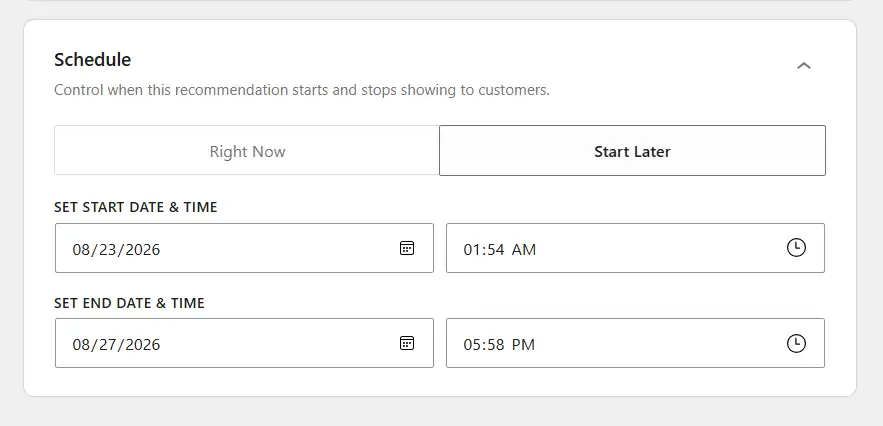
Start the Recommendation Later
Select Start Later if you want the recommendation to become active at a specific time.
Set the Start Date & Time for when it should begin displaying.
You can also set an End Date & Time if you want the recommendation to stop automatically after a specific period.
Save the Schedule
After setting the schedule, click Save Changes.
The recommendation will then start and stop according to the date and time you configured, as long as the recommendation itself is enabled.

