
WowRecommend includes premade recommendation templates for common WooCommerce recommendation scenarios. These templates let you create recommendations faster without setting up every filter, sorting rule, and layout manually.
Each template already includes a recommendation name, product filters, sorting settings, layout, and other required configuration. After applying a template, you can review and change any of its settings before saving.
Note: The available templates depend on the target page where you are adding the recommendation.
How to Use a Premade Template
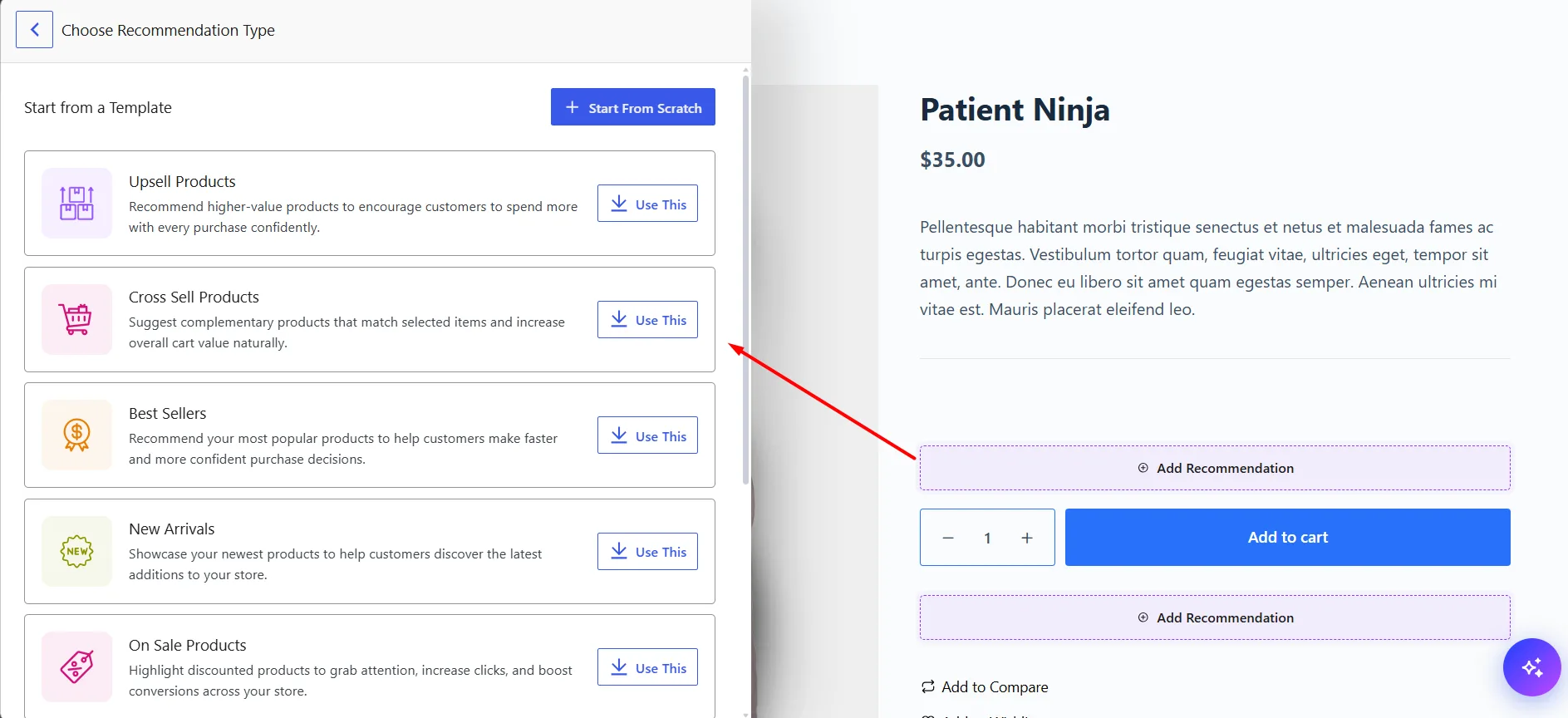
First, choose a target page and click Add Recommendation at the position where you want the recommendation to appear.
From the left panel, you can either create the recommendation manually with Start From Scratch or use one of the available templates. To use a template:
- Choose the template you want.
- Click Use This.
- WowRecommend loads the predefined recommendation settings.
- Review the filters, sorting, layout, and other options.
- Make any changes you need, then click Save Changes.
The template works as a starting point, so you can customize it just like a recommendation created from scratch.
Available Templates on Product Page
The Product Page includes the widest selection of premade templates:
| Templates | Descriptions |
|---|---|
| Upsell Products | Recommend higher-value alternatives to the current product. |
| Cross-Sell Products | Recommend complementary products related to the current product. |
| Best Sellers | Show popular products based on sales performance. |
| New Arrivals | Show recently added products. |
| On Sale Products | Highlight products currently on sale. |
| Increase Sales | Use a predefined setup designed to generate more sales. |
| Increase AOV | Recommend additional products to help increase average order value. |
| Clear Inventory | Promote slower-moving products to help clear inventory. |
Templates Available on Shop Page and Product Archive
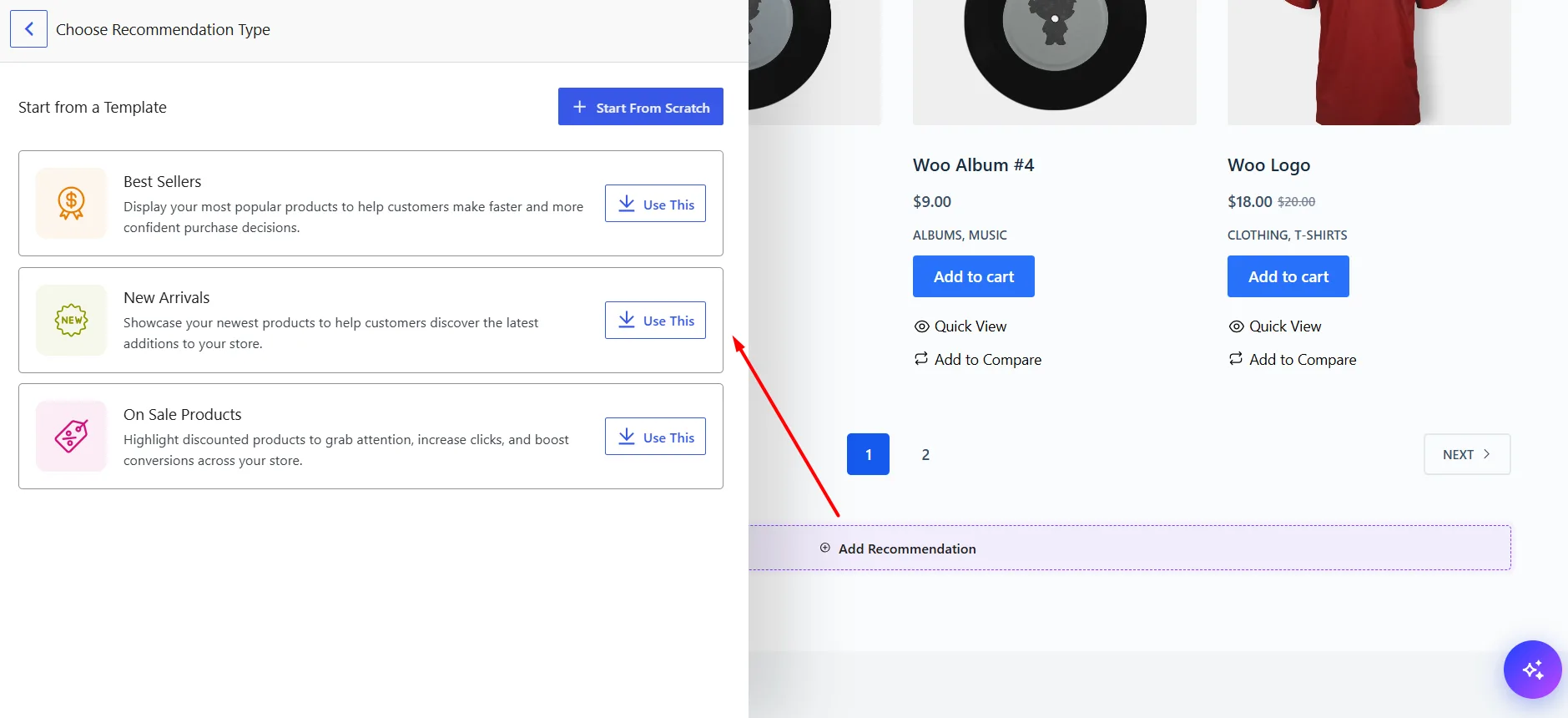
The Shop Page and Product Archive have the same available templates:
- Best Sellers
- New Arrivals
- On Sale Products
Available Templates on Thank You Page
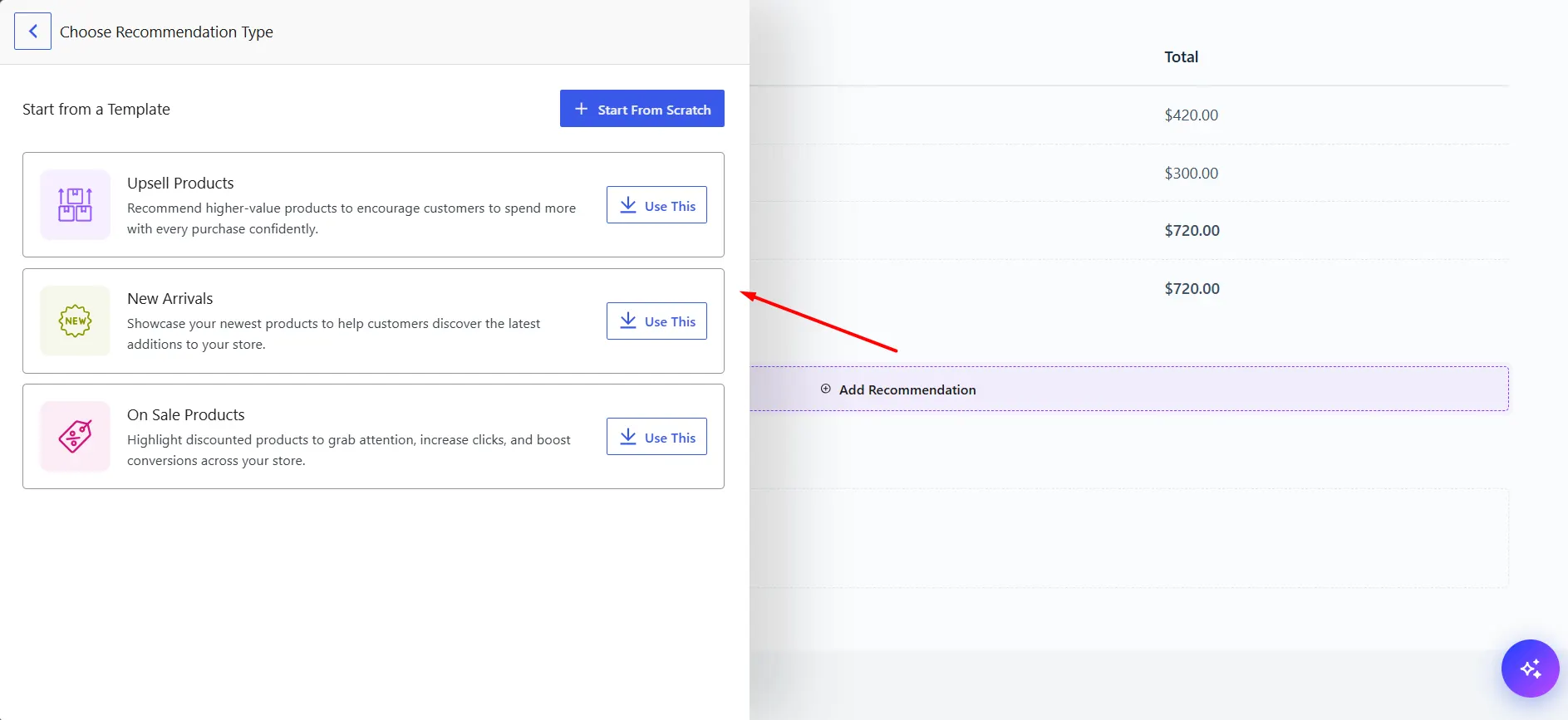
The Thank You Page includes:
- Upsell Products
- New Arrivals
- On Sale Products
Templates Available on Cart Page and Checkout Page
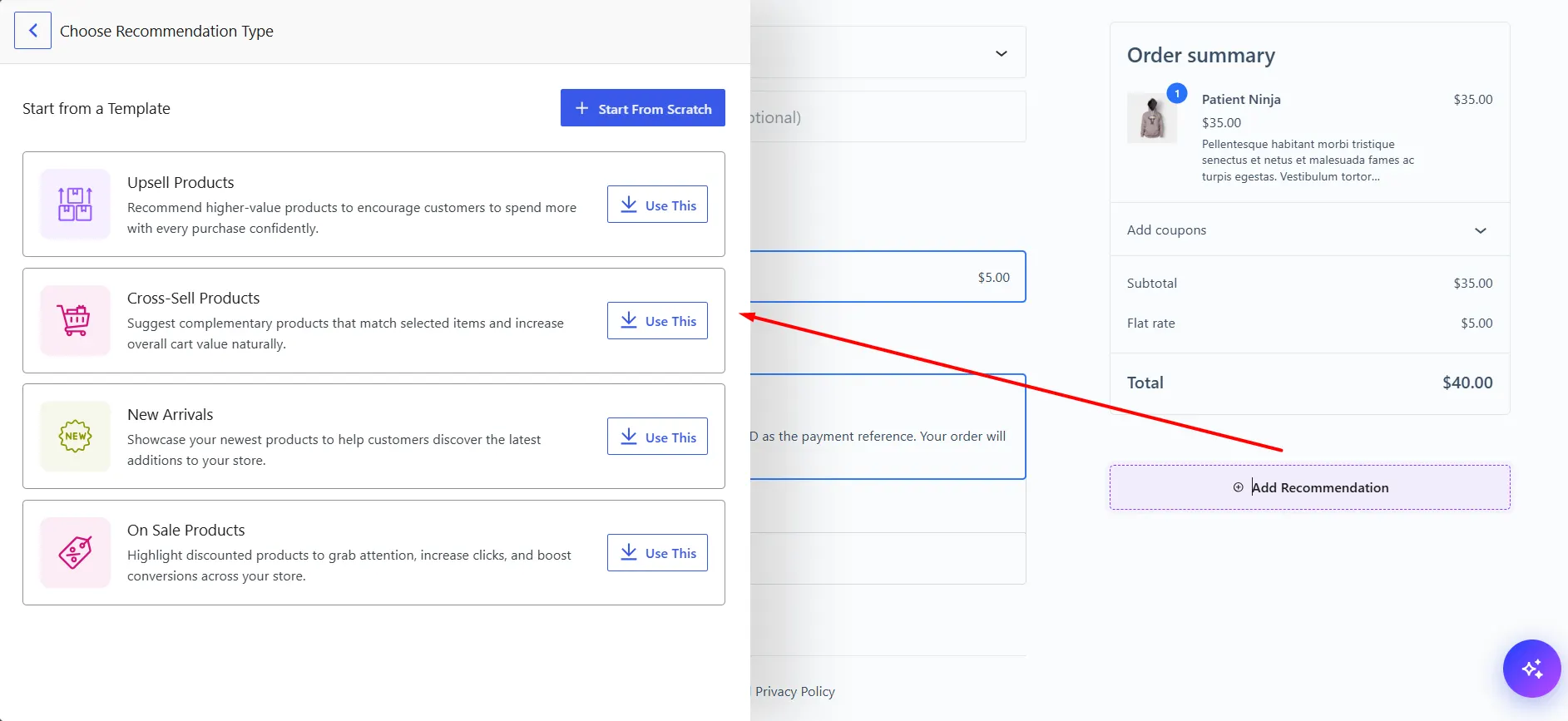
The Cart Page and Checkout Page have the same available templates:
- Upsell Products
- Cross-Sell Products
- New Arrivals
- On Sale Products
If none of the available templates fit what you need, click Start From Scratch to build the recommendation manually.

