TL; DR
Blogging in 2026 is no longer about publishing fast or chasing viral moments. The internet is saturated with AI-generated, look-alike content, which makes genuine human perspective more valuable than ever.
How blogging works in 2026 and Why WordPress is still the best choice
Successful blogs now focus on real experience, honest insights, and clear value for readers. A self-hosted WordPress blog remains the strongest foundation because it offers full ownership, flexibility, and long-term growth potential.
How to start a WordPress blog in 2026
The key is choosing a focused micro-niche, validating demand, and building a fast, clean site with lightweight themes and essential plugins for SEO, security, and performance. In 2026, content should be structured, readable, and written for reader first.
Promotion matters as much as writing, especially through guest posting, communities, and email lists. Monetization works best after trust and traffic are established. AI helps with research and efficiency, but human experience gives a blog its soul and staying power.
How AI fits into blogging in 2026
AI speeds up research, outlining, and ideation, but human judgment and lived experience create trust and rankings.
Starting a blog in 2026 is a very different game. The old days of writing a quick post and going viral are over. The internet is flooded with AI content and that’s exactly why this is your opportunity.
People are exhausted by robotic, generic answers. What they want now is real perspective from real people. That human layer is something AI can’t replace.
I’ve spent the last 10 years building, breaking, and scaling blogs, and one thing is clear: Advice that worked even in 2025 won’t get you far anymore. If you prioritize speed, user experience, and genuine human connection, you’re already ahead of most bloggers.
This guide is intentionally practical. No outdated fluff. Just a clear, modern roadmap to help you go from zero to real growth with WordPress. Let’s break it down.
If you want to watch a quick tutorial on creating a blog website super fast, we have created a helpful video for you:
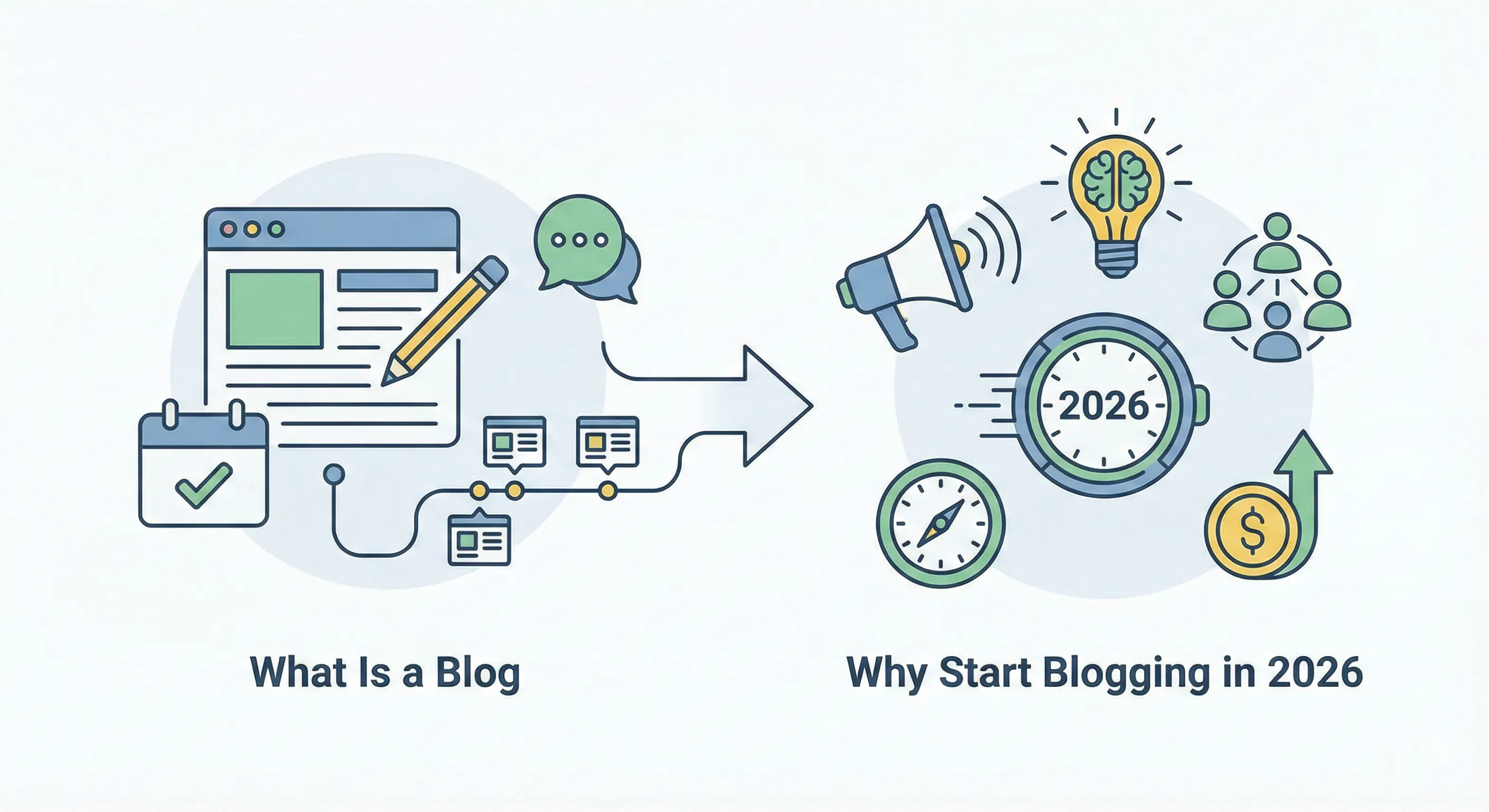
What Is a Blog (And Why You Should Start Blogging in 2026)
A blog is your own space on the internet where you regularly publish ideas, stories, or knowledge around a topic. Over time, those posts attract readers, build trust, and create long-term value instead of disappearing like social posts.
That’s what my definition of blogging is after 10 years of doing it.
And a WordPress blog is simply the most dependable way to build that space for yourself. It gives you full ownership of your content and direction. Nothing disappears overnight, and you’re not shaping your work to please an algorithm you don’t control.
A blog can include:
- Personal experiences, opinions, and lessons learned
- In-depth guides, tutorials, and how-to articles
- Industry insights, analysis, and thought leadership
- Case studies, experiments, and real-world results
- Reviews, comparisons, and recommendations
- Ongoing series, updates, and evolving ideas
Now, the obvious question is: should you start a blog in 2026?
The short answer is yes. Absolutely yes.
And I’m not saying that as a theory. I’ve been blogging for nearly a decade for my own sites, for businesses, and for SaaS and WordPress-based companies. Blogging is evergreen.
But in 2026, blogging isn’t about writing for the sake of publishing. It’s about building something unmistakably human in a web crowded with AI-generated sameness. It’s about creating something distinctly human.
Why Does Starting a Blog in 2026 Make Sense
Starting a blog today is one of the few ways to build something that grows over time instead of fading away.
First, a blog gives you global reach. It works all the time, sharing your ideas and knowledge with people around the world, even when you’re offline.
Second, it helps you build real authority. A blog shows what you know and how you think. Over time, it becomes proof of your experience and skills, which matters more than ever in a noisy, AI-filled internet.
Third, you own what you build. Social media only lets you borrow attention. With a blog, you’re in control. No sudden algorithm changes, no lost reach, and no platform deciding your future.
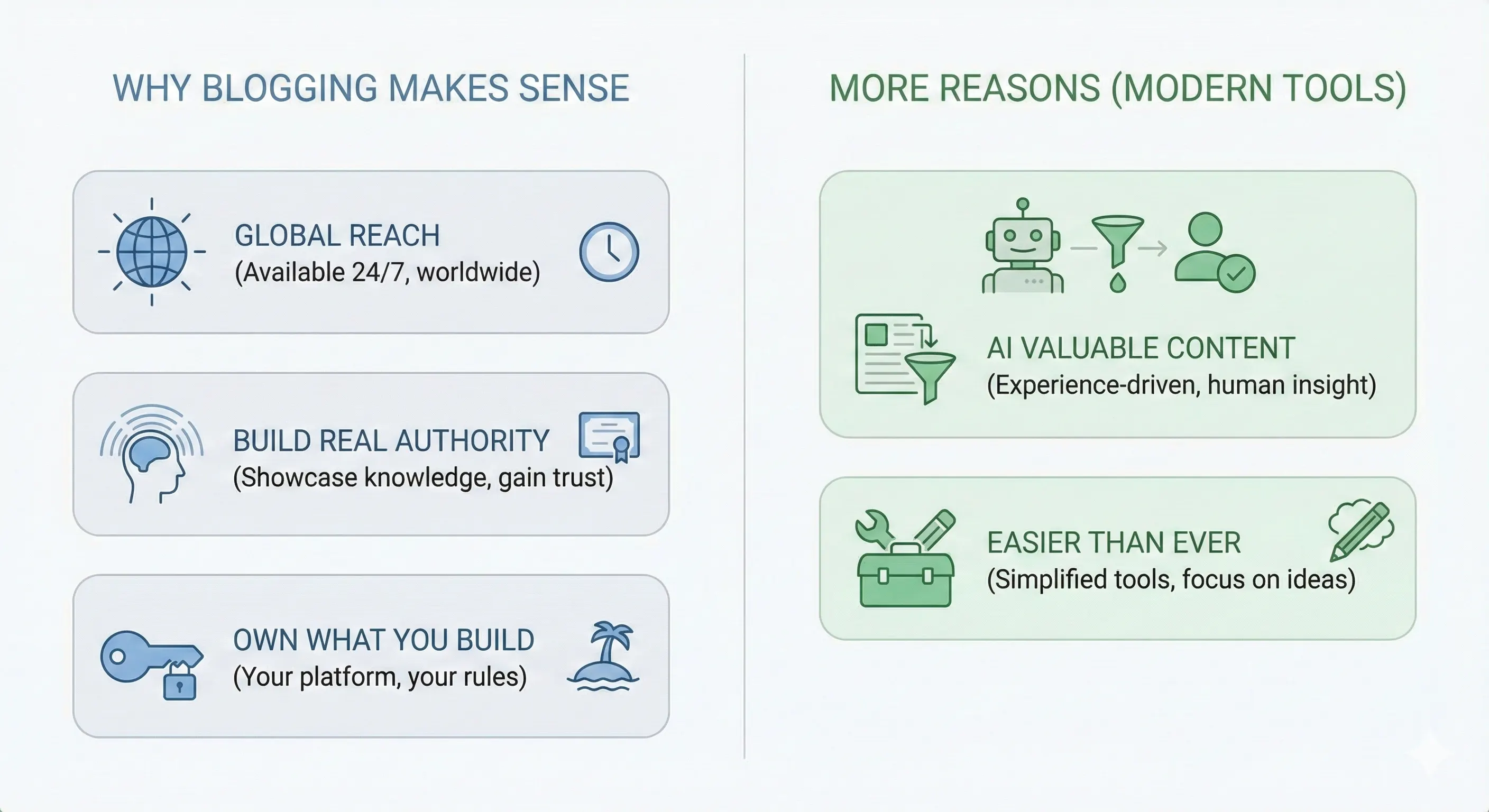
Here are two more reasons to start a blog now in 2026.
One, AI has made blogs more valuable. Search engines and AI systems move away from generic content; they now reward experience-driven, human insight they can trust.
Two, starting is easier than ever. Modern WordPress tools and AI helpers reduce the technical work, so you can focus on ideas and writing.
Is blogging dead because of AI?
Honestly, I don’t think so. And this is coming from someone who uses AI tools regularly and still blogging on WordPress.
What’s really happening is that blogging has changed. AI has made it incredibly easy to produce content, and as a result, the internet is now flooded with generic posts that all say the same thing. Simply putting information out there doesn’t work anymore. That era is over!
I personally use AI for research, outlining, and speeding things up, but it can’t replace lived experience. It can’t explain why something worked for me, what didn’t, or what I’d do differently next time. Those human details are what people actually care about now.
Why blogging is still alive despite AI:
Real experience can’t be automated – personal stories, mistakes, and lessons are uniquely human.
Trust comes from authenticity – readers connect more with people than perfectly written generic content.
AI works best as a support tool – it helps speed things up, but humans give content meaning and perspective.
Search engines reward depth and originality – not just well-structured text, but genuine value.
So no, blogging isn’t dead because of AI. Generic blogging is dead. Blogging that’s driven by real experience and supported by AI is very much alive.
How Much Time Do You Need to Start with WordPress?
Honestly, not much. Getting started is the easy part. You can set up a clean, professional-looking blog and be ready to publish your first post in under an hour.
The real time investment comes after that. Blogging is less a sprint and more a steady walk. You should plan on spending a few hours each week writing, refining your ideas, and slowly connecting with readers.
That consistency is what helps you find your voice and grow an audience over time.
What Blogging Platform Should You Choose in 2026?
In 2026, the best blogging platform depends on what you’re aiming for: WordPress.org (self-hosted) leads for full ownership and flexibility, Wix works well for ease of use, and Ghost is ideal for fast, modern publishing.
Substack is a solid option for newsletter-focused creators, while Medium offers quick access to an existing audience.
What Exactly Is a Blogging Platform?
A blogging platform is the software or service you use to create, publish, and manage blog content on the internet. It handles everything from writing and formatting posts to managing media, design, comments, and how your content is displayed and discovered by readers.
Why Should You Start Your Blog on WordPress?
To put it simply, you should start your blog on WordPress because it’s the industry standard. You own your content completely, can scale endlessly with plugins, and get one of the strongest SEO foundations available today.
It’s the only platform that lets you start small and grow into a massive business. And as we head into 2026, the data still backs it up. Check out the key statistics for 2026.
| Metric | 2026 Data Point |
|---|---|
| Global Market Share | Powers ~43.5% of all websites |
| CMS Dominance | Holds ~61.3% of the CMS market |
| Plugin Availability | Over 59,000 free plugins in the directory |
| Active Blogs | Over 600 million blogs worldwide |
The Big Confusion: WordPress.org vs. WordPress.com
This is where most beginners get confused. WordPress actually has two versions, and the difference is huge:
- WordPress.org is the free, open-source version of WordPress that you install on your own hosting. It’s maintained by the WordPress community, with help from Automattic. This is what most people mean by professional blogging, because you fully own and control your website.
- WordPress.com is the hosted version of WordPress by the same company, Automattic. It’s very easy to get started with, but you don’t fully own the site. Some features are limited, and Automattic controls things like plugins, ads, and how much you can customize your website.
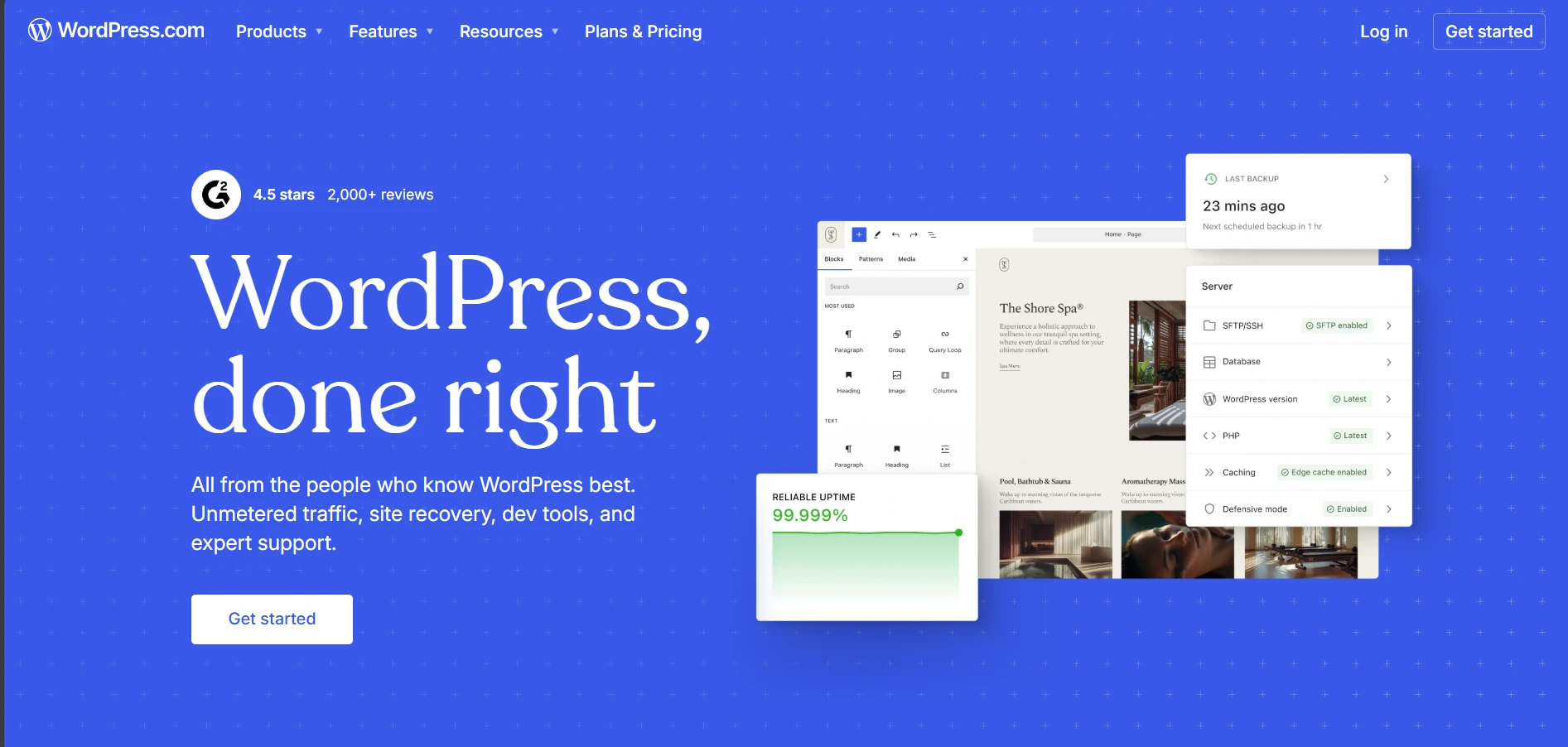
Now, if you ask me, I’d say you should go with WordPress.org, because it offers important strategic advantages compared to the others.
| Feature | WordPress.org (Self-Hosted) | WordPress.com (Hosted) |
|---|---|---|
| Hosting | You choose and manage your own hosting provider. | Hosting is included with every plan. |
| Cost | Free software. Hosting typically costs ~$3–$10/month. | Free plan available. Paid plans range from Personal ($4/month) to Commerce ($45/month) (billed annually). |
| Ownership | You fully own your site, content, and data. | Your site is hosted on WordPress.com and governed by their terms of service. |
| Plugins & Themes | Full freedom. Install any plugin or theme. | Plugin uploads only available on Business and Commerce plans. |
| Monetization | Plugin uploads are only available on Business and Commerce plans. | Monetization options are limited on lower plans. Full flexibility starts at Business plan. |
| Maintenance | You manage updates, backups, and security (often automated via plugins). | Fully managed. Updates, backups, and security handled for you. |
| Customization | Complete control, including code-level access. | Customization depends on the plan. Advanced customization requires higher-tier plans. |
How Hard Is It to Learn WordPress?
Now, as a beginner, you may find that learning WordPress ranges from easy to moderate. The learning curve is gentle for basic content publishing, often taking hours to days, while more advanced development can take months.
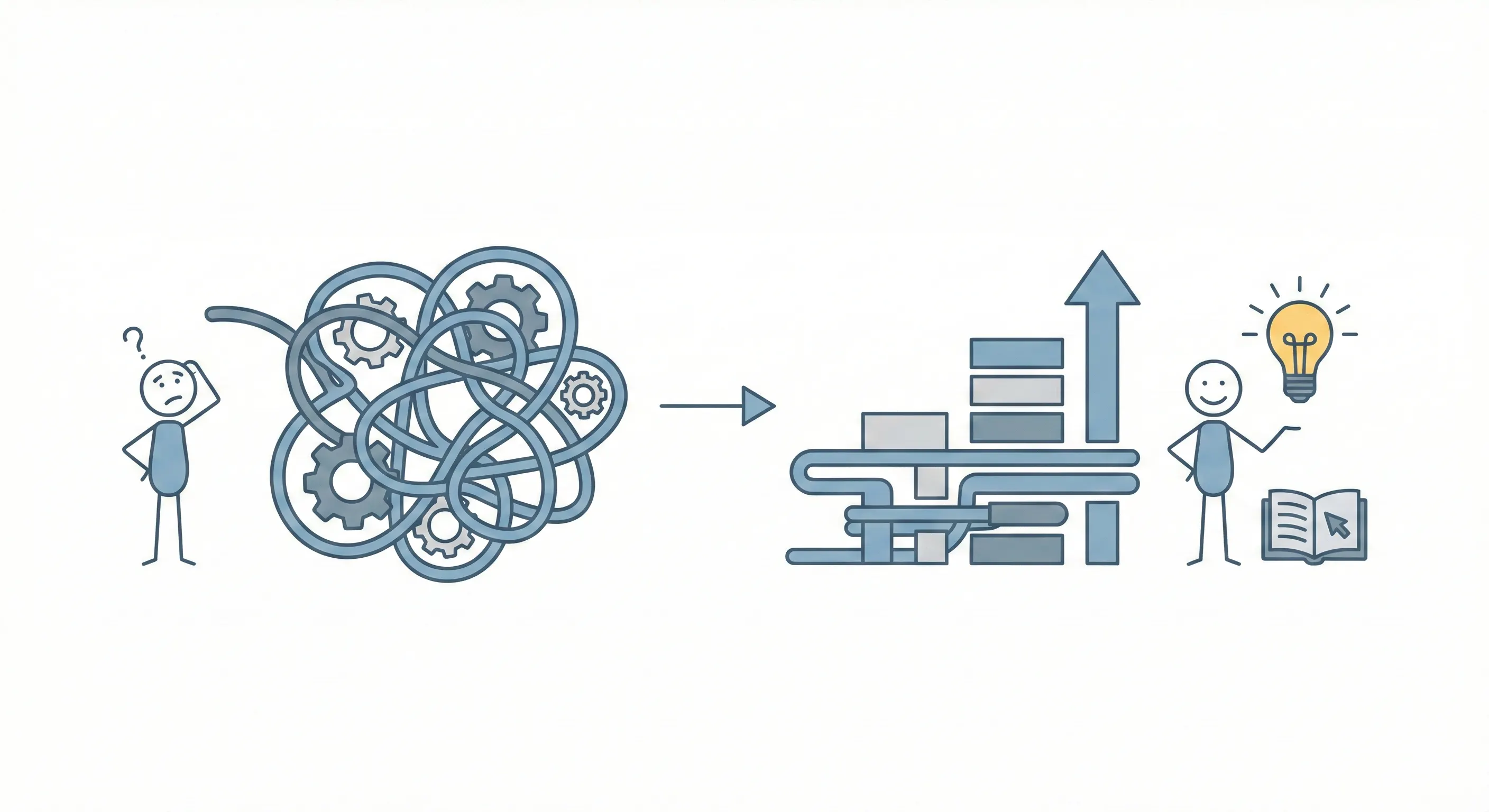
Overall, WordPress is beginner-friendly. If you can use a smartphone or email, you can use WordPress. The Block Editor makes design intuitive, with no coding required, and after a short learning curve, it feels natural.
How to Start a WordPress Blog: A 11-Step Guide Backed by 10 Years of Experience
A successful blog isn’t built by chance. It’s built with a systematic process refined by experience. Here’s the 11-step method I’ve used for a decade, updated for 2026.
Step 1: Deciding Your Blogging Niche and Name
Before doing anything, you should first answer one key question: how do you choose the niche for your blog?
Most beginners fail by choosing niches that are too broad. A generic “lifestyle” blog now competes with million-dollar brands. In 2026, focus beats broad.
Balancing Passion, Expertise, and Audience Demand
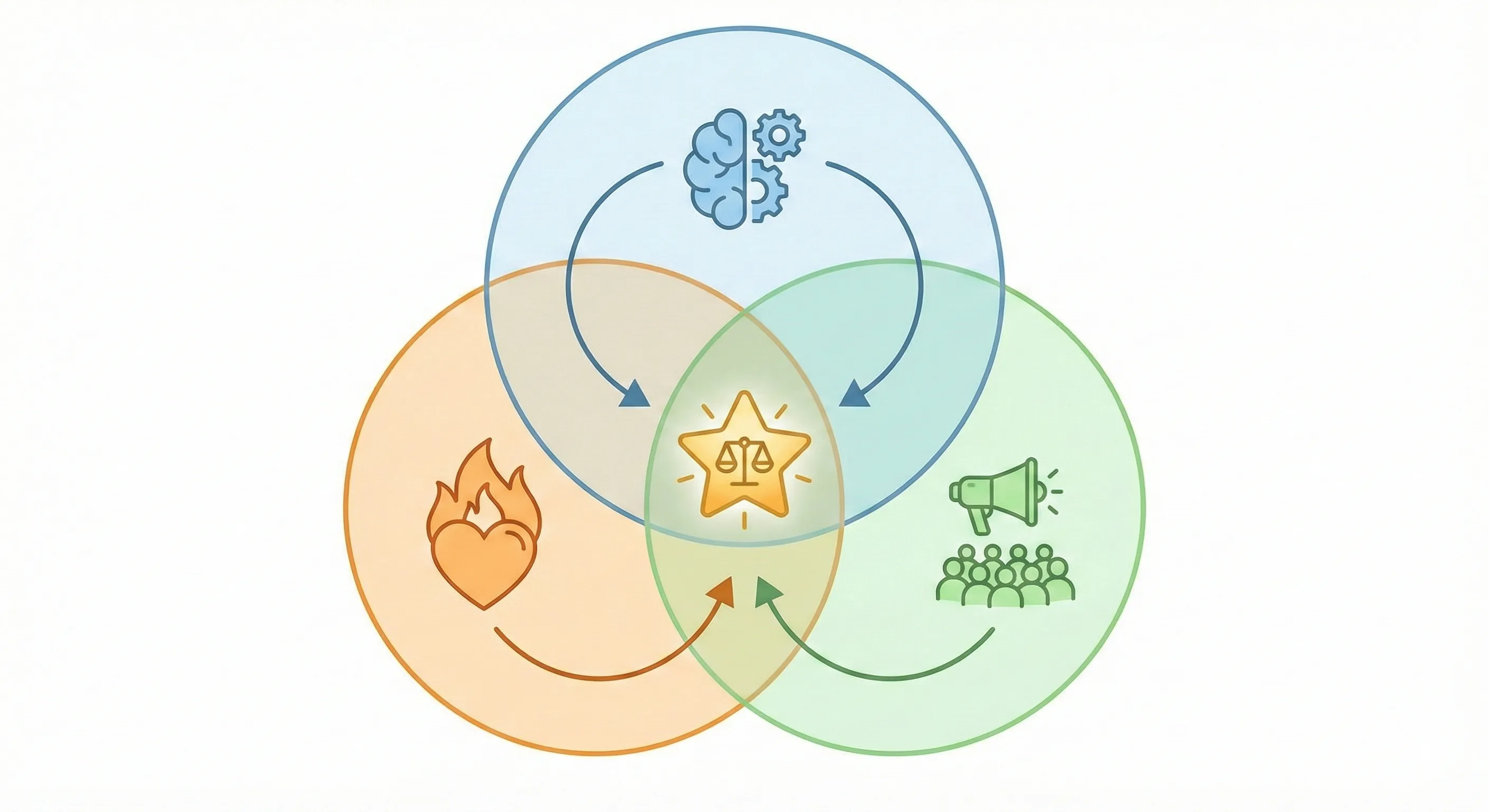
Think of your niche as a tripod. Remove one leg, and it collapses.
- Passion: Can you write 50 posts on this without burning out?
- Expertise: Do you know more than the average person, or are you willing to learn publicly?
- Demand: Are people actually searching for it?
Pro tip: Don’t chase a “new” topic. Find a gap inside a popular one. Check Google Trends for growing interest. If search results are full of corporate pages but lack personal, in-depth answers, you’ve found your opening.
How to Validate Your Ideas (The Reality Check)
Before you commit, do a “Competitor Audit.” Go to Google and search for your top 5 post ideas.
- If the results are all from 2018, the niche is dying.
- If the results are all from huge sites like Forbes or NYT, it’s too competitive.
The Sweet Spot: You see other medium-sized blogs ranking. This proves there is money to be made, but room for you to join the club.
Something to Keep in Mind
Google has a special category called YMYL (Your Money or Your Life). If your blog gives advice on health, happiness, or financial stability, Google is extremely strict about who they rank. If you aren’t a certified expert (Doctor, CPA, etc.), it is much harder to rank in these niches.
I usually suggest beginners avoid “Medical Advice” or “Stock Picking” unless they have the credentials to back it up.
What Are the Most Popular Blog Niches
Over the past decade, niche trends have shifted, but these remain the most consistently popular blogging niches. While they’re crowded, choosing a focused micro-niche can help you stand out.
- Online Magazines Blog: Great for publishing high-frequency content.
- Fashion Blog: Highly visual and great for affiliate marketing.
- Personal Finance/SaaS: High-paying affiliates but very competitive.
- News & Editorial Blog: Fast-paced and traffic-heavy.
- Health & Fitness: Focuses on wellness, workouts, and helping others live a healthier life.
- Gaming Blog: A massive, engaged community.
- Food & Recipes: One of the most popular niches, perfect for sharing culinary skills and meal plans.
- Travel Blog: Perfect for storytellers and photographers.
- Technology: Covers gadget reviews, software tutorials, and the latest digital trends.
- Lifestyle: A versatile niche covering personal interests, organization, and daily living.
- Job Boards Blog: A unique way to provide value and earn.
By 2026, a new wave of “New Age” niches has also surged in popularity. These are newer spaces where it’s still possible to build authority fast.
- AI & automation: Practical guides on using AI for specific tasks
- Sustainable living: Real-world advice on eco-friendly lifestyles
- Digital wellness: Managing screen time and healthy tech habits
- Remote work: Tools and systems for location-independent work
- Parenting: Focused approaches like gentle parenting or homeschooling tech
- Productivity: System-based methods, not generic life hacks
- Hobbies & DIY: Maker projects and hands-on skills
- Pets & Animal Cares: Specialized care instead of broad pet topics.
Why Start with a “Micro-Niche”
Trust me on this: starting small is your advantage. The internet is crowded and being a general “fitness blogger” means competing with everyone.
Narrow it down to something like strength training for busy dads over 40. A micro-niche helps you build authority faster. It’s easier to lead a small room than get lost in a stadium. You can always expand later.
How to Come Up with a Good Blog Name
Once your niche is clear, I recommend that you give a name to your blog immediately. Personally, I do this for every single project I take on. Why? Because it’s a low-effort way to make your blog feel like a reality.
Even before the technical work begins, seeing that name on paper makes the project real and creates momentum. Here are a few methods I use to brainstorm strong blog names:
The Mashup: Combine your niche keyword with a word that represents the benefit or “value” your readers will get (e.g., GrowthGrid, WanderWise, BakeBoost).
Mind Mapping (The Visual Way): Write your core niche in the center, branch out into sub-topics and feelings, then mix and match the outer words to find something original.
Example Niche: Easy Cooking for Students
- Center: Cooking
- Branch 1 (Verbs): Chop, Sizzle, Whisk, Bake
- Branch 2 (Feelings): Simple, Tasty, Fast, Fresh
- Branch 3 (Audience: Student, Busy, Budget, Newbie
- Combine them! TheSimpleSizzle, StudentWhisk, or TastyBakeBudget.
The “Problem Solver” Method: Name your blog after the result you provide (e.g., DebtFreeDad, TheHealthyHustle).
Use Your Own Name: If you want to build a deep personal brand, there’s nothing wrong with YourName.com. It’s the most future-proof name you can have.
The Alliteration: Use words that start with the same letter. It makes the name catchy and musical (e.g., SassySavings, DigitalDreams).
Use AI Platforms: Use tools like Gemini or ChatGPT to generate hundreds of creative variations instantly. AI is incredible at finding synonyms and clever wordplay you might miss.
Try this AI Prompt:
"I am starting a blog in the [Niche Name] niche. My target audience is [Target Audience] and my brand voice is [Tone: e.g., witty, professional, minimalist]. Generate 20 creative, short, and memorable .com domain name ideas that aren't too competitive."Whatever name you choose should be simple, positive, and easy to say, spell, and remember.
Avoid hyphens and numbers, prefer a .com if possible, leave room to grow, and always check that the domain and matching social handles are available.
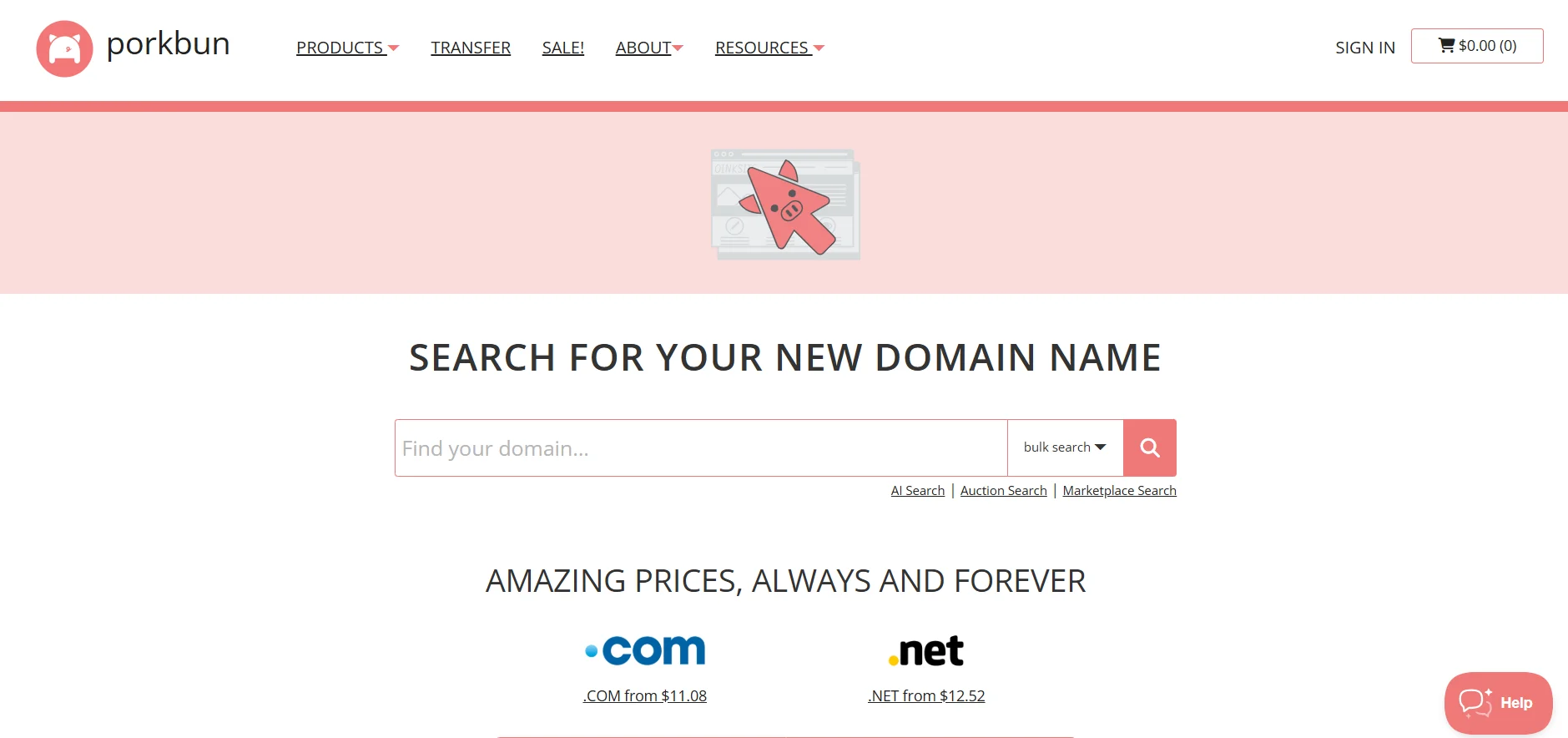
You can use Porkbun’s Domain Search or Namecheap’s Domain Checker.
Step 2: Getting a Domain Name and Hosting
Now you must choose the right domain name and a reliable hosting provider. Let’s briefly explain both.
A Domain Name is the address of your website. It’s what people type into their browsers to visit your site. It usually has two parts: the name and the extension.
For example, in “wpxpo.com,” “wpxpo” is the name, and “.com” is the extension.
Web Hosting is where your website lives. Like a home gives you a place to live, hosting provides space to store your site’s files and data and makes your website accessible on the internet.
My Top Recommendations for Buying a Domain in 2026
Two domain registrars stand out for reliability and value in 2026: Porkbun and Namecheap.
I personally use both. I’ve transferred several of my domains to Porkbun while still keeping some on Namecheap. Either option is solid, and you can confidently start with whichever fits your preference.
Namecheap is widely popular and beginner friendly. However, one drawback is that its renewal prices are often higher than the initial registration cost.
Porkbun offers straightforward pricing. Their renewal rates are usually the same as the first-year price, with no hidden or unexpected fees. Both include free SSL certificates and WHOIS privacy protection, which are essential features in 2026.
Pro Tips: If your dream name is taken, don’t spend weeks mourning it. Add a word like “The,” “Get,” or “My” (e.g., TheBlogName.com).
What Is the Importance of an SSL Certificate
In simple terms, SSL (Secure Sockets Layer) is just a way to encrypt the data moving between your reader’s computer and your server. It’s like putting your website’s information in a locked box that only you and your visitor have the key to.
Why you absolutely need it:
- Instant Trust: It gives you that friendly little 🔒 icon next to your URL. Without it, people won’t feel safe leaving a comment or signing up for your newsletter.
- SEO Boost: Google wants the web to be safe, so they give a slight ranking boost to sites that use HTTPS (the “S” stands for secure).
Pro Tips: You don’t need to pay extra. You can get an SSL certificate with your domain or hosting for free from most providers. The ones I recommended earlier all offer free SSL certificates.
Choosing the Right Web Hosting
For a new blog, Shared Hosting is the best move. But before you sign up, you need to know what actually makes a “good” host. Here are the key factors I always look for to make sure I’m not buying a headache:
“Your domain is your brand, but your hosting is your foundation. Invest ten minutes in picking the right host now, and you’ll save ten hours of technical headaches later.”
- One-Click WordPress Install: You don’t want to be messing with manual file uploads or code on day one. Look for a host that handles the entire installation for you with a single click so you can start immediately.
- Storage and Speed: If your content needs lots of high-quality media, such as a photography blog, you’ll need enough storage and bandwidth. Aim for a fast-loading site that feels instant, not slow or sluggish.
- A Dashboard You Actually Understand: Look for a simple control panel. You shouldn’t need a computer science degree just to set up an email address or manage a database.
- Non-Negotiable Security: Your host should be your first line of defense. Look for free SSL certificates, daily or weekly backups (so you don’t lose your work), and DDoS protection to keep hackers at bay.
- Reliability (Uptime): If your site is down, you’re losing money and trust. Aim for a host that guarantees at least 99.9% uptime. Your “digital house” needs to be open 24/7.
- 24/7 Support: Tech issues happen at the worst times. Make sure you can reach a human via live chat or phone at 3 AM if you need to.
- Upgradability: Your blog is small now, but it won’t be forever. Make sure your host makes it easy to upgrade. Moving from basic shared hosting to a more powerful “VPS” should be some simple clicks.
- The Little Extras: Some hosts throw in free domain registration or built-in website builders. These little perks can save you $50+ right out of the gate.
- The Safety Net (Refund Policy): Always check for a money-back guarantee. It lets you test the “vibe” of the host without feeling locked in.
My Top Recommendations for Buying Hosting in 2026
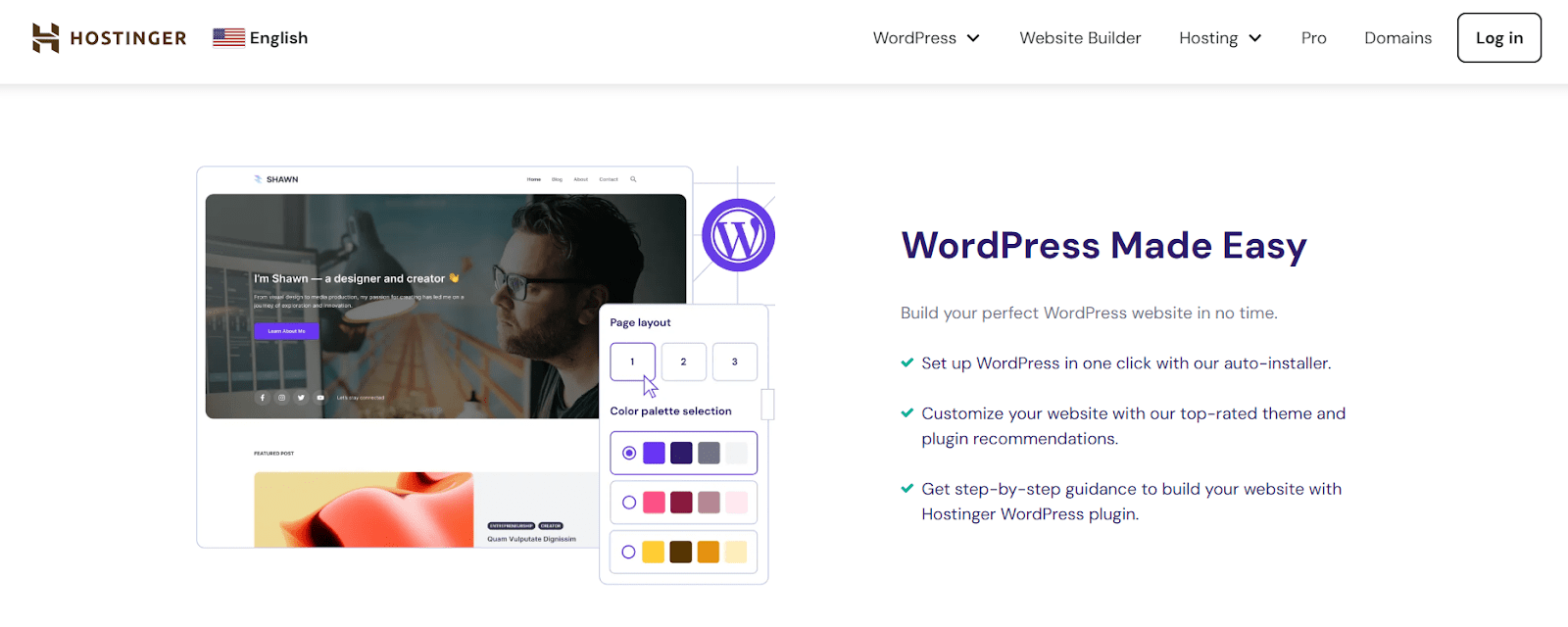
Right now, I’m using Hostinger for my own site. I actually started my hosting journey with FastComet (a total hidden gem) but switched because Hostinger gives you way more for your money. It’s lightning-fast and easily the best “bang for your buck” for new bloggers.
Step 3: Setting Up WordPress & Getting Started
You now have your hosting and domain in place. The next step is setting up your website. In 2026, this process is largely automated and doesn’t require technical skills.
Most hosting providers now offer a one-click WordPress installer. What used to take multiple manual steps can now be done in minutes.
From your hosting dashboard, look for options like Auto Installer or WordPress Setup. Enter your site name, create an admin username and password, and start the installation.
Pro Tips: Use a strong username and password, and avoid common names like “admin.” Once the process finishes, you can log in at yourblog.com/wp-admin.
After logging into WordPress, you’ll see a basic default design. To change how your site looks, you’ll need to install a theme.
In 2026, speed matters more than complex design. Heavy themes slow down your site and hurt search performance. A clean, lightweight theme gives you a strong foundation from day one.
From my usage I found these themes fast, reliable, and beginner-friendly:
- Astra: Flexible, lightweight, and easy to customize for any type of blog.
- GeneratePress: Focused on performance and simplicity, with a clean, professional look.
- Blocksy: Modern and well-designed, with strong defaults and excellent speed.
If you need specific suggestions on the best themes for your blog, you can watch this helpful video:
Setting Up Your Essential Pages
Before publishing your first post, set up the core pages that make your blog feel credible and trustworthy. These aren’t optional extras. They help readers, brands, and search engines take you seriously.
- About Page: This is often one of the most visited pages on a blog. Share your story, explain who the blog is for, and why you’re qualified to help. Keep it human and personal. People connect with people, not anonymous sites.
- Contact Page: Make it easy for readers, brands, and collaborators to reach you. A simple contact form is enough. Most bloggers use a lightweight form plugin for this.
- Privacy Policy: In 2026, this is required. It explains how user data is collected and used. Many hosting providers and WordPress setups generate this automatically, so there’s no reason to skip it.
- Terms & Disclaimer (Optional but Smart): These protect you legally and set clear expectations, especially if you plan to monetize later.
Once these pages are live, your blog has a solid foundation. Now you’re ready to focus on content.
Quick Setup Settings (SEO and Branding)
Before moving on, take a few minutes to adjust some basic settings. These small steps help your site look cleaner and work better from the start.
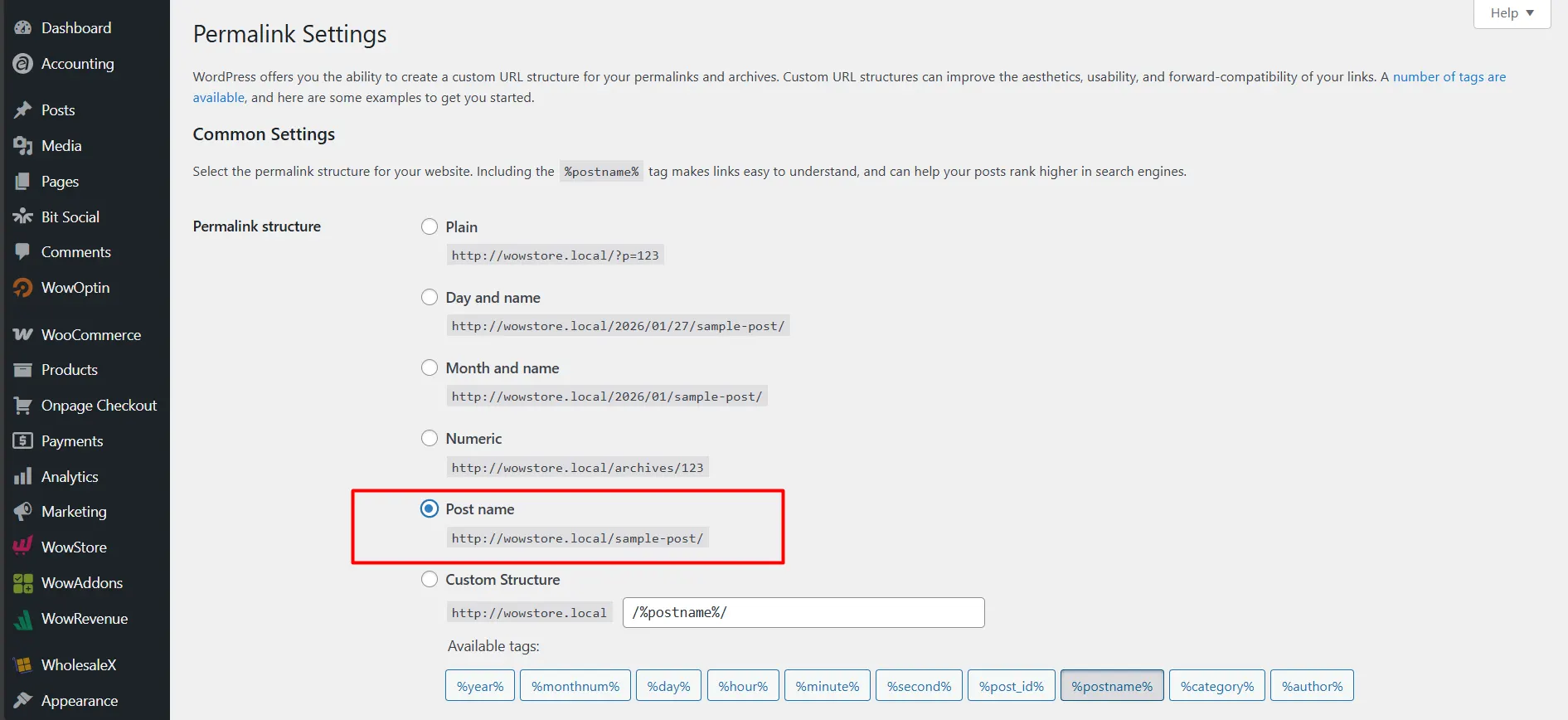
- Permalinks: Go to Settings → Permalinks and select Post name. This changes your URLs from random numbers to readable links based on your post titles, which is clearer for readers and better for search engines.
- Site Title and Tagline: Open Settings → General. Set your site title to your blog’s name and add a short tagline that clearly explains what your blog is about in a few words.
- Site Identity (Logo and Favicon): Go to Appearance → Customize to upload your logo and favicon. This is the small icon shown in browser tabs. A simple logo is enough when you’re starting out and still looks professional.
Once these are set, your blog is properly structured and ready for content.
Step 4: Designing and Customizing Your Blog
This is the stage where your blog starts to feel like yours. Early on, I thought design was just colors and fonts. In reality, it’s about how smoothly readers experience your content.
Before you start building layouts, keep these basics in mind.
Aesthetics vs. Speed
I used to add too much. Animations everywhere. Sliders, effects, fancy transitions. The sites looked good, but they felt slow. Pages took longer to load and people didn’t stick around.
Over time, I learned that speed matters more than looking fancy. In 2026, a fast, clean site wins almost every time. If something makes the site slower, even if it looks cool, it’s usually not worth it.
Simple designs age better and perform better.
Free vs. Premium Themes
Free themes are often enough, especially in the beginning. Themes like Astra or GeneratePress are solid. They’re fast, safe, and easy to work with. You can build a good site without spending money and focus on getting things right.
As your site grows, your needs change. You might want more control, better layouts, or proper support. That’s when premium themes start to make sense.
There’s no rush. Start free. Upgrade when you actually need it.
Gutenberg vs. Elementor
I used Elementor for years. It’s powerful and great for visual design. If you like seeing everything as you build, it feels comfortable.
But it also adds weight. Over time, I noticed slower pages and more things to manage. So I started using Gutenberg more.
Gutenberg is simpler. It’s built into WordPress, loads faster, and keeps things clean. It may feel limited at first, but for most sites, it does the job really well.
Choosing the Right Gutenberg Site Builder Plugin
If you like Gutenberg’s speed but want more layout and design control, block plugins can add flexibility without the overhead of full page builders.
Options like Kadence Blocks and GenerateBlocks focus on lightweight, performance-friendly enhancements. Essential Blocks, Spectra, and Stackable offer larger block collections and more layout-building features.
For blog- and content-focused sites, what matters most is how well a plugin handles post presentation, such as grids, lists, or filters, rather than the total number of blocks available.
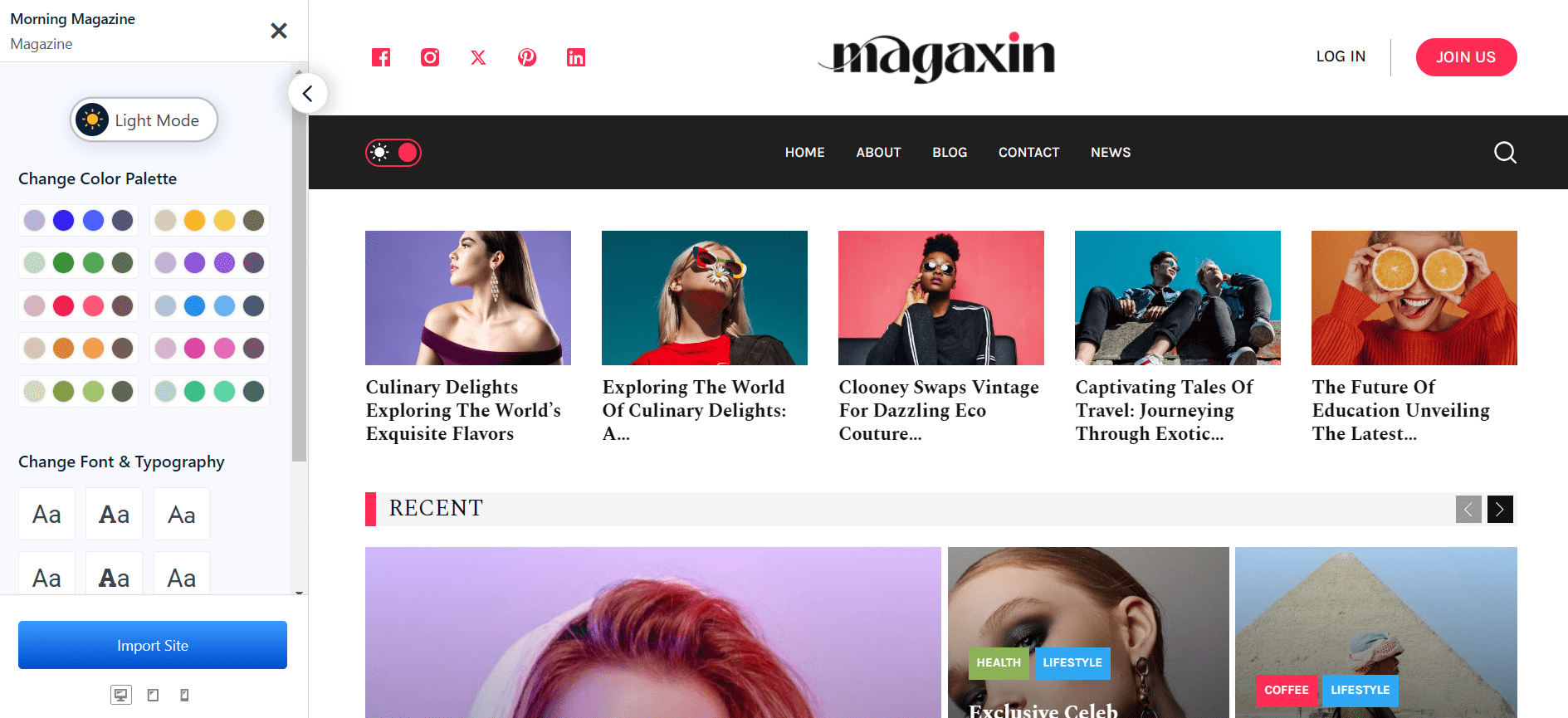
In that context, PostX stands out for its focus on post layouts and content display, making it easier to build structured blog pages and archives without adding unnecessary complexity.
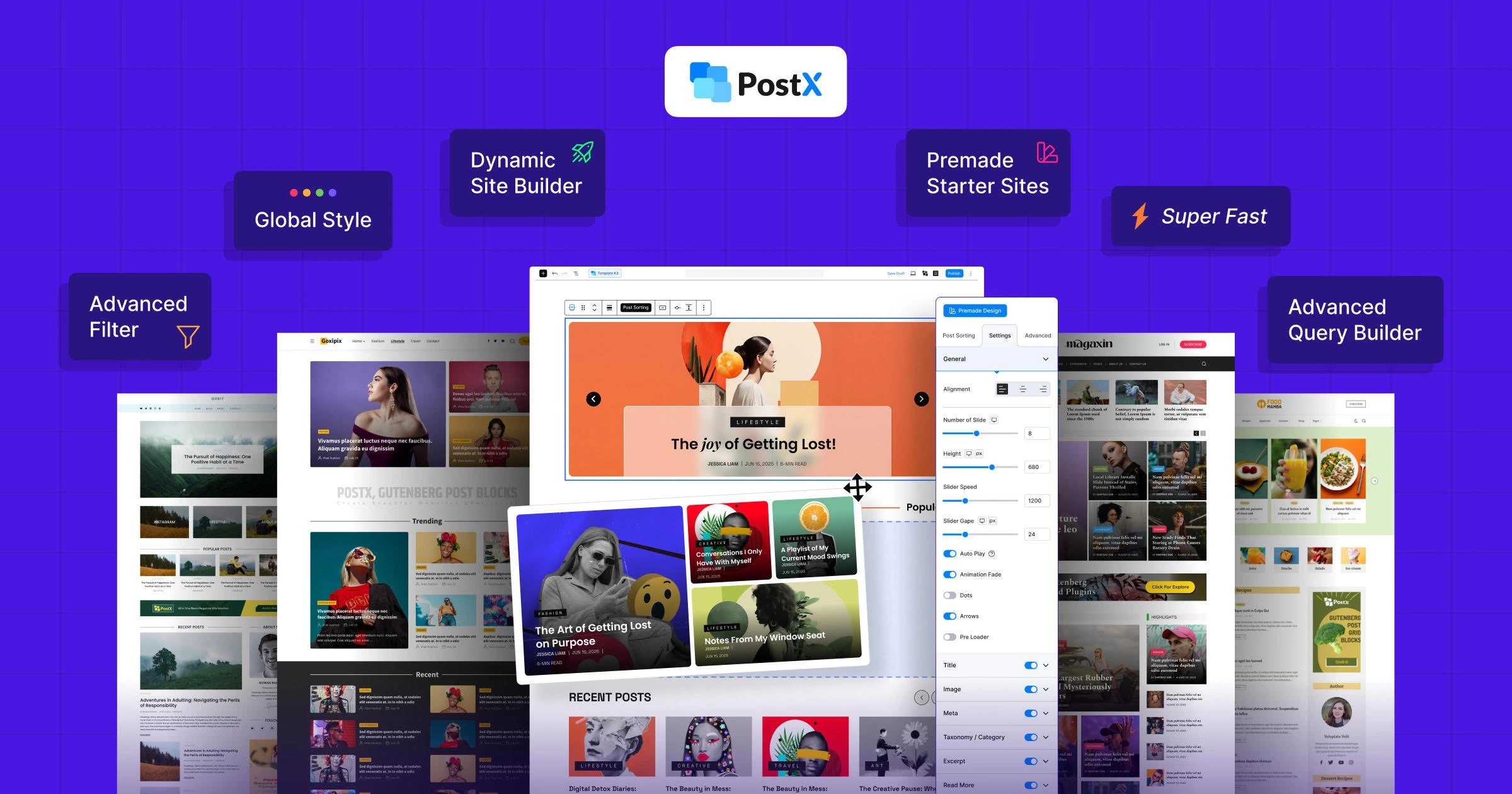
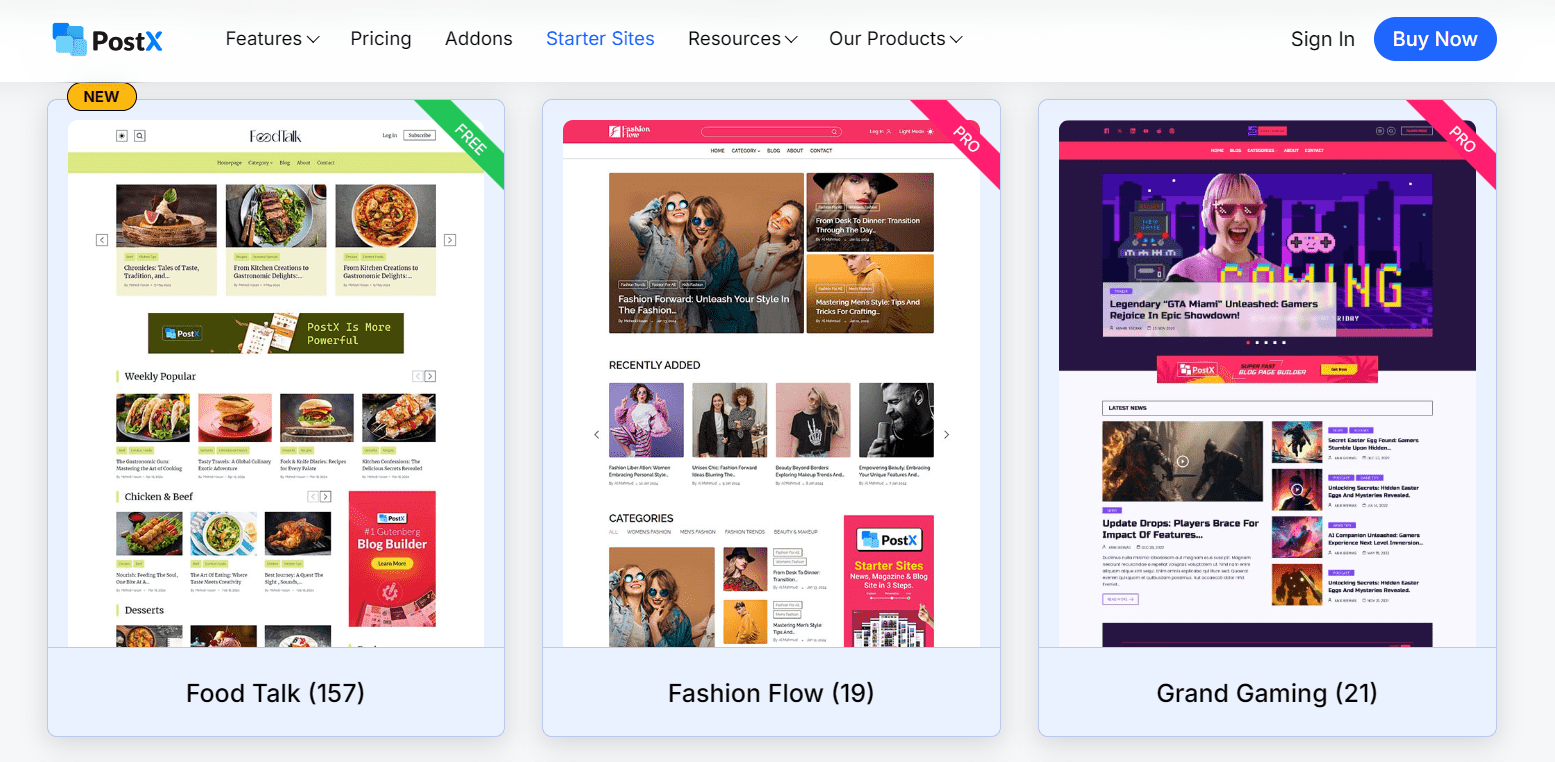
It also includes Starter Sites for blogs, news, and magazine-style websites, allowing you to launch quickly and then customize the layout to match your content and publishing style.
Here’s how you can keep readers engaged and on the page:
Organizing Posts with Creative Layouts
You need to decide which posts show up where. You can use the Advanced Query Builder. It allows you to easily tell WordPress: “Hey, show my ‘Most Popular’ posts here.”
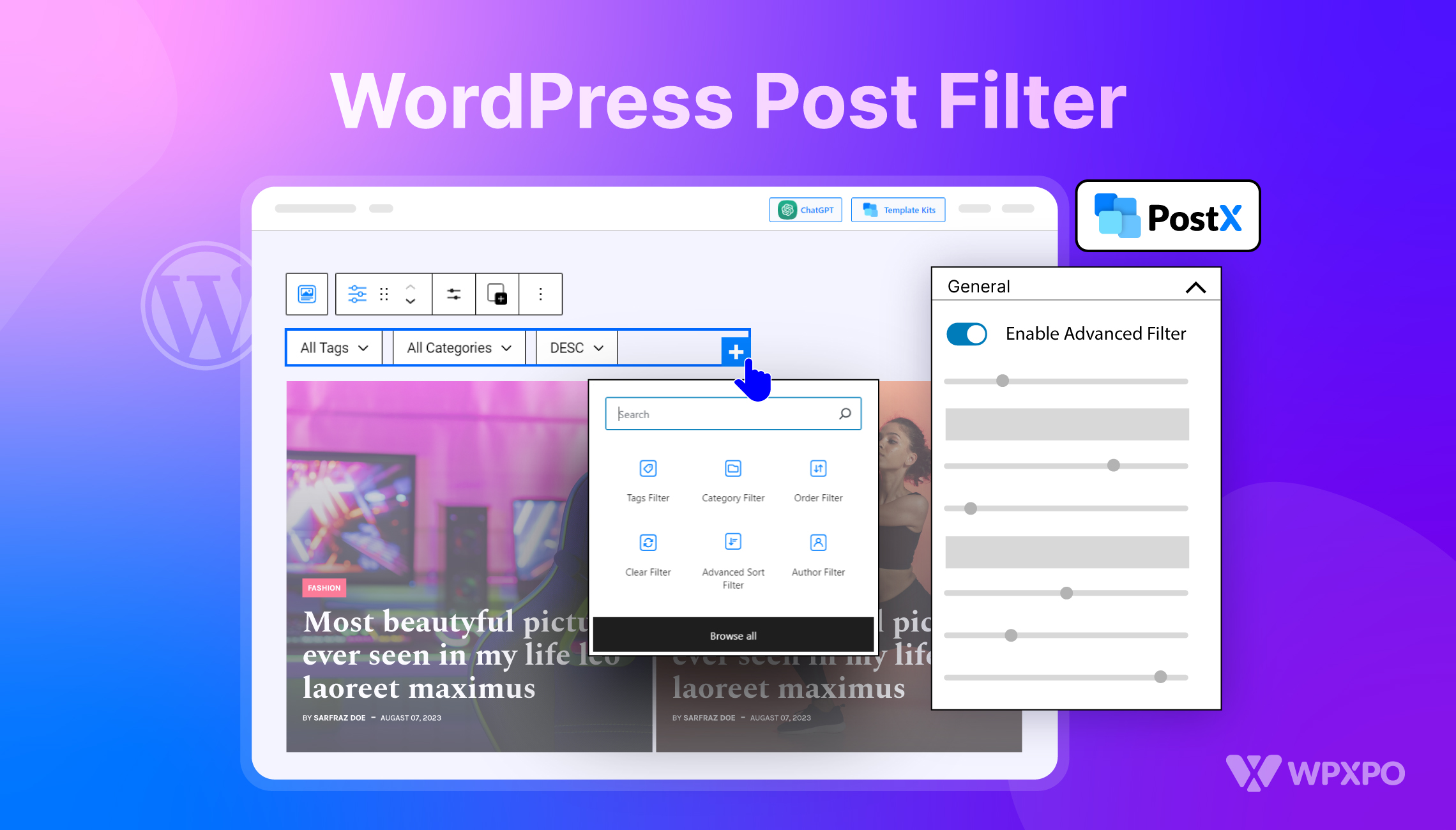
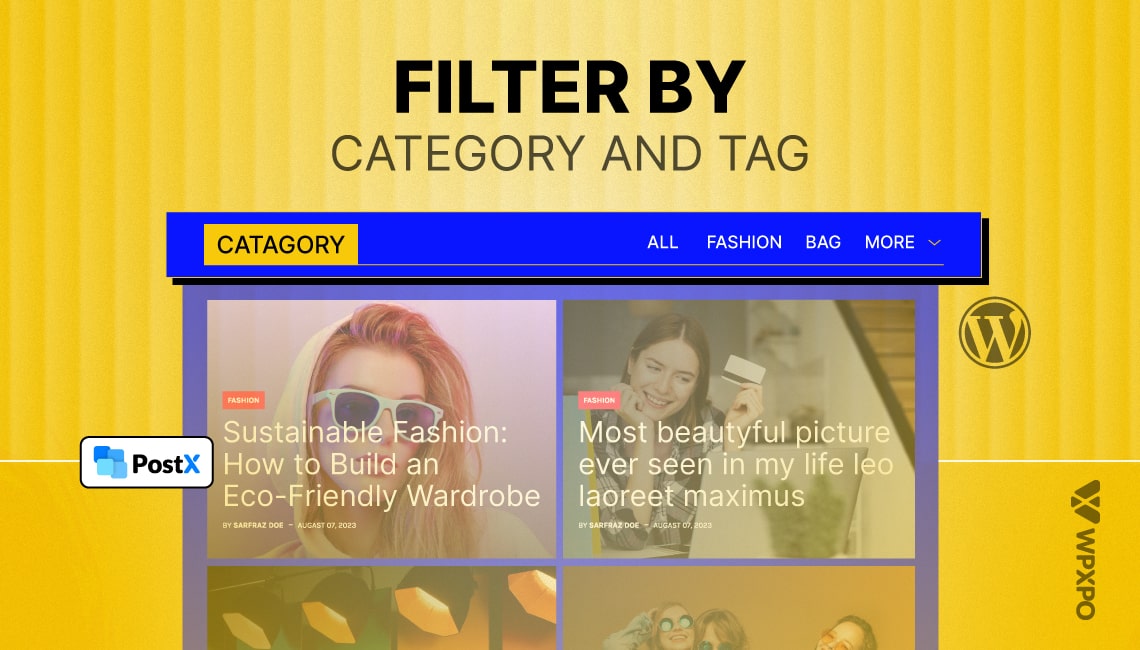
To make life easy for your readers, use AJAX-powered post filters. When a user wants to filter posts on the blog page by category and tag, or even by author. The posts change instantly without the page reloading. You can also use Post Grids and Post Lists to give your blog a great presentation.
Pro Tips: A grid with 3 columns looks great on a laptop, but on a phone, it looks squashed. You can use the Row/Column blocks to make sure my columns stack on top of each other on mobile.
Applying Proper Navigation: If you have a lot of content, standard navigation fails. I implemented Numeric Pagination (and sometimes standard WordPress Pagination) to make browsing easier.
To keep users on the site longer, I always include Next/Previous post links at the bottom of articles to encourage binge-reading.
Visual Polish: To avoid that “blocky” look, I use a Shape Divider between sections. I also tweak the visuals by changing the featured image size to fit my grid perfectly.
And of course, I never forget to add social share buttons. If you don’t make it easy to share, people simply won’t do it.
Designing the Appearance of Your Blog
Your blog isn’t just about the posts. The overall look and feel should be consistent and intentional.
Mega Menu: If your content is growing, a basic dropdown won’t cut it. A Mega Menu helps you organize links visually. It’s surprisingly easy to create Mega Menus using PostX.

News Ticker: If you are a news blog or update-heavy site, adding a News Ticker across the top gives the site an immediate sense of urgency and professionalism.
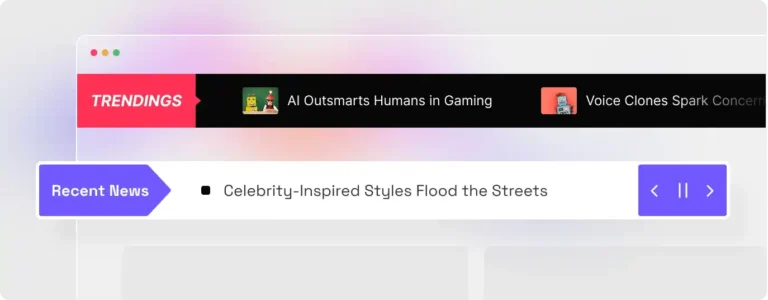
Typography & Color: Fonts shape your brand more than you think. Use Custom Fonts to match your style and add Taxonomy Images and Colors to categories so archive pages feel curated, not cluttered.
User Experience: Small details go a long way. Adding a Reading Progress Bar and Estimated Reading Time helps readers know what to expect and keeps them engaged.
Creating Custom WordPress Blog Templates
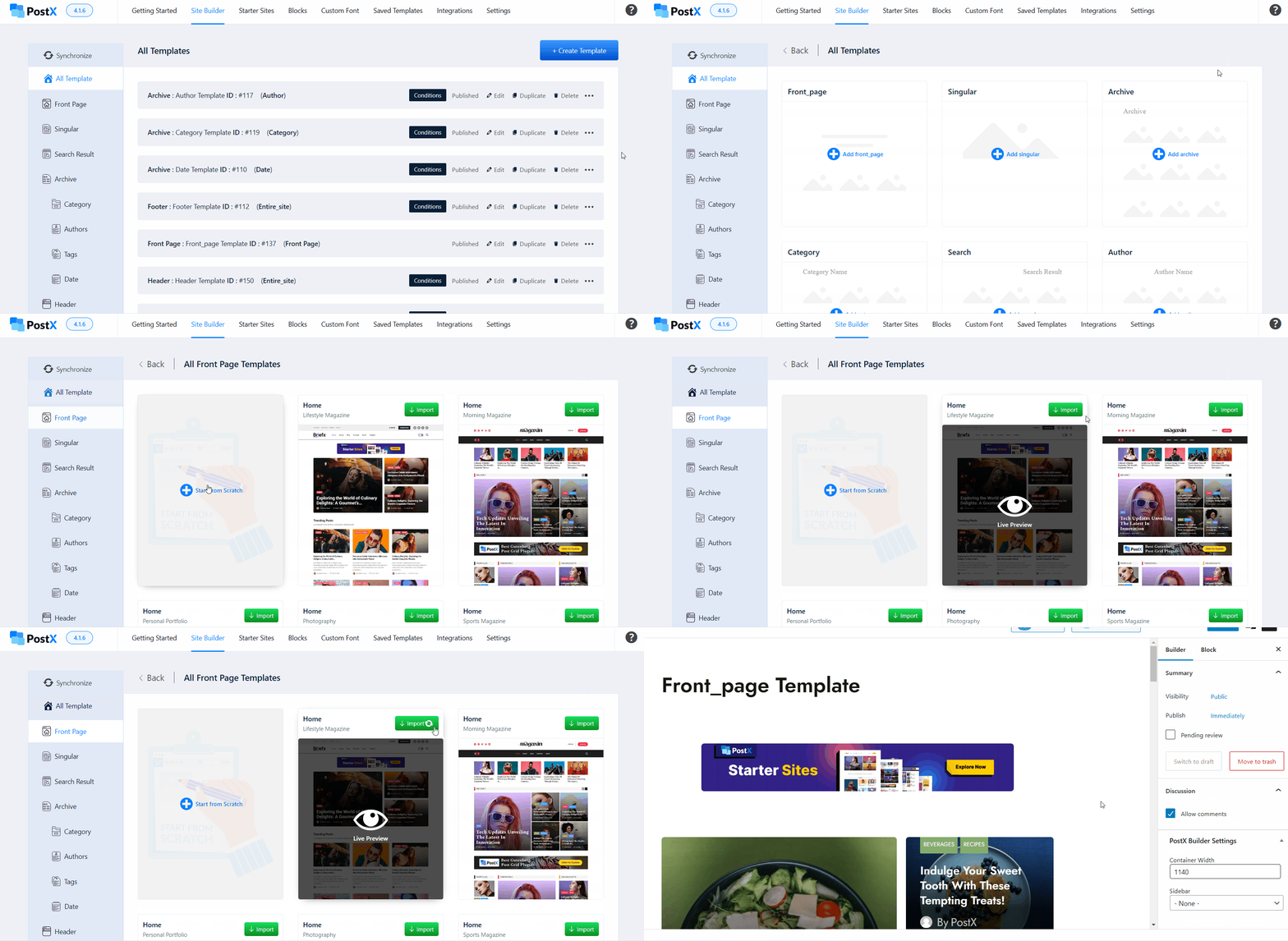
One of the biggest leveling-up moments for me was realizing I didn’t have to stick to the default templates that 10,000 other bloggers are using. With the Dynamic Site Builder and Full Site Editing, you can shape the layout, styling, and hierarchy of your blog exactly the way you want.
Custom blog templates allow you to design how your content is displayed instead of forcing it into a generic structure. You can create different WordPress blog post templates for posts, categories, or custom content so each one looks and works the way it should.
The process is straightforward:
- Open your site builder from the WordPress dashboard.
- Choose the template type you want to create, such as a post, archive, or search page.
- Set where the template should apply, for example to all or a specific category.
- Customize the layout visually using blocks, then publish your template.
This keeps the flow natural and avoids sounding tied to a specific plugin.
Here is how I apply this to specific parts of my blog:
Custom Home and Blog Pages: Your homepage shouldn’t just be a list of recent posts; it’s your storefront. I used the builder to create a custom Home Page that acts as a true landing page with hero sections and category highlights.
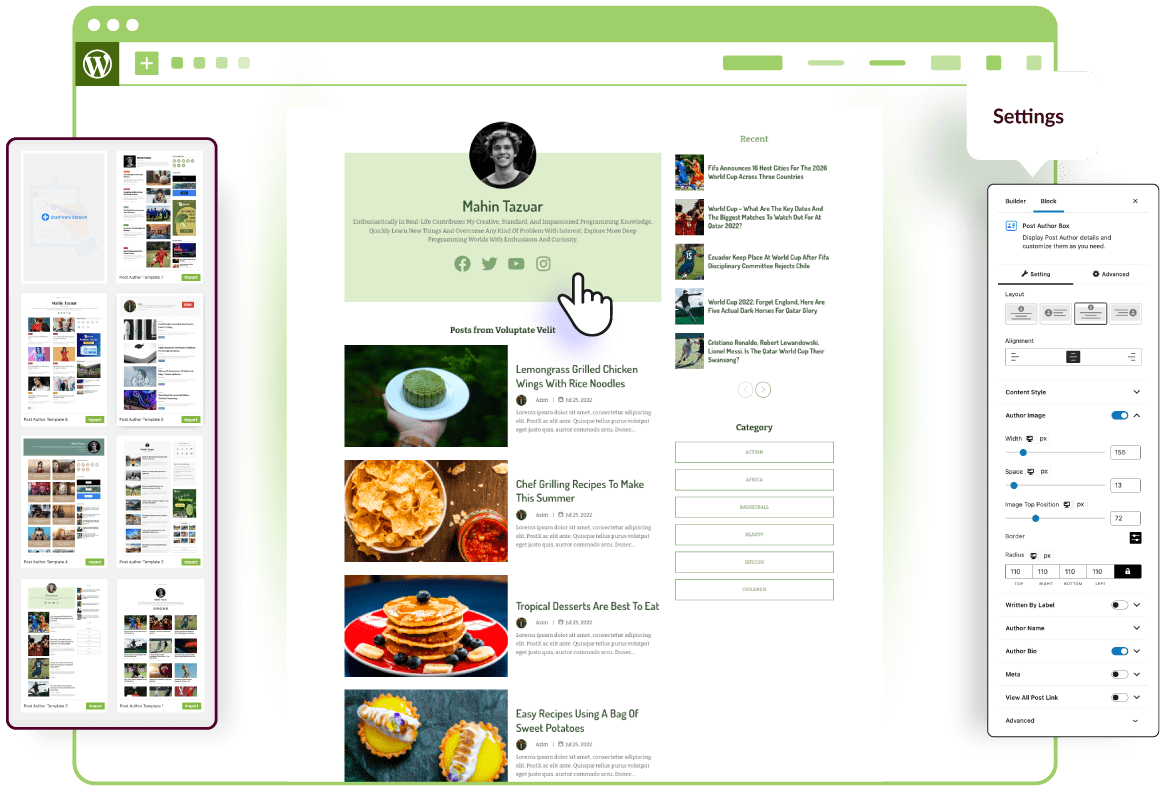
Archive and Author Pages: You can build a custom Author Page to professionally showcase your writers with bios and social links. I also customized my Search Results page template so that even the search results page looks intentional.
Step 5: Adding Essential Plugins (The “Must-Have” Tech Stack)
In 2026, your blog’s technical performance directly affects search visibility. Plugins help extend WordPress, but using too many can slow your site and hurt key performance metrics.
A clean setup focused on lightweight plugins and essential features is the best approach.
Below are the core plugin categories needed for a professional WordPress site.
Search Engine Optimization (SEO) Plugins
68% of online experiences begin with a search engine. Without structured data and proper metadata control, your content will not index effectively. Based on my years of use, I recommend either Rank Math SEO or Yoast SEO for managing SEO basics effectively.
Security Plugins
Because WordPress powers over 43% of the web, it’s a common target for attacks. A security plugin adds basic protection like a firewall and malware scanning. Using one greatly reduces unauthorized login attempts.
Reliable options include Wordfence or Solid Security.
Also, install UpdraftPlus for backups. Don’t rely only on hosting backups, as they may not cover accidental changes or data issues.
Performance and Caching Plugins
Site speed makes a noticeable difference in both rankings and user behavior. Pages that load faster simply perform better. In fact, Google’s PageSpeed Insights rewards sites that load in under 2.5 seconds
A caching plugin helps by serving lighter versions of your pages, which reduces server load and improves responsiveness.
What I use and recommend: WP Rocket or LiteSpeed Cache.
Lead Capture and Conversions Plugins
A blog without a way to collect emails misses long-term growth. Turning visitors into subscribers gives you an audience you control, independent of social platforms.
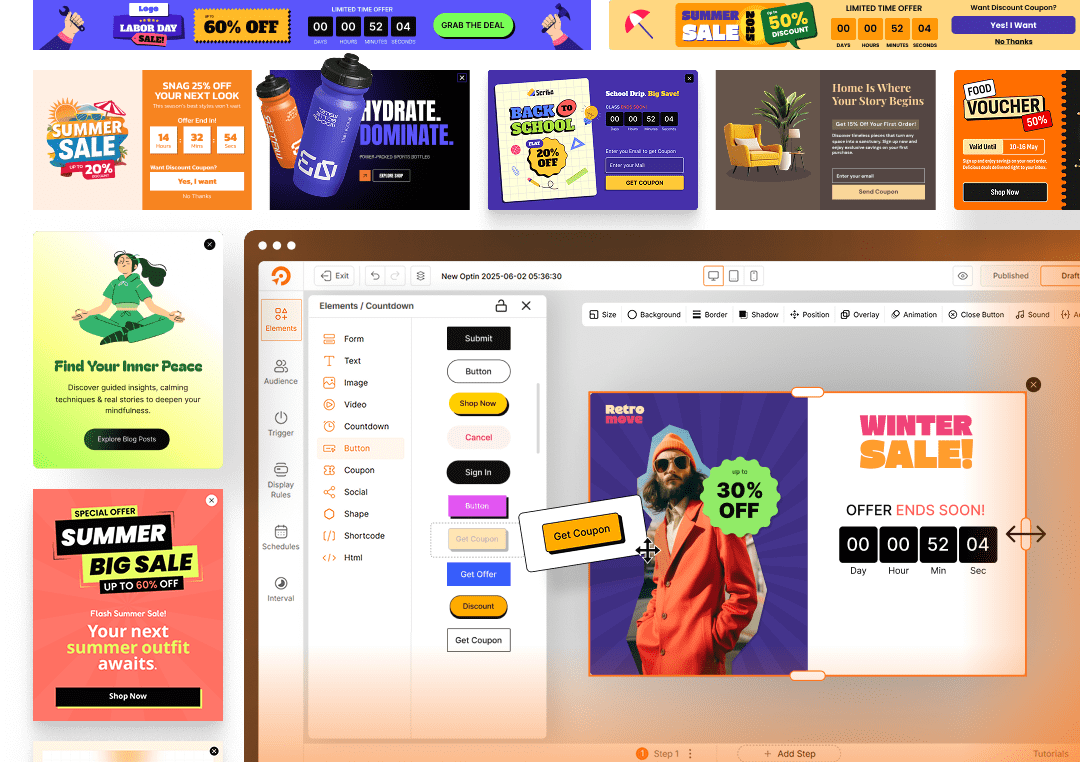
You can use Contact Form 7 for a basic contact form for communication and WowOptin as a dedicated opt-in tool for list building.
Analytics and Tracking Plugins
You can’t improve what you don’t track. Analytics show how people actually use your site and which content performs best. A lightweight Google Analytics setup is enough to track engagement, clicks, and scroll behavior, which helps guide better content and design decisions.
Pro Tips: The goal is a lean setup. Every plugin should earn its place by improving speed, security, visibility, or growth.
Step 6: Writing Your First Blog Post
If you’ve made it this far, you’ve done the heavy lifting of setting up your site. Now comes the part that actually turns your site into a blog: writing.
When I first opened the WordPress editor ten years ago, I sat staring at the cursor, unsure where to begin. That hesitation is normal.
But once you understand how the editor works and follow a simple, repeatable process, getting started becomes much easier. Here’s how to go from an idea to a finished post.
Let’s understand the WordPress Editor.
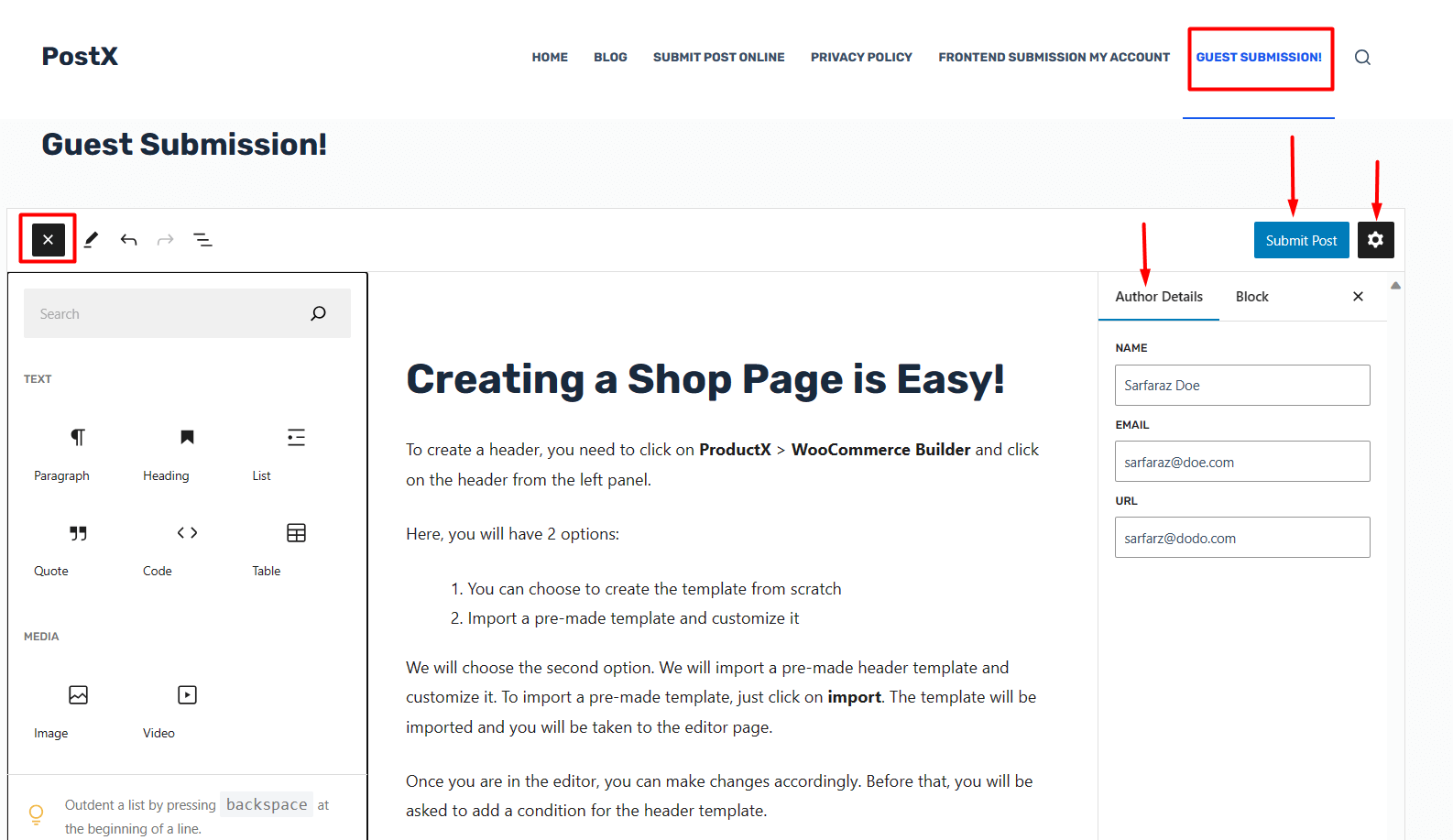
WordPress uses the Block Editor, also known as Gutenberg. Content is built using blocks, with each paragraph, image, heading, or list treated as a separate element you can move or edit independently.
- The “+” icon: Use this to add new blocks like images, lists, tables, or buttons.
- Settings sidebar: On the right side, you can switch between Post settings, where you manage categories, URLs, and featured images, and Block settings, where you adjust styles for individual elements.
A Simple Step-by-Step Process for Writing Your First Blog Post
You have to remember that your first post won’t be your best, and that’s fine. What matters is publishing it. Follow the below steps.
Here’s a cleaner, more natural rewrite that keeps the structure, explains things plainly, and maintains a smooth flow without exaggeration:
A. Choose a Topic People Are Searching For
Instead of writing only what comes to mind, focus on topics people actively search for. Tools like AnswerThePublic or Google Keyword Planner to find “long-tail keywords” (phrases like “best dog food for senior labs” rather than just “dog food”).
Always look for “low competition, high volume” topics to rank faster on Google.
B. Write a Clear, Compelling Headline
The headline determines whether someone clicks or scrolls past. You need to spend time refining it. Writing multiple headline options before choosing one often leads to better results. Aim for clarity and usefulness rather than clever wording.
C. Create a Simple Outline
Avoid writing from a blank page. Use headings (H2 and H3 tags) to plan the structure of your post before filling in the details. An outline keeps your writing focused and makes the post easier to scan for readers.
D. Research Existing Content
Review the top search results for your topic to understand what’s already covered. Pay attention to gaps and missing details. I always look for what they missed.
- Did they forget to include a FAQ?
- Is their tone too corporate?
Your goal is not to copy but to make your post 10% better or more comprehensive than the current #1 spot.
E. Write the Main Content
Start writing section by section. Focus on getting your ideas down rather than perfect wording. It’s usually easier to edit later than to write slowly while aiming for perfection. Write in a natural and conversational tone, as if explaining the topic to someone directly.
Manage Freelance Writers Without Backend Access
As your blog grows, you’ll likely need help creating content. Instead of giving writers dashboard access, use Front End Post Submission so freelance writers can submit drafts through the front end.
F. Add Images and Media
Long blocks of text are hard to read. Images help break up content and improve engagement. In fact, posts with images get 94% more views, so it’s worth the effort.
You must use royalty-free images from trusted platforms or generate original visuals using AI tools if needed. Avoid using copyrighted images without permission.
Best Stock Image Sites: Unsplash and Pexels for high-end photography; Pixabay for graphics.
AI Tools: For something 100% unique, use ChatGPT, Google Gemini, or other AI Image models.
Prompt to try:
"Create a bright, minimalist blog header for [Your Topic] with natural lighting and plenty of empty space for text."G. Formatting for Readability and On-Page SEO
Google and humans both love clarity.
- Use Short Paragraphs (2–3 sentences max).
- Use Bold Text for key points.
- Internal Links: Link to your other blog posts.
- External Links: Link to reputable external sources when relevant
H. Edit and Proofread
Take a break before editing. When you come back, read it out loud. You’ll catch clunky sentences that you missed while typing. Tools like Grammarly or Hemingway App are lifesavers here for keeping your “readability score” high.
I. Assign Category and Tags
Before publishing, organize your post properly.
- Category: The main topic area
- Tags: More specific keywords related to the post
This helps both navigation and content organization.
J. Publish the Post
Do a final check of your featured image and settings, then publish. Once it’s live, your blog officially has content. From here, consistency matters more than perfection.
Step 7: Optimizing for Blog SEO
SEO is no longer about “tricking” an algorithm with keywords; it’s about providing the most relevant, expert answer to a user’s question.
To earn the first page, your content must be easy for search engines to understand and genuinely useful for readers. But before any of those matters, Google needs to be able to find and consider your blog in search results.
How Do You Make Your New WordPress Blog Searchable on Google?
This is the foundation of SEO. If you don’t get this step right, no other optimization efforts will move the needle.
First, check your WordPress settings. Go to Settings > Reading and make sure the box “Discourage search engines from indexing this site” is unchecked. If this is checked, Google won’t show your site.
Once that’s verified, you need to “tell” Google you exist. The best way is to set up a Google Search Console account and submit your Sitemap (usually found at yourblog.com/sitemap_index.xml). This invites Google’s “bots” to crawl and index your pages.
How to Rank on Google’s First Page in 2026
Ranking in 2026 starts with the basics like clean on-page and technical setup, supported by off-page trust and genuinely helpful content. Once those are in place, you need to move on to advanced strategies.
Optimizing On-Page SEO Elements
Once your content matches search intent and adds genuine value, the next step is optimizing the page itself. On-page SEO helps Google clearly understand what your content is about and how relevant it is to a search query.
- Title Tag & Meta Description: Your title should include the primary keyword. Keep it compelling.. The meta description won’t directly affect rankings, but may improve click-through rate sometimes.
- Headings Structure (H1–H3): Use only one H1. Break sections with H2s and H3s that reflect subtopics users are actually searching for. This improves readability and helps Google understand content hierarchy.
- URL Optimization: Keep URLs short, descriptive, and keyword-focused. Example: /how-to-rank-on-google-2026/ Avoid dates, random numbers, or unnecessary stop words.
- Place Keywords Naturally: Include your primary keyword in the first 100 words and at least in one H2.
- Content Readability & UX: Short paragraphs, bullet points, and clear spacing matter more than ever. If users bounce quickly, rankings drop. Write for humans first, scanners second, and algorithms last.
- Image Optimization: Compress images to WEBP. Before uploading, rename your file with a keyword (like dog-care-tips.jpg) and fill out the “Alt Text” in WordPress. It’s a simple trick that helps your SEO.
Ensuring Technical SEO Fundamentals
Even the best content struggles if the site’s technical foundation is weak. Below are the key technical essentials to follow and maintain for every blog post.
- Schema Markup: Use Rank Math to apply Article Schema. This tells Google’s AI exactly what your post is about, increasing your chances of appearing in “Rich Snippets” or “People Also Ask” boxes.
- Internal Linking: Every new post should link to at least 2-3 older posts. This creates a “web” of relevance that helps Google understand your topical authority.
- Mobile-First Indexing: 92.3% of internet users access the web via mobile. If your PostX layouts aren’t responsive, your rankings will suffer regardless of your content quality.
Off-Page SEO: Building Digital PR
Links still matter, but quality matters far more than quantity.
Instead of buying low-quality links, focus on Digital PR. This includes contributing to authoritative sites in your niche, being cited in newsletters, or earning mentions through useful content.
Social media doesn’t directly improve rankings, but it helps build awareness and brand searches, which are strong trust signals over time.
How to Do NLP Optimization for SEO
Natural Language Processing (NLP) optimization in SEO means organizing and writing your content so that search engines can understand the meaning, context, and intent behind your words like a human would.
This helps Google better match your page to what people are actually searching for, deliver more relevant results, and improve your chances of ranking higher.
Here’s how to optimize your content for NLP:
- Write like a human talks: Use clear, natural sentences that people actually use.
- Focus on intent, not exact keywords: Think about what the user is trying to find, then answer that fully.
- Include related terms naturally: Add words and phrases that explain the topic more completely.
- Structure your content clearly: Use meaningful headings and organized sections.
Finally, keep in mind that SEO takes time. If your site is technically sound and your content genuinely adds value, Google will eventually reward you with the traffic you deserve.
Step 8: Promoting Your Blog to Grow Your Audience
If you write a masterpiece and don’t tell anyone about it, nobody is going to find it. But the Big Question:
“How do I promote my blog post if I have zero followers?”
Don’t worry. You don’t need a massive following or huge budget to start seeing traffic.
The secret? Borrow other people’s audiences.
Write for other blogs (Guest Posting): Write for blogs that are slightly larger than yours and in the same niche. Offer a genuinely useful article in exchange for a link back to your site. This puts your work in front of an established audience and builds credibility.
Medium and LinkedIn Newsletter: Repurpose parts of your content on platforms that already have built-in distribution. These can send early traffic and help build visibility beyond search.
Forums and community groups: Spend time where your target readers already gather, such as niche forums, subreddits, or Facebook groups. Focus on being helpful first.
Best practice: For every link you share, contribute multiple helpful responses without linking. When people find your answers useful, they’re more likely to check your profile and visit your blog on their own.
What Are the Free Ways to Market Your Blog
These are the methods that require only your effort and creativity to get your blog noticed.
Social media, used intentionally: Instead of just posting links, focus on conversations. Use relevant hashtags, but spend more time replying to questions and joining discussions. When a post you’ve written directly answers, it adds more detail on your blog.
Make your content easy to share: People tend to share content that’s useful, insightful, or practical. Simple additions like short quotable lines, checklists, or quick summaries make posts more likely to be saved or shared.
Try Tools Marketing: Free tools attract attention. Even basic calculators, templates, or generators related to your niche can bring consistent traffic. People often discover the blog through the tool and then explore the rest of the site.
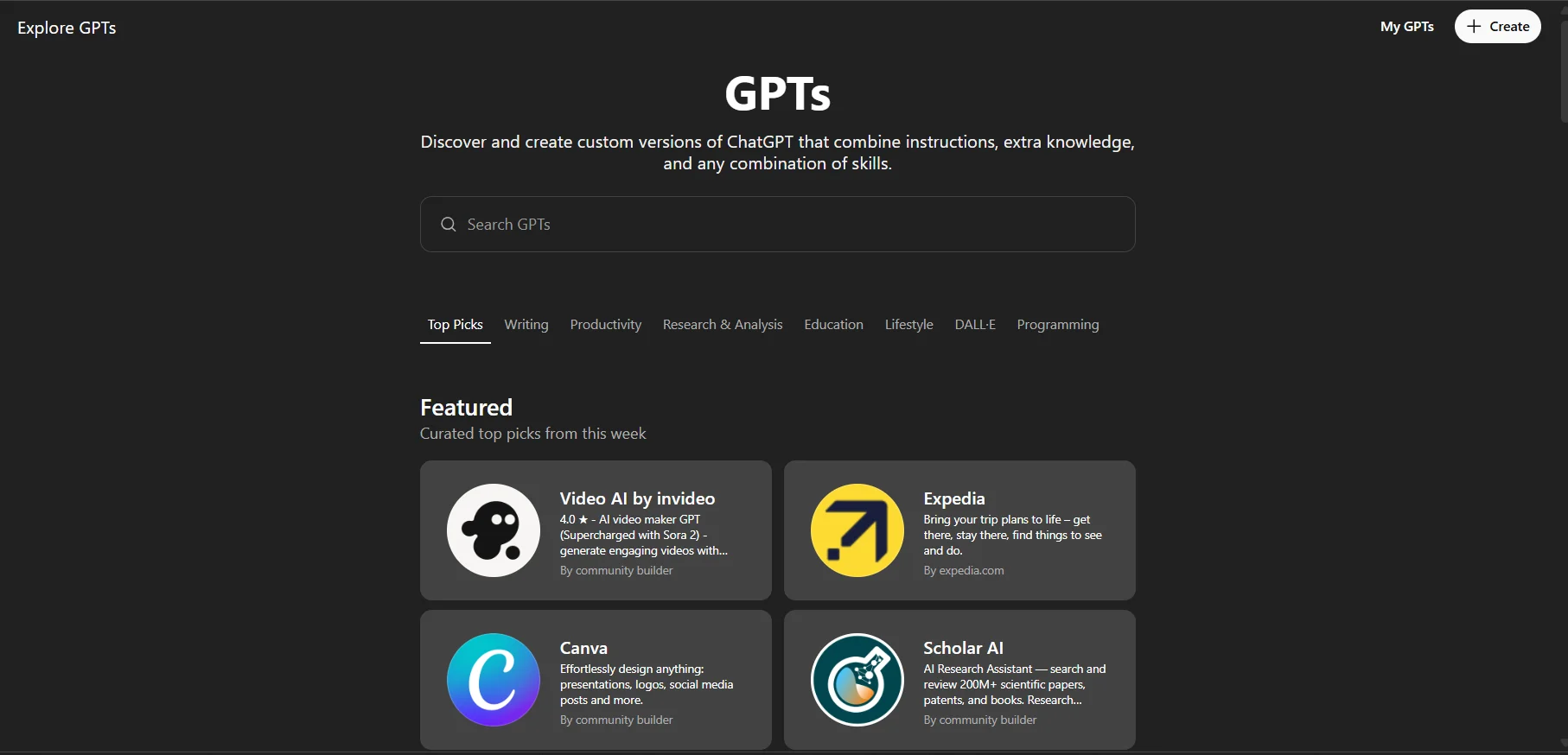
GPT & AI marketing (Custom GPTs): Beyond repurposing content, the custom GPT marketplace inside ChatGPT has become a real traffic channel. If you build a custom GPT that solves a specific problem in your niche, users can discover it directly through ChatGPT.
When your GPT is genuinely useful, people naturally want more. That’s where your blog comes in. You can link to deeper guides, tools, or resources on your site from the GPT’s instructions or responses.
Building your own audience (email and community)
Social platforms change, but an email list gives you direct access to your readers. Start collecting emails early, even if the list is small.
Engage with readers by replying to comments and emails. These early readers often become your most loyal supporters and help spread your work naturally.
How Often Should You Publish?
This comes up a lot, and the answer isn’t “every day.” Posting too often usually leads to burnout and lower quality. Posting too rarely makes it hard for readers to stay connected.
What matters most is consistency. Choose a schedule you can realistically maintain for several months. For most beginners, once a week is a solid starting point.
A Few Realities to Expect
- Slow start: It’s common to see little or no traffic in the early weeks. SEO takes time, and that’s normal.
- Burnout risk: You don’t need to be everywhere. Focus on one platform where your audience already spends time and build from there.
- Comparison trap: Don’t measure your early progress against someone who’s been doing this for years. Everyone starts in the same place.
Blogging rewards persistence. The people who succeed are usually the ones who keep going when results take time to show.
Step 9: Making Money from Your Blog
While blogging starts as a passion, it can quickly turn into a side hustle or even a full-time career if you understand the mechanics of monetization.
Once you have a steady flow of readers, the next question naturally becomes: when is the right time to start making money?
I see many beginners trying to put ads on their site on Day 1 when they only have 10 visitors.
My advice: Don’t rush it. If you clutter a new site with ads, you might drive away the few readers you have. Wait until you have at least 30–50 high-quality posts and a consistent stream of daily traffic. You want your audience to trust you before you start selling to them.
Now let’s look at the different ways you can make money from your blog.
a. Google AdSense (Display Ads)
This is the most common way bloggers start making money. You sign up for Google AdSense, add a small piece of code to your site, and ads are shown automatically.
You’re typically paid per click or per thousand views. Ads alone usually require high traffic to generate meaningful income, but they can help cover basic costs early on.
b. Affiliate Marketing
Affiliate marketing is one of the most natural monetization methods. You recommend products or services you genuinely use, and earn a commission when someone purchases through your link.
Pro Tip: Only recommend things you actually use. If you push junk just to make a buck, you’ll lose your audience’s trust forever.
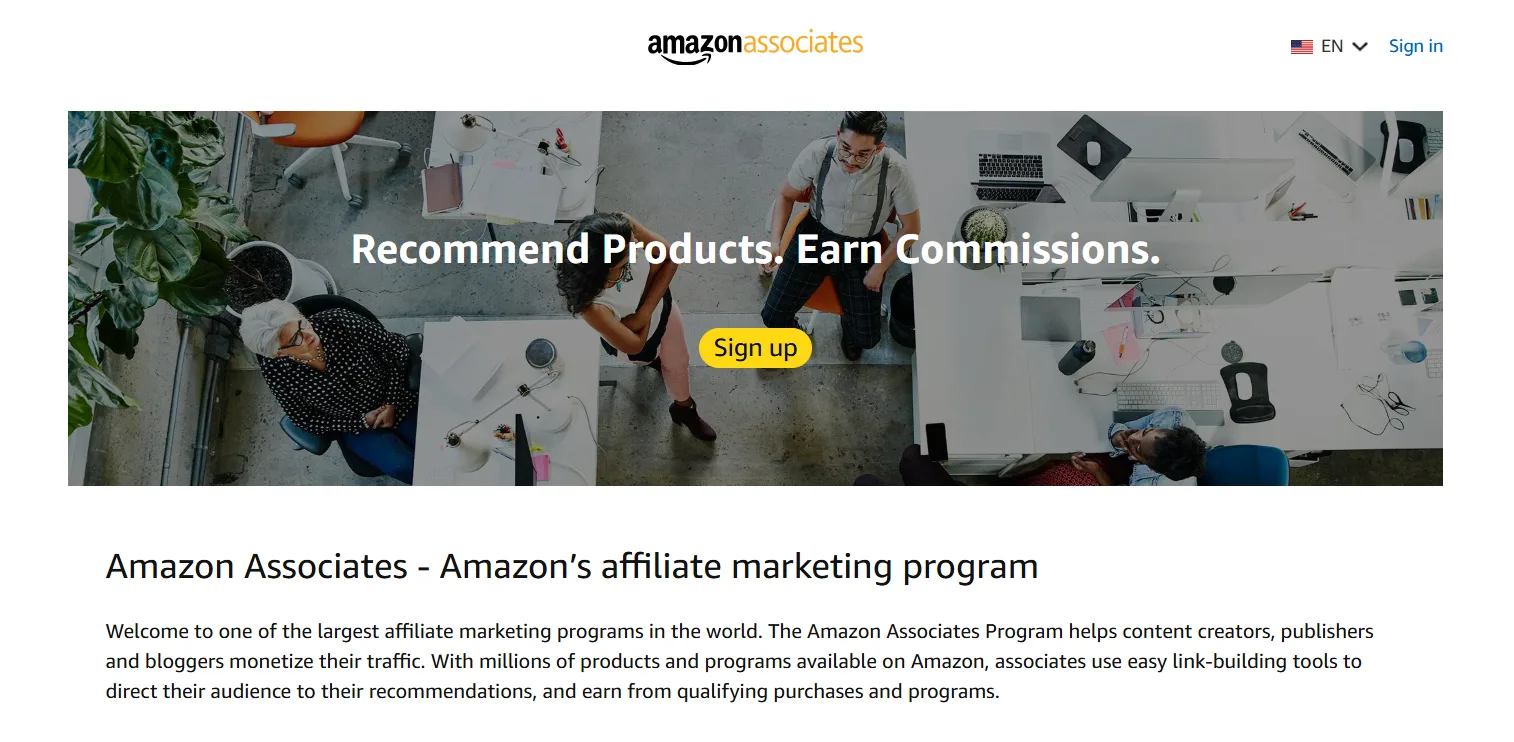
Many beginners start with programs like Amazon Associates or direct brand partnerships.
c. Selling Products or Services
Selling your own offerings gives you full control and higher margins.
- Products: Physical or digital products can be sold directly through your site using eCommerce tools.
- Services: Consulting, coaching, or freelance services work especially well when your blog demonstrates expertise in a specific area.
d. Courses and Memberships
If your blog teaches a skill, some readers may want a deeper, more structured learning experience.
- Courses: Package your knowledge into step-by-step lessons.
- Memberships: Offer exclusive content, resources, or access to a private community for a recurring fee.
e. Sponsored Content
As your blog grows, brands may pay you to write a post about their product. The fact is that a single sponsored post can pay anywhere from $50 to $5,000+, depending on your niche and traffic.
But you must always disclose that a post is sponsored. It’s a legal requirement (FTC guidelines), and it keeps you honest with your readers.
One of my favorite creators, Ali Abdaal, is a great example of this. He talks about how he has made millions of dollars by writing online in this video:
A Final Note on Monetization
Don’t try to do all of these at once. Start with one that fits your blog and audience, and refine it before expanding.
When your content consistently helps people, monetization becomes a natural next step rather than a distraction.
Step 10: Becoming an Authority in Your Niche
Earning money is one milestone, but authority is what keeps a blog relevant long term. In blogging, authority is built through trust, consistency, and real experience. It’s what brings loyal readers and stronger search visibility.
Here is how you go from being “just another site” to the “go-to expert” in your niche.
a. Build a Personal Brand, Not Just a Blog
People don’t connect with logos; they connect with people. Don’t be afraid to show your face and share your story.
Why it matters: When people trust you, they’re more likely to follow your recommendations, join your email list, or buy what you offer.
Also, take a close look at your About page. It should explain your journey and how you help readers, not just list credentials.
b. Demonstrate Real Experience (E-E-A-T)
Google looks for EEAT (Experience, Expertise, Authoritativeness, and Trustworthiness). You don’t need a PhD, but you do need evidence that you’ve actually done the work. So:
- If you’re a travel blogger, show photos of you actually at the location.
- If you’re a tech blogger, talk about your personal hands-on experience with the gadgets.
You can share what you’ve learned through trial and error. People value real-world experience over generic research.
c. Build Topical Authority with Structured Content
Topical authority comes from covering a subject thoroughly, not randomly.
Cluster Content: Instead of writing random posts, write a “Pillar Post” (e.g., The Ultimate Guide to Vegan Baking) and then 10 smaller posts that link back to it (e.g., Best Vegan Egg Substitutes, How to Make Vegan Pie Crust).
This tells search engines you are a deep expert, not just a surface-level writer.
Maintain a content calendar because consistency matters here. A realistic publishing schedule you can maintain over time is more effective than short bursts of activity.
d. Learn from Established Blogs
Studying successful blogs in your niche can speed up your learning curve. Look at how they structure content and communicate through their writings.
Pay close attention to comments and FAQs. These often reveal real problems your audience wants solved. Use what works as a reference, then adapt it to your own voice and perspective.
A Final Note on Authority
Authority isn’t something you declare. It’s earned by consistently helping people, sharing real experience, and showing up over time.
When readers trust you, everything else becomes easier.
Examples of Strong Authority Blogs
If you need inspiration, these WordPress-based sites show what authority looks like in practice:
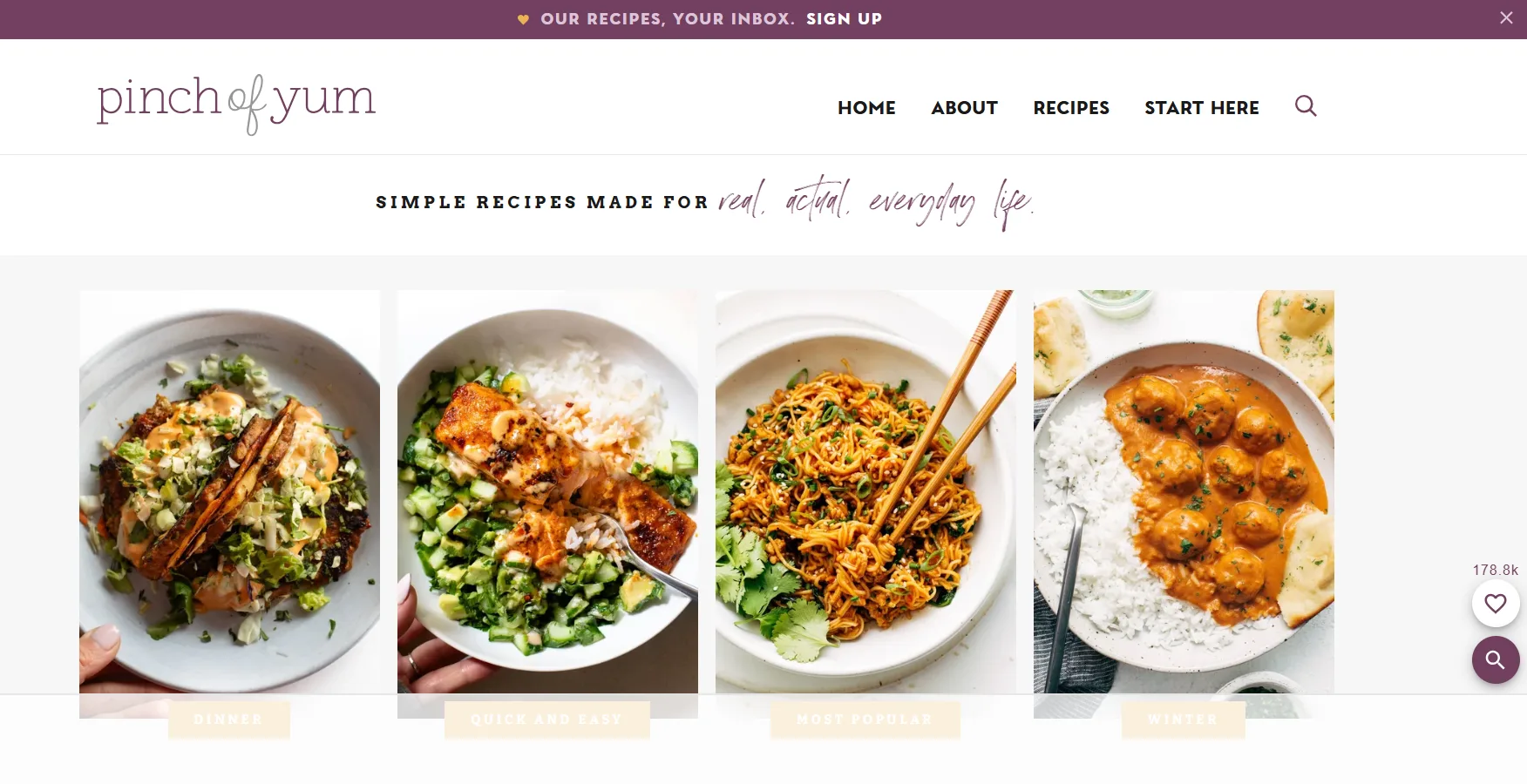
- Pinch of Yum – Known for strong visuals, clear recipes, and personal storytelling.
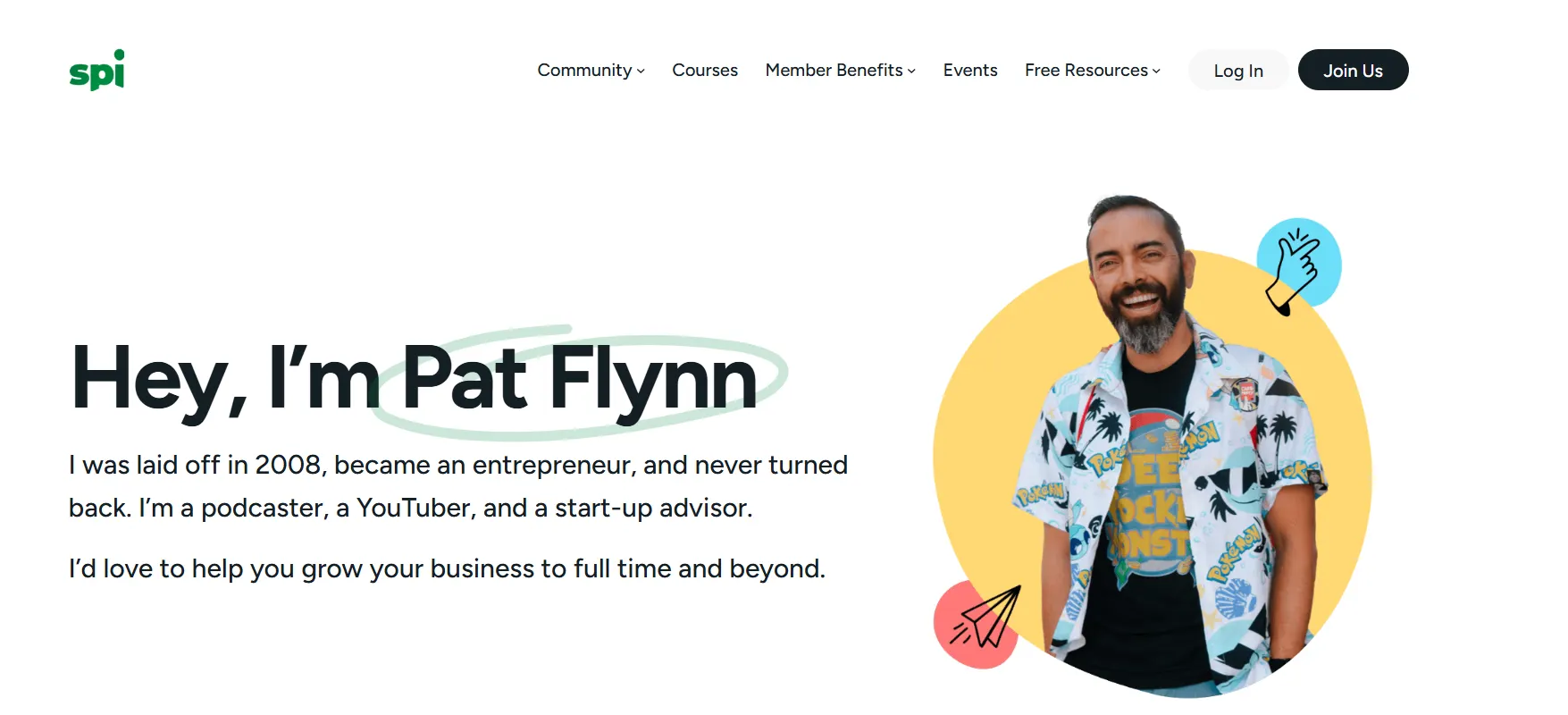
- Smart Passive Income – Built on transparency and detailed case studies.
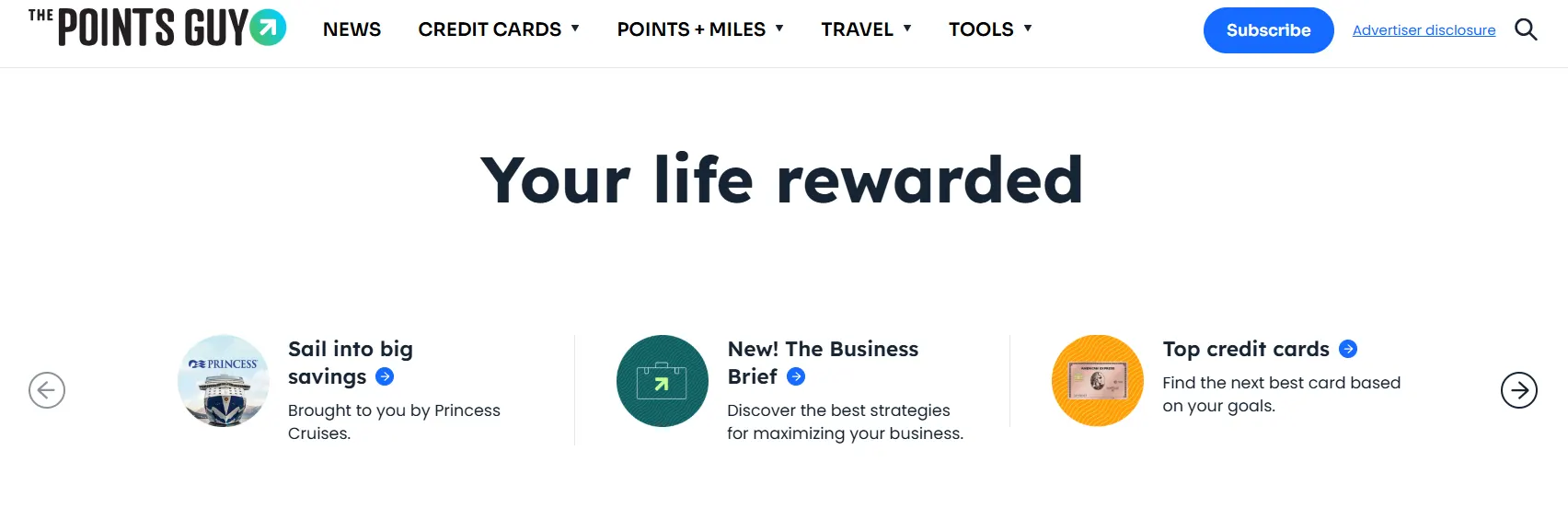
- The Points Guy – A clear example of owning a topic through deep, focused coverage.
Step 11: Mastering WordPress and Measuring Performance
You’ve built strong content and earned your audience’s trust. Now it’s time to fine-tune what’s happening behind the scenes. A successful blog doesn’t just look good, it loads fast, feels smooth, and works exactly the way you intend.
At this stage, you don’t have to accept a theme’s defaults. You can customize layouts, styling, and behavior with small code tweaks using CSS, JavaScript, or PHP to make your site truly your own. These deliberate changes add personality while also improving performance and usability.
And if writing custom code isn’t your strength, you’re not stuck. You can always rely on professional custom WordPress development services to handle advanced design, performance optimization, and unique functionality.
Of course, you can make meaningful improvements without touching any code. WordPress already gives you plenty of leverage if you use it intentionally.
Blocks & page builders: You can use a lightweight block builder plugin to create landing pages and templates. Prefer minimal, well-coded blocks like PostX, Kadence Blocks, or Stackable rather than feature-heavy builders that inject lots of unused markup.
Tiny tweaks rule: This is where experienced site owners think differently. Instead of tearing everything down, they focus on smart refinements. A better font choice, more consistent spacing, or a tighter color palette can instantly elevate how professional your site feels.
These subtle adjustments improve readability, strengthen visual hierarchy, and guide attention without users even noticing why things feel “better.” It’s an advanced move because it delivers high impact with low risk.
Keep it lean: Avoid bulky builder add-ons and plugins that load scripts and styles sitewide. Audit assets and only load a tool where it’s needed. If a block or plugin isn’t actively improving user experience or conversions, remove it.
If your blog takes more than 3 seconds to load, half of your readers will give up and leave. These are practical solutions you should follow I use every time:
- Image optimization: Resize and compress before upload; serve WebP when possible.
- Caching: Use WP Rocket or LiteSpeed Cache to serve static HTML and reduce server work.
- Lazy loading: Defer off-screen images and embeds.
- CDN: Use a CDN to deliver assets faster to distant visitors.
- Minify & combine: Minify CSS/JS and only load scripts where needed.
- Plugin discipline: Only keep plugins that earn their place; remove ones that duplicate features.
How PostX Helps with Speed and Layout
One of the best ways to handle performance and design at once is using PostX. It’s a Gutenberg-based plugin that adds flexible, dynamic blocks without heavy overhead.
What I like about it is how lightweight it is. You can build structured layouts like grids or sliders while keeping load times fast, which helps the site look professional without slowing it down.
My Final Thought on Measuring Performance
Don’t get obsessed with the numbers every single day. Check your analytics once a week, see what’s working, and keep moving forward. A fast, focused site that answers reader questions wins more often than a flashy, slow one.
Key metrics to watch weekly:
- Page views & traffic sources: Where visitors come from.
- Engagement / session duration: Are people actually reading?
- Bounce or short sessions: High rates mean the intro or expectations are off.
- Conversions: Email signups, downloads, affiliate clicks — the actions that matter.
- Event tracking: Scroll depth and CTA clicks tell you which posts hold attention.
Use Google Search Console alongside GA4 to monitor impressions, clicks, and indexing issues. Request indexing for important posts so Google can find them faster.
Can I build a blog with AI? (The Honest Truth)
The short answer is: Yes, but with a big “but.”
In 2026, AI is like a high-speed bicycle. It can get you where you’re going much faster, but you still have to do the steering. From my experience, the best way to use AI is as your creative assistant, not your ghostwriter.

I use AI for three specific things that save me hours:
- The Skeleton: I ask AI to create an outline based on a topic I’ve researched.
- The Polish: I use it to brainstorm 20 different headlines until I find one that clicks.
- The Research: It’s great for summarizing long documents or finding “commonly asked questions” about a topic.
Be careful here. Copying and pasting a long article straight from ChatGPT is risky. Readers can usually tell when something feels generic, and search engines are getting better at favoring content backed by real human experience. Use AI to help with structure, research, or drafts, but keep your own voice and judgment at the center.
How Much Does It Actually Cost to Start a WordPress Blog in 2026?
One of the biggest myths is that blogging is either “totally free” or “thousands of dollars.” Neither is true. If you want a professional-grade blog in 2026, here is exactly what the “starter pack” looks like:
- The Address (Domain): You’ll pay about $12–$20 per year. I always recommend sticking with a .com if you can find one.
- The House (Hosting): This is your biggest upfront cost. A decent starter host (like Bluehost or SiteGround) will run you about $5–$15 per month, usually billed annually.
- The Design (Theme): You can start with a free theme, but most people eventually upgrade to a “Pro” version for more customization. Budget a one-time fee of $50–$100.
- The Extras (Plugins): Most are free, but tools like an email marketing service (to build your list) usually have a free tier that grows with you.
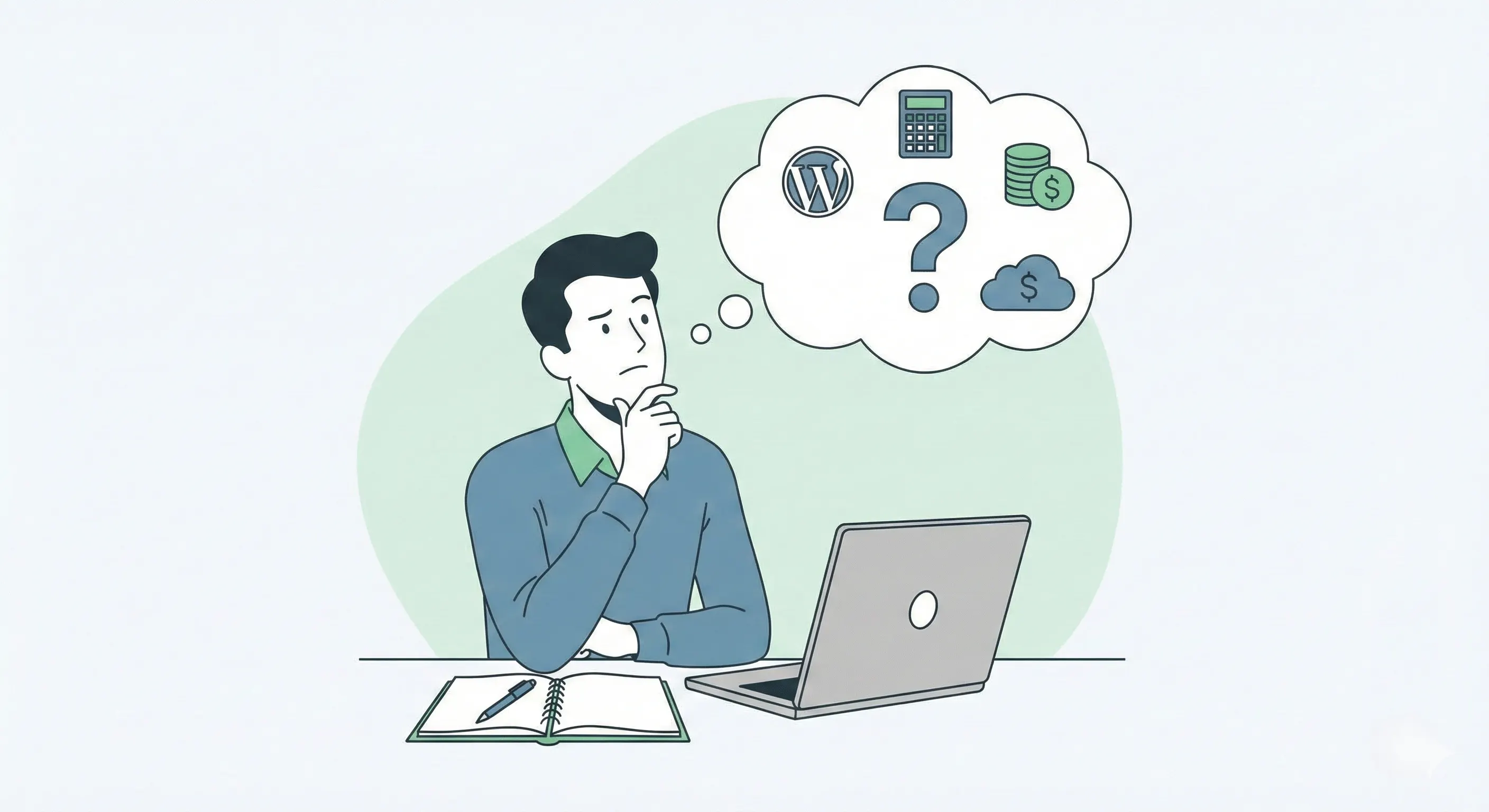
Total for Year 1: You can realistically launch a pro-level blog for about $100–$200. Compared to any other business, that’s practically pennies.
Can You Start a WordPress Blog as a Complete Beginner?
I’ll be 100% honest with you. When I started, I didn’t know how to code, and I wasn’t a great writer either. Both skills improved by doing the work.
If you can send emails and use everyday tools like Instagram or Canva, you already have the technical skills needed. WordPress is highly visual now.
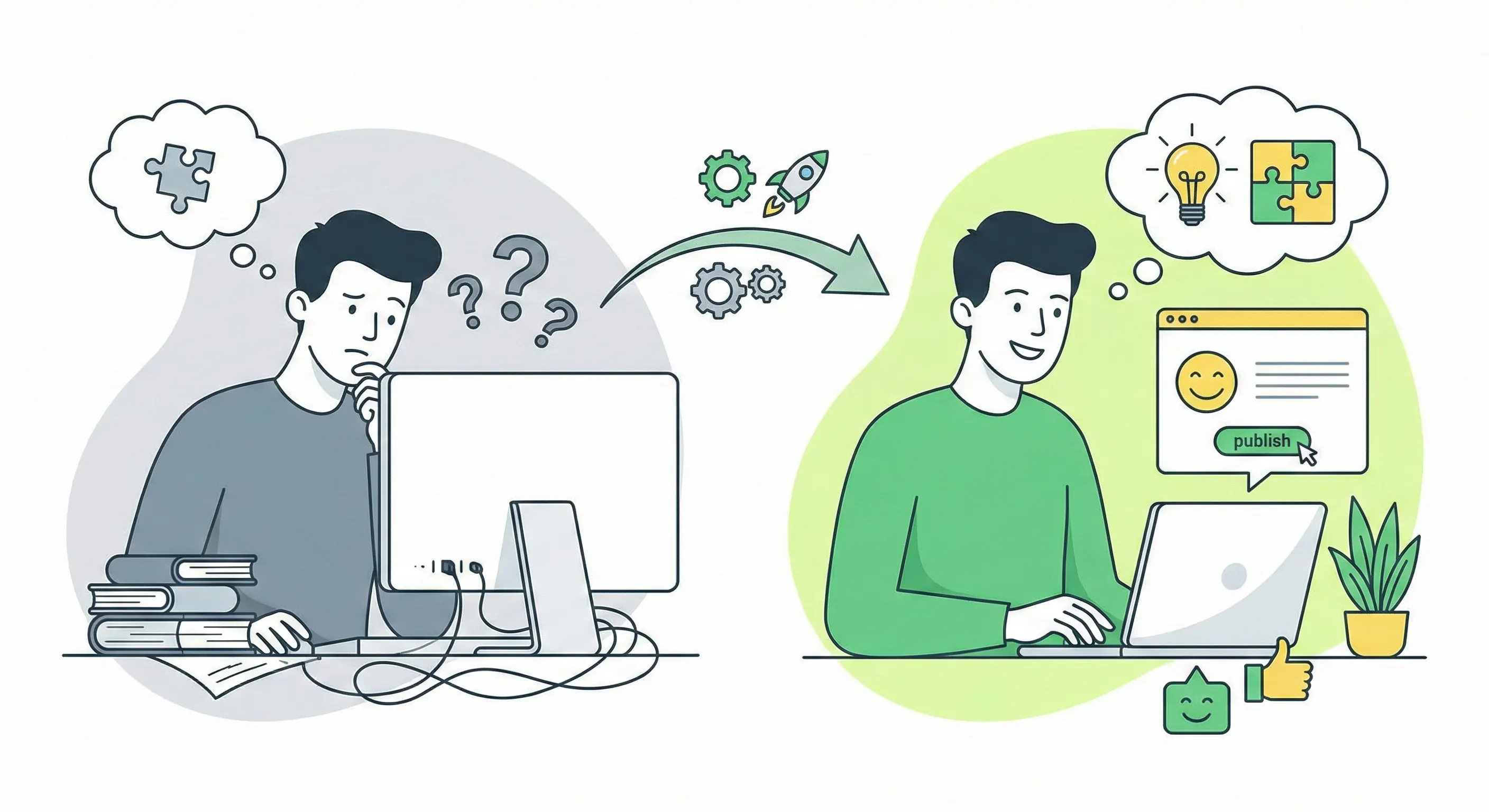
Writing gets better with practice. Visibility comes with time. The people who succeed aren’t the most talented at the start. They’re the ones who keep going when progress feels slow.
The bigger challenge for beginners isn’t technology or writing talent. It’s patience.
For the first few months, it often feels like no one is listening. You’ll check analytics and see almost no traffic. That’s normal. Every established blog started the same way.
What Are the Dos and Don’ts of Blogging in WordPress
After years of trial and error, here are the non-negotiable rules for staying sane and successful:
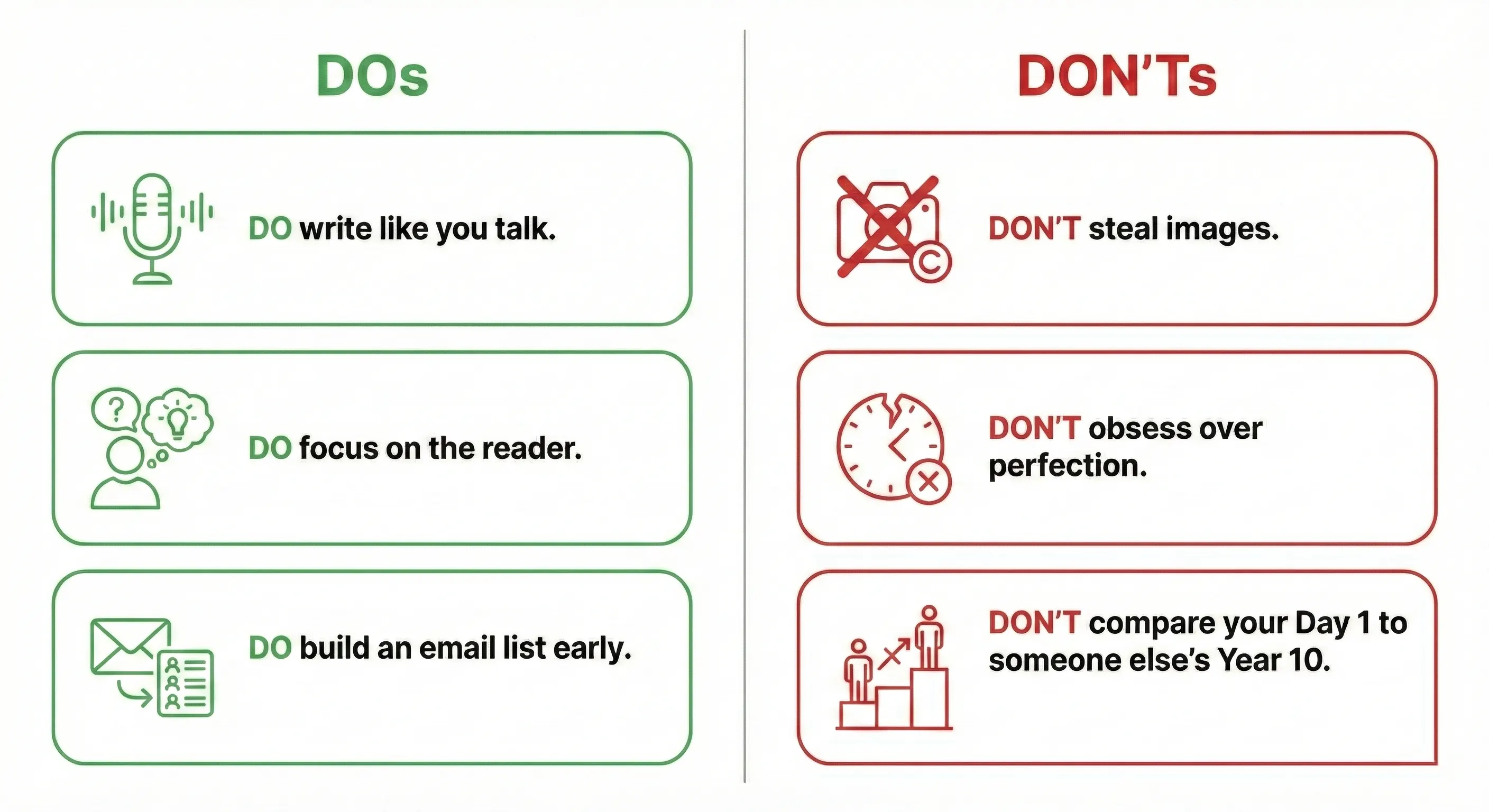
The “DOs”
- DO write like you talk. Your blog isn’t a college essay. Use “I,” “you,” and keep it conversational. People want to feel like they’re hearing from a friend.
- DO focus on the reader. Every post should answer the question: “What’s in it for me?” for the reader. If you aren’t solving a problem or entertaining them, why should they stay?
- DO build an email list early. Social media platforms can disappear or change their algorithms overnight. Your email list is the only traffic source you truly own.
The “DON’Ts”
- DON’T steal images. A quick Google Image search is not a free library. I’ve seen bloggers get hit with $1,000 fines for using a single copyrighted photo. Stick to Unsplash, Pexels, or AI generators.
- DON’T obsess over perfection. If you wait until a post is “perfect,” you’ll never publish it. Get it to 80%, hit publish, and you can always update it later.
- DON’T compare your Day 1 to someone else’s Year 10. You’re seeing their highlight reel. Focus on your own growth, one post at a time.
FAQs About Starting a WordPress Blog
Q 1- Is it free to start a blog on WordPress?
Technically, the WordPress software is free (from WordPress.org). However, to make your blog “live” on the internet, you need to pay for web hosting and a domain name.
There is a “free” version at WordPress.com, but it’s very limited, you can’t fully monetize it, and your URL will look like myblog.wordpress.com. For a professional brand, go the self-hosted route.
Q 2- What is the 80/20 rule in blogging?
The 80/20 rule suggests that 80% of your results will come from 20% of your efforts. In the blogging world, successful creators use this to avoid burnout by identifying the small number of tasks that move the needle the most.
What this actually looks like in practice:
– Traffic: You’ll likely find that 20% of your blog posts bring in 80% of your total traffic. Instead of writing 100 random posts, focus on making your top 20 posts absolute masterpieces.
– Promotion: Spend 20% of your time writing and 80% of your time promoting. Great content is useless if no one sees it.
– Income: Typically, 20% of your affiliate links or products will generate 80% of your revenue.
– Social media: You’ll get 80% of your engagement from just 20% of the platforms you use. If Pinterest is working but X (Twitter) isn’t, go all-in on Pinterest.
– Audience: Often, 20% of your email subscribers are responsible for 80% of your comments, shares, and sales. These are your “True Fans.”
– Problems: On the flip side, 20% of your plugins or technical issues will likely cause 80% of your site’s slowdowns.
Q 3- Which WordPress hosting is best for a blog with low traffic?
For low traffic, Shared Hosting is the best value. Companies like Hostinger, Namecheap, or Bluehost offer reliable starter plans for a few dollars a month. As you grow, you can easily upgrade to more powerful servers.
Q 4- Are premium SEO plugins like Rank Math Pro worth it for a new blog?
No, the free version of Rank Math or Yoast SEO provides 90% of what a beginner needs. Save your money for hosting or a better theme until you’re making at least $100/month from your blog.
Q 5- Where can I buy a .com domain name for under $10?
Look at Namecheap or Porkbun. They often have “first-year” promos for under $10. Avoid “free domain” offers from hosts if the renewal price is over $20—it’s often cheaper to buy it separately.
Q 6- How do I set up a professional email address ([email protected])?
Most hosting providers include basic email for free. If yours doesn’t, Zoho Mail has a “Forever Free” plan for up to five users. If you want the gold standard, Google Workspace is about $6/month and gives you the familiar Gmail interface for your custom domain.
Q 7- How do I back up my WordPress site for free?
Install the UpdraftPlus plugin. You can set it to automatically back up your site to Google Drive or Dropbox every week for free. Never rely solely on your host for backups!
Q 8- How to make a WordPress blog private?
Go to Settings > Reading and check the box that says “Discourage search engines from indexing this site.” If you want it completely hidden from people too, use a plugin like “My Private Site” or password-protect your pages.
Q 9- Can I make $1000 a month with a blog?
Yes, but it usually takes 12 to 24 months of consistent work. Most bloggers reach this milestone through a combination of display ads (like Mediavine) and affiliate marketing. It is not a “get rich quick” scheme; it’s a business.
Q 10- How many readers does a blog need to make money?
It’s less about the “number” and more about the “niche.” A luxury watch blog might make $1,000 with 5,000 readers, while a general news blog might need 50,000. Generally, once you hit 10,000 monthly sessions, you can start seeing meaningful income from ads and affiliates.
It’s Time to Start a WordPress Blog
The best time to start a WordPress blog was yesterday. The next best time is today.
There’s no hidden trick behind a blog that lasts 10 years. The real difference is persistence. In 2026, blog growth is a slow burn. Results don’t arrive overnight, but the authority you build compounds and sticks with you.
Quick recap: successful blogs come down to picking a focused niche, setting up a fast and lightweight site, creating content for real people while optimizing for search, building an email list early, and monetizing only after traffic becomes consistent.
Now the next step is to stop overthinking and start building register your domain, install WordPress, set up your basic layout, and publish your first post.