
WowInvoice comes with a clean and user-friendly dashboard where you can easily manage your WooCommerce documents and configure plugin settings.
From the dashboard, you can quickly access document types, plugin settings, license management, bulk export options, and other important configuration areas.
Let’s explore each section of the WowInvoice dashboard one by one.
Plugin Navigation
From the top header section of WowInvoice, you can access plugin settings, license management, bulk export options, and explore other WPXPO plugins.
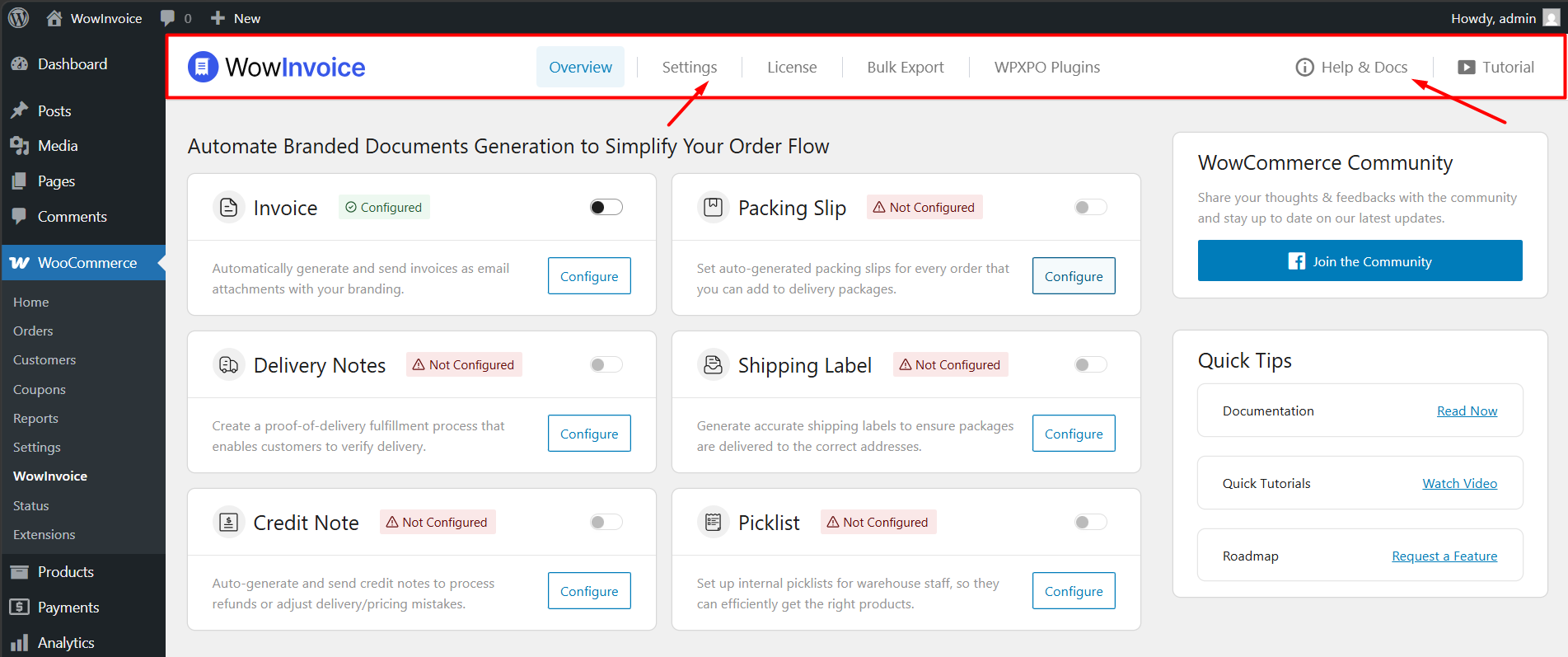
You can also access the full documentation and tutorial videos for WowInvoice from here.
Document Types
Below the header section, you will find all available document types supported by WowInvoice.
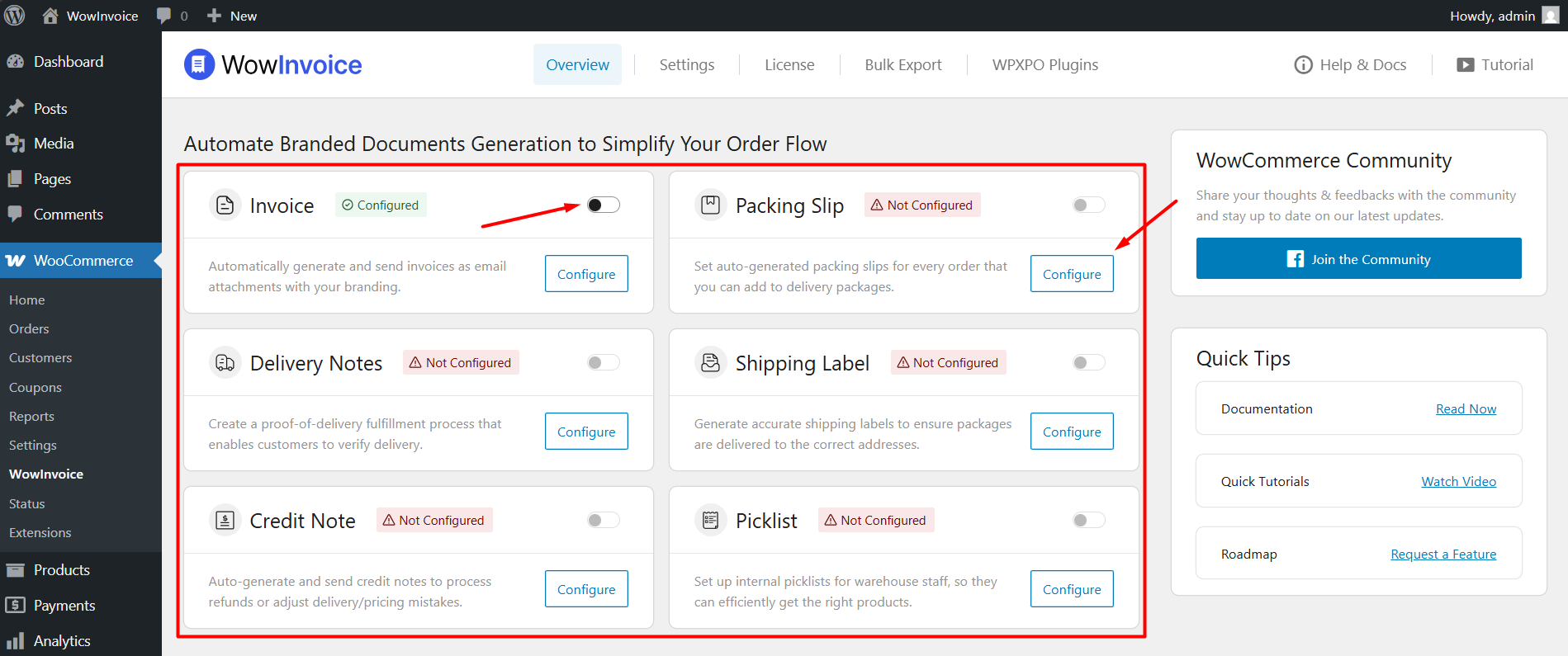
From here, you can enable, disable, and configure each document type individually.
Useful Links
On the right sidebar, you will find the WowCommerce Community link, where you can stay updated with the latest news and updates about our plugins.
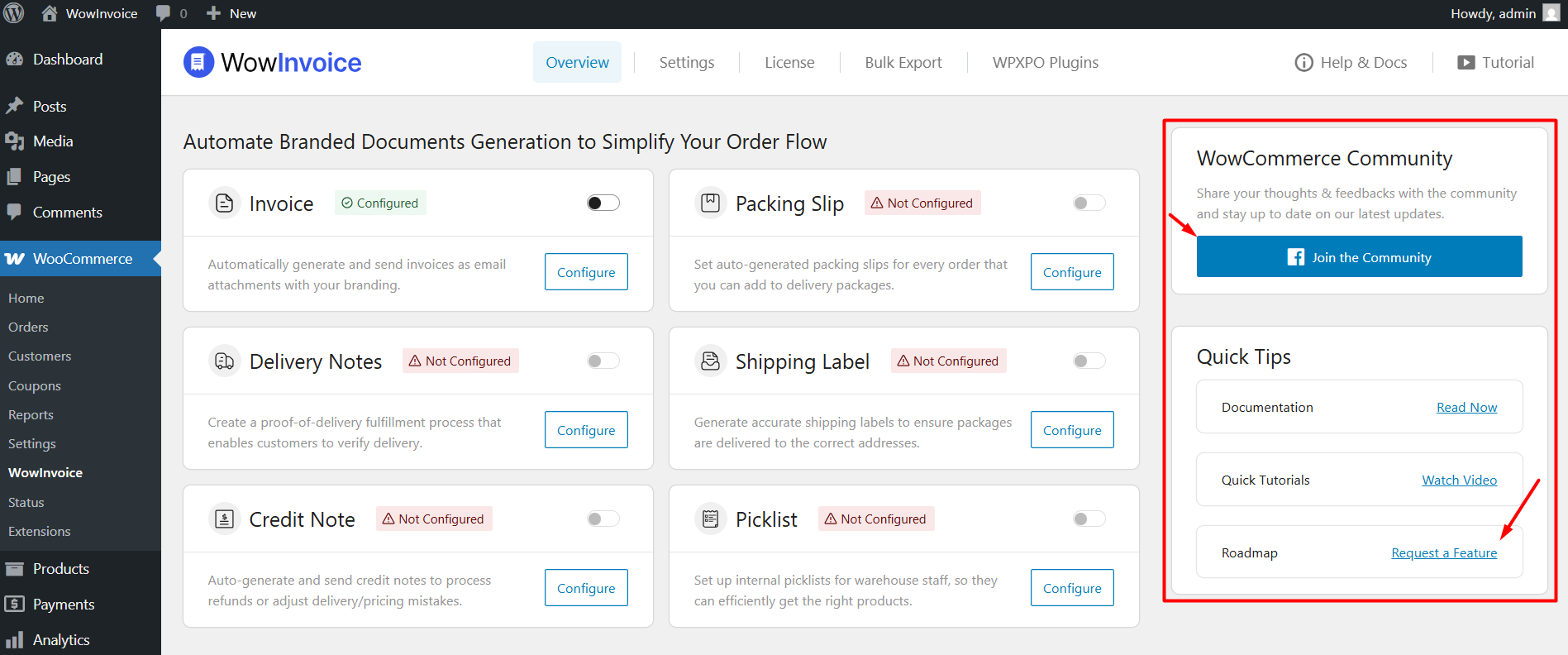
You can also access other helpful resources and useful links from this section.
Brief Analytics
At the bottom of the dashboard, you can view a quick overview of how many documents have been generated using WowInvoice.
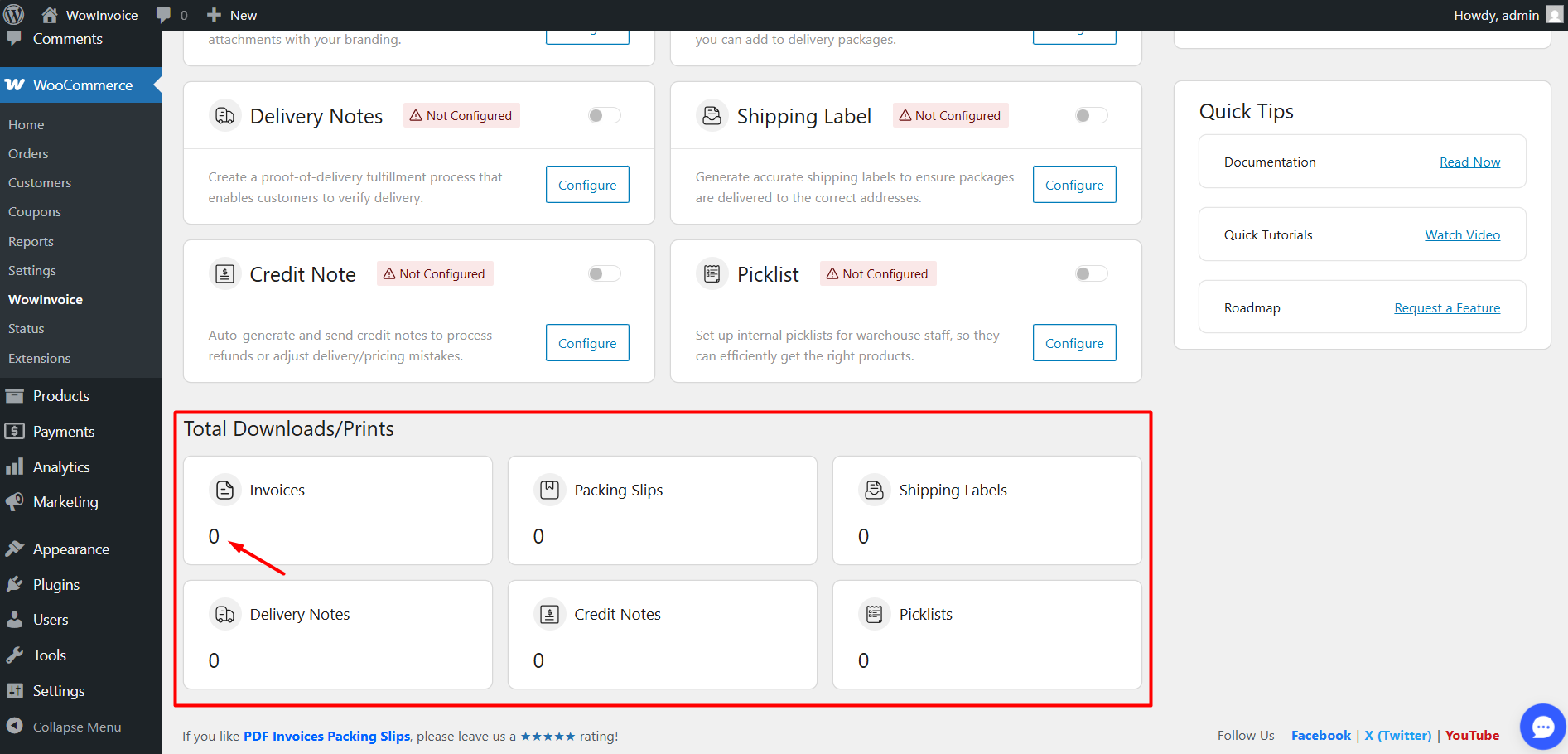
This section provides a simple summary of generated document activity across your store.

