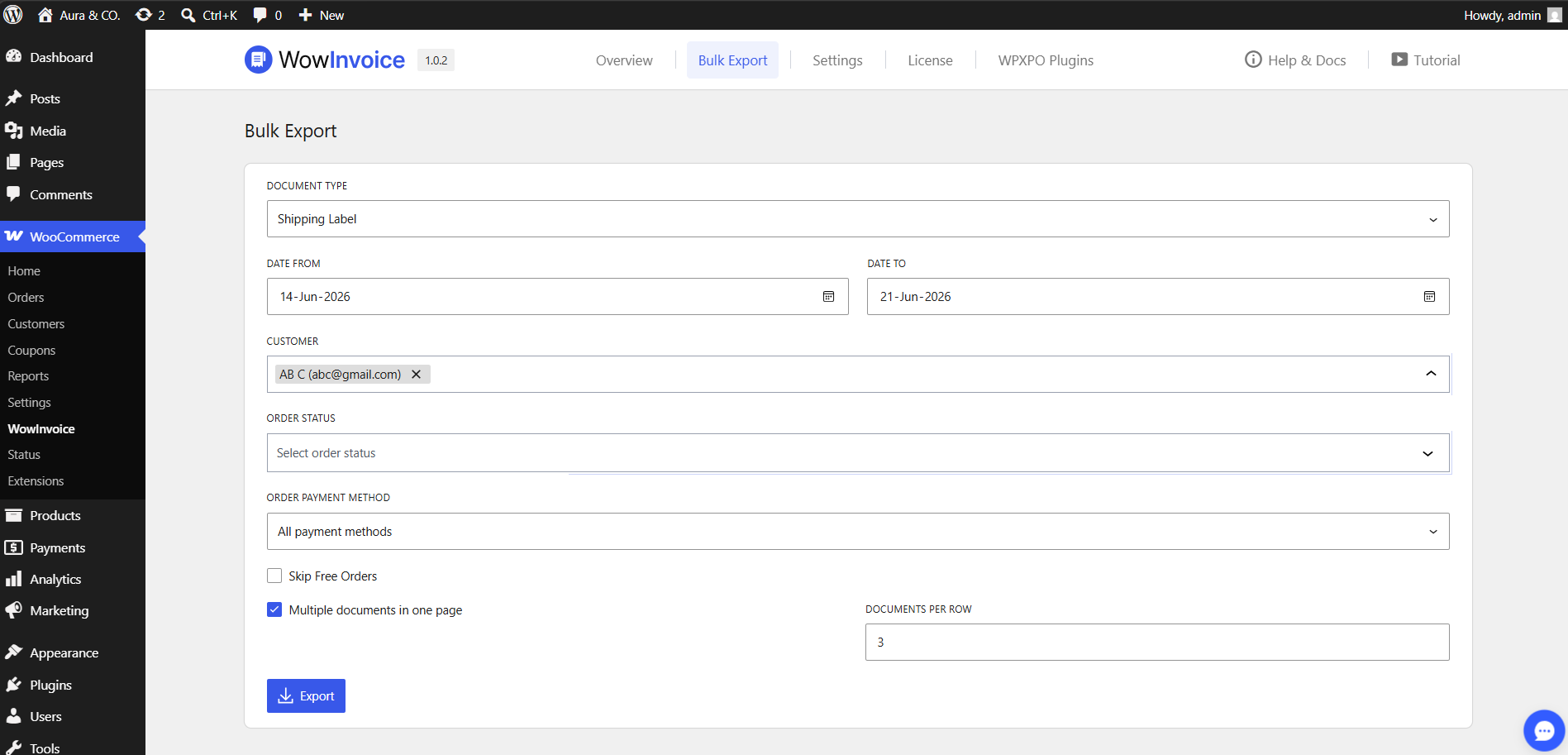
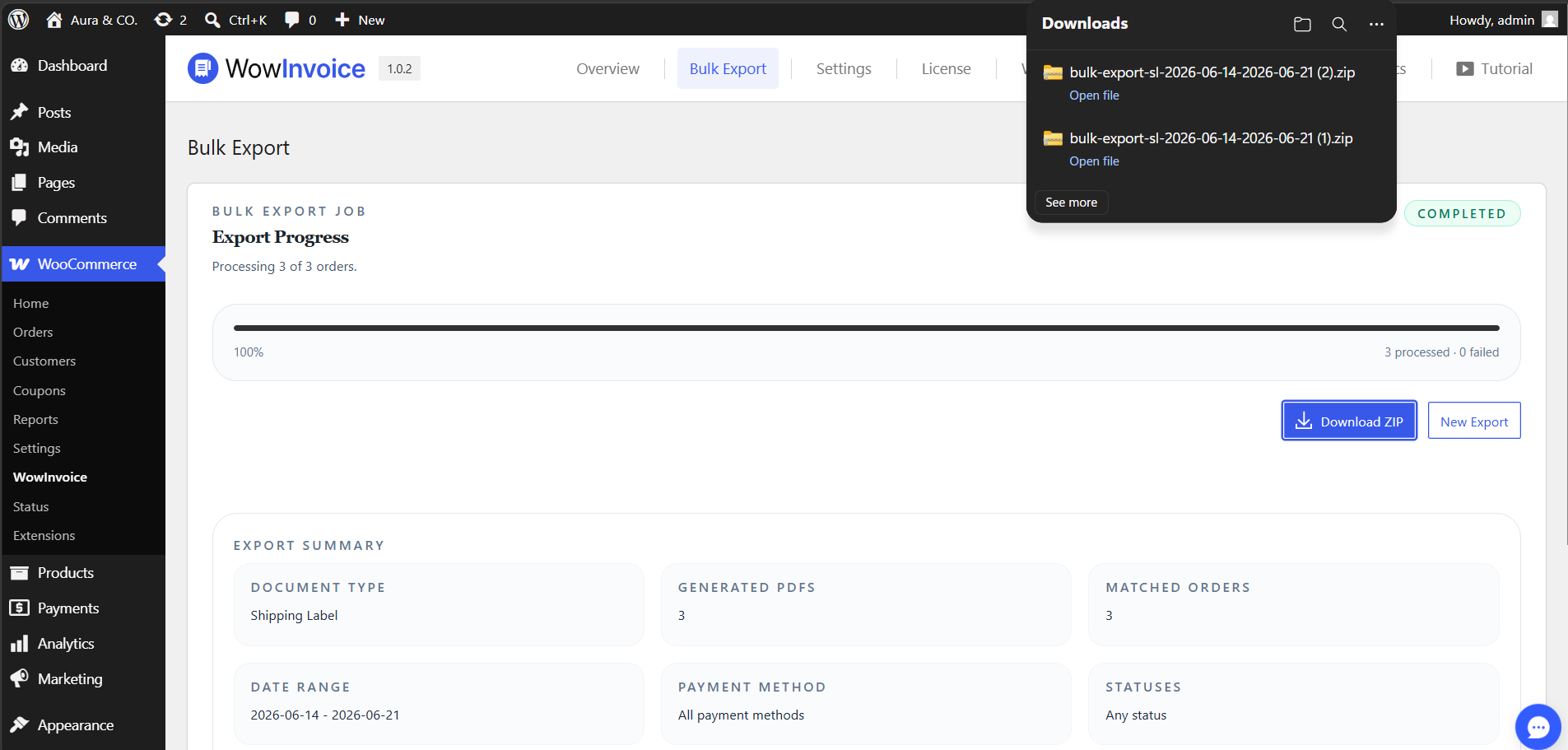
The Bulk Export tool in WowInvoice allows you to generate and download multiple PDF documents at once by filtering through your store’s orders. This is highly useful for accounting, order fulfillment, or data archiving.
Export Filters
You can filter and refine your bulk export using the following criteria:
Document Type: Select the specific document type you wish to export (Invoices, Packing Slips, Delivery Notes, Credit Notes, Shipping Label or Picklist).
Date From & Date To: Define a custom date range to export only the documents generated within that timeframe.
Customer: Filter your export by specific customers, allowing you to quickly compile selected documents belonging to a single buyer.
Order Status: Restrict the export to matching WooCommerce order statuses (Completed, Processing, On Hold etc).
Order Payment Method: Filter documents based on how the orders were paid for (default: “All payment methods”).
Advanced Export Options
Skip Free Orders: Check this box if you want to exclude zero-priced or free orders from being exported.
Multiple documents on one page: Enable this option to consolidate and fit multiple individual documents onto a single layout page.
Documents Per Row: When “Multiple documents in one page” is active, you can specify exactly how many documents should appear in a single row layout.
Once you have configured your filters and options, click the Export button to generate and download your bulk file.