

Reaching a global audience is no longer optional for WordPress websites. Whether you run a blog, business website, or online store, offering your content in multiple languages can significantly improve user experience, engagement, and search engine visibility.
This is where translation plugins play an important role.
Over the years, website translation has evolved from manual copy-paste workflows to smart, AI-powered solutions. Modern WordPress translation plugins now support automatic translation, page builders like Gutenberg and Elementor, bulk content translation, and better control over multilingual SEO.
Choosing the right plugin can save time, reduce costs, and help you manage multilingual content more efficiently.
However, not all translation plugins offer the same features or flexibility. Some focus on manual translations, while others rely on AI to translate entire websites in minutes.
In this article, we’ll explore some of the best WordPress translation plugins, compare their strengths, and help you decide which option is truly worth using for your website. 👇
Why You Need a WordPress Translation Plugin for Your Website
As businesses expand beyond local markets, language barriers have become one of the biggest obstacles to growth. Today, over 70% of internet users prefer browsing websites in their native language, and search engines actively prioritize localized content for regional search results.
This clearly shows that multilingual websites are no longer optional; they are essential for visibility, engagement, and conversions.
Manually translating and managing content across multiple languages is time-consuming and difficult to scale.

This is where WordPress translation plugins come in. Modern translation tools now use AI-powered automation, page-builder compatibility, and bulk translation features to help website owners translate content faster while maintaining accuracy and consistency.
Still wondering why you need a translation plugin for your WordPress site? Let’s explore the key benefits.
✅ You Reach a Global Audience More Effectively
Imagine running a blog, SaaS website, or online store that attracts visitors from different countries. If your content is available in only one language, a large portion of your audience may leave without engaging.
With a WordPress translation plugin, you can automatically translate your pages, posts, and categories into multiple languages. This allows visitors to access your content in their preferred language, helping you connect with a broader international audience and build trust more easily.
✅ You Improve Multilingual SEO and Organic Traffic
Search engines favor localized content. Websites with properly translated pages, language-specific URLs, and optimized metadata often perform better in regional search results.
A reliable translation plugin helps you create SEO-friendly multilingual versions of your website, making it easier for search engines to index your content across different languages. As a result, your site can rank for multiple international keywords, driving consistent organic traffic from different regions.
✅ You Save Time with Automation and Bulk Translation
Consider a website with hundreds of pages or blog posts. Translating each page manually would take weeks or even months.
Modern WordPress translation plugins offer automatic and bulk translation features, allowing you to translate large volumes of content with just a few clicks. This automation reduces repetitive work and frees up time so you can focus on content strategy, marketing, and business growth instead of manual translation tasks.
✅ You Maintain Consistency Across All Languages
Translation consistency is critical, especially for brand names, technical terms, and product descriptions. Without proper control, the same term can be translated differently across pages, creating confusion.
Advanced translation plugins include features like glossary management, which ensures that specific words or phrases are translated consistently throughout your website. This helps maintain brand clarity and delivers a more professional multilingual experience.
✅ You Enhance User Experience and Engagement
Users are more likely to stay, read, and convert when content is presented in a language they understand. A well-implemented translation plugin allows visitors to switch languages easily, navigate localized menus, and view translated media content.
By offering a smooth multilingual experience, you reduce bounce rates, increase session duration, and improve overall user engagement across different regions.
Best WordPress Translation Plugins: Quick Comparison Table
| Plugin | Price (Initial) | AI Translation Cost | Best For |
|---|---|---|---|
| Linguator | Free | Free | Modern AI Automation |
| WPML | From $99/yr | Credit-based (Paid) | Enterprise Agencies |
| Polylang | Free / $99/yr | Manual only | Simple Manual Sites |
| Weglot | Free (Limited) | Monthly Subscription | Instant Launch |
| TranslatePress | Free / $99/yr | API Key required | Visual Frontend Editing |
| GTranslate | Free / $10/mo | Credit-based | Instant Widget Only |
1. Linguator – Multilingual AI Translator
Linguator is a WordPress translation plugin built to help website owners manage multilingual content more efficiently using AI-powered automation.
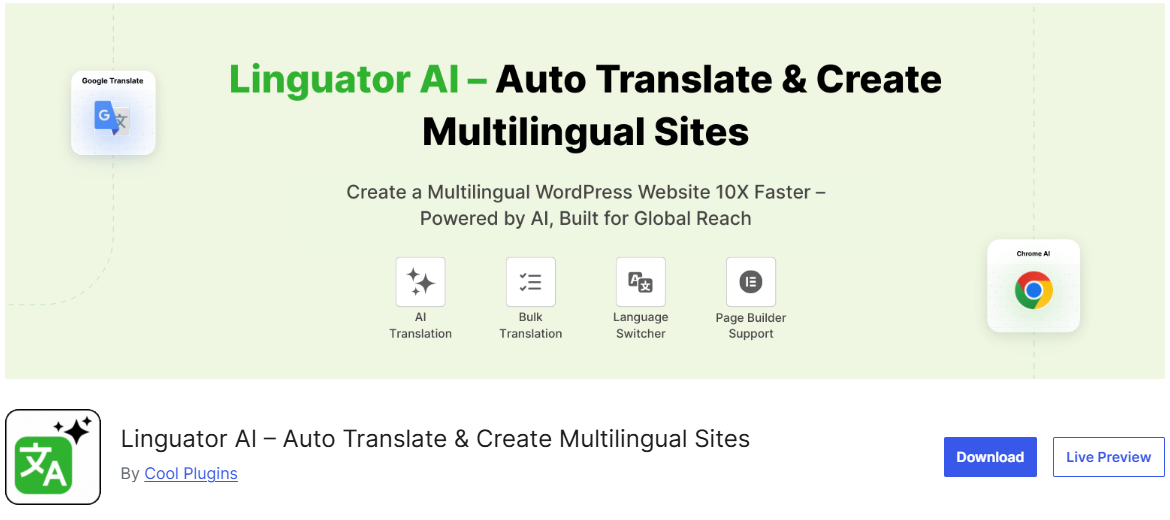
As websites grow and reach international audiences, translating pages, posts, and navigation elements manually can become difficult to maintain at scale.
With Linguator, you can translate content either manually or automatically, depending on your workflow. The plugin supports popular WordPress editors like Gutenberg and Elementor, making it suitable for most modern websites.
It also allows bulk translation of pages, posts, and taxonomies, which helps reduce repetitive work. By combining automation with manual editing options, Linguator makes it easier to create and maintain multilingual WordPress websites without adding unnecessary complexity.
Key Features:
- AI-Powered Automatic Translation: Translate pages, posts, and taxonomies using Google Translate or Chrome’s built-in AI.
- Manual Translation Control: Edit translations manually to improve accuracy and adjust language tone.
- Bulk Translation Support: Translate multiple pages, posts, categories, and custom post types at once.
- Gutenberg & Elementor Compatibility: Works seamlessly with popular WordPress page builders.
- Glossary for Translation Consistency: Ensure consistent translations for brand names and important terms.
- Menu & Media Translation: Translate navigation menus, image titles, alt text, captions, and descriptions.
- Language Switcher: Add a user-friendly language switcher with flags or language names.
- Migration from Polylang & WPML: Transfer existing multilingual content without data loss.
2. WPML
WPML is one of the best WordPress translation plugins, widely used by businesses and large websites that require detailed control over multilingual content.
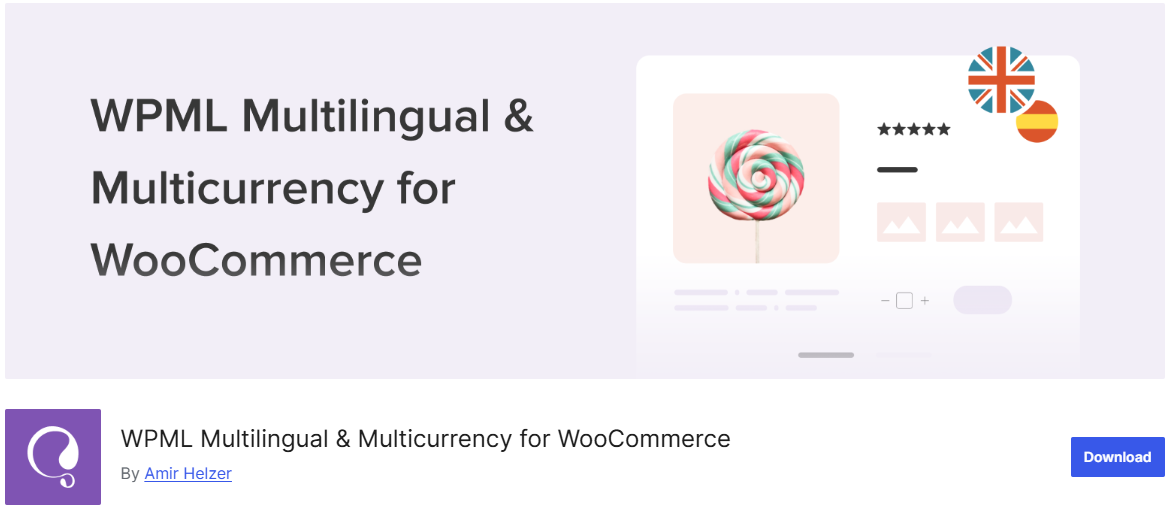
It follows a structured, manual-first approach, allowing site owners to manage translations for pages, posts, custom post types, menus, and taxonomies with precision.
The plugin works well with Gutenberg, Elementor, and the Classic Editor, and supports multilingual SEO through language-specific URLs. While WPML offers integrations with external translation services, setting up automated workflows often requires additional configuration.
Overall, WPML is a strong option for users who prefer full control over translations and are comfortable working with a more advanced setup.
Key Features:
- Manual translation management for content and taxonomies
- Compatible with Gutenberg, Elementor, and Classic Editor
- SEO-friendly language URLs
- Media and menu translation support
- Integration with professional translation services
3. Weglot
Weglot is a cloud-based WordPress translation solution that focuses on speed and ease of use.
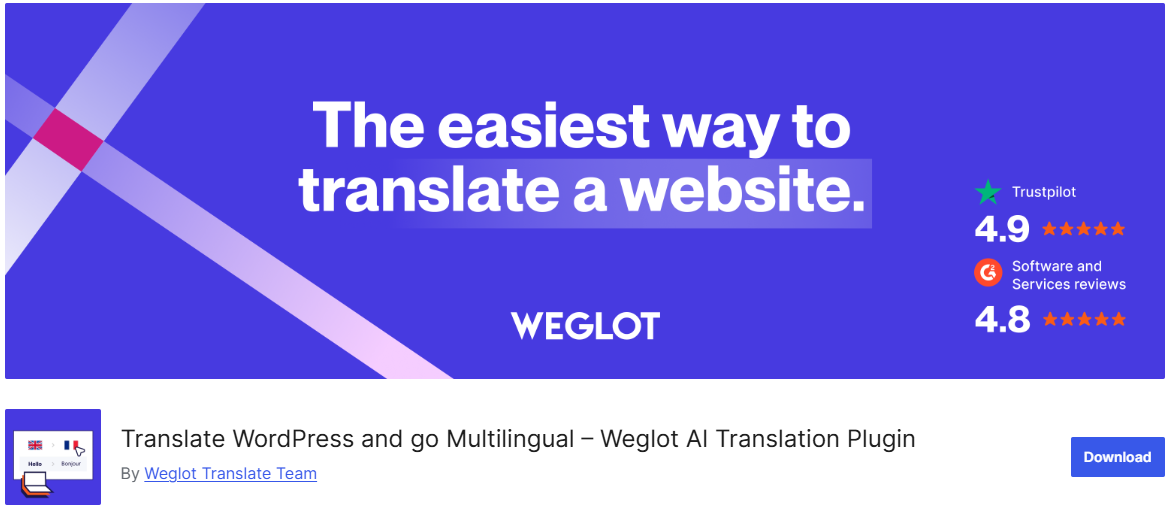
It automatically translates your website into multiple languages and allows you to manage translations from an external dashboard. Because it works independently of the WordPress editor, Weglot is compatible with all themes and page builders.
While Weglot provides fast automatic translations and SEO-friendly language URLs, it operates on a subscription-based pricing model.
This makes it convenient for quick setups but potentially costly as website traffic or language count increases. Weglot is often chosen by businesses that prioritize simplicity and fast multilingual deployment.
Key Features:
- Automatic AI-powered translation
- Works with all WordPress editors and themes
- SEO-friendly multilingual URLs
- External translation management dashboard
- Fast setup with minimal configuration
Read More: Best Product Bundles Plugins in 2026
4. Polylang
Polylang is a popular WordPress translation plugin known for its lightweight approach and strong manual translation capabilities.
It allows website owners to translate posts, pages, categories, tags, and menus while maintaining SEO-friendly language URLs. For many years, Polylang has been a preferred choice for blogs and content-focused websites that want full control over translations.
However, manual translation can become time-consuming as content volume grows. To address this, users can extend Polylang’s functionality with Autopoly, which adds automatic translation support using AI.
This combination makes Polylang more scalable for multilingual websites that want both flexibility and automation without switching plugins.
Key Features:
- Manual translation for posts, pages, and taxonomies
- SEO-friendly language URLs
- Gutenberg-compatible and theme-friendly
- Extendable with Autopoly for automatic translation
- Menu and media translation support
5. TranslatePress
TranslatePress offers a visual approach to translating WordPress websites, allowing users to edit translations directly from the front end.
This real-time editing experience makes it easy to translate pages, interface elements, and dynamic content while seeing changes instantly. The plugin works smoothly with Gutenberg and Elementor, making it accessible to both beginners and advanced users.
While TranslatePress supports manual translations out of the box, larger websites often require faster workflows. By using an AI Translation for TranslatePress, site owners can translate entire pages or sections automatically using AI-powered services, then fine-tune the results visually.
This hybrid approach combines the speed of automation with the accuracy of manual review, making TranslatePress a practical choice for growing multilingual websites.
Key Features:
- Frontend visual translation editor
- Manual translation with real-time preview
- Automatic translation support via add-ons
- Compatible with Gutenberg and Elementor
6. GTranslate
GTranslate is a WordPress translation plugin that relies primarily on Google’s automatic translation technology.
It allows website owners to quickly translate their entire site into multiple languages with minimal setup. Because translations are generated automatically, it requires little manual effort.
The plugin supports SEO-friendly URLs in its paid plans and works with all WordPress themes and editors. However, customization and translation control are limited compared to manual or hybrid translation plugins.
GTranslate is best suited for websites that need instant multilingual support without ongoing content management.
Key Features:
- Automatic translation using Google AI
- Works with all WordPress editors
- Quick setup and minimal configuration
- SEO-friendly URLs in paid versions
- Suitable for fast, automated multilingual sites
Frequently Asked Questions
Why should I use a WordPress translation plugin?
A WordPress translation plugin helps you create and manage multilingual content efficiently. It allows you to translate pages, posts, menus, and other site elements so international visitors can access your content in their preferred language, improving user experience and global reach.
Are AI-powered translation plugins accurate for WordPress websites?
AI-powered translation plugins have improved significantly and provide fast, reliable translations for most website content. Many tools also allow manual editing, which helps refine translations and maintain brand tone where accuracy matters most.
What is the difference between manual and automatic translation?
Manual translation gives you full control over language quality but requires more time and effort. Automatic translation uses AI to translate content instantly, making it ideal for large websites or frequent updates. Many modern plugins support a combination of both approaches.
Does multilingual content help with SEO?
Yes. Multilingual websites can improve SEO by targeting keywords in multiple languages, increasing visibility in regional search results. Translation plugins that support SEO-friendly URLs, hreflang tags, and metadata translations are especially beneficial.
Is Linguator suitable for large WordPress websites?
Linguator is designed to handle both small and large websites by supporting bulk translation, AI-powered automation, and manual editing. This makes it easier to manage multilingual content even as your site grows.
Is it possible to migrate content from other translation plugins?
Some translation plugins, including Linguator, offer migration support to help transfer multilingual content from tools like WPML or Polylang without data loss.
Final Thoughts
Choosing a WordPress translation plugin depends on how you manage content and scale your website. Some websites need full manual control, while others benefit from automation to handle frequent updates and larger content volumes.
Modern tools now support page builders, bulk workflows, and SEO-friendly multilingual structures. Solutions like Linguator highlight how AI-powered translation, combined with manual refinement, can simplify multilingual site management.
Ultimately, selecting the right approach can improve user experience and support global growth without unnecessary complexity.
For more helpful tips, stay connected with our LinkedIn Newsletter.


