WooCommerce Product Comparison
Enhance your store with the WooCommerce Product Comparison addon, allowing customers to compare multiple products side by side for better purchasing decisions.
 4.9/5 based on 440+ reviews on
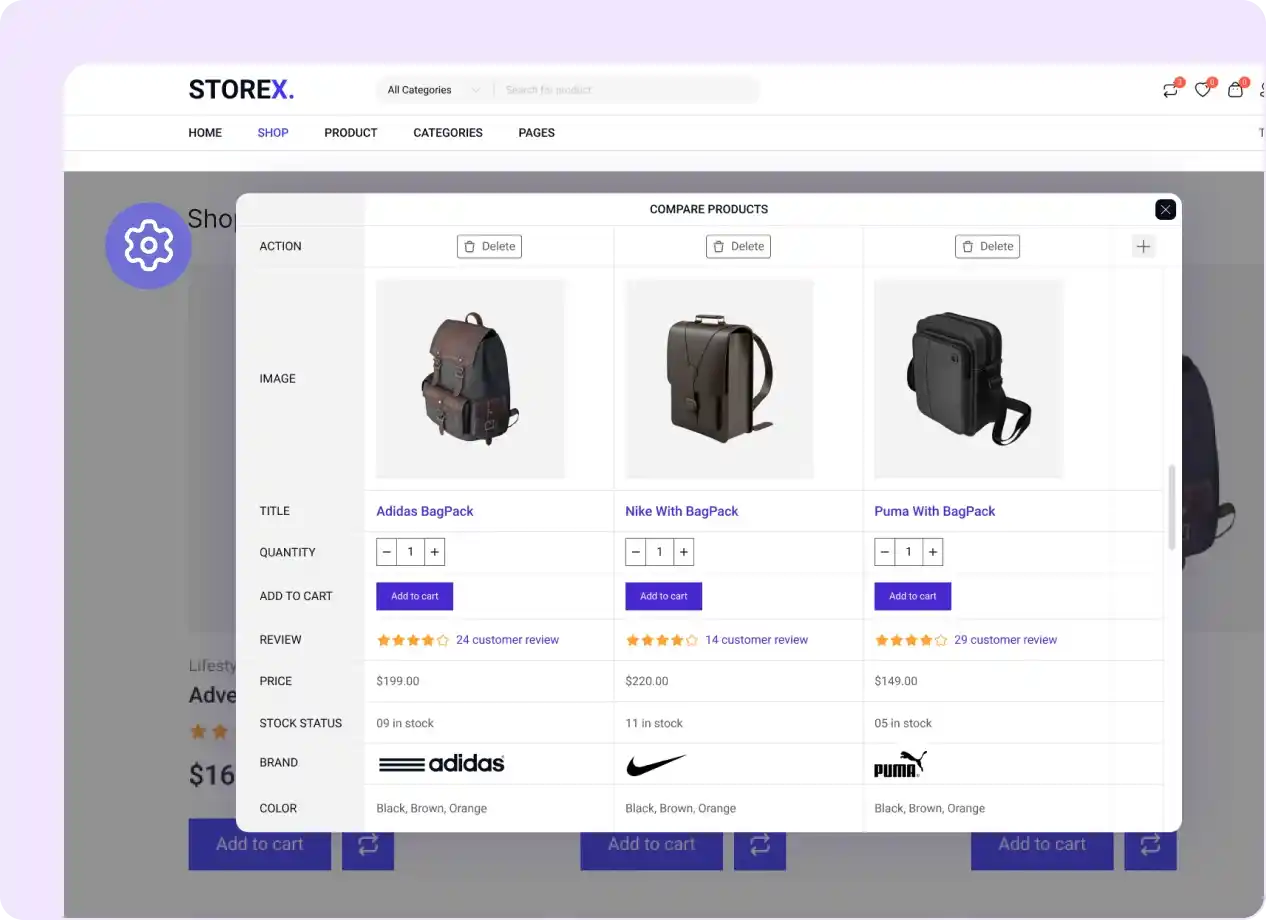
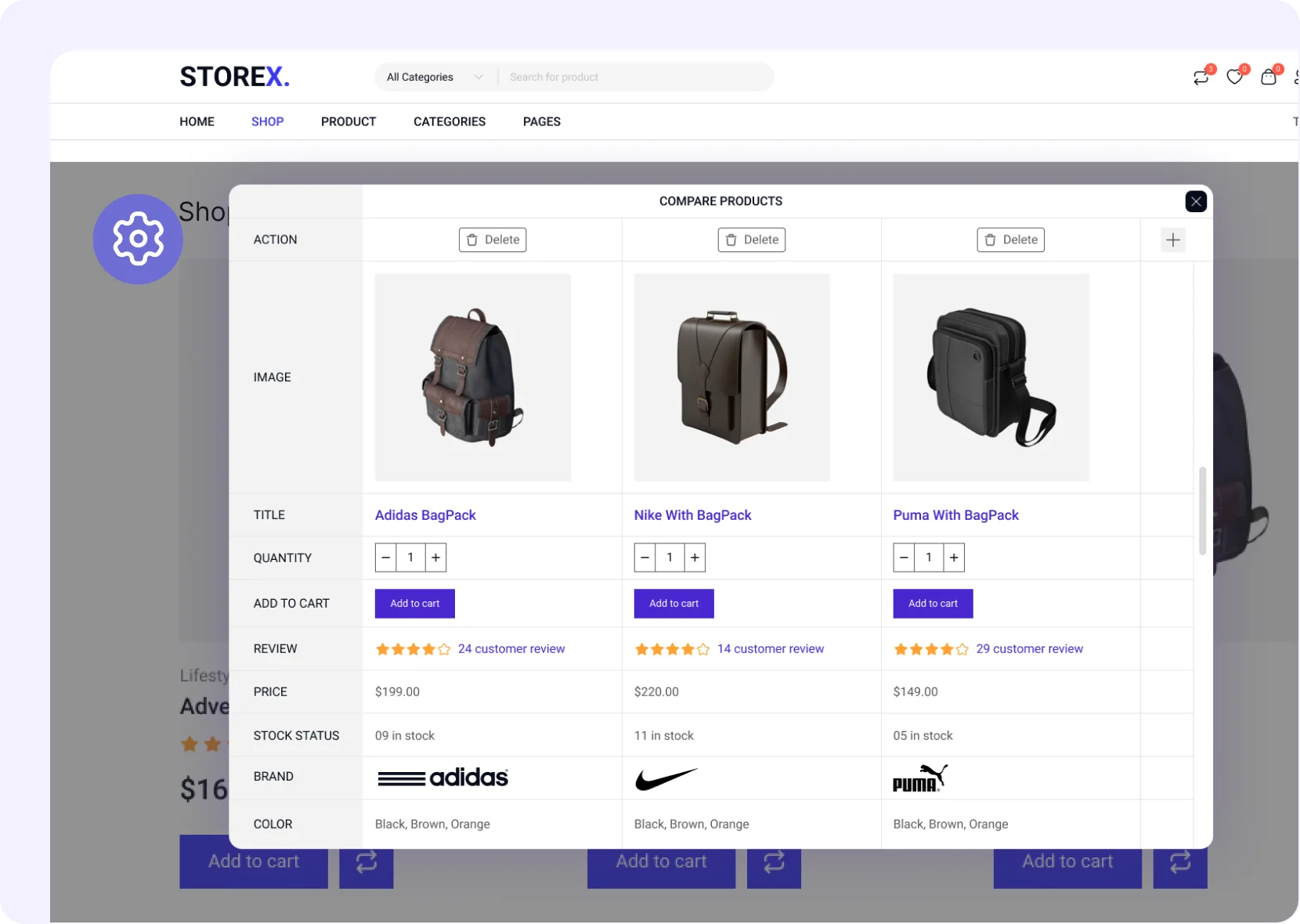
Choose from 4 Product Comparison Display Options
Pop Up
Display product comparisons in a pop-up window for quick and easy side-by-side viewing.

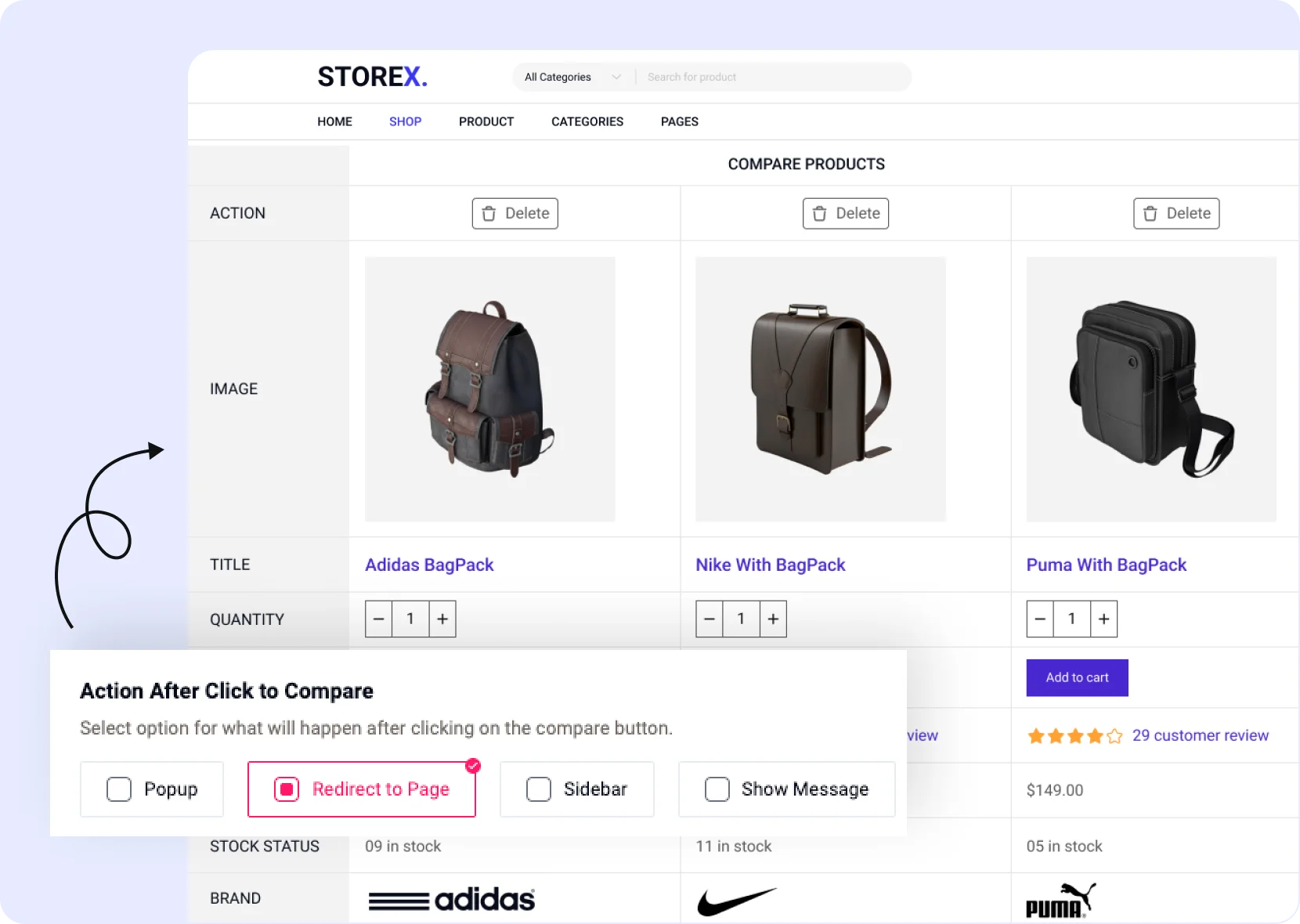
Redirect to Compare Page
Redirect customers to a dedicated comparison page for detailed product analysis.
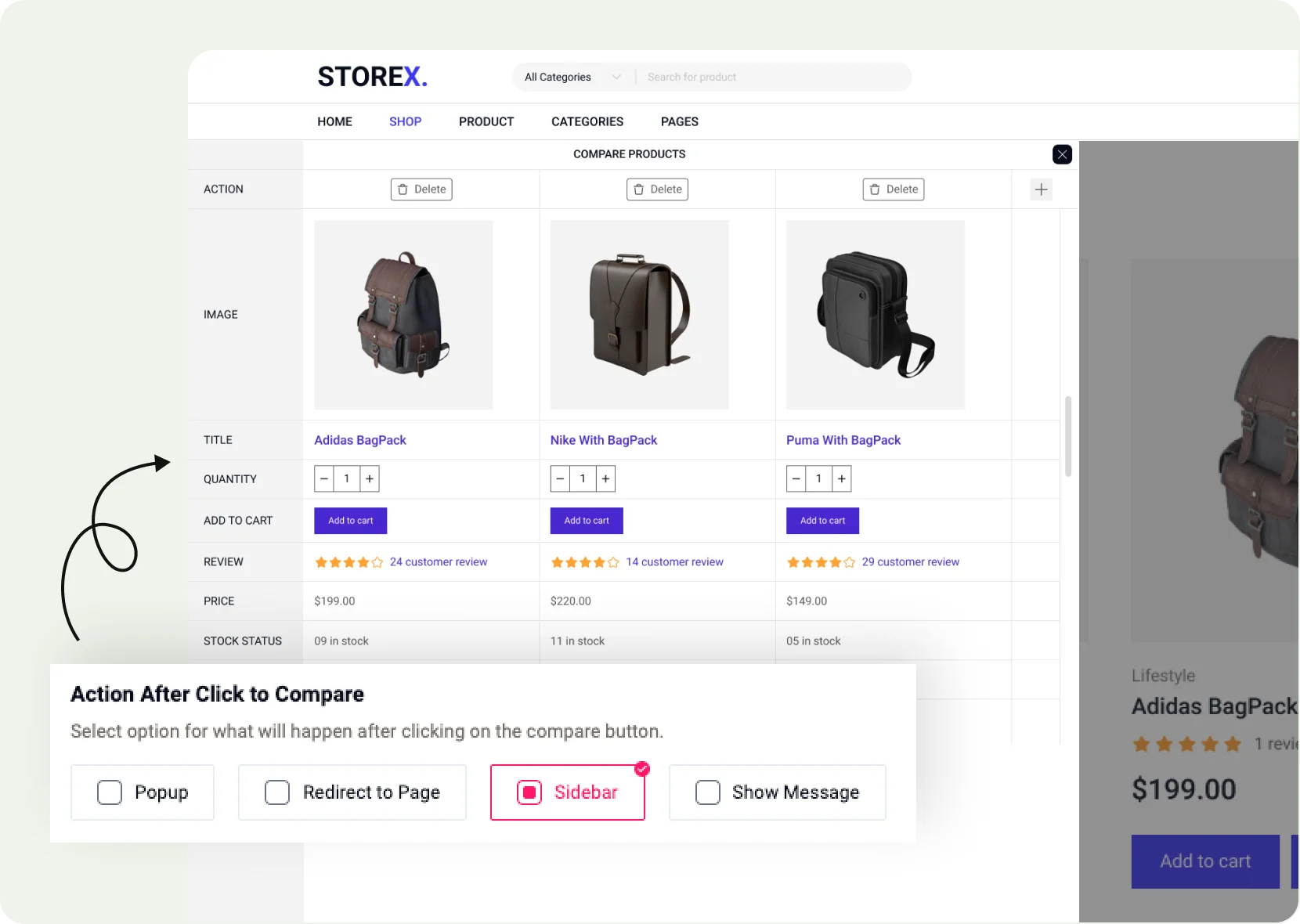
Display on sidebar
Show product comparison options directly on the sidebar for easy access.
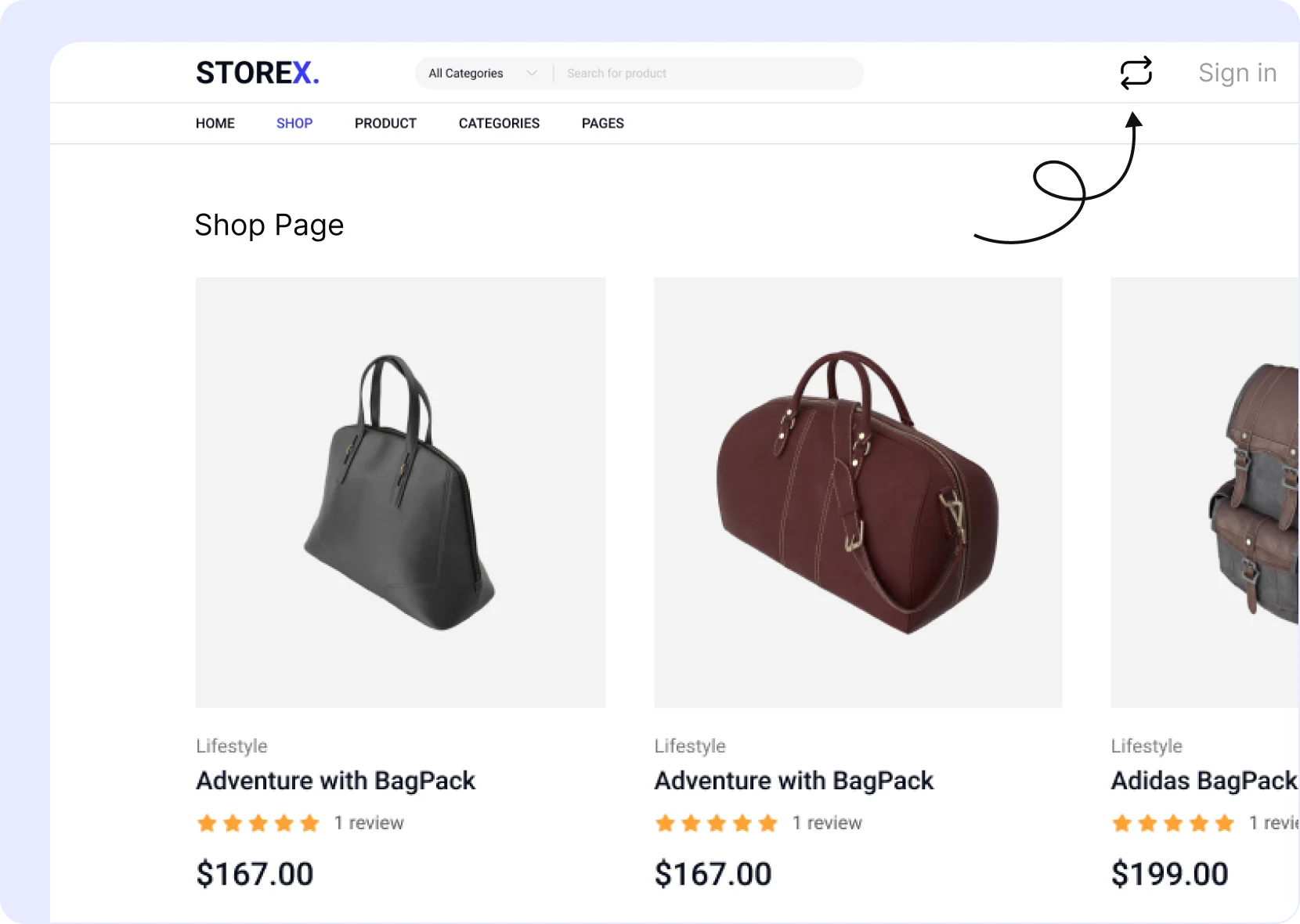
Compare Icon on Navbar
Add a compare icon on the navbar to compare products easily.
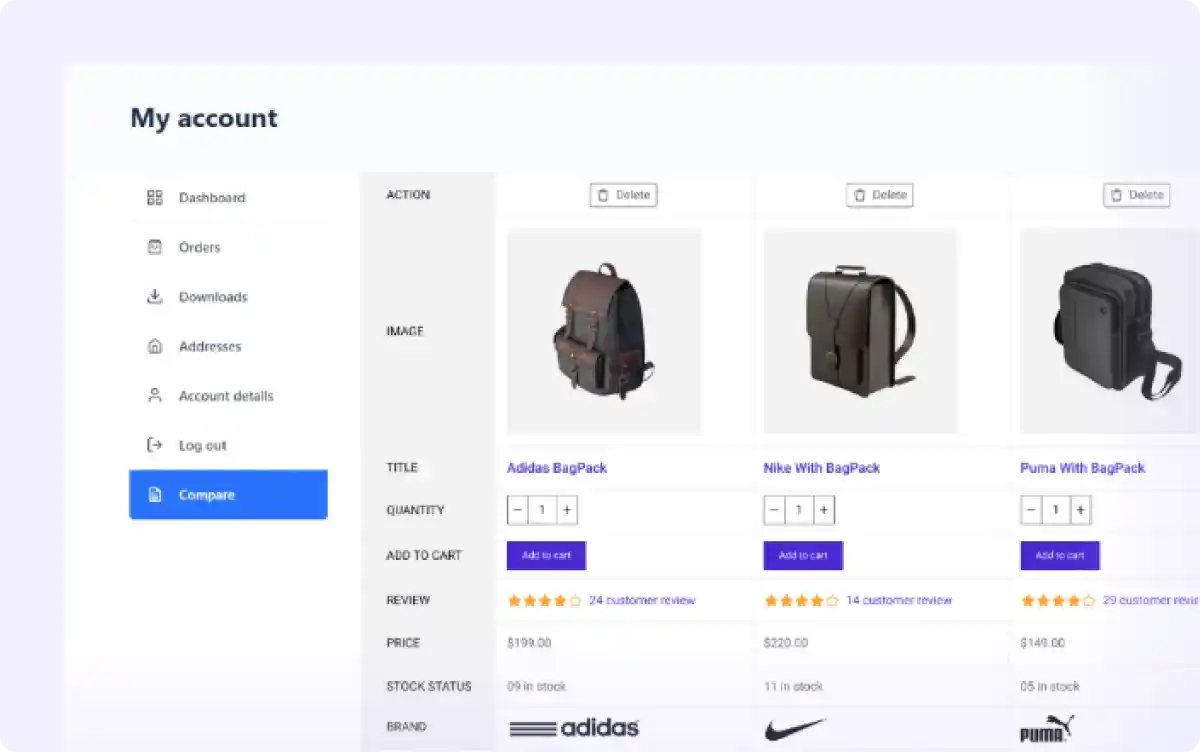
Display ‘Product Compare’ on ‘My Account’ Page
Allow customers to easily access and compare saved products directly from their account on your WooCommerce store. This helps with faster decision-making.
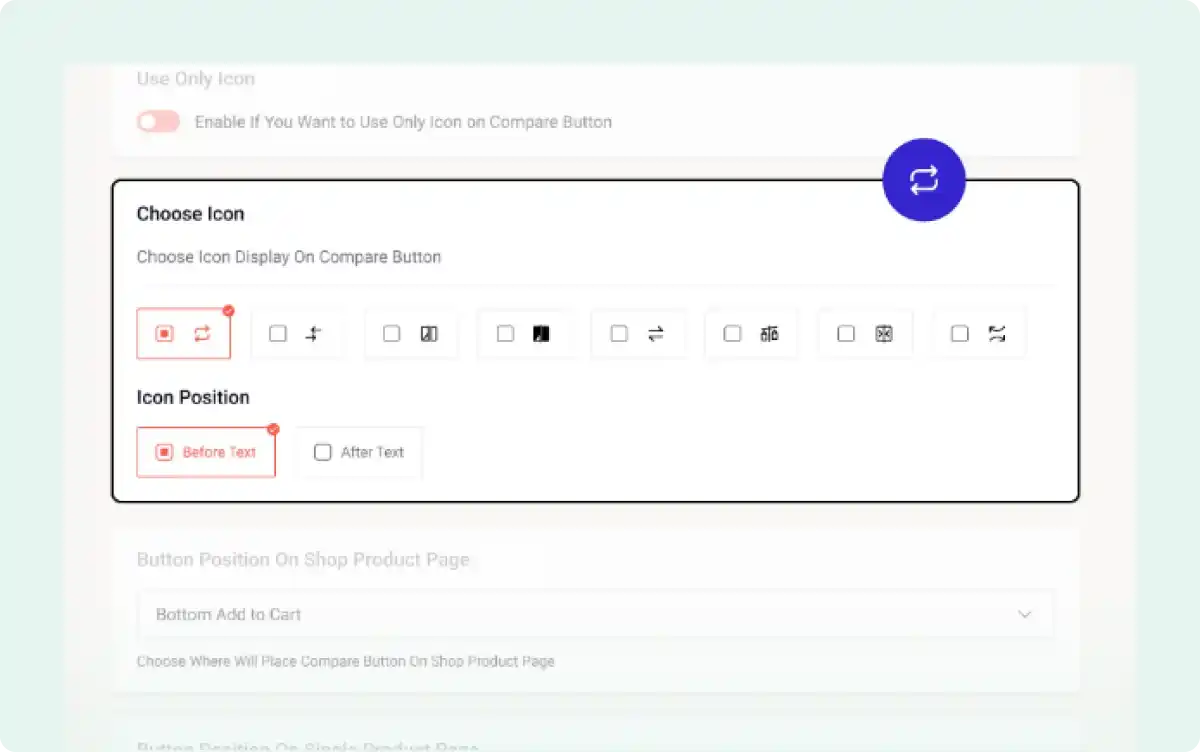
Compare Icons for Better Functionality
Choose from a variety of visually appealing icons to enhance the product comparison experience, making it easier for customers to identify the function.
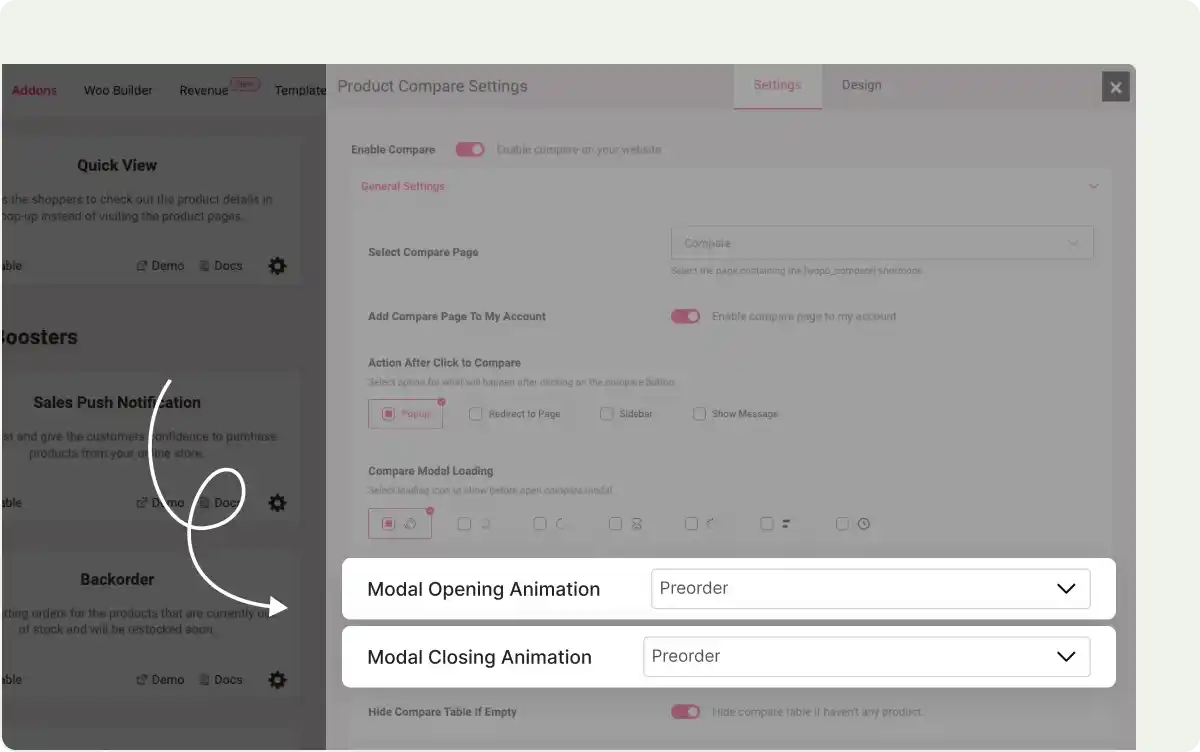
Opening and Closing Animations
Improve user experience with seamless opening and closing animations for WooCommerce product compare tables and pop-ups. Create an engaging experience for users.
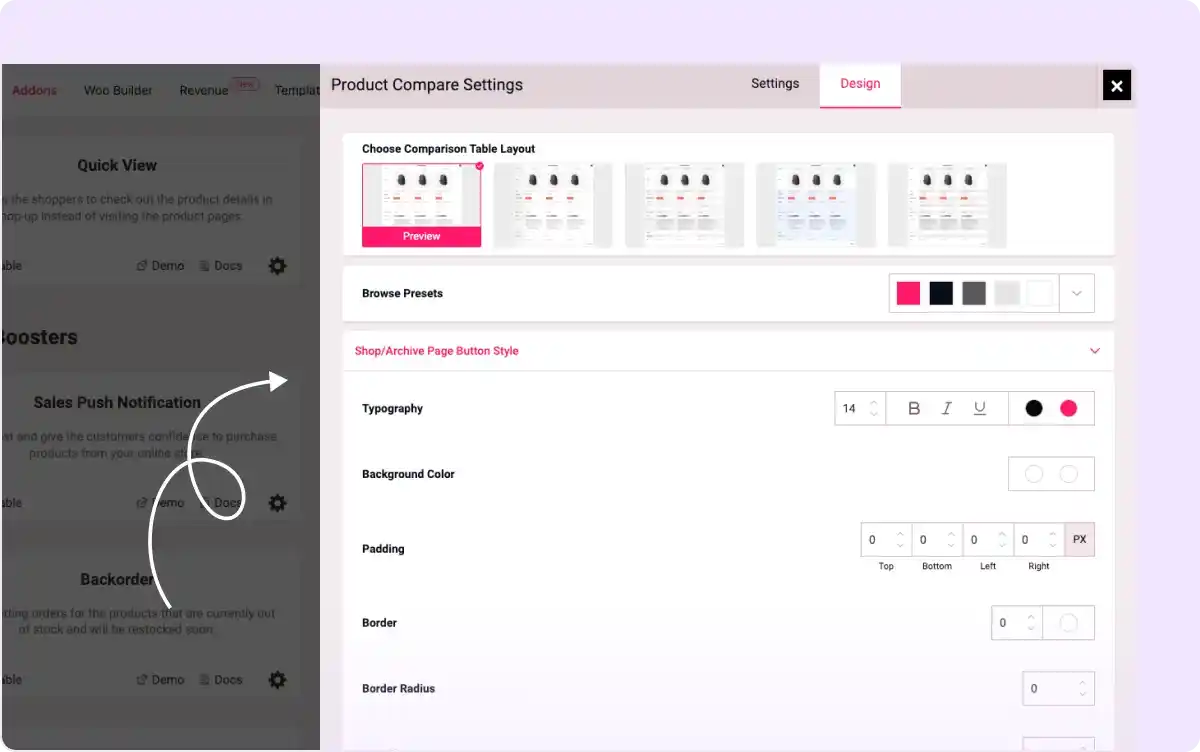
Seamless Customization
Customize product comparison tables and pop-ups for WooCommerce to match your store’s branding and design for a seamless user experience in-store.
All-In-One WooCommerce Page Builder for Gutenberg to Scale Your Business

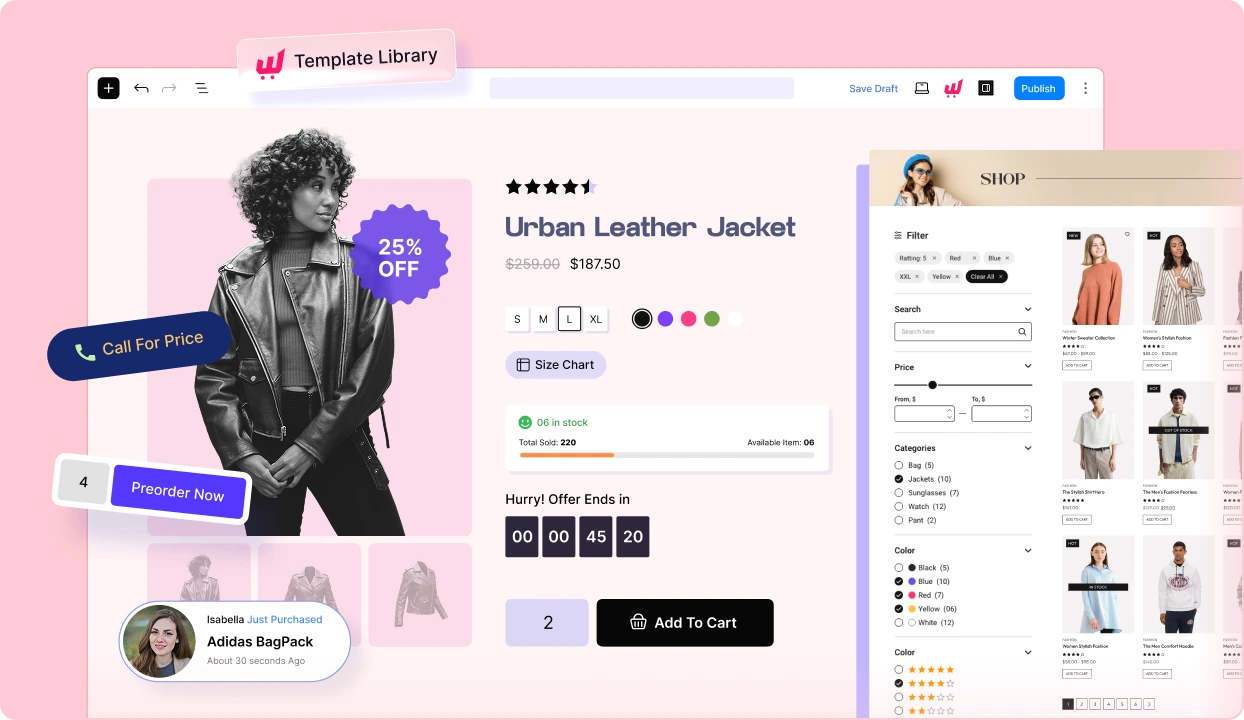
Get started with the most feature-packed WooCommerce Page builder to create, manage, and increase sales of your online store.
Frequently Asked Questions
Explore these frequently asked questions about the Product Compare that you might be curious about. So, you can make a quick decision about whether you want to buy it.
Feel free to contact our support team in case you have more questions.
Build & Manage Your Stores with Our WooCommerce Builder