Live Sales Notification for WooCommerce
Boost customer trust and conversions by displaying live sales notifications, showcasing recent purchases to visitors on your WooCommerce store
 150+ reviews on
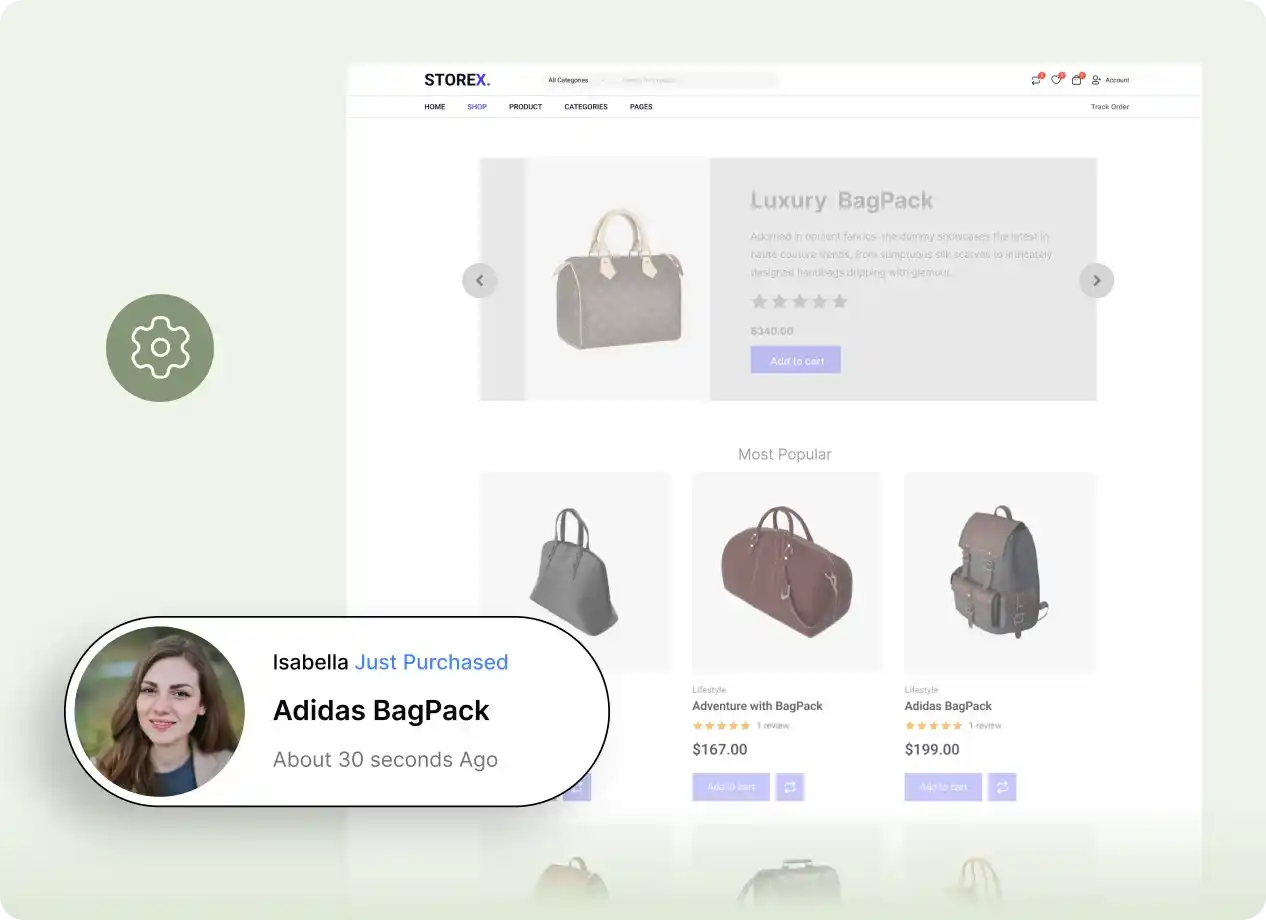
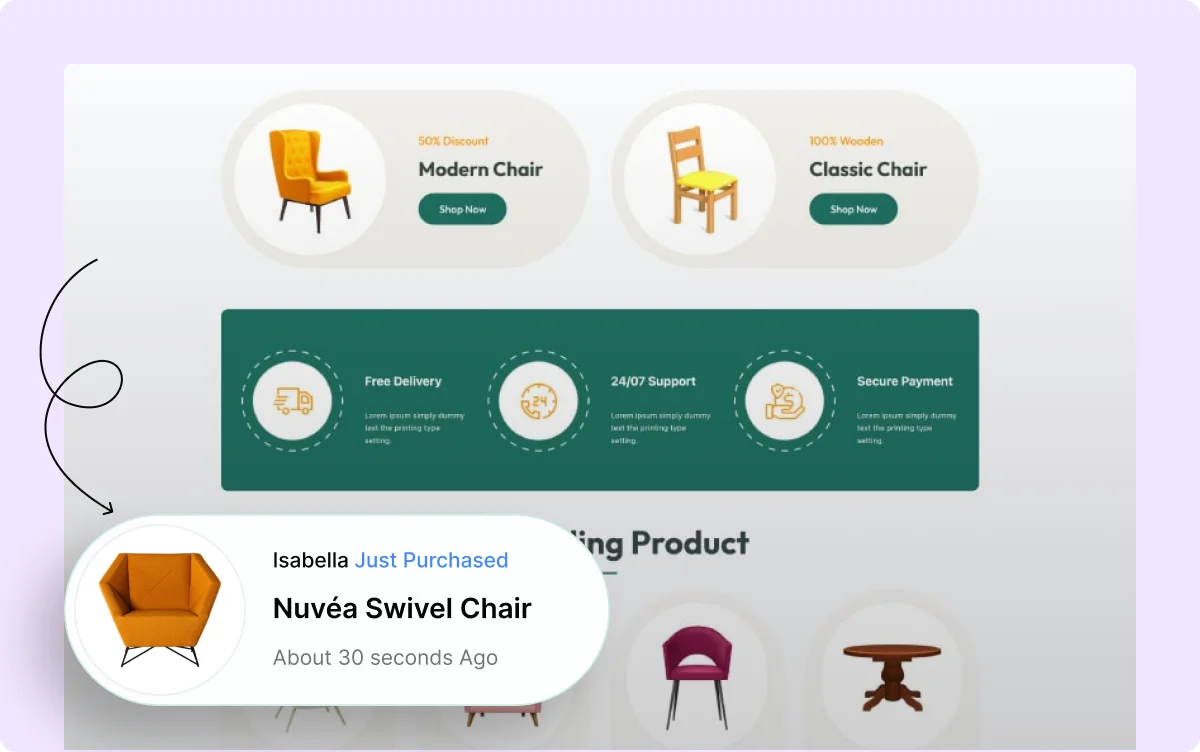
Display Live Sales Notifications
Show live sales notifications to customers, highlighting recent purchases in real-time to increase trust and encourage further shopping.
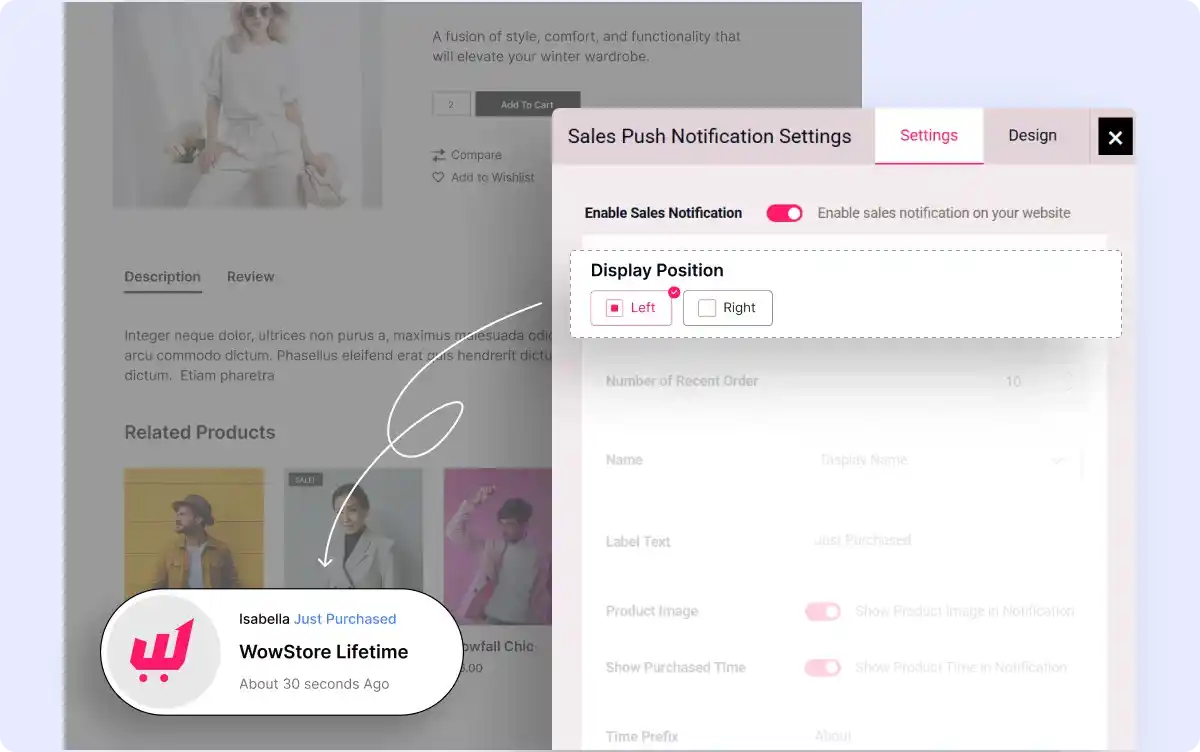
Control Notification Placement
Decide where your sales notifications appear on the screen, ensuring they are visible and strategically placed to capture customer attention.
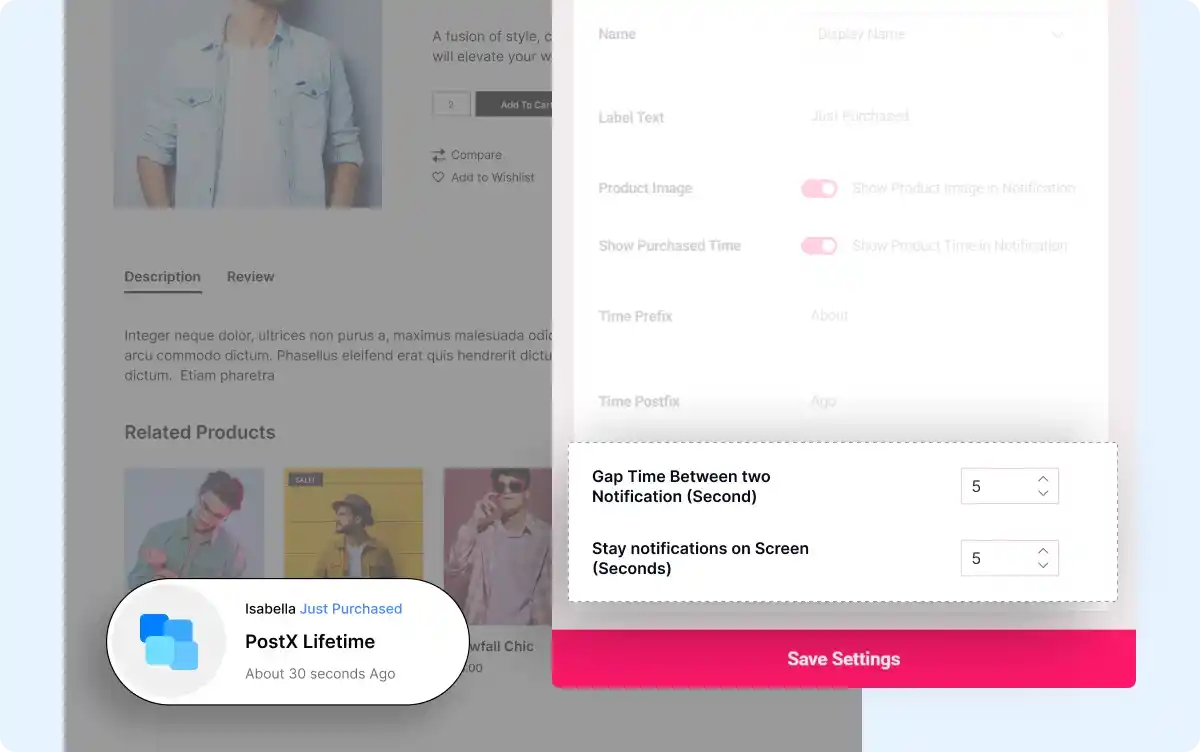
Set Interval Timing
Set the interval time between two notifications and determine how long each notification stays visible to maintain user engagement.
Personalize Your Sales Notifications
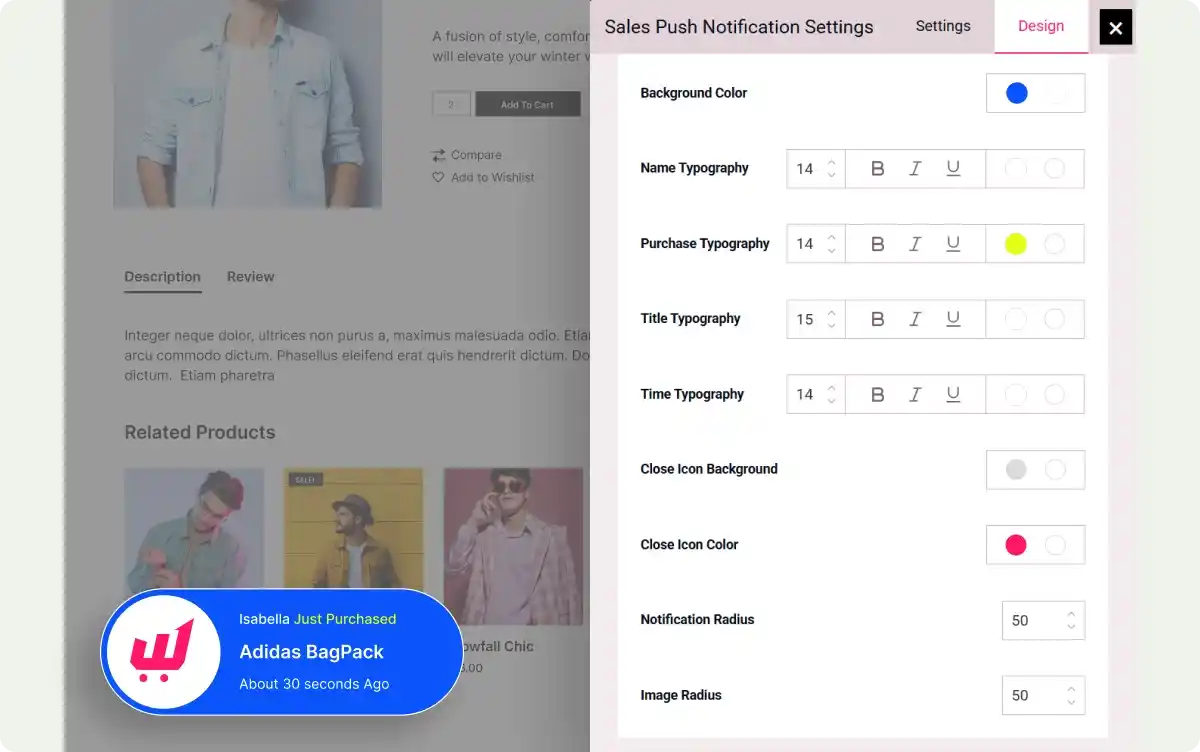
Tailor the text and display name for the notification. Customize its appearance by adjusting background color, label color, time color, and other design elements to match your brand.
All-In-One WooCommerce Store Builder to Scale Your Business

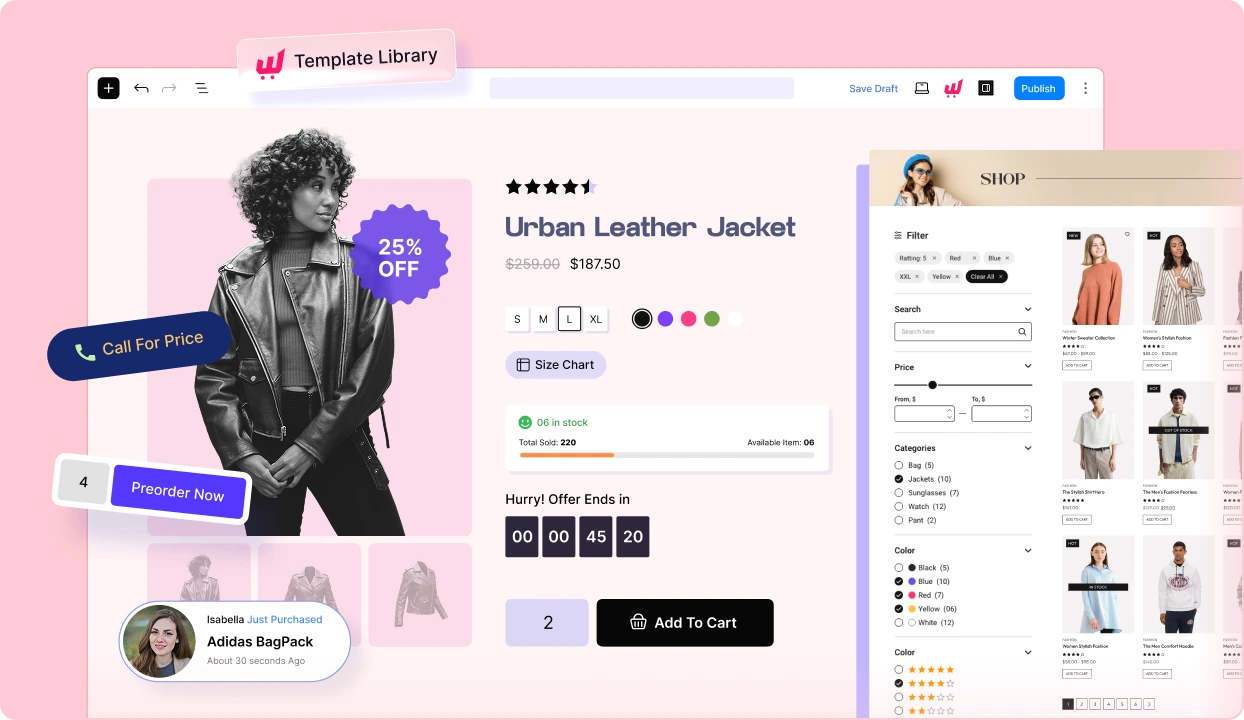
Get started with the most feature-packed WooCommerce Page builder to create, manage, and increase sales of your online store.
Frequently Asked Questions
Explore these frequently asked questions about Sales Notification that you might be curious about. So, you can make a quick decision about whether you want to buy it.
Feel free to contact our support team in case you have more questions.
Build & Manage Your Stores with Our WooCommerce Builder