Cart Reserved Timer for WooCommerce
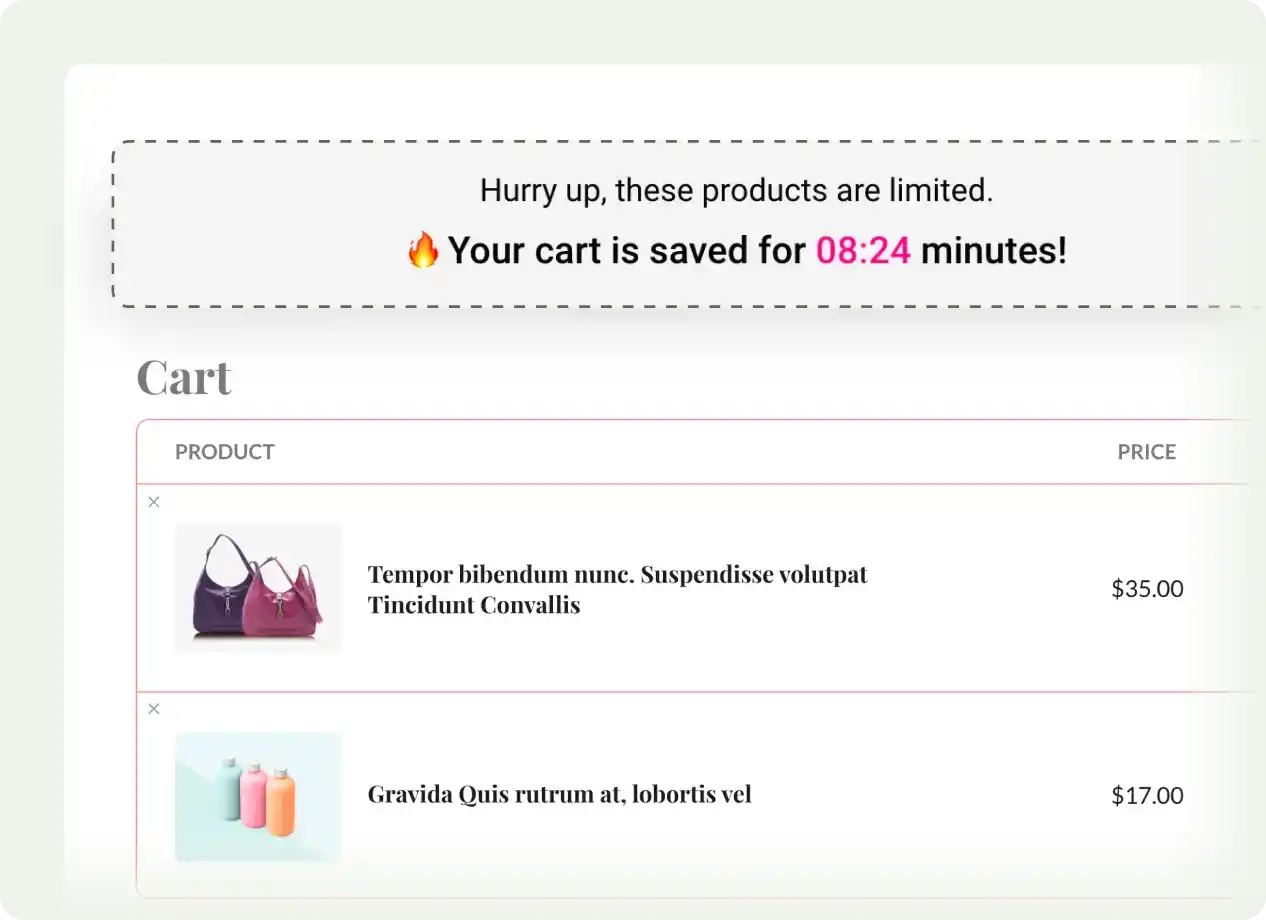
Create urgency and reduce cart abandonment by showing a countdown timer for the cart items, motivating customers to complete their purchases faster.
 4.9/5 based on 400+ reviews on
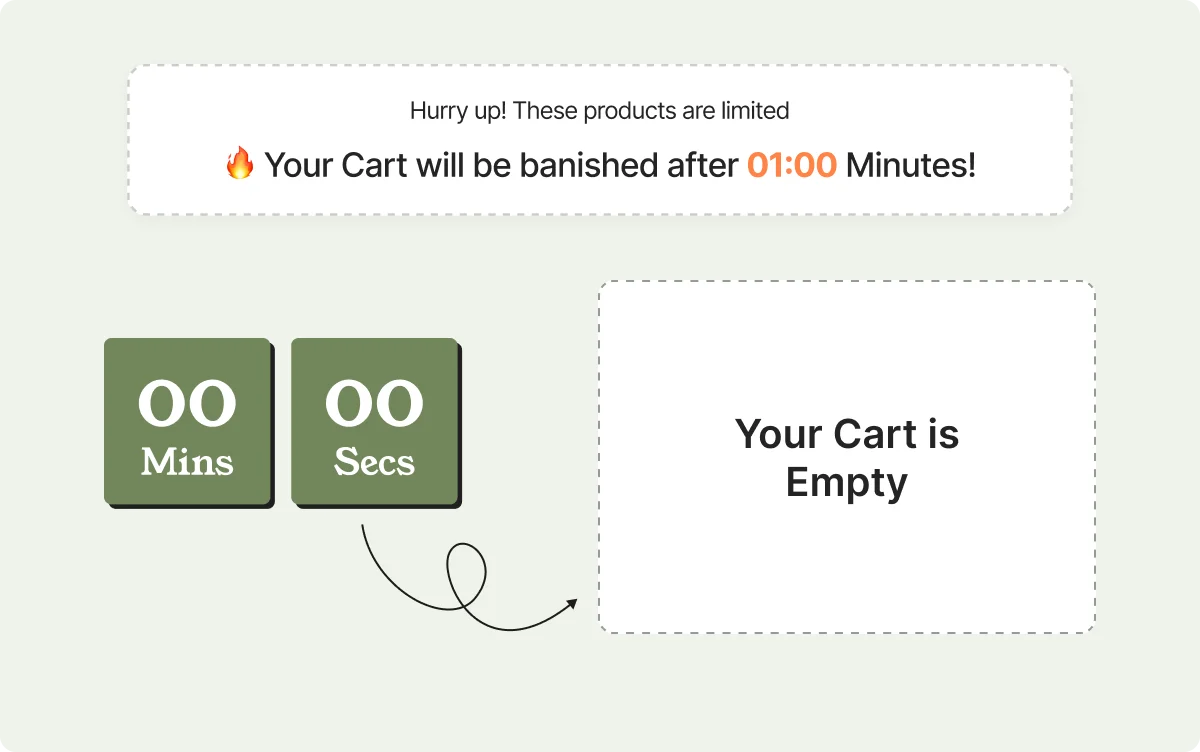
Automatically Clear Cart After Timer Expires
Ensure products are released back to stock when the reservation timer runs out, keeping inventory accurate and encouraging timely purchases.
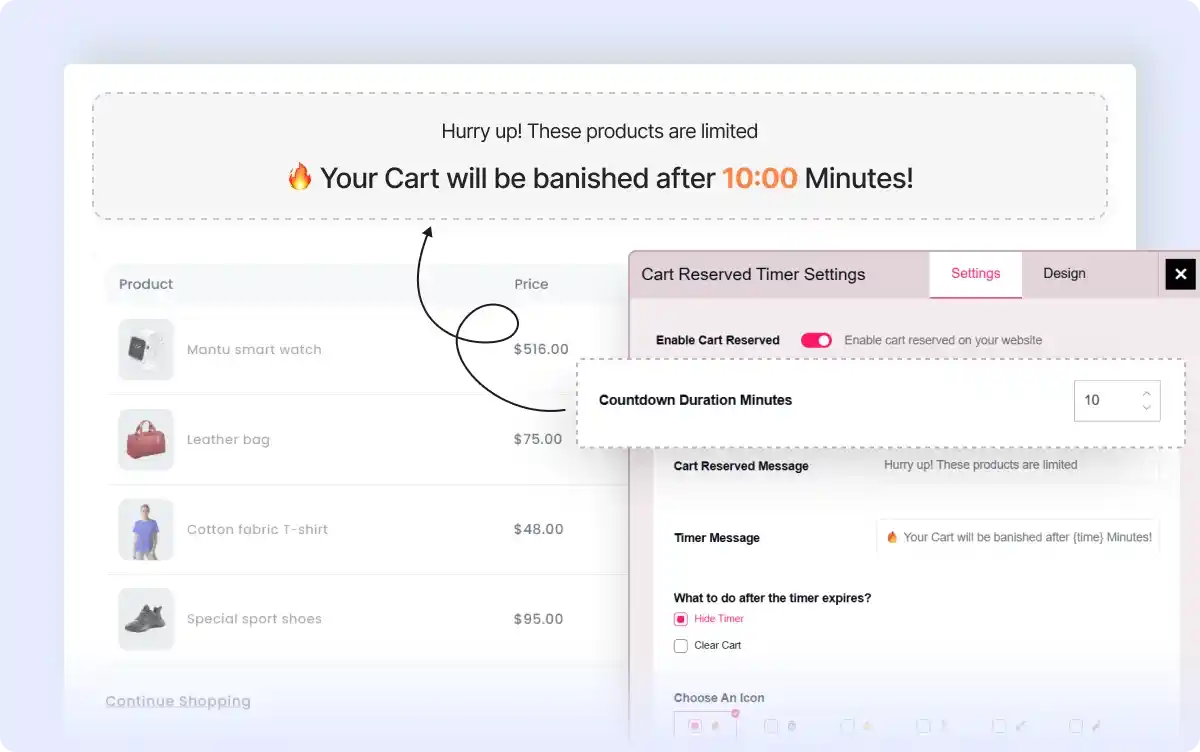
Set Countdown Timer Duration
Specify the duration for which products remain reserved, creating urgency and motivating customers to complete their purchase quickly.
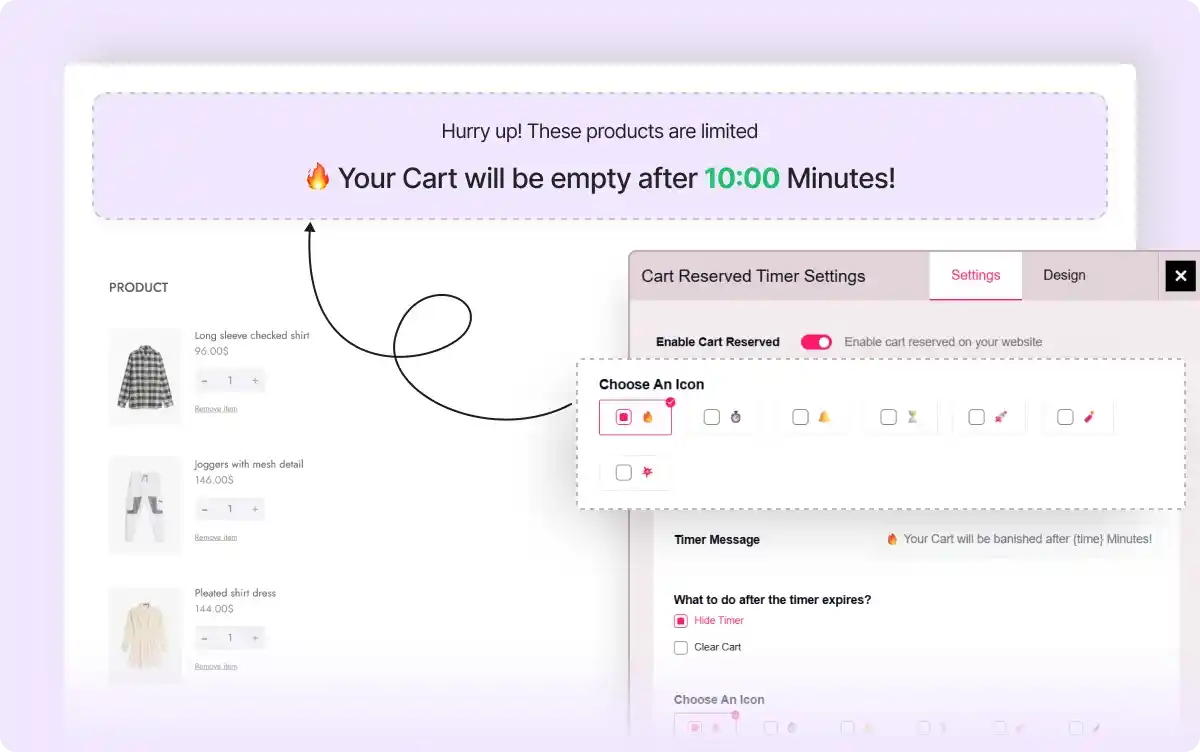
Choose Icons for Timer Display
Pick from a variety of icons to visually represent the countdown, making the timer more engaging and noticeable.
Display Personalized Expiry Messages
Show custom messages alongside the timer to create FOMO so that customers are encouraged to act faster.
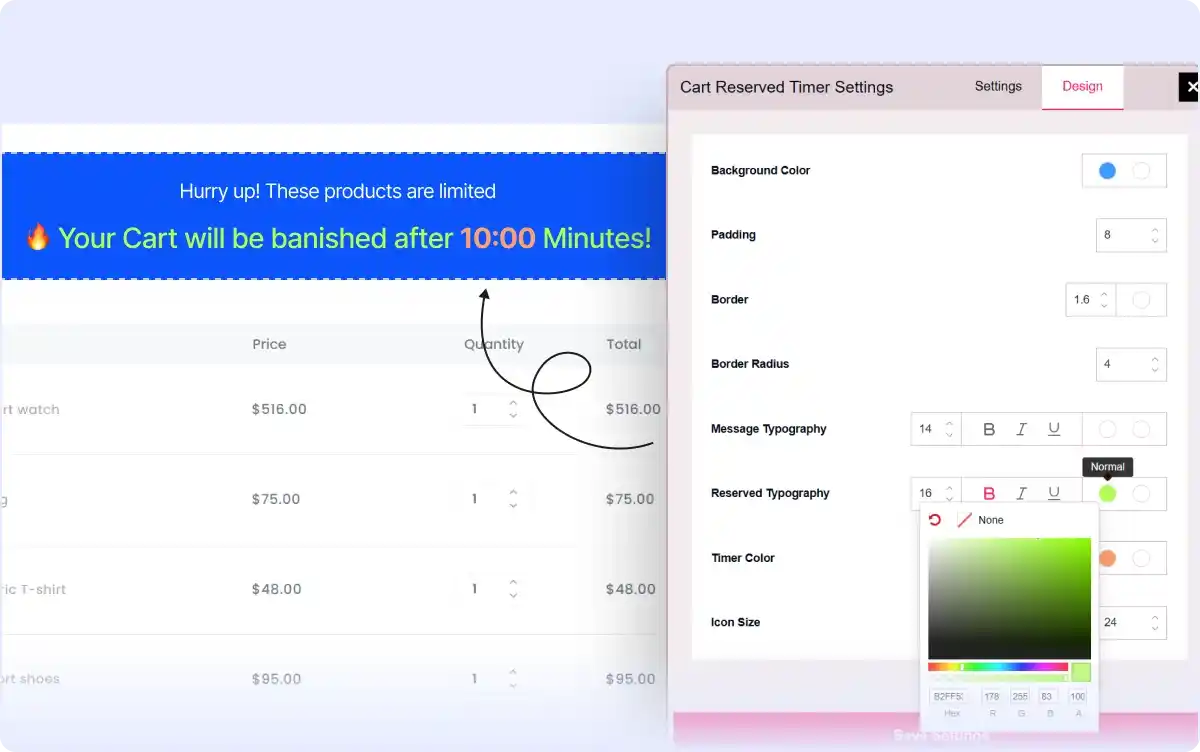
Style the Cart Reserved Timer
Adjust colors, fonts, and layout to match your store’s branding while keeping the timer clear and attention-grabbing.
All-In-One WooCommerce Page Builder for Gutenberg to Scale Your Business

Get started with the most feature-packed WooCommerce Page builder to create, manage, and increase sales of your online store.
Frequently Asked Questions
Explore these frequently asked questions about the Cart Reserved Timer that you might be curious about. So, you can make a quick decision about whether you want to buy it.
Feel free to contact our support team in case you have more questions.
Build & Manage High-Converting WooCommerce Stores Effortlessly!