Quick View for WooCommerce
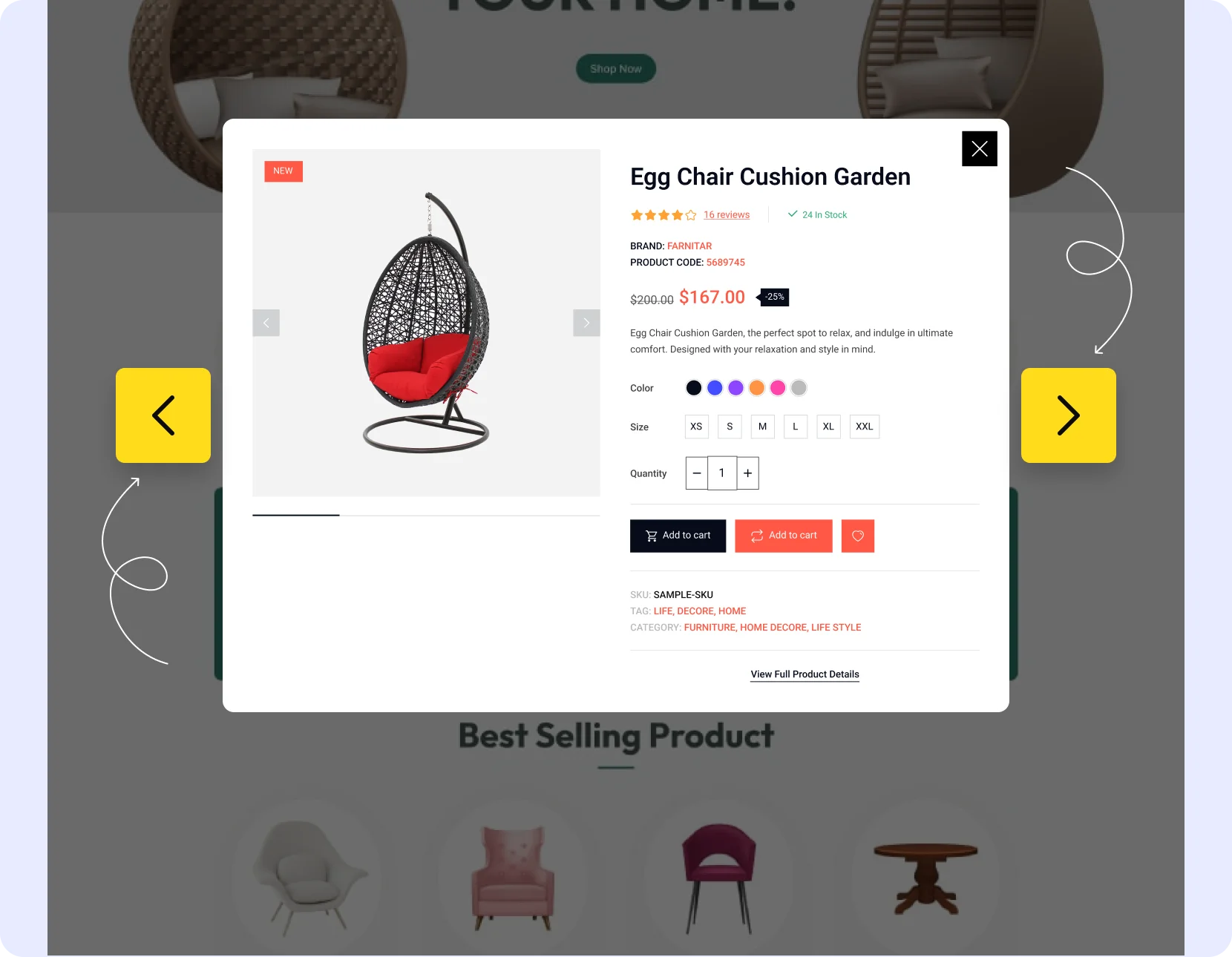
Allow customers to ‘quick’ view product details in a pop-up without leaving the shop or archive page. Make browsing products easy with the product quick view addon for WooCommerce.
 4.9/5 based on 400+ reviews on
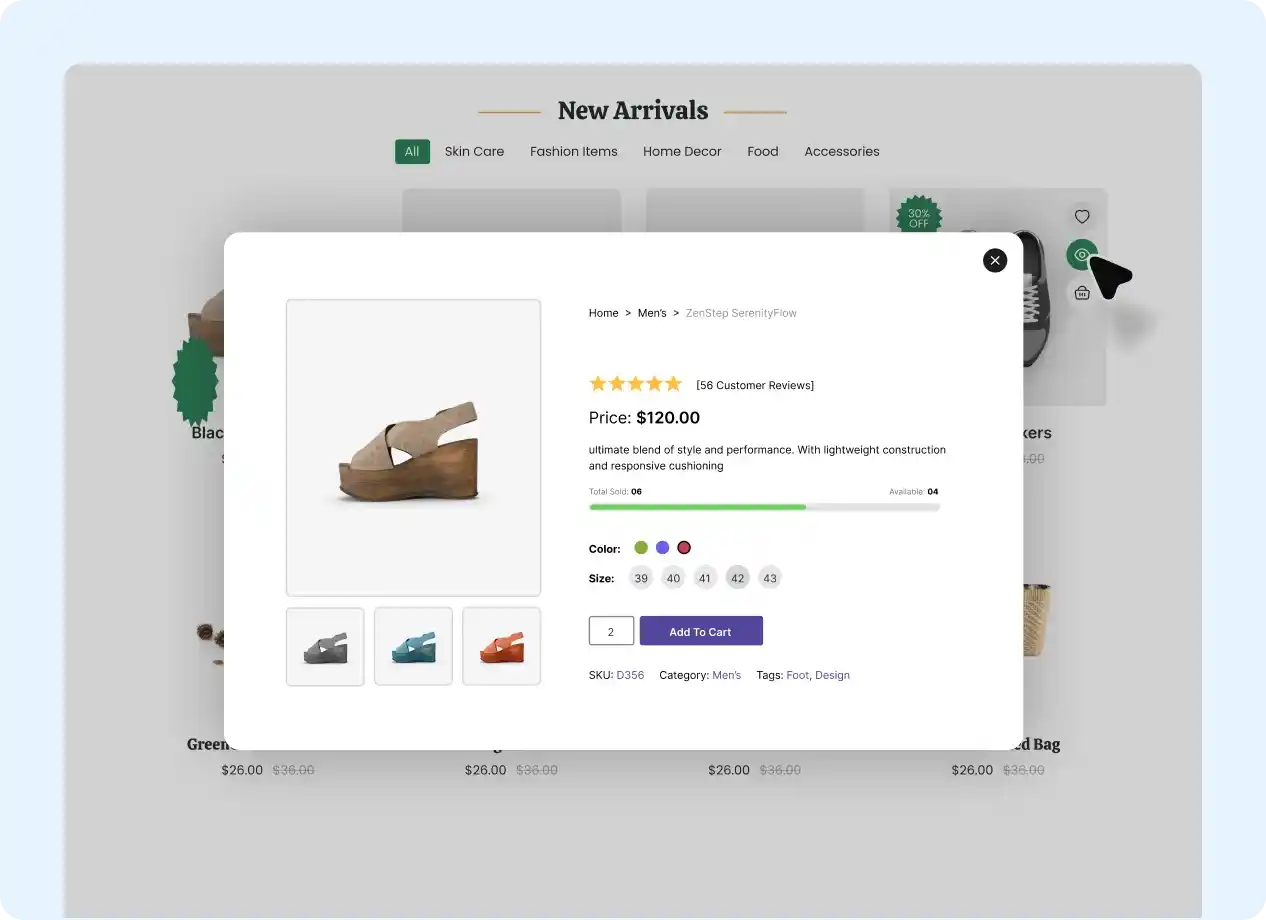
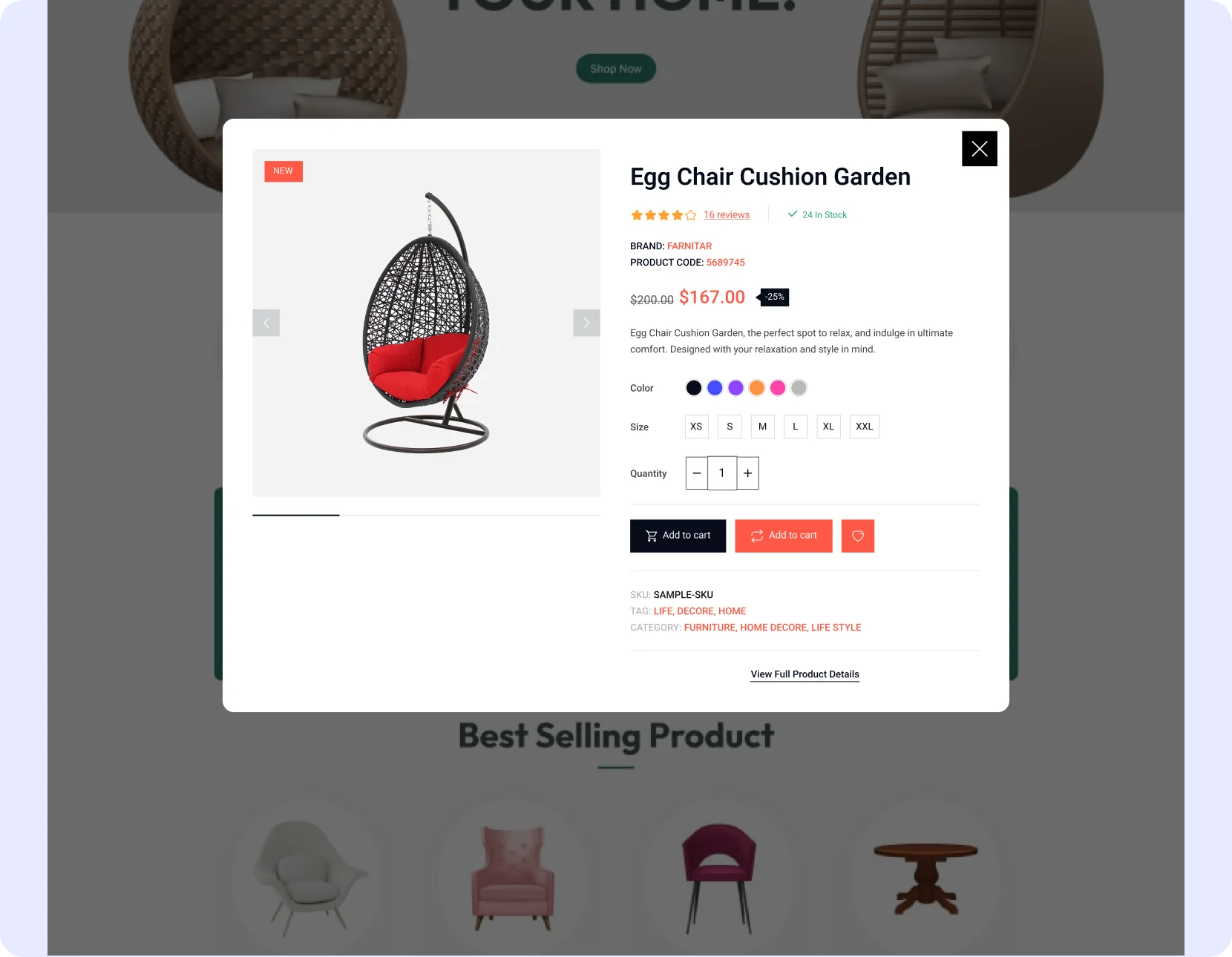
Pick from 4 Quick View Styles
Pop Up
Let users quickly view products as pop-ups on your WooCommerce site.

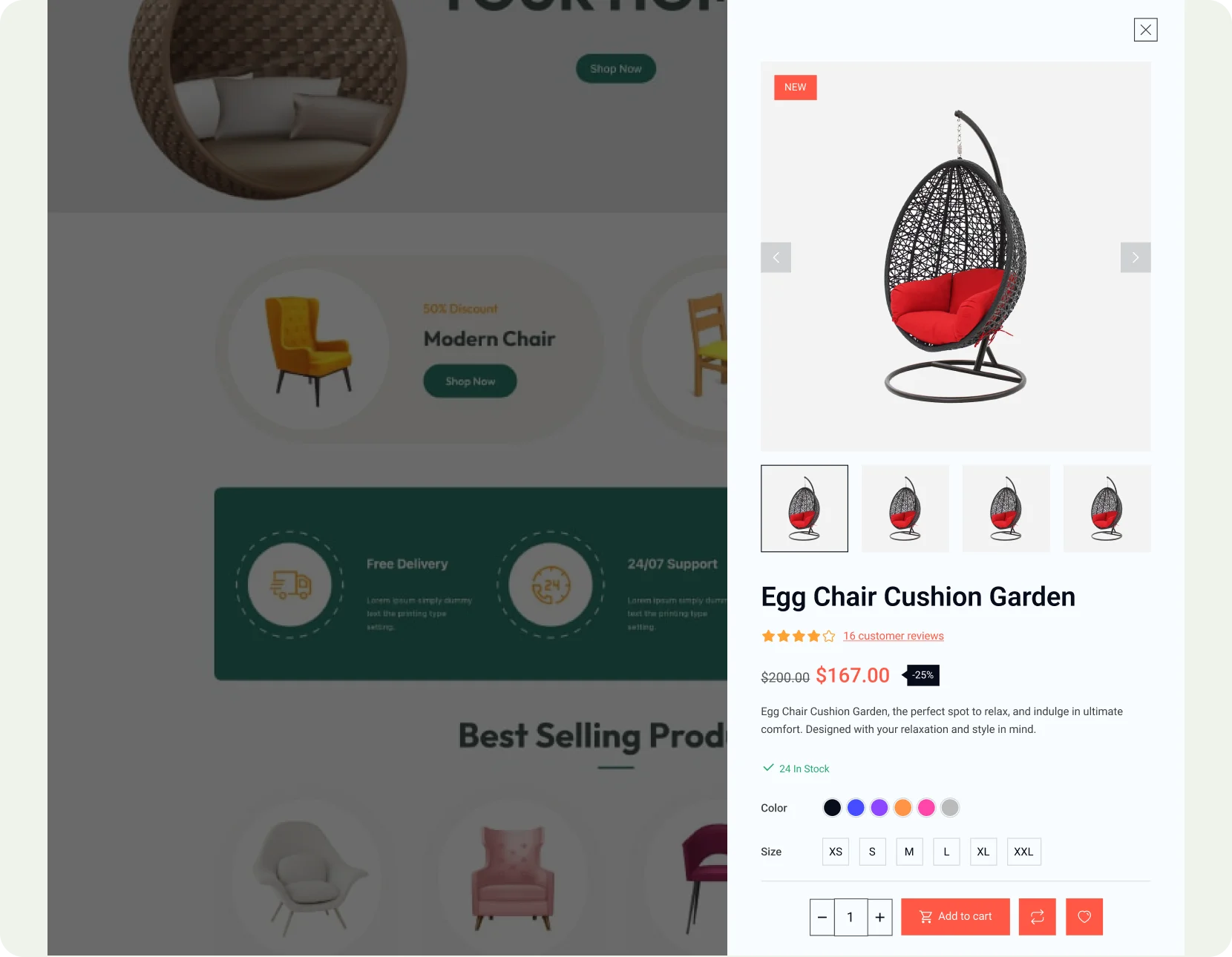
Right Sidebar
Show a ‘first-view’ of the product on the sidebar of your site.
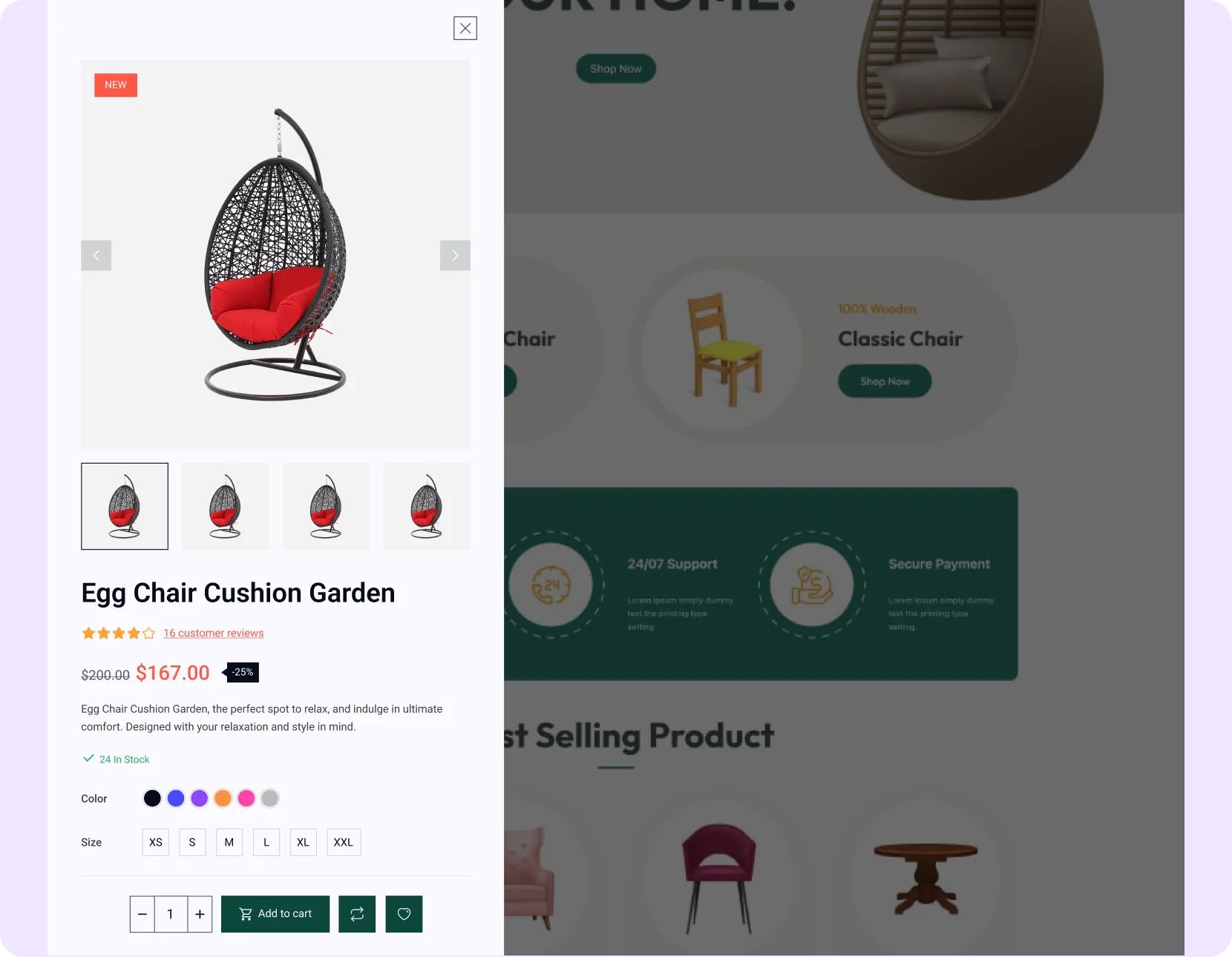
Left Sidebar
Show the quick view of the product on the left sidebar of your store
Product Navigation
Improve your site’s credibility with the quick view feature in your site’s navigation.
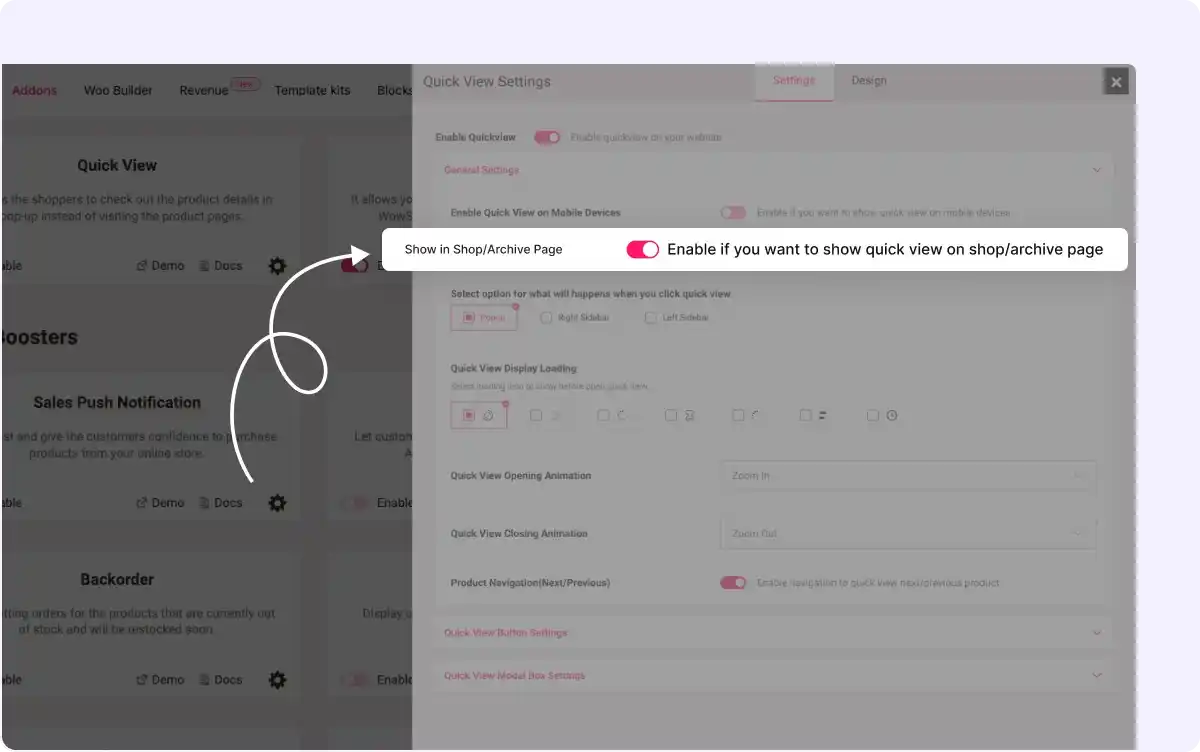
Shop and Archive Page Activation
Activate the Quick View feature specifically on shop and archive pages through simple enable/disable toggles, allowing you to access instant product details on WooCommerce.
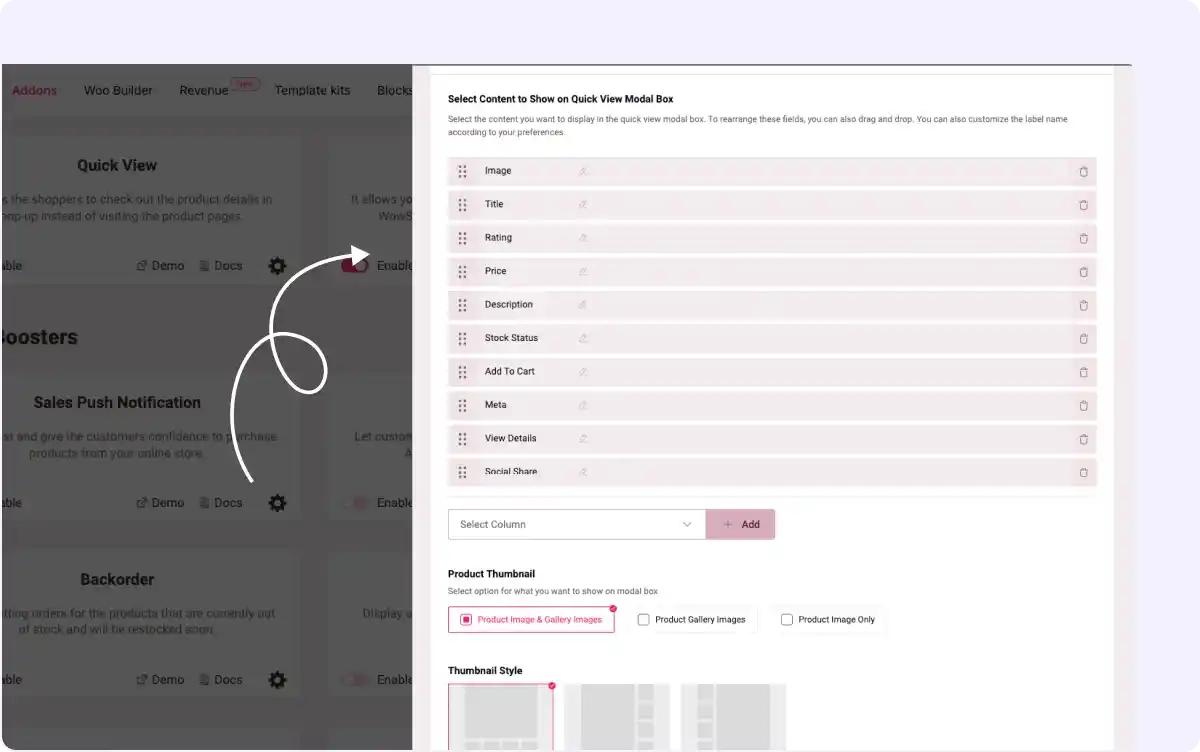
Customizable Modal Elements
Add or remove product elements like title, price, and description in the add-on settings modal, tailoring the pop-up content to match your store’s branding.
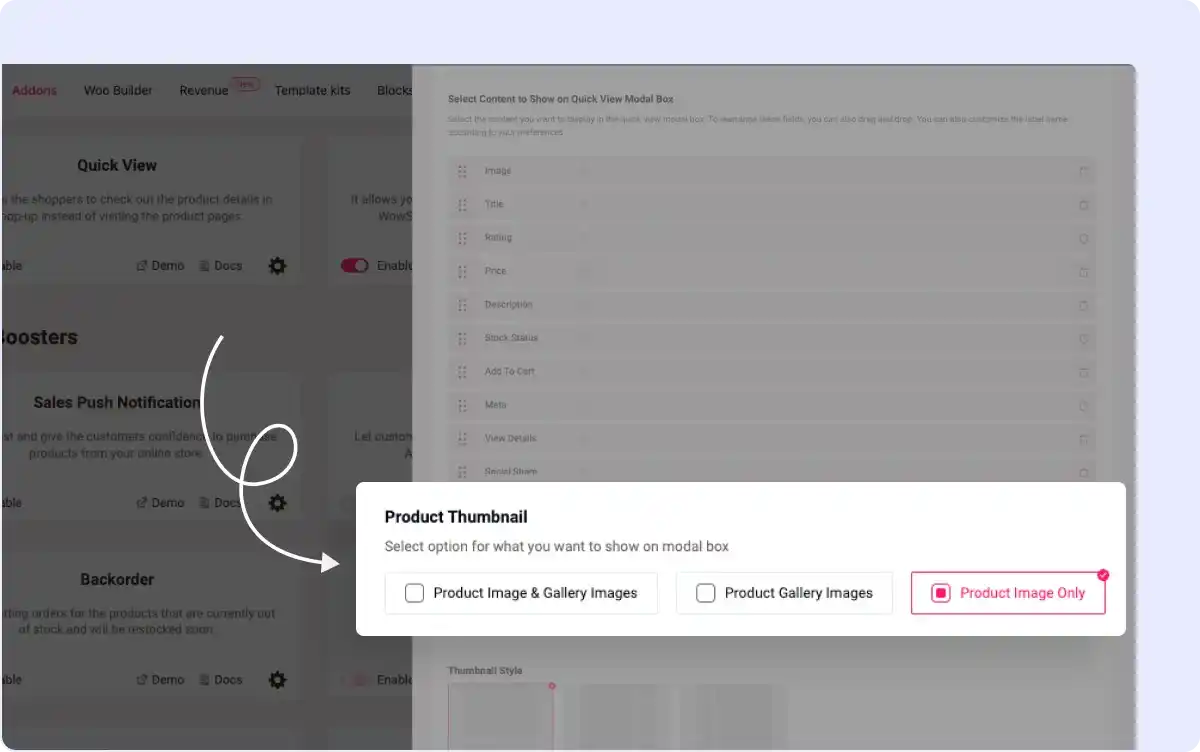
Product Image Display Options
Choose to show full gallery images or only the featured image as pop-ups, optimizing visual appeal for WooCommerce variable products in your store.
All-In-One WooCommerce Page Builder for Gutenberg to Scale Your Business

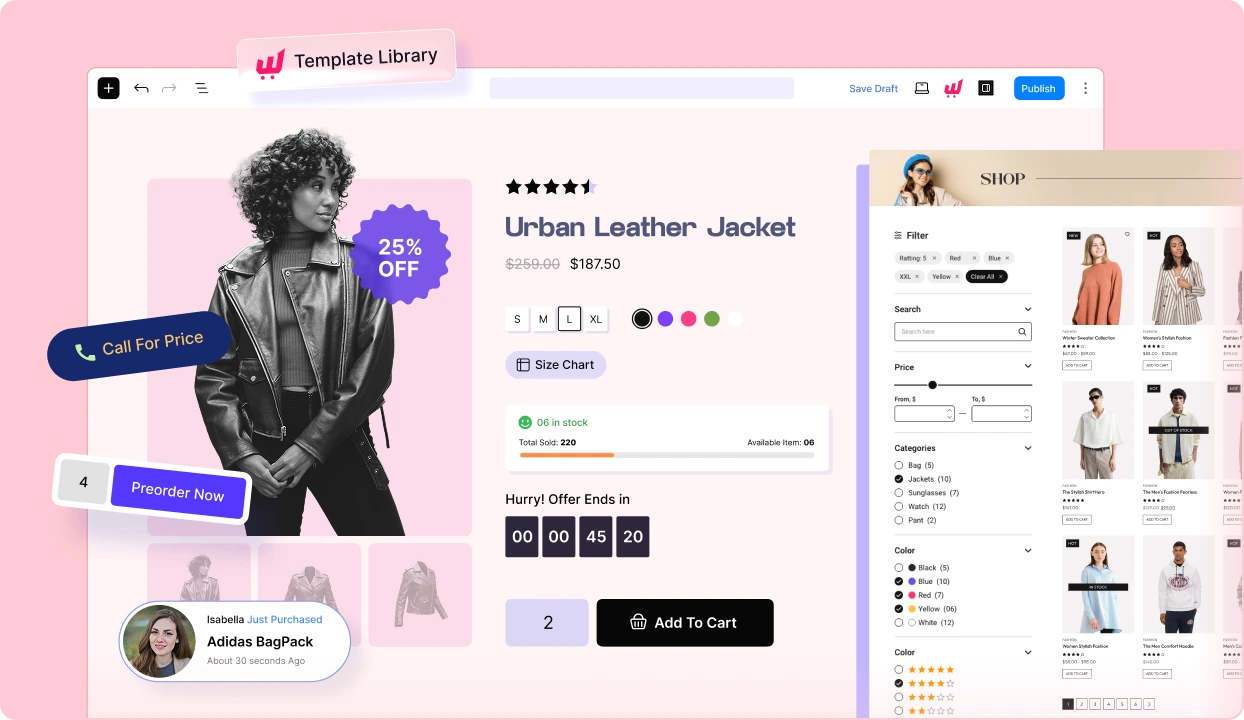
Get started with the most feature-packed WooCommerce Page builder to create, manage, and increase sales of your online store.
Frequently Asked Questions
Explore these frequently asked questions about the add-on that you might be curious about. So, you can make a quick decision about whether you want to buy it.
Feel free to contact our support team in case you have more questions.
Build & Manage High-Converting WooCommerce Stores Effortlessly!