
Increase Personalized Gift Box Sales in WooCommerce with Custom Product Options
Turn gift shoppers into buyers with guided product options, custom fields, and add-ons that make it easy to build personalized gift boxes without confusion or drop-offs.
 4.9/5 based on 440+ reviews on
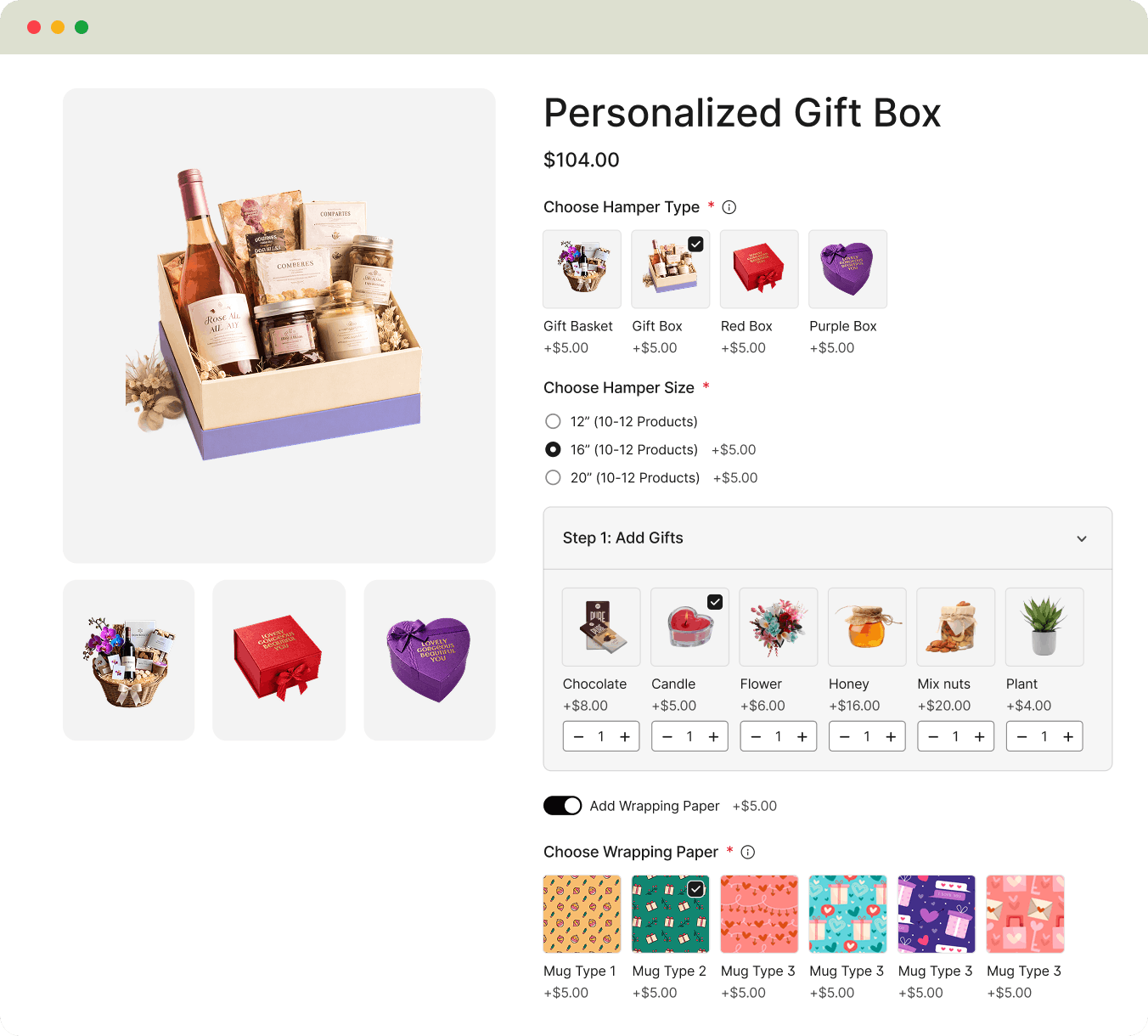


See Measurable Improvements in Personalized Gift Box Sales Performance
By structuring gift personalization with guided options and add-ons, you increase completion rates, boost order value, and drive repeat purchases

60% Increased Customer Satisfaction Rate

3X More Add-Ons and Upgrades per Gift Box

13x Reduce drop-off rate while building a gift

20% More Repeat Purchases for Occasions
Support Every Gift Occasion with Structured Personalization
Support every gifting moment with guided customization flows so customers can easily build the right gift with the right message, items, and presentation

Personalized Gifts for Couples with Flowers, Lockets and Messages
Perfect for: Gift box brands, romantic gift stores, anniversary-focused sellers

Birthday Gifts with Cake, Balloons, and Messages
Perfect for: Birthday gift stores, event-based sellers, curated gift brands

Baby Gifts with Balloons, Soft Toys and Care Items
Perfect for: Baby gift shops, newborn brands, maternity gift stores

Occasion-Based Gift Boxes with Flowers and Chocolates
Perfect for: General gift stores, emotional gifting brands, quick-delivery sellers
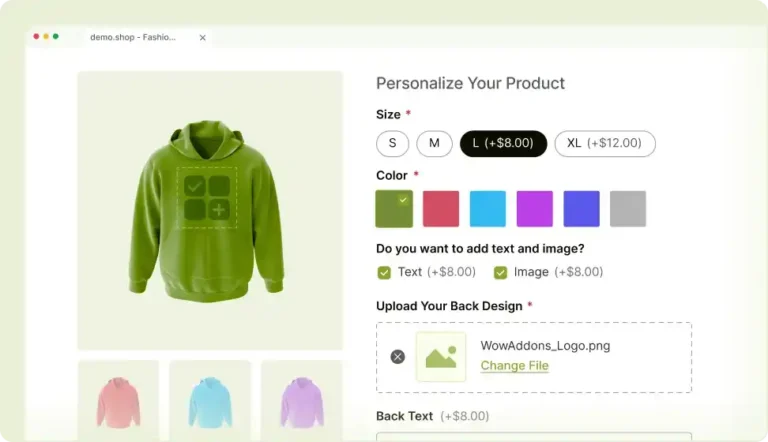
Automatically Guide Customers to the Right Gift Options using Conditional Rules
Remove unnecessary choices and show only what matters so customers can build their gift faster and complete their order with confidence.
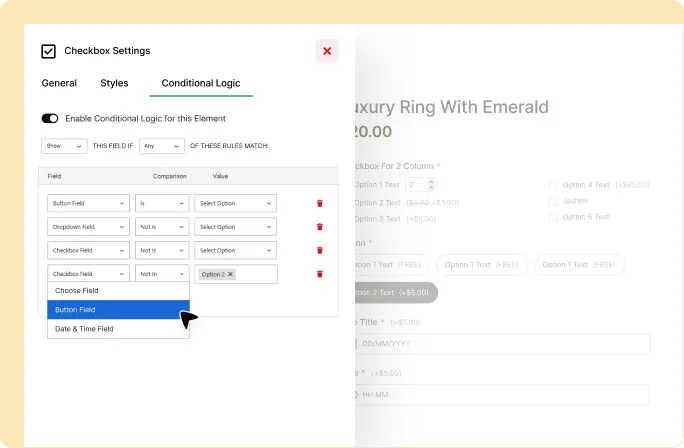
3 Easy Steps to Create Personalized Gift Options in WooCommerce
Set up gift options in WooCommerce in just a few steps so customers can start building meaningful gifts without confusion or manual follow-up
Add Your Custom Fields & Options
Add gift-specific fields like names, messages, item selections, and packaging options using a simple visual builder.
Assign Prices to Premium Upgrades
Set pricing for premium gift upgrades like luxury packaging, extra items, greeting cards, or special presentation styles.
Go Live and Start Selling
Publish your gift customization flow and start accepting fully personalized orders instantly in your WooCommerce store.
Frequently Asked Questions
Got questions about personalized gift box customization?
Feel free to contact our support team in case you have questions.
Make Every Gift Easy to Personalize Without Manual Back-and-Forth
Turn gift shoppers into completed orders by simplifying personalization – from messages and items to packaging – all in one guided WooCommerce flow.