Front End Post Submission for WordPress
Manage guest writers easily and allow them to publish and edit their content using a helpful dashboard. Control specific access to the admin dashboard, give feedback, and more from one interface.
 4.9/5 based on 400+ reviews on
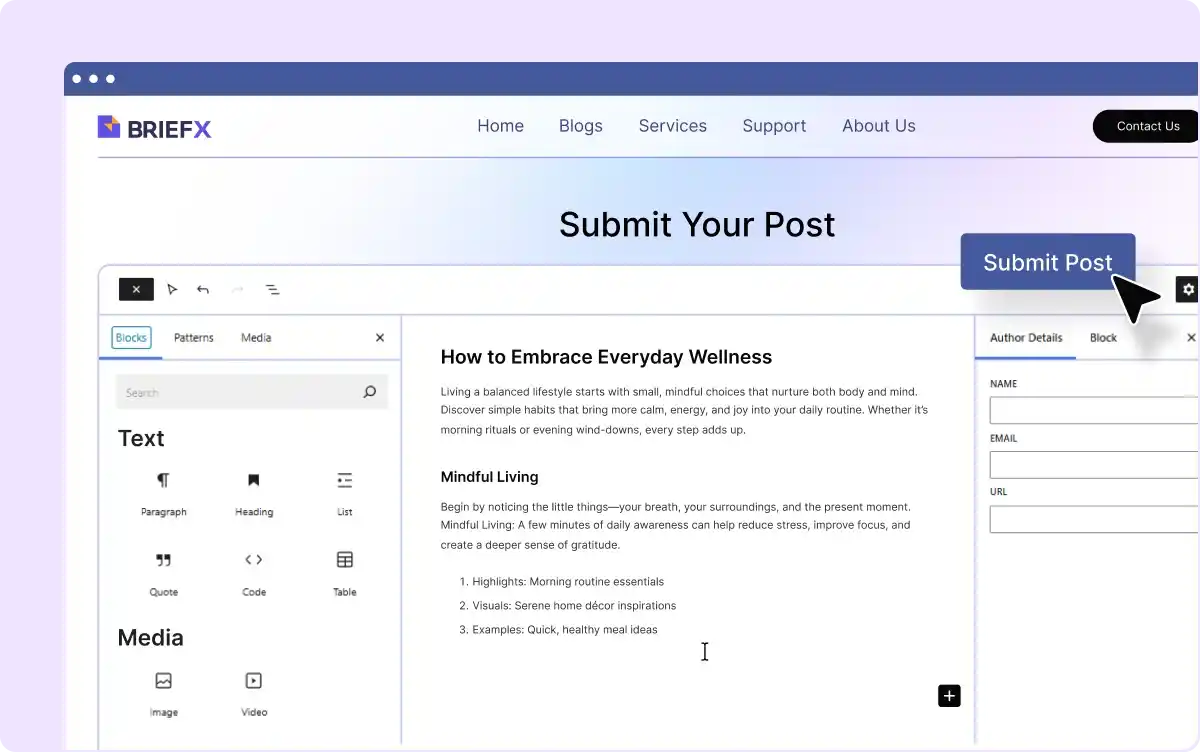
Manage Guest/ Remote Writer Contribution
Allow guest authors to submit posts along with their name, email, and other details. Manage content, give feedback, and more in one place.
Control Access to the Backend Editor
Control what contributors can see and do in the WordPress dashboard, ensuring security while allowing necessary access.
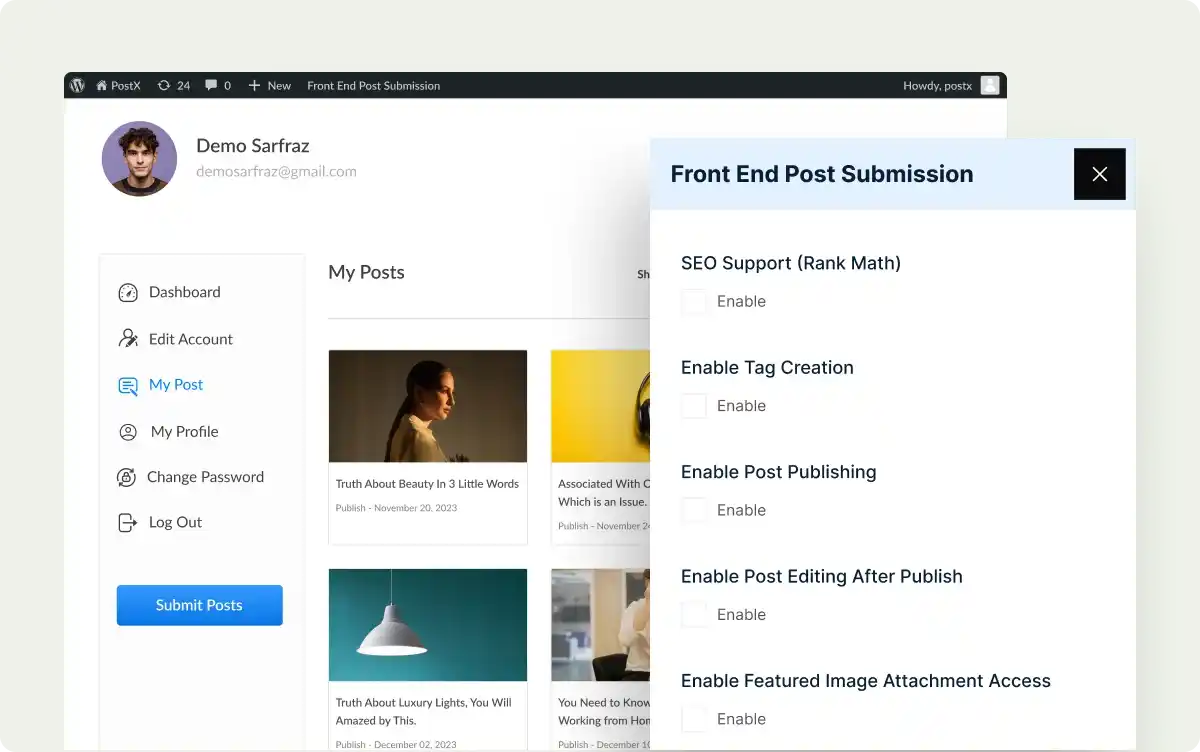
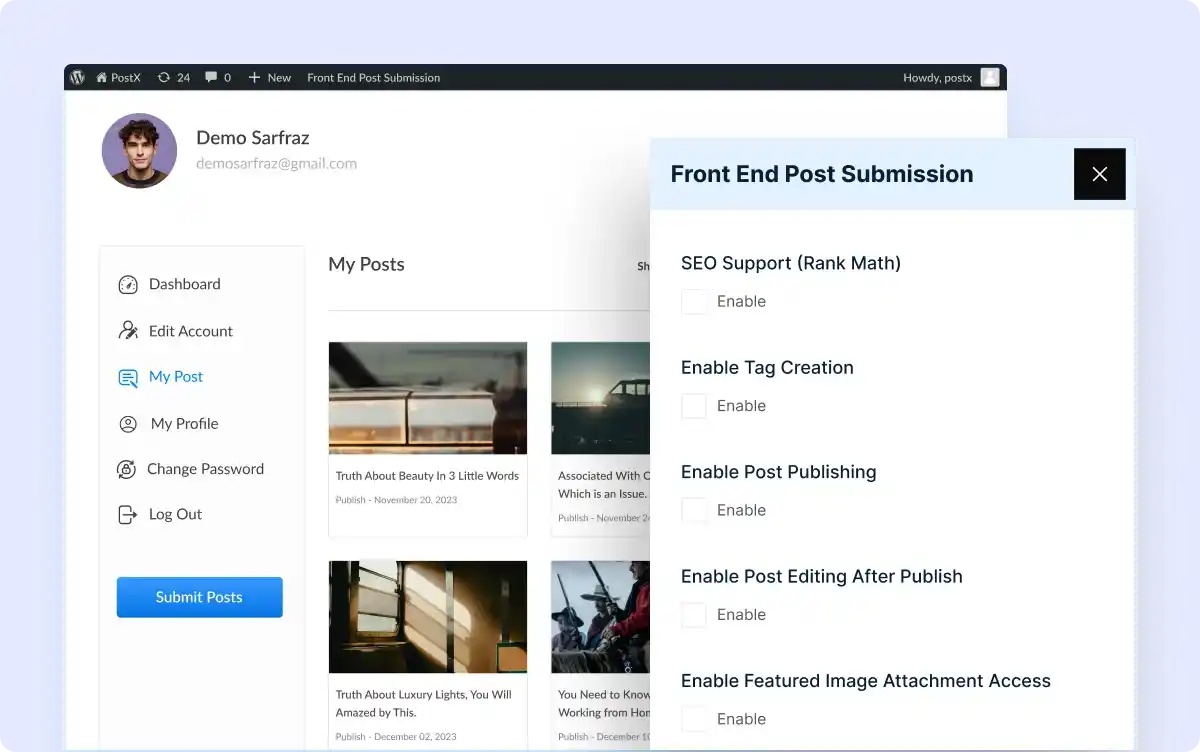
Let Writers Ensure SEO
Give contributors access to SEO tools so they can ensure good search engine rankings for their content.
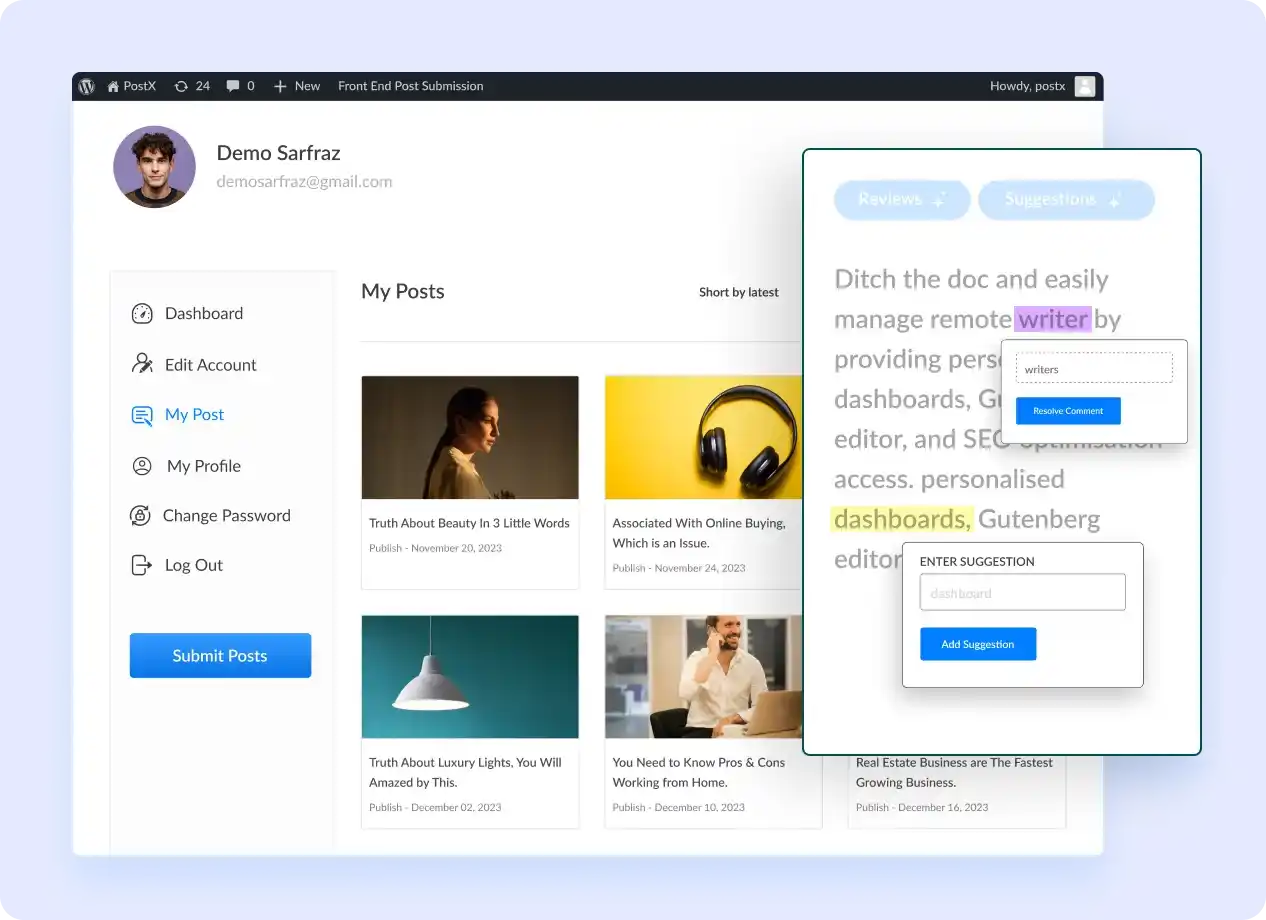
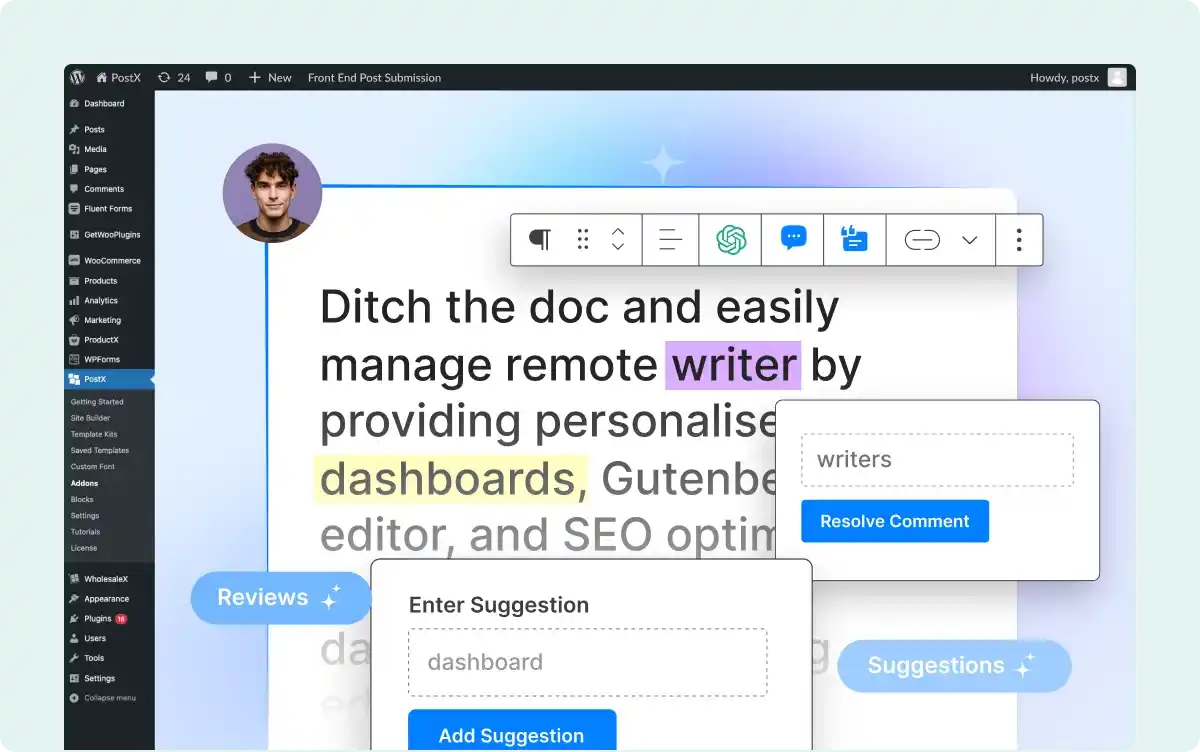
Share Feedback through Comments & Suggestions
Allow editors and contributors to leave comments and suggest edits directly on posts, streamlining the review and approval process.
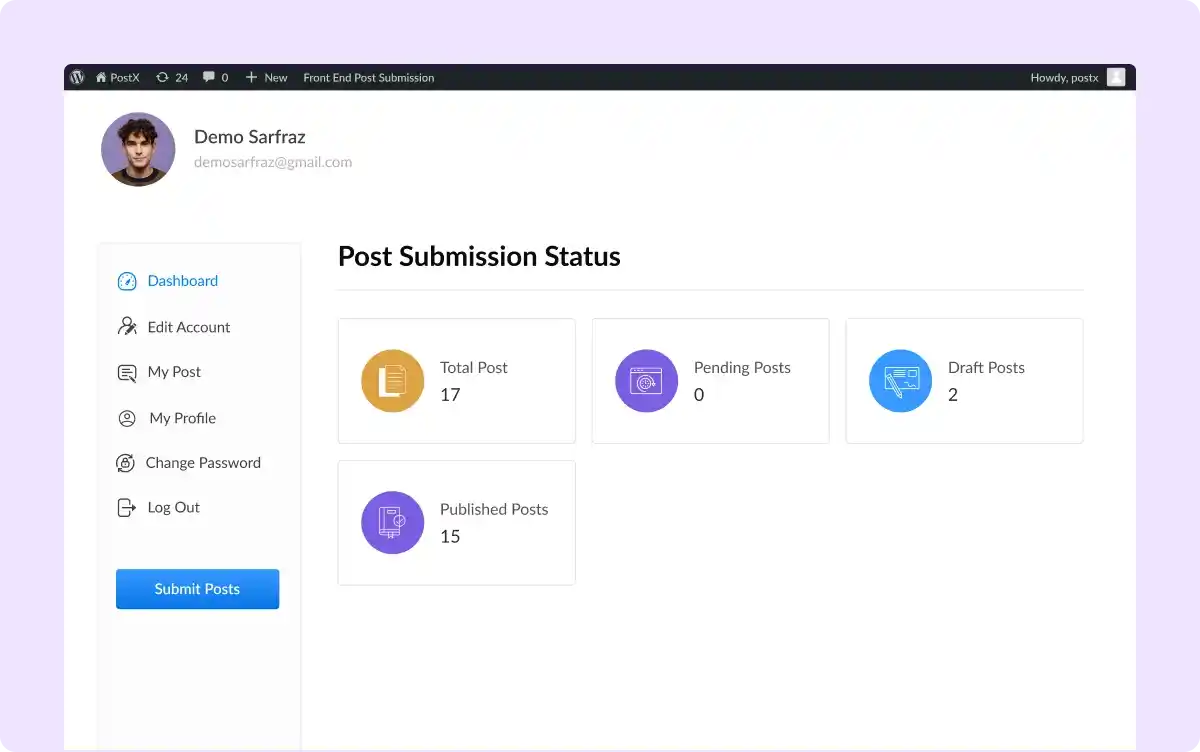
Dedicated Dashboard for Writers
Provide a personalized dashboard for guest/remote writers where they can publish and manage their posts, track submissions, and access tools.
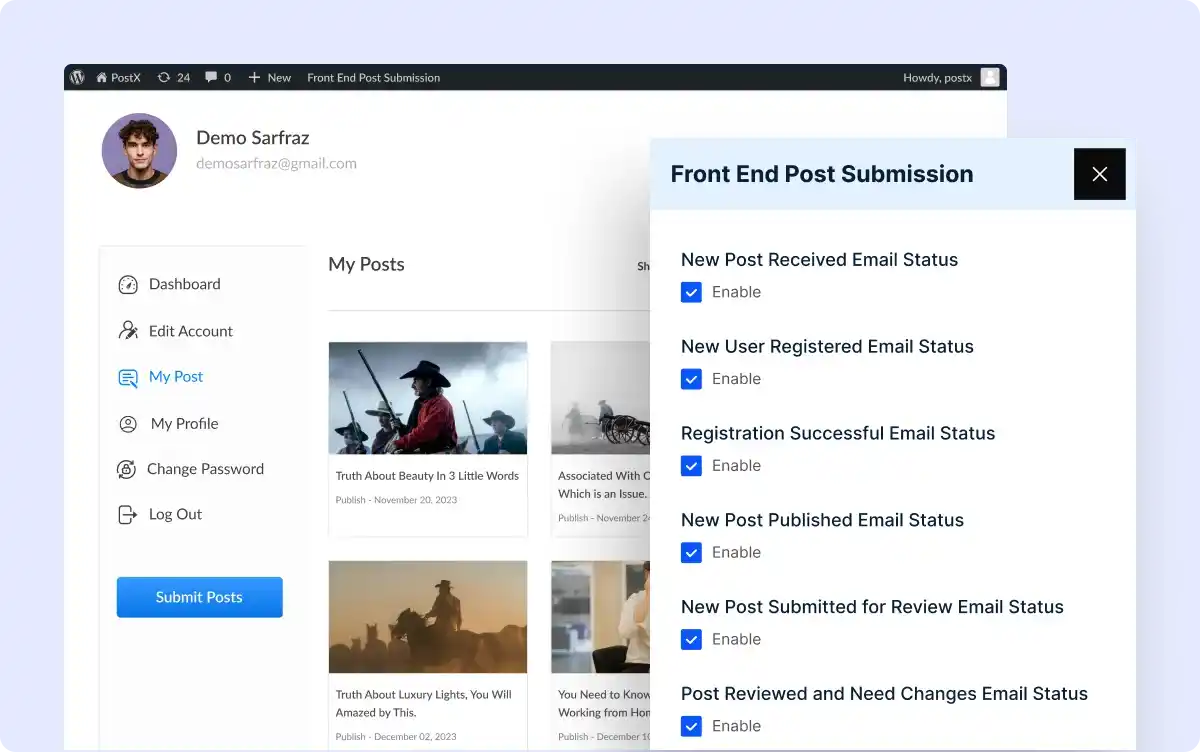
Get Instant Email Notifications
Both writers and admins get real-time email alerts for new submissions, comments, or updates, keeping you and your team informed.
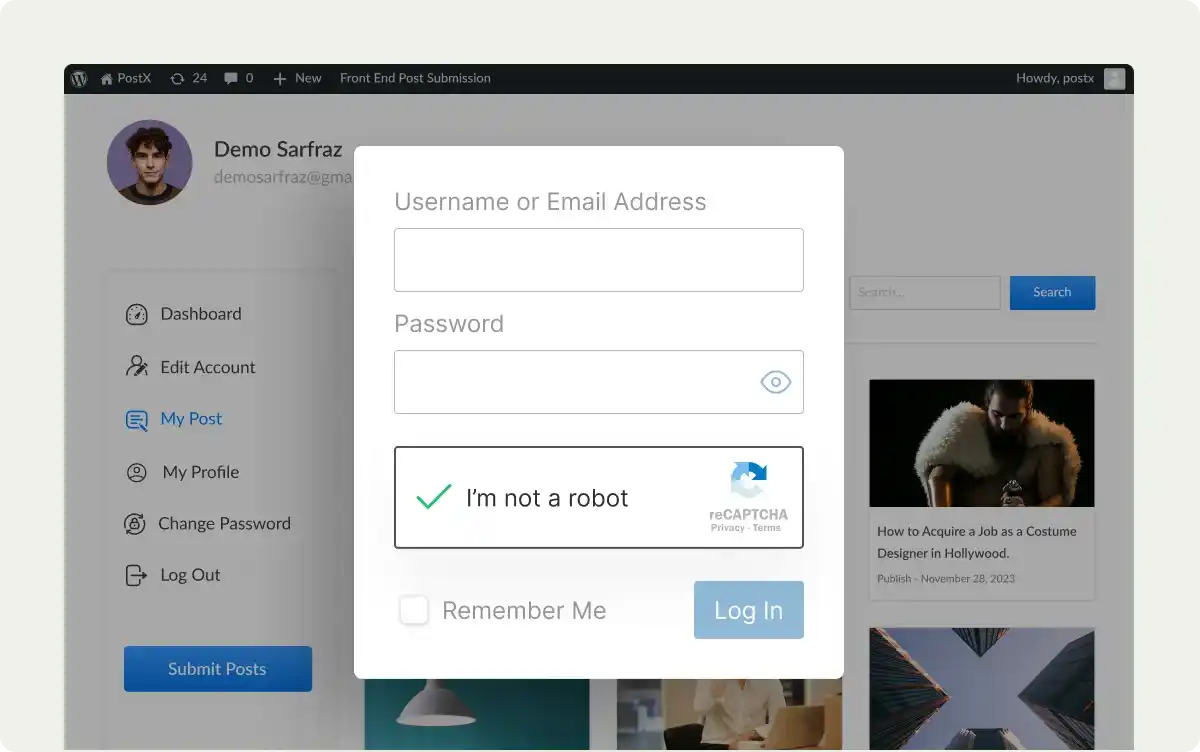
Protect Submissions with Google reCAPTCHA
Prevent spam and ensure genuine contributions by adding Google reCAPTCHA to your front-end login forms.
Everything You Need to Build Your News, and Magazine Sites

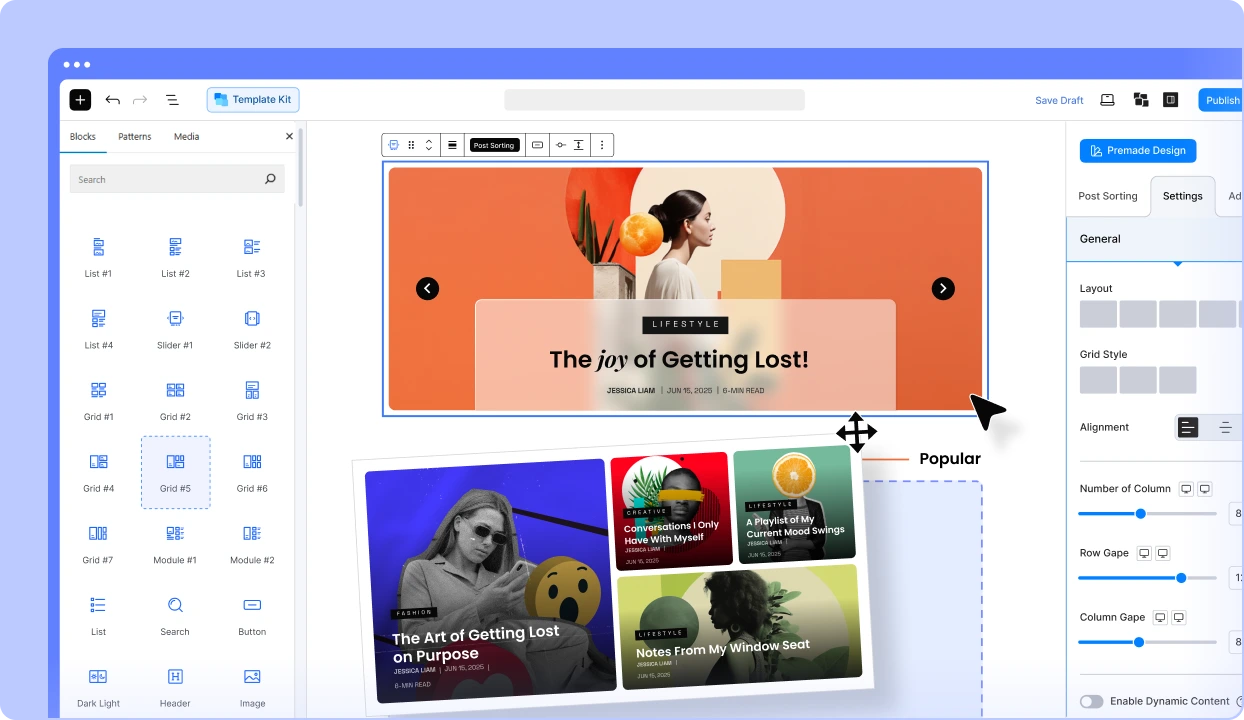
Get started with the most feature-packed Post Grid & Gutenberg Blocks to make professional-looking websites faster.
Frequently Asked Questions
Explore these frequently asked questions about Front End Post Submission that you might be curious about. So, you can make a quick decision about whether you want to buy it.
Feel free to contact our support team in case you have more questions.
Bring Life to Your
Dull Websites with PostX!