

WowOptin is a strong starting point for WordPress websites that need flexible popup designs, advanced audience targeting, and ready-made templates. Its Canva-like editor and 700+ campaign templates make it particularly relevant when you want to customize both your popup’s appearance and who sees it.
But not every website needs the same popup tool. Popup Maker works well with existing WordPress forms, Poptin connects popups with hosted marketing workflows, and Elementor Pro Popup Builder fits websites already using Elementor.
For email opt-ins and social sharing, there’s Hustle. And if you need announcements in different formats, Icegram Engage is another option.
Let’s compare these six WordPress popup plugins by what they offer, how they work, and which websites they’re suited for.
Quick Comparison of the Best WordPress Popup Plugins
The table compares each plugin’s editing experience, audience controls, integrations, measurement features, and relevant paid starting plan.
| Position | Plugin | Best For | Editor Type | Exit Intent | Advanced Targeting | Email Integrations | Testing & Analytics | Starting Price |
|---|---|---|---|---|---|---|---|---|
| 1st | WowOptin | Flexible designs, 700+ templates, advanced targeting | Canva-like drag-and-drop | Yes | Pages, devices, countries | MailPoet, FluentCRM | A/B testing, analytics | $41 first year |
| 2nd | Popup Maker | Custom popups and flexible display rules | Content editor, themes, builder integrations | Yes | Pages, roles, referrers | Existing forms, FluentCRM | Advanced analytics | $59.40 first year |
| 3rd | Poptin | Email capture and marketing automation | Hosted drag-and-drop | Yes | URLs, devices, countries | Mailchimp, HubSpot, Klaviyo | A/B testing, conversion tracking | $240/year, Basic |
| 4 | Elementor Pro Popup Builder | Elementor websites | Elementor visual editor | Yes | Pages, sessions, devices, referrers | Elementor forms | Form submission records | $84/year, Advanced Solo |
| 5 | Hustle | Email opt-ins and social sharing | Templates and design settings | Yes | Pages, countries, browsers, devices | Mailchimp, Brevo, MailPoet | Module conversion statistics | $36/year, Pro Basic offer |
| 6 | Icegram Engage | Promotional popups and announcements | WordPress editor, design themes | Yes | Pages, devices, locations | Embedded email-service forms | A/B testing, campaign analytics | $99/year, Max |
Pricing note: These are paid-plan reference prices, not guarantees that every listed feature is available at that price. Promotional pricing, renewal charges, license limits, and visitor allowances can differ.
What to Look for in a WordPress Popup Plugin
Before choosing a popup plugin, decide what you want visitors to do and how the campaign should fit into your website. Here are six things to check:
- Design flexibility: Can you position elements freely, or does the builder use predefined templates? Choose an editor you’ll be comfortable updating.
- Display triggers: Look for click, scroll, timed, and exit-intent options. Check frequency controls to avoid repeatedly showing the same offer.
- Audience targeting: Confirm whether you can target specific pages, devices, visitor types, or traffic sources instead of showing every popup to everyone.
- Email and form connections: Make sure the plugin works with your existing forms or mailing service. Check whether campaigns are managed in WordPress or externally.
- Testing and analytics: Decide whether simple conversion reporting is sufficient or whether you need native A/B testing to compare different campaign versions.
- Pricing and limits: Check which plan includes your required features, how many websites it covers, visitor restrictions, and what renewal will cost.
The right plugin should support your actual campaign without making its setup and ongoing management unnecessarily complicated.
1. WowOptin – Best for Flexible Popup Design, 700+ Templates, and Advanced Targeting
WowOptin is a WordPress popup builder for websites that want more freedom over popup appearance and audience selection. It offers a Canva-like drag-and-drop editor, over 700 templates across its campaign library, and controls for showing different messages to different visitors.
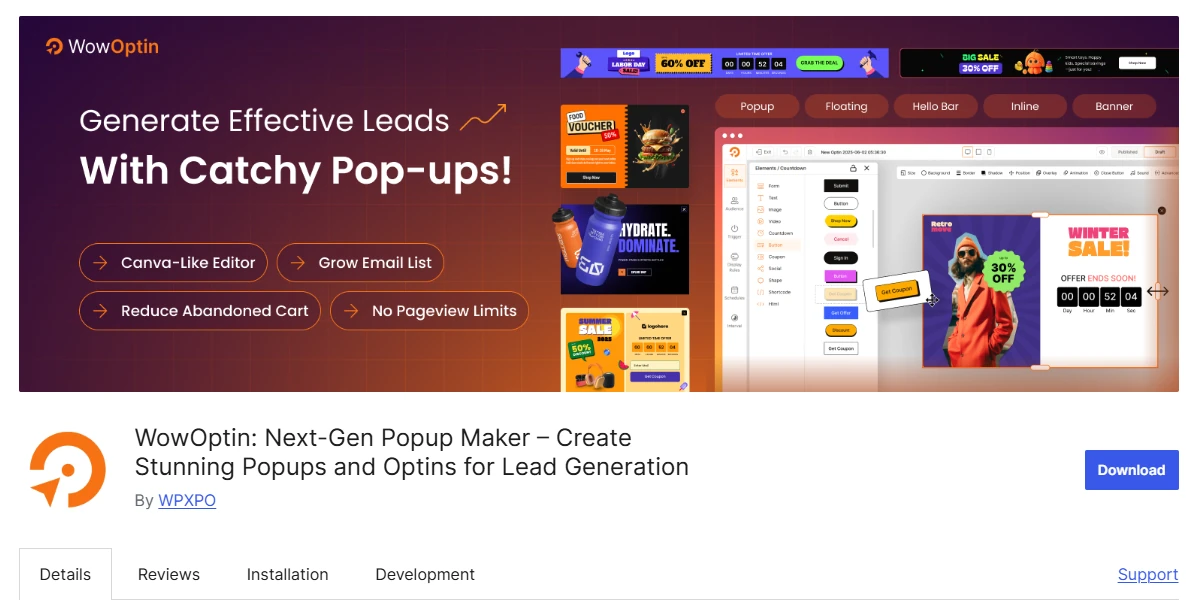
A material consideration is WordPress.org availability. The temporary closure of the WowOptin directory listing was reported on October 10, 2026, pending review. Confirm its current download status and supported installation options before proceeding.
Key Features of WowOptin
- Canva-like editor: Freely arrange, resize, and customize design elements.
- 700+ templates: Ready-made designs across multiple campaign formats.
- Advanced targeting: Select visitors by device, country, language, and source.
- Smart triggers: Time, scroll, inactivity, click, and exit intent.
- Page targeting: Rules for WordPress, WooCommerce, and EDD pages.
- AI assistance: Generate copy using ChatGPT, Gemini, or Grok.
- Campaign optimization: A/B testing, analytics, and email-service connections.
Where WowOptin Works Best
WowOptin is particularly useful when campaigns need distinctive designs for different pages or audiences. Instead of displaying one general signup message everywhere, you can design offers around specific visitor interests and content categories.
Consider an independent bookstore promoting a seasonal reading collection. It could display the offer on relevant book-category pages, customize the popup with matching imagery, and set different display conditions for returning visitors.
The editor also supports teams that frequently adjust headlines, illustrations, buttons, and form arrangements. Its targeting options give those designs a purpose beyond appearance by determining where and when each campaign should appear.
WowOptin Pricing
The WowOptin one-site annual plan includes premium features and a yearly license. The advertised numeric price, currency, and renewal conditions require confirmation before publication. Check the official checkout details for current terms.
Who Should Use WowOptin?
Choose WowOptin if visual customization, ready-made campaign designs, and detailed targeting are important to your website. First confirm its distribution status and the paid-plan requirements for your intended features.
2. Popup Maker – Best for Custom Popups and Flexible Display Rules
Popup Maker is a practical option for websites that want to turn existing WordPress content or forms into popups. It works with popular form plugins and provides display controls that determine when, where, and how often visitors see a popup.
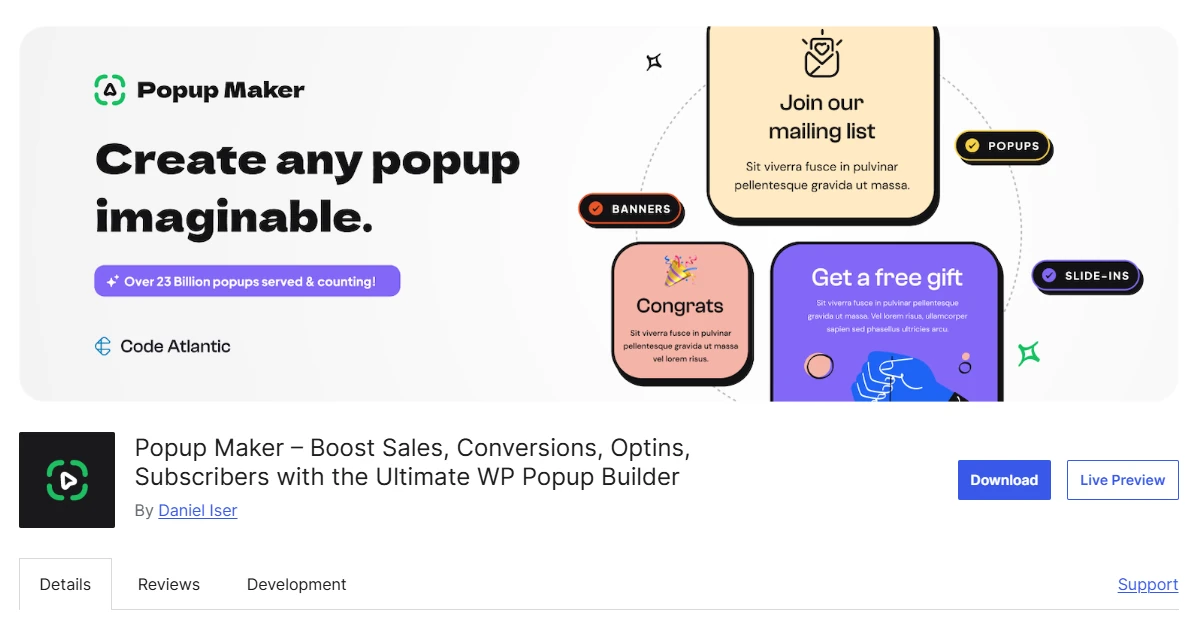
You can also work with page builders such as Elementor, Bricks, Brizy, and Divi. This makes Popup Maker relevant when you already have a preferred editor and don’t want to move everything into a separate popup-design system.
Key Features of Popup Maker
- Form integrations: WPForms, Gravity Forms, Contact Form 7, and Forminator.
- Custom content: WordPress editing, popup themes, and builder integrations.
- Display triggers: Delay, click, form submission, scroll, and exit intent.
- Audience rules: Page, taxonomy, user-role, and referrer conditions.
- Repeat controls: Cookies and configurable popup closing behavior.
- CRM workflows: Supported FluentCRM integration and automation options.
- Advanced analytics: Measure popup interactions and campaign activity.
Where Popup Maker Works Best
Popup Maker makes sense when your website already has working forms and you mainly need better ways to display them. It lets you focus on popup behavior while keeping the existing form builder responsible for collecting information.
For example, a hiking club could use its current event-registration form inside a popup that opens when someone clicks a signup button. The team wouldn’t need to recreate the form fields and submission workflow.
Its display rules are helpful for websites with different content categories, audience groups, or membership requirements. You can decide which pages deserve a popup and control repeat appearances using the supported settings.
Some advanced conditions depend on paid features, so the exact rules you need should guide your plan selection.
Popup Maker Pricing
Popup Maker pricing starts at $59.40 for the first year of Pro, covering one website. Renewal costs $99 annually. Pro+ adds ecommerce functionality and revenue attribution, so check which tier includes your required features.
Who Should Use Popup Maker?
Popup Maker is suitable for bloggers, service businesses, and membership websites that already use WordPress forms or page builders. Consider it when flexible display rules matter more than switching to another campaign platform.
3. Poptin – Best for Email Capture and Marketing Automation
Poptin is a hosted popup and lead-capture platform that connects to WordPress through a plugin. Its visual builder supports popups and embedded forms, while its wider service offers email campaigns, contact segmentation, and automated follow-up.
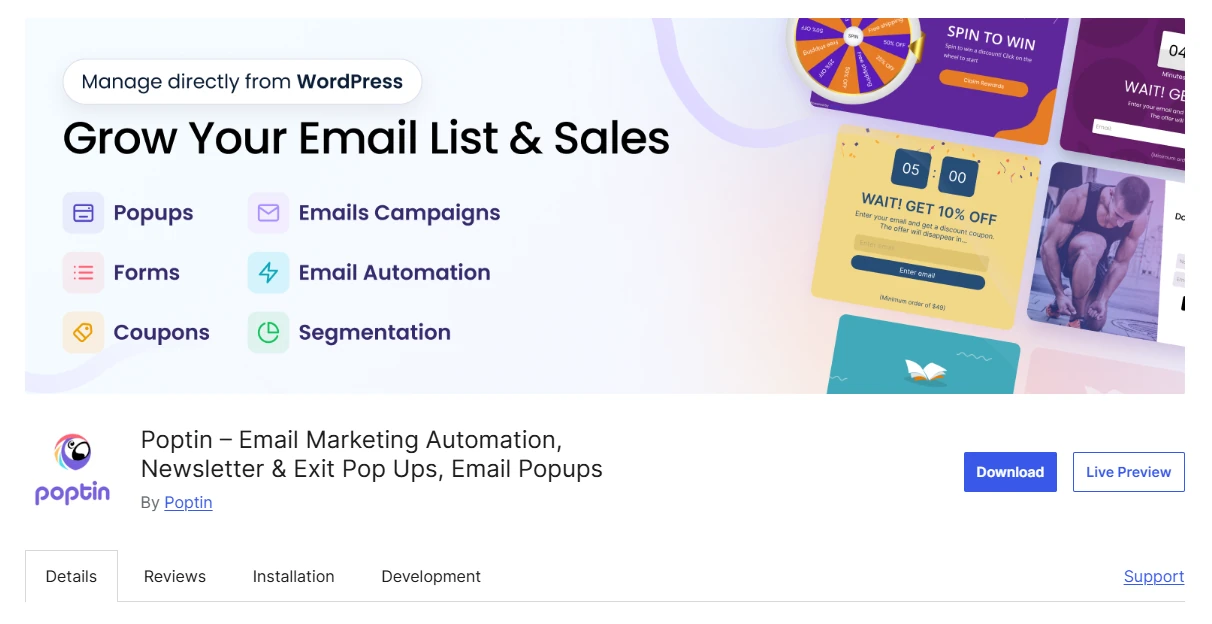
Unlike a popup system managed entirely within WordPress, Poptin requires an external account. That can work well for businesses that prefer handling onsite campaigns and related marketing activities through a hosted dashboard.
Key Features of Poptin
- Visual builder: Drag-and-drop popups and embedded signup forms.
- Popup formats: Standard offers, spin-the-wheel, scratch cards, and gifts.
- Display triggers: Exit intent, scrolling, inactivity, and clicks.
- Audience targeting: URLs, devices, locations, and traffic sources.
- Email connections: Mailchimp, HubSpot, ActiveCampaign, and Klaviyo.
- Marketing tools: Email campaigns, contact segmentation, and automated follow-up.
- Measurement: A/B testing and conversion tracking.
Where Poptin Works Best
Poptin fits businesses that want to connect email collection with marketing activity outside WordPress. Its integrations can send subscribers into existing email platforms, while its broader offering provides another route for managing email campaigns.
For example, a language school might create a popup for visitors interested in beginner courses. After signup, those contacts could enter an appropriate email follow-up workflow, provided the required services and package are configured.
Poptin’s gamified campaign formats are another distinction. They let businesses experiment with interactive promotions, although a simple email form may be more appropriate when visitors only need to request information.
Because Poptin is hosted, check its account structure, visitor allowances, subscriber storage, and data-handling arrangements before committing to a package.
Poptin Pricing
Poptin pricing starts at $240 billed annually for its Basic popup package, covering one domain and 10,000 monthly visitors. Combined email-and-popup packages have separate contact-based pricing, so the Basic subscription doesn’t automatically include them.
Who Should Use Poptin?
Poptin works for businesses that prefer hosted popup management, email integrations, and automation options. It’s most relevant when you’re comfortable using an external service and can choose a package matching your visitor and contact volumes.
4. Elementor Pro Popup Builder – Best for Elementor Websites
Elementor Pro Popup Builder allows WordPress websites to create popups using Elementor’s existing visual editor. If your pages already rely on Elementor, you can use familiar widgets, containers, typography settings, and responsive design controls for popup creation.

It’s included within eligible Elementor Pro plans rather than sold as an independent popup plugin. That distinction matters if you’re comparing the cost of a dedicated popup tool against features already available in your website builder.
Key Features of Elementor Pro Popup Builder
- Visual design: Elementor widgets, containers, typography, and layout tools.
- Responsive controls: Customize designs for different screen sizes.
- Display conditions: Include or exclude selected pages and locations.
- Popup triggers: Scroll, click, inactivity, time, and exit intent.
- Advanced rules: Sessions, page views, devices, referrals, and frequency.
- Lead capture: Elementor forms with supported submission actions.
- Submission records: Manage qualifying form entries within WordPress.
Where Elementor Pro Popup Builder Works Best
Elementor’s Popup Builder is particularly useful for websites where the same person manages page layouts and promotional campaigns. Familiar editing controls make it easier to maintain consistent visual styling across both.
An architect, for instance, could add a project-enquiry popup to a portfolio page. They could match its fonts, spacing, imagery, and form styling to the surrounding website without learning another design interface.
The display system also separates three decisions: where a popup appears, what triggers it, and which visitors qualify. Understanding those settings helps you avoid campaigns appearing in unintended situations.
One documented exception matters: custom-selector triggers bypass automatic triggers and advanced rules. Check this behavior if you plan to open a popup manually while applying additional audience conditions.
Elementor Pro Popup Builder Pricing
Elementor Pro Popup Builder pricing starts with the eligible Advanced Solo plan, listed at $84 annually for one website. The cheaper Essential plan excludes Popup Builder. Confirm the current purchase and renewal amounts before subscribing.
Who Should Use Elementor Pro Popup Builder?
This option makes the most sense for existing Elementor users who want popups, page design, and forms in the same workflow. If you don’t need Elementor’s wider website-building features, compare dedicated popup plugins first.
5. Hustle – Best for Email Opt-ins and Social Sharing
Hustle combines several onsite marketing formats in one WordPress plugin. You can create popups, slide-ins, embedded opt-in forms, and social-sharing modules while controlling where and when individual campaigns appear.
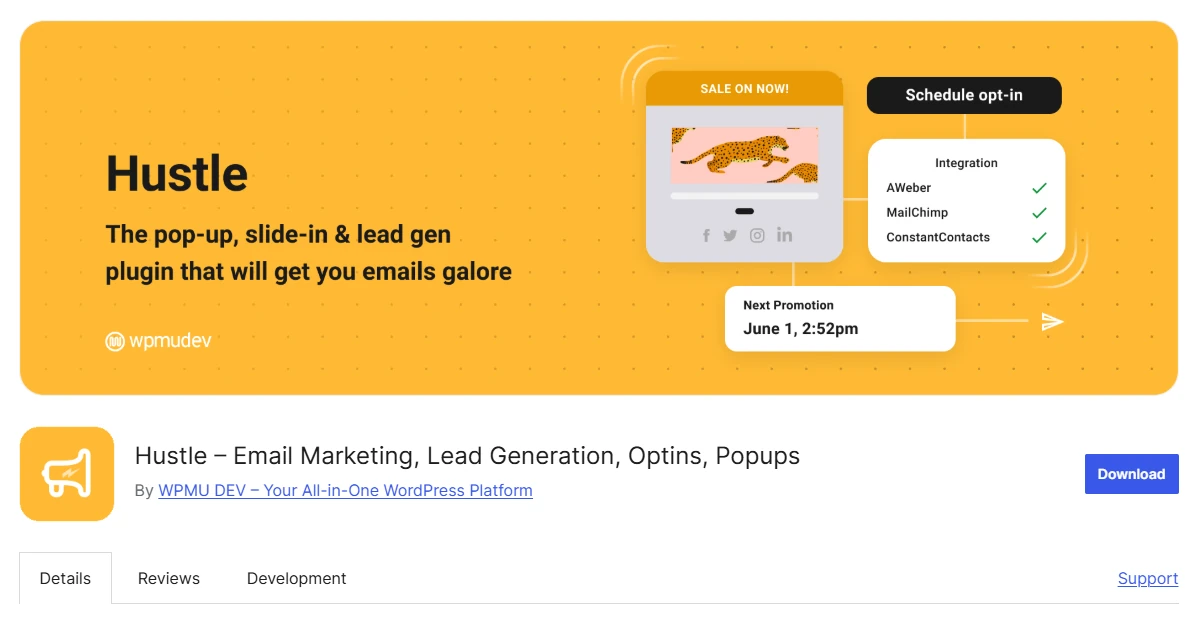
Its design process uses templates and appearance settings rather than an unrestricted canvas. Hustle is especially relevant for website owners who want configurable campaign formats without manually arranging every design element.
Key Features of Hustle
- Campaign formats: Popups, slide-ins, embedded opt-ins, and social-sharing modules.
- Design settings: Templates, typography, colors, spacing, and animations.
- Audience targeting: Pages, countries, browsers, devices, and referrers.
- Smart triggers: Time, scrolling, and exit intent.
- Campaign scheduling: Dates, days, times, and timezone-based controls.
- Forminator support: Embed forms, polls, and quizzes.
- Email integrations: Mailchimp, Brevo, MailPoet, HubSpot, and ActiveCampaign.
- Campaign statistics: Track conversions for individual modules.
Where Hustle Works Best
Hustle works well for websites that need a mix of email subscription opportunities and social-sharing tools. Different modules can serve different purposes without requiring the team to use the same popup format for every campaign.
Consider a recipe publisher that offers a weekly newsletter and wants readers to share individual recipes. Hustle provides opt-in modules and social-sharing options that can be placed around those different activities.
Its scheduling controls are useful for limited-time promotions. A website can prepare a campaign, choose the relevant pages and audience conditions, and configure its active dates rather than relying entirely on manual changes.
Hustle also works alongside Forminator, allowing sites with existing forms, polls, or quizzes to display them through supported marketing modules. Its conversion statistics provide reporting, but shouldn’t be confused with native A/B testing.
Hustle Pricing
Hustle pricing currently advertises Pro Basic at $36 annually for one site, discounted from $60. This plan includes WPMU DEV Pro plugins. Check the promotional and renewal terms before purchasing.
Who Should Use Hustle?
Hustle suits bloggers, publishers, and businesses that want email opt-ins, social-sharing modules, and scheduled promotions together. Choose it if its template-based design workflow and available integrations match your campaign requirements.
6. Icegram Engage – Best for Promotional Popups and Announcements
Icegram Engage is designed for WordPress websites that want to communicate with visitors through different onsite message formats. Alongside traditional popups, it supports action bars, toast notifications, inline messages, messengers, and overlays.
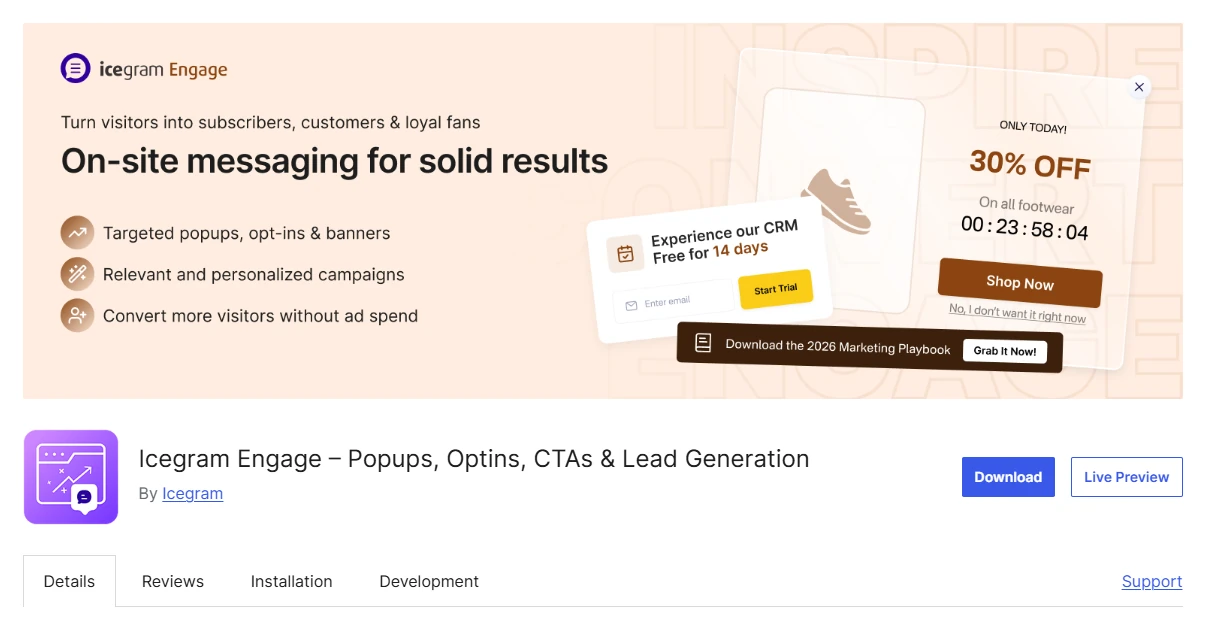
The plugin documents 12 message formats, giving website owners options for presenting promotions and announcements without making every message a conventional popup window.
Key Features of Icegram Engage
- Message variety: 12 documented onsite campaign formats.
- WordPress editing: Content editor with configurable design themes.
- Popup triggers: Exit intent, scrolling, and time-based conditions.
- Audience targeting: Pages, devices, visitor context, and location.
- Retargeting: Reach returning visitors using supported campaign conditions.
- Email collection: Embed forms connected to supported email services.
- A/B testing: Compare campaign variations on eligible plans.
- Analytics: Campaign views, clicks, and conversion reporting.
Where Icegram Engage Works Best
Icegram Engage is useful when the message format matters as much as the offer itself. A short announcement may need only an action bar, while a detailed promotion might justify a larger popup.
For instance, a local repair business could place temporary opening-hour information in an action bar. Visitors would see the update without needing to interact with a conventional email signup popup.
For content websites, inline messages offer another approach. A publisher can place a relevant invitation within an article, while using other formats for announcements or promotions requiring greater visibility.
Its targeting and testing options help refine those messages, although design customization follows configured themes rather than a freely positioned visual canvas. Check whether that approach provides enough control for your planned campaigns.
Icegram Engage Pricing
Icegram Engage pricing lists Max at $99 annually, covering up to three websites. It includes A/B testing and geographical targeting. Confirm the plan-specific allowance and renewal terms when purchasing.
Who Should Use Icegram Engage?
Icegram Engage suits websites needing different announcement and promotional formats, with targeting and campaign testing. It’s a sensible option when selecting the appropriate message type matters more than freely positioning individual design elements.
Community Reviews: Setup and Everyday Use
These selected WordPress.org reviews describe how individual users experienced three of the plugins. They offer practical context but don’t establish average results, guaranteed performance, or independently verified features.
WowOptin: What the Reviewer Reported
WordPress.org user mikefury, writing on August 31, 2026, shared a review of WowOptin setup and design. The reviewer described getting started quickly, finding the plugin straightforward, and producing professional-looking designs.
That positive experience is relevant for readers concerned about the learning curve. It’s one user’s account, not evidence that every website will achieve the same subscriber or performance outcomes.
Popup Maker: What the Reviewer Reported
In a review of Popup Maker in WordPress dated October 1, 2026, ropr reported that the plugin handled the popup task they needed and worked within their WordPress setup.
This is useful feedback for someone considering a straightforward implementation. It doesn’t establish that the reviewer tested every advanced display rule or integration.
Poptin: What the Reviewer Reported
WordPress.org user lysberth discussed a review of Poptin design and support on July 21, 2026. The reviewer appreciated being able to arrange elements freely, insert images, and work with embedded forms.
The account also mentions helpful guidance from customer service. Those observations provide a specific usability example rather than a guarantee of identical support experiences.
How We Reviewed WordPress Popup Plugins
We examined official plugin documentation, pricing pages, WordPress.org listings, relevant update information, and selected user reviews.
Each plugin was assessed against the same practical requirements:
- Design: Editing controls, templates, and supported campaign formats.
- Display behavior: Triggers, audience targeting, and frequency rules.
- Connections: Compatibility with forms, email services, and marketing workflows.
- Measurement: Available reporting and A/B testing capabilities.
- Pricing: Required plans, website allowances, and usage restrictions.
This comparison is based on documented capabilities and website-specific suitability. We did not install, benchmark, or independently test these plugins. User reviews provide individual experiences rather than verified performance results.
FAQs About WordPress Popup Plugins
Here are answers to common questions about popup performance, email collection, privacy, and choosing the right WordPress setup.
Q: Will Adding Popups Affect My Website’s Loading Speed?
It can. Popup plugins may introduce scripts, styles, and external requests. The actual effect varies. Use Google’s PageSpeed Insights documentation to guide before-and-after checks on relevant pages rather than assuming a plugin has no overhead.
Q: Where Do Popup Plugins Store Collected Email Addresses?
That depends on the plugin and connected services. Some workflows use WordPress forms, while others send data to external platforms. Poptin uses hosted management. Confirm storage locations, access permissions, and integrations before collecting subscribers.
Q: Can I Send Newsletters Directly From a Popup Plugin?
Not necessarily. Collecting email addresses and sending newsletters are separate functions. Some products connect to mailing services, while Poptin offers email tools through separate packages. Check the full subscription and delivery workflow before choosing.
Q: Does a Popup Plugin Automatically Handle GDPR Requirements?
No. You still need an appropriate processing purpose, legal grounds for personal-data processing, required disclosures, and suitable data-handling arrangements. A popup or consent checkbox alone doesn’t establish compliance.
Q: Can I Use One Popup Plugin License on Several Websites?
It depends on the purchased plan. Some subscriptions cover one site, while others permit multiple installations. Check license allowances, visitor restrictions, and renewal conditions, particularly when managing separate client websites.
Q: Is My Existing Theme or Page Builder Enough for Popups?
It may be. If your existing tools support the design, triggers, audience conditions, and integrations you need, another plugin could be unnecessary. Compare dedicated alternatives only when your current setup cannot handle the intended campaign.
Choose a Popup Plugin for Your Website
The best WordPress popup plugin is the one that fits your website’s campaign goals and existing workflow.
Start with the most important requirement. That might be flexible design, precise targeting, compatibility with current forms, or support for different announcement formats. Then compare the features and paid plans that satisfy it.
Also consider how visitors will experience the popup. Even a well-designed offer can become distracting if it appears on the wrong page, opens at an inconvenient moment, or repeats too frequently.
Before launching multiple campaigns, create one relevant popup and check its appearance on desktop and mobile. Verify its triggers, confirm that form submissions reach the intended destination, and review results using a meaningful conversion action.
Use what you learn from that first campaign to decide whether the plugin and workflow are suitable for wider use.


