

A free popup builder should let you run a complete campaign without paying for the features that make a popup useful. At minimum, that means creating the popup, designing it, choosing where it appears, and controlling when visitors see it.
WowOptin is the strongest all-around free option for most sites. Its free plan includes unlimited opt-ins and pageviews, 140+ free templates, a Canva-like editor, and audience targeting with no traffic cap.
The other free plugins fit narrower cases. Popup Maker suits unlimited self-hosted popups tied to an existing form plugin. Poptin offers free exit intent and gamified campaigns up to 1,000 visitors per month. The rest cover unlimited basic campaigns, detailed display conditions, or CTA formats.
This guide focuses on what each plugin gives you for free, including the limits you should know before installing it.
Free Popup Builder Plugins Compared
Compare the best free WordPress popup plugins by their ideal use cases, included features, and key limitations.
| Free popup plugin | Best free use case | What you get for free | Important free limit |
|---|---|---|---|
| WowOptin | Design flexibility, templates, and targeting | Unlimited opt-ins, unlimited pageviews, 140+ free templates, audience targeting, Mailchimp integration | Advanced triggers and some targeting options require Pro |
| Popup Maker | Unlimited self-hosted popups | Unlimited popups, automatic and click triggers, page targeting, form integrations | Exit intent and scroll triggers require Pro |
| Poptin | Exit-intent campaigns for small sites | Drag-and-drop editor, exit intent, analytics, gamified popups, integrations | 1,000 visitors and 250 contacts per month; A/B testing requires paid plan starting at $25/month |
| Hustle | Email opt-ins and social sharing | Popups, slide-ins, embeds, integrations, exit intent, conversion tracking | Three free modules of each major type |
| Icegram Engage | Unlimited basic CTA campaigns | Unlimited campaigns, popups, bars, toast notifications, basic targeting | Exit intent, scroll, inactivity, premium themes, and A/B testing require Pro |
| Popup Builder by Sygnoos | Basic image, HTML, and subscription popups | Unlimited popups, four free popup types, design controls, click and hover events | Exit intent and many specialized popup types are paid |
| WP Popups | Rule-based popup placement | Time and scroll triggers, five positions, detailed WordPress display filters | Exit intent, analytics, and scheduling require Pro |
Free features and limits were verified against official product pages and WordPress.org listings. Plugin vendors can change plan limits, template counts, and feature availability, so recheck critical details before publication.
What Makes a Free Popup Plugin Genuinely Useful?
Many WordPress popup plugins are advertised as free because the plugin costs nothing to install. That does not necessarily mean you can run a complete campaign without paying.
A useful free plan should provide enough functionality in four areas:
- Creation: You can publish real popups rather than only previewing a builder.
- Design: You can change the text, colors, images, buttons, fields, and layout.
- Display control: You can choose the pages, posts, devices, or visitors that should see the popup.
- Triggering: You can decide when the popup appears, such as after a delay, on scroll, or after a click.
Usage limits matter too. A free plan with unlimited campaigns can still become unsuitable if it stops displaying popups after a small number of visitors. The comparisons below separate free features from paid capabilities so you can choose without discovering a critical restriction halfway through your setup.
1. WowOptin: Best Free Popup Builder for Templates, Targeting, and Design Flexibility
WowOptin is a WordPress popup and opt-in builder that combines a Canva-like visual editor with templates, targeting, display rules, and multiple campaign formats. Its complete template library includes 700+ designs, with 140+ currently available in the free version.
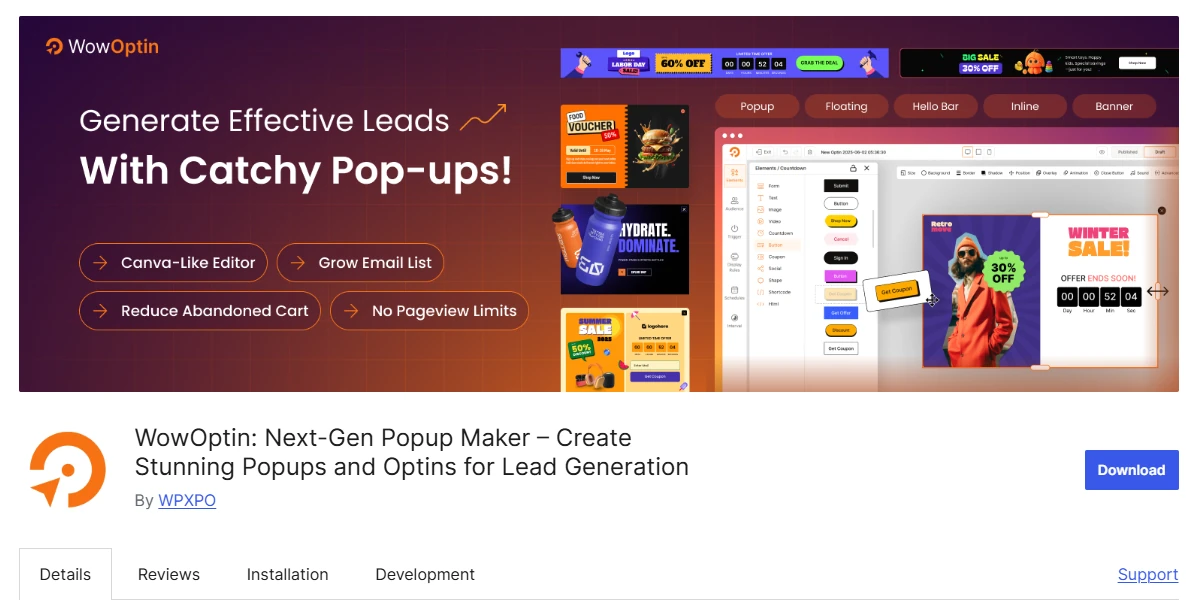
What makes the free version stand out is that it does not limit how many campaigns you can create or how many visitors can see them. You also get audience targeting, display rules, time-based triggers, essential design elements, Mailchimp integration, and enough customization to build newsletter signups, lead magnets, promotional campaigns, announcements, and other calls to action.
What You Get with WowOptin Free
- Unlimited popups and opt-in campaigns
- No pageview or visitor limits
- 140+ free templates from a library of 700+ designs
- Canva-like visual editor for popups, forms, banners, floating bars, and embeds
- Essential design elements with responsive controls for desktop, tablet, and mobile
- Audience targeting by device, visitor type, browser language, and operating system
- Time-based triggers with one trigger group per opt-in
- Display rules for the entire website, homepage, posts, pages, categories, tags, and author archives, with one display-rule group per opt-in
- Basic campaign scheduling
- Mailchimp and webhook integrations
Free version limitations
The free version does not include A/B testing, multi-step opt-ins, geolocation, traffic-source targeting, exit intent, scroll depth, inactivity, click or hover triggers, advanced recurring schedules, and ecommerce-specific display rules. These limitations mainly affect more advanced campaigns, while blogs, portfolios, nonprofits, freelancers, and small business websites can still create and display unlimited targeted popups without campaign or traffic caps.
Best for: WordPress websites needing a free popup builder with a large template selection, audience targeting, unlimited campaigns, and Canva-like design flexibility.
2. Popup Maker: Best Free Plugin for Unlimited Self-Hosted Popups
Popup Maker is a good option for creating unlimited self-hosted popups using content and forms already available on your WordPress website. The free version supports automatic time-delay popups, click-to-open triggers, form-submission triggers, and page-level targeting for posts, pages, custom post types, categories, tags, and taxonomies.
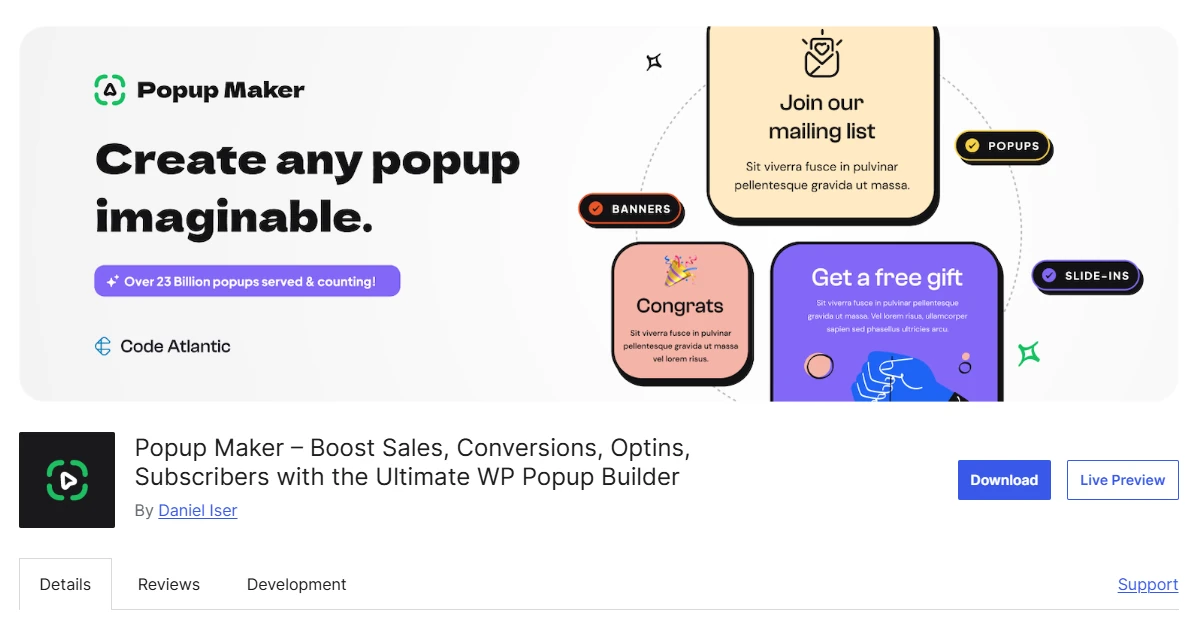
You can also place forms from plugins such as WPForms, Ninja Forms, Contact Form 7, Gravity Forms, Forminator, Fluent Forms, and Mailchimp for WordPress inside a popup. This makes Popup Maker particularly useful if you already have a form plugin installed and want to turn existing forms or content into targeted popup campaigns.
What You Get with Popup Maker Free
- Unlimited popups
- Time-delay, click-to-open, and form-submission triggers
- Targeting for posts, pages, custom post types, categories, and tags
- Controls for popup design, size, and position
- Compatibility with major WordPress form plugins
- Support for custom HTML and WordPress content
- Cookie controls for repeat-display behavior
Free version limitations
Exit intent and scroll-based triggers require Popup Maker Pro. Advanced targeting by URL, user role, geolocation, browser, operating system, login status, referrer, schedule, and ecommerce activity is also paid.
Best for: WordPress users who want unlimited basic popups and already use a separate form plugin.
3. Poptin: Best Free Popup Builder with Exit Intent
Poptin provides a hosted drag-and-drop builder for popups, forms, floating bars, full-screen overlays, social widgets, and gamified campaigns.
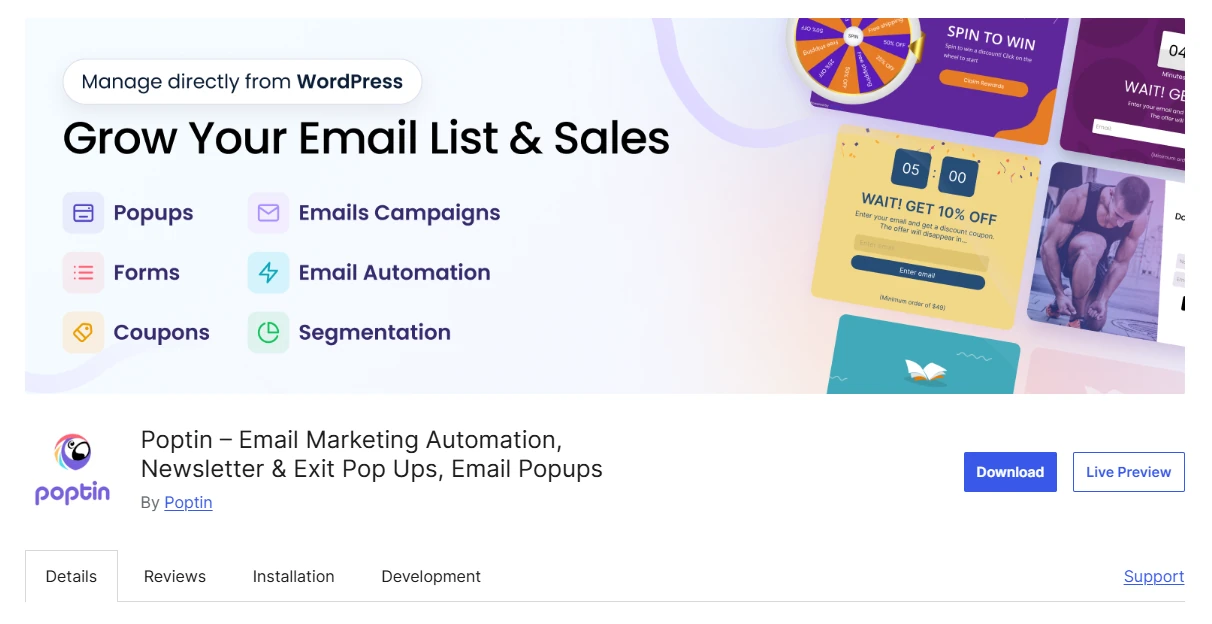
Unlike several free WordPress alternatives, Poptin includes exit-intent technology in its free plan. It also offers analytics, integrations, targeting tools, and campaign formats such as spin-to-win popups, which Poptin’s own documentation invites users to create for free when signing up.
What You Get with Poptin Free
- Drag-and-drop editor for popups and forms
- Exit-intent popups
- Responsive templates for lightbox, slide-in, floating bar, fullscreen, and mobile campaigns
- Inline forms and floating bars
- Time, scroll, inactivity, click, and page-visit triggers
- Popup performance and conversion analytics
- Email marketing and CRM integrations
- Gamified popup formats, including spin-the-wheel campaigns
Free version limitations
Poptin’s free plan supports up to 1,000 visitors per month and 250 email marketing contacts according to its pricing page. Because the builder relies on a hosted account, it is not a fully self-contained WordPress solution. A/B testing requires a paid plan.
Best for: Small websites that need free exit intent, analytics, integrations, and gamified campaigns within visitor and contact limits.
4. Hustle: Best Free Popup Plugin for Opt-ins and Social Sharing
Hustle combines popups with slide-ins, embedded opt-ins, and social-sharing bars. Its free version includes templates, design settings, visibility conditions, behavior triggers, scheduling, integrations, and conversion tracking.
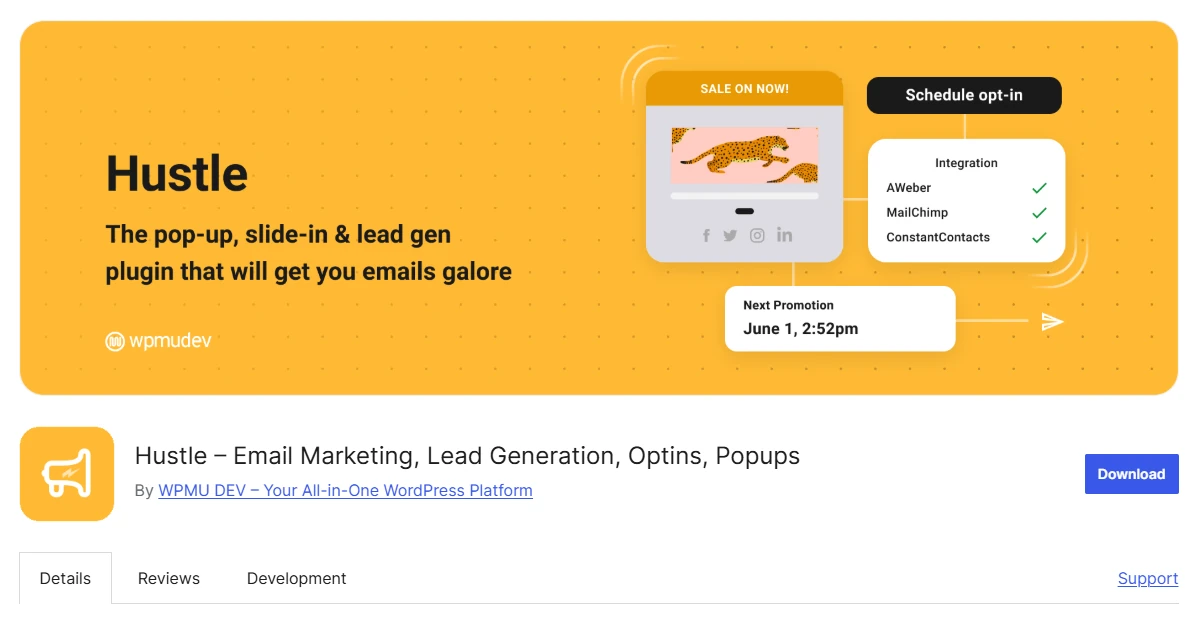
The plugin is useful when you want to collect email addresses and encourage social sharing without installing separate tools for each job.
What You Get with Hustle Free
- Up to three popups, slide-ins, embedded opt-ins, and social-sharing bars
- Time-delay, scroll, and exit-intent triggers
- Targeting by page, device, browser, country, referrer, and cookies
- Campaign scheduling
- Integrations with popular email marketing services
- Submission management inside WordPress
- Impression and conversion tracking
- Custom CSS for additional styling
Free version limitations
The main restriction is quantity. You can create only three free modules of each major type. This should cover a small website, but it may not support a larger campaign calendar with many simultaneous offers.
Best for: Small websites that need a few email opt-ins, slide-ins, and social-sharing tools with free conversion tracking.
5. Icegram Engage: Best for Unlimited Free CTA Campaigns
Icegram Engage supports popups, action bars, slide-ins, inline messages, overlays, toast notifications, ribbons, badges, and other call-to-action formats.
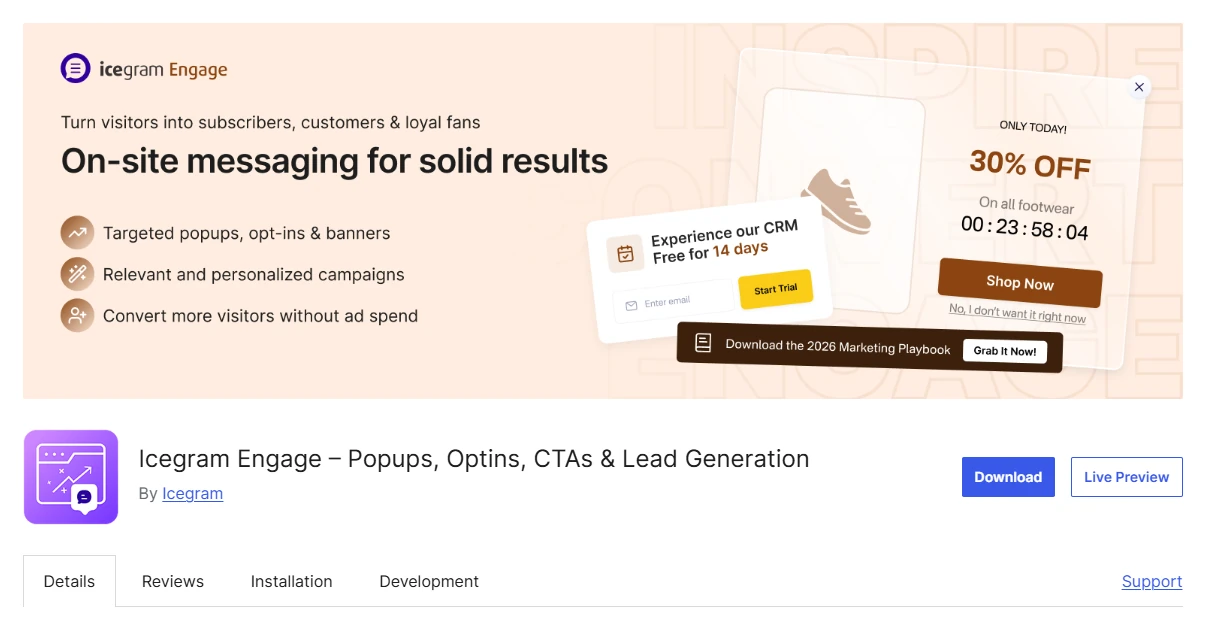
Its free version allows unlimited popup and lead-generation campaigns. You can use page targeting, device targeting, time delays, and responsive essential design themes without paying for each additional campaign. A premium collection of 50+ high-converting templates is available on paid plans.
What you get with Icegram Engage Free
- Unlimited campaigns
- Popups and email opt-in forms
- Header and footer action bars
- Toast notifications and messengers
- Basic targeting rules with Time-delay controls
- Essential design themes with Two-step opt-in capability
- Page and device targeting
- Email platform integrations
Free version limitations
Exit intent, scroll-position triggers, user-inactivity triggers, premium themes, the 50+ premium template collection, A/B testing, and advanced geolocation require the paid Pro or Max plan.
Best for: Blogs and content websites that need unlimited free messages in several formats.
6. Popup Builder by Sygnoos: Best for Basic Promotional Popups
Popup Builder by Sygnoos provides four free popup types: image, HTML, Facebook, and subscription popups. You can create unlimited popups and control their appearance, animation, opening behavior, and responsive presentation.
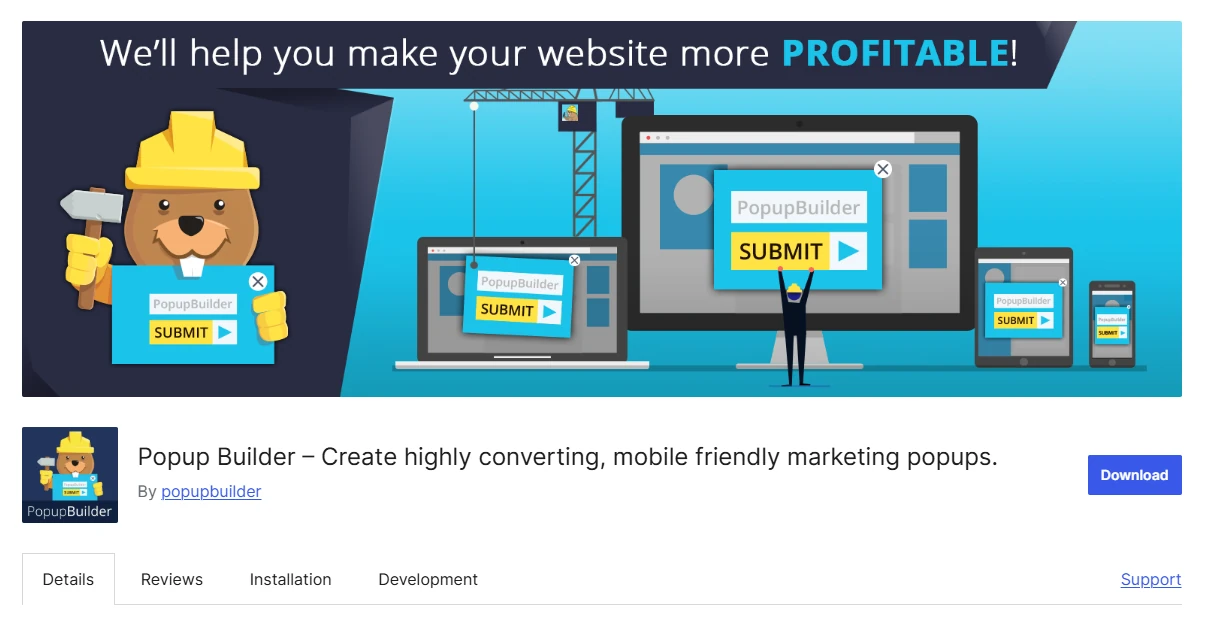
The HTML popup is particularly useful because it lets you display custom content instead of relying entirely on predefined layouts.
What you get with Popup Builder Free
- Unlimited popups
- Image, HTML, Facebook, Subscription popups
- Design customization and Responsive display
- Click and hover opening events
- Custom CSS and JavaScript options
- Compatibility with several WordPress plugins
Free version limitations
Exit intent, geotargeting, video, countdown, WooCommerce, login, and several email-marketing popup types require paid extensions or plans.
Best for: Users who need unlimited basic image, HTML, or subscription popups without advanced behavioral targeting.
7. WP Popups: Best Free Plugin for Detailed Display Conditions
WP Popups offers a visual template builder, five popup positions, time-delay triggers, and scroll-based triggers.
Its main free advantage is its display-filter system. You can control visibility using pages, posts, devices, user roles, login status, referrers, search-engine traffic, query strings, post types, taxonomies, and other WordPress conditions.
What you get with WP Popups Free
- Visual popup template builder with Five popup positions
- Time-delay, Scroll-percentage and scroll-distance triggers
- Page, post, and post-type filters
- Device and user-role conditions
- Referrer and query-string conditions
- Logged-in and logged-out user targeting
- Compatibility with popular form plugins
- Basic style and overlay controls
Free version limitations
Exit intent, scheduling, geolocation, A/B testing, conversion analytics, additional popup positions, and more advanced triggers require the premium version.
Best for: WordPress users who need free scroll triggers and detailed visibility rules for simple popups.
Which Free Popup Builder Should You Choose?
The best choice depends on the feature you cannot afford to lose:
- Choose WowOptin for unlimited campaigns and pageviews, 140+ free templates, useful audience targeting, and a flexible Canva-like visual editor.
- Choose Popup Maker for unlimited self-hosted popups that work with an existing WordPress form plugin.
- Choose Poptin for free exit intent, analytics, integrations, and gamified campaigns on a website with fewer than 1,000 monthly visitors.
- Choose Hustle when three campaigns of each type are enough and you also need social-sharing tools.
- Choose Icegram Engage for unlimited campaigns across many CTA formats.
- Choose Popup Builder by Sygnoos for unlimited basic image, HTML, and subscription popups.
- Choose WP Popups for detailed WordPress display filters and free scroll triggers.
For the broadest free use case, WowOptin ranks first. It does not impose campaign or traffic limits, provides more than 140 free templates, and offers enough targeting and display control for most standard WordPress campaigns. You can build and run useful popups without upgrading.
How to Create a Free Popup with WowOptin
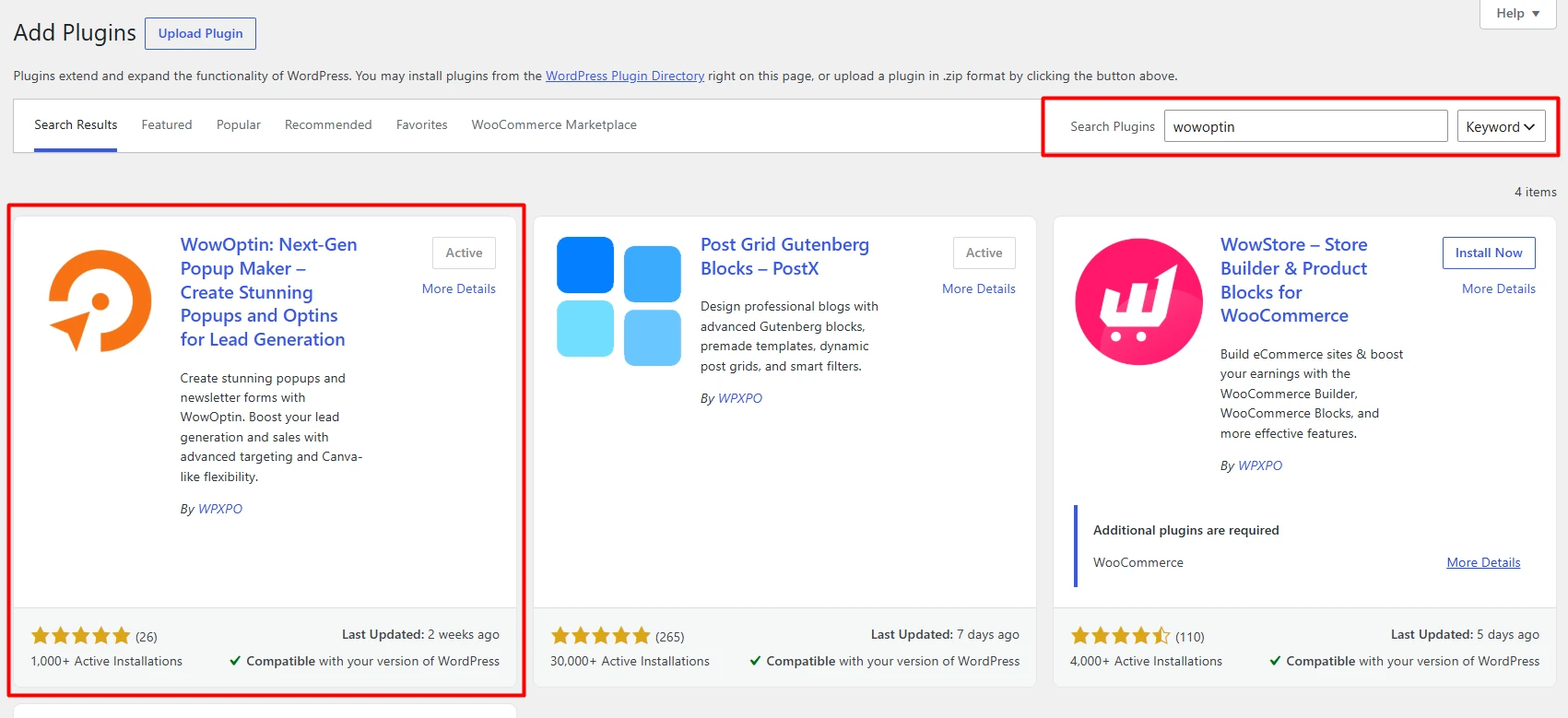
Install and activate WowOptin from Plugins > Add New in WordPress.
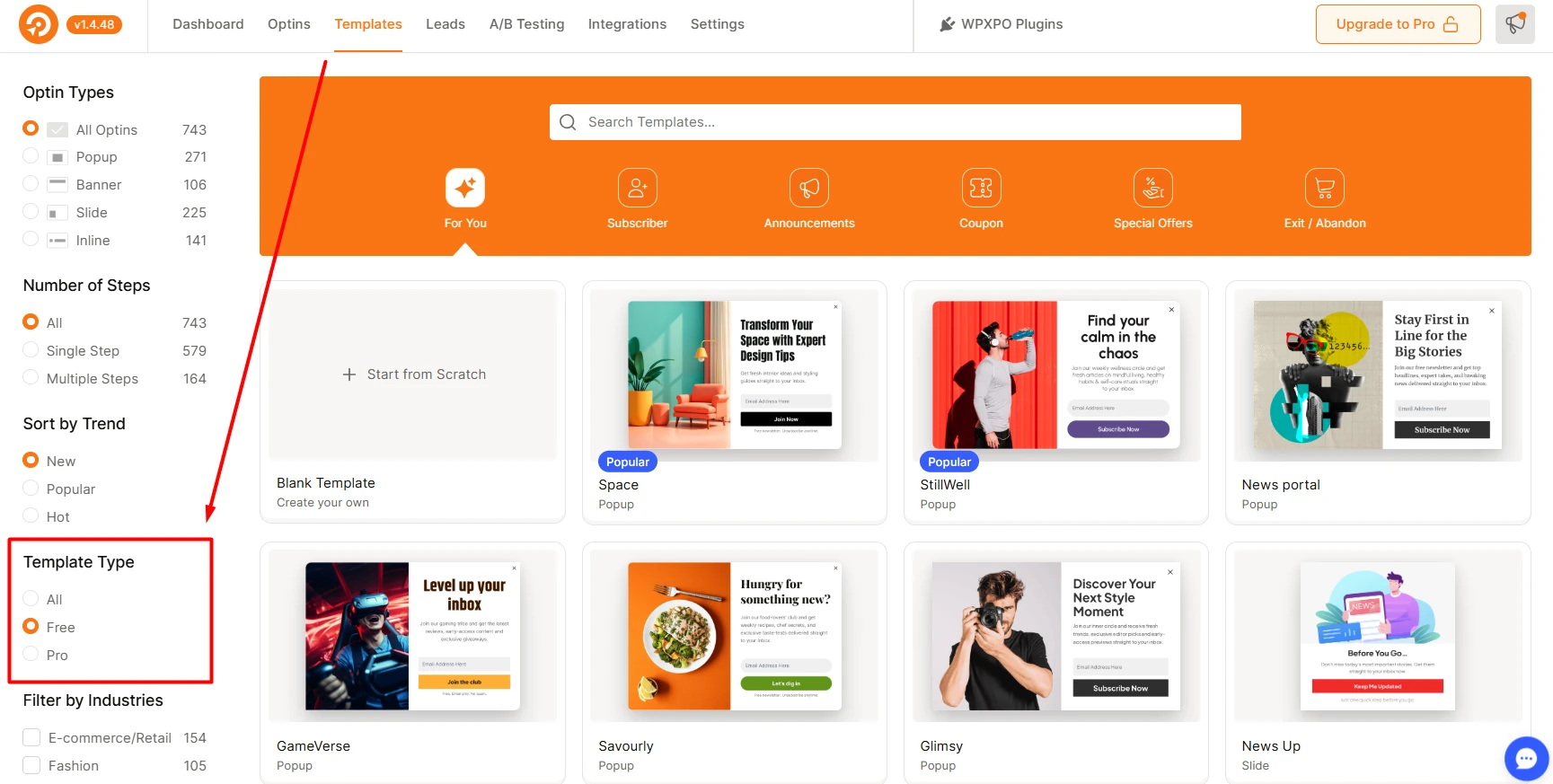
Create a new opt-in campaign and choose one of the 140+ free templates or start from a blank canvas. The template route is faster if you just need a working popup; starting from scratch makes sense when you have a specific layout in mind.
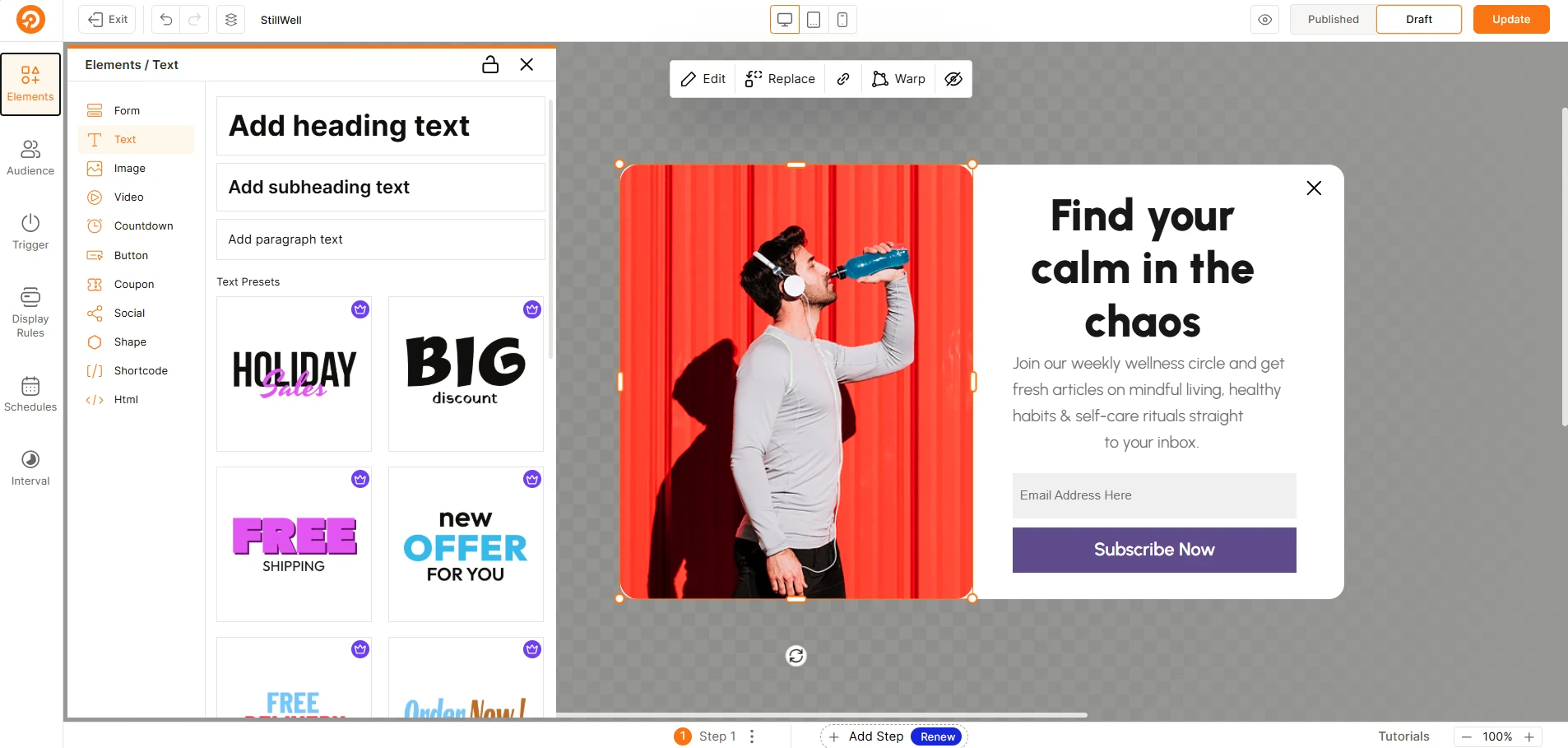
Customize the campaign. Update the text, form fields, images, buttons, colors, and layout to match what you are promoting. Free users can work with text, images, videos, forms, buttons, coupons, shapes, social-sharing buttons, custom HTML, shortcodes, and basic countdown timers.
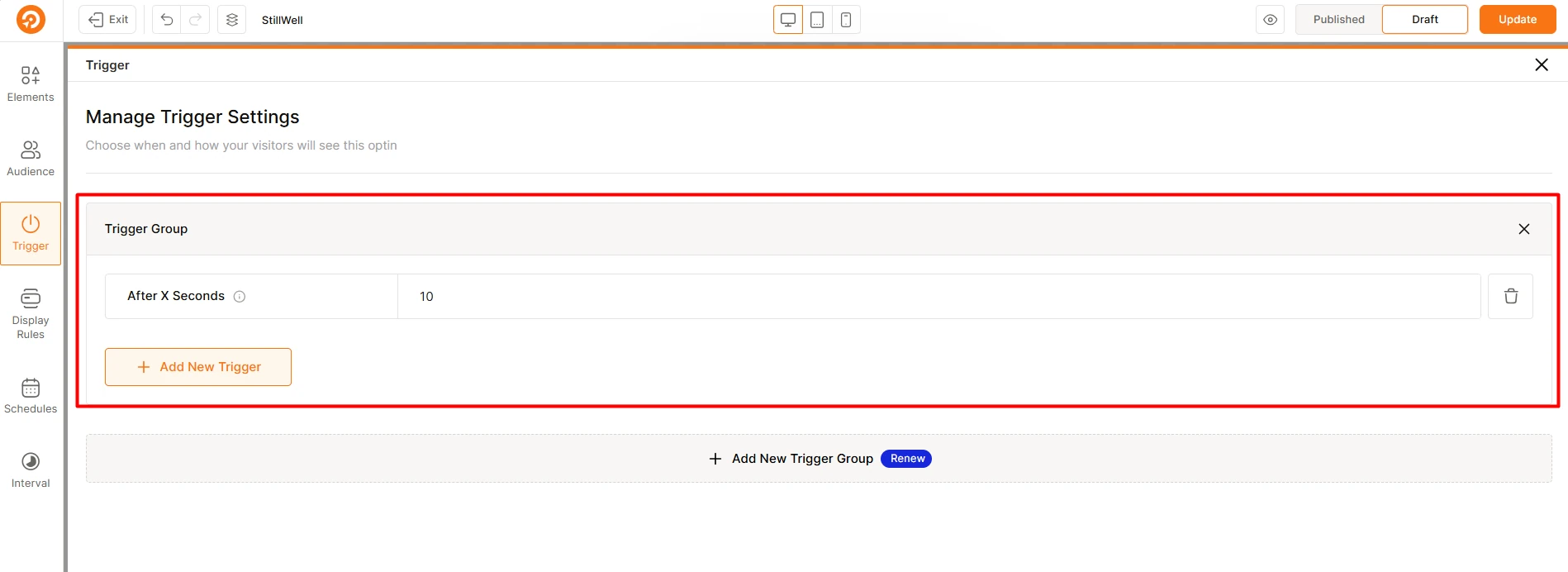
Set a time-based trigger and choose where the popup appears. Pick the pages, posts, categories, tags, or audience conditions that should see it. Free plans allow one trigger group and one display-rule group per opt-in, so keep the rules focused on a single goal.
Preview the design on desktop, tablet, and mobile, then publish.
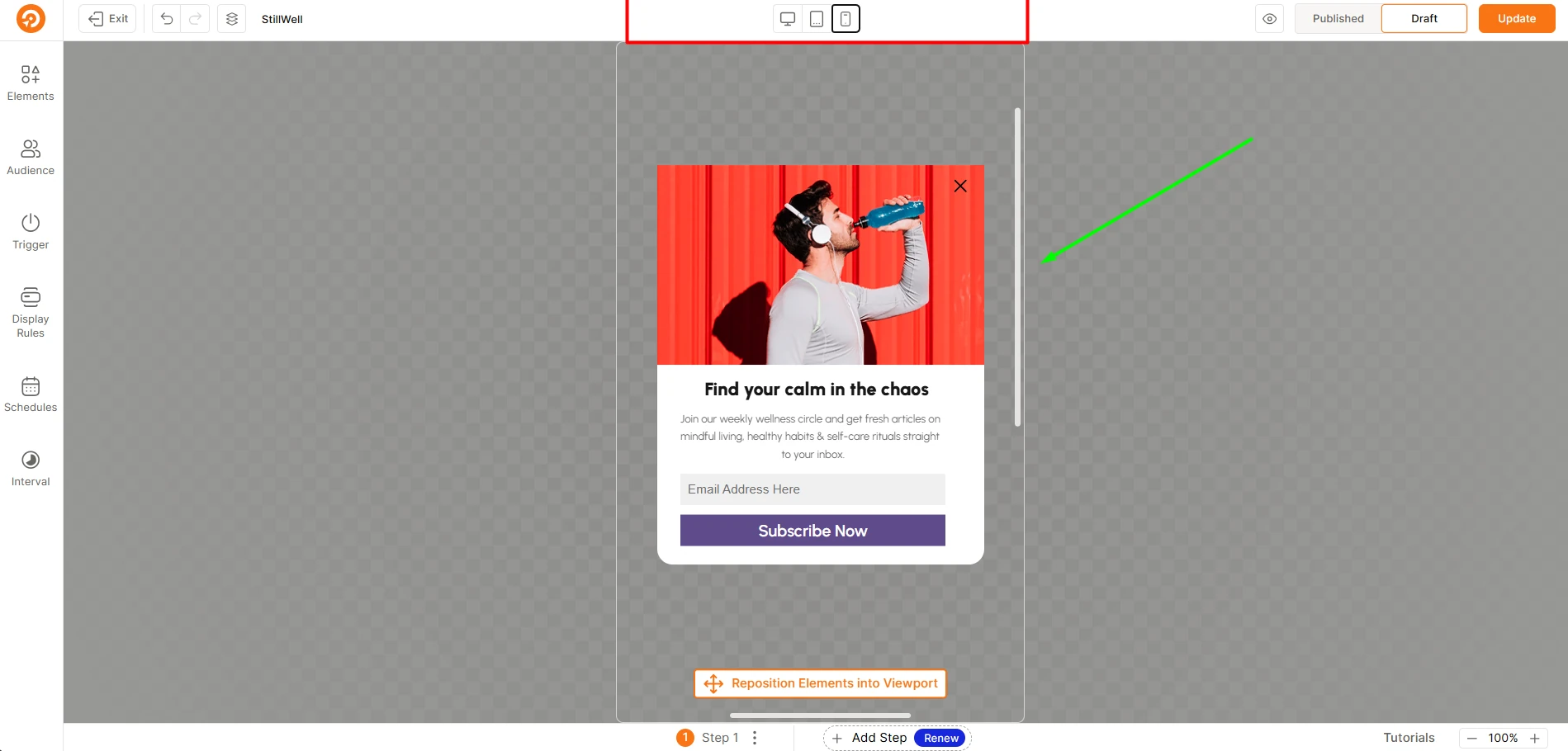
A few steps worth getting right:
- Start with one focused campaign rather than publishing several at once.
- Use the template library if you are unsure where to begin. The 140+ free templates cover common newsletter signups, discount announcements, lead magnets, and promotional banners.
- Test the form submission on a live page before relying on the popup for a campaign.
Because the free version has no campaign or pageview limit, you can create separate popups for different pages and visitor groups. Start with one campaign, measure how visitors respond, and add more only when each popup has a clear purpose.
FAQs About Free Popup Builder Plugins
Q: Is there a completely free popup builder for WordPress?
Yes. Plugins such as WowOptin, Popup Maker, Icegram Engage, Popup Builder by Sygnoos, and WP Popups let you publish functional popups for free. Their advanced features differ, but the core free versions do not require an immediate purchase.
Q: Which free popup plugin has no traffic limit?
WowOptin states that its free version has no pageview or visitor limit. Popup Maker and several self-hosted alternatives also do not advertise a monthly traffic allowance, unlike hosted tools such as Poptin.
Q: Which free popup builder includes the most templates?
WowOptin provides 140+ templates to free users and advertises a complete library of 700+ designs. Template availability can change, so check the current library before selecting a design.
Q: Can I create an exit-intent popup for free?
Yes. Poptin and Hustle include exit-intent capabilities in their free offerings. WowOptin reserves exit intent for Pro, although its free version includes time-based triggers.
Q: Can a free popup plugin connect to Mailchimp?
Yes. WowOptin includes Mailchimp integration in its free version. Other plugins can connect through native integrations or by embedding forms created with Mailchimp-compatible WordPress form plugins.
Q: Are free popup plugins suitable for WooCommerce?
They can display general promotions on a WooCommerce website, but product, cart, checkout, and purchase-based targeting is often paid. Check the exact free display rules before planning store-specific campaigns.
Start with the Free Features You Will Actually Need
A free popup builder is valuable only when its limits match your website. Traffic caps matter for growing sites, campaign caps matter for active marketers, and paid-only triggers matter when your strategy depends on exit intent or visitor behavior.
WowOptin offers the strongest overall free package for most WordPress users because it combines unlimited campaigns and pageviews with 140+ free templates, a flexible editor, audience targeting, and Mailchimp integration. Install the free version, create one focused campaign, and confirm that its free triggers and display rules cover your workflow before considering anything more advanced.


