
AI-Powered Product Recommendations for WooCommerce – WowRecommend
Recommend the right products with AI, 32+ advanced filters, smart sorting, multi-page placements, popup upsells, order bumps, and revenue analytics.
 4.9/5 based on 440+ reviews on
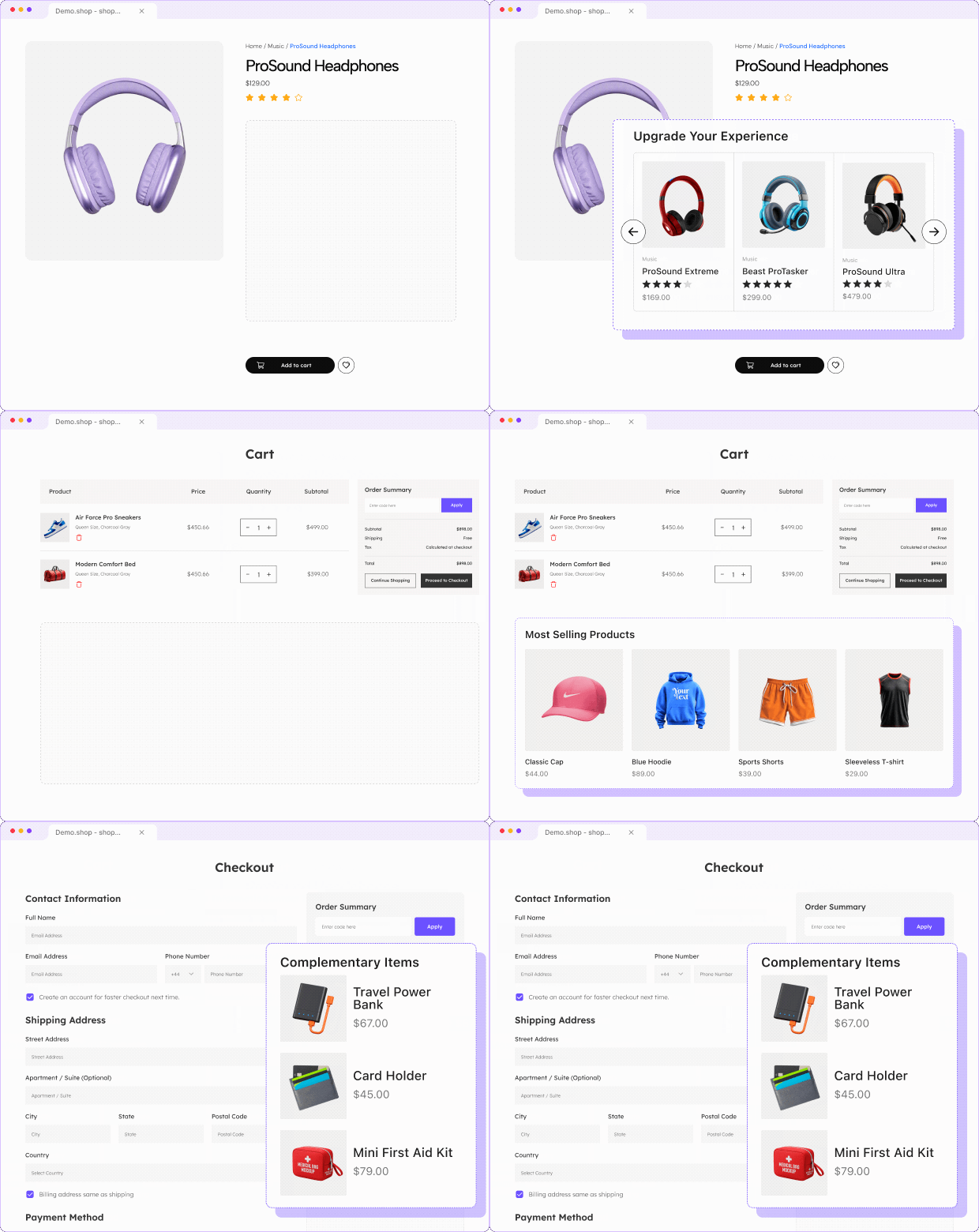
All-in-one WooCommerce Product Recommendation Plugin
Build highly-relevant product recommendations with advanced filters, flexible sorting, AI-powered rule creation and smart placement options.

Flexible Placement Options
Show recommendations across product, shop, cart, checkout, and thank-you pages.

32+ Recommendation Filters
Target products using catalog, behavior, sales, pricing, and merchandising data.

AI-Powered Rule Creation
Describe your requirements, and AI builds the recommendation rule automatically.

Customize Styles
Customize layouts, cards, buttons, columns, colors, and elements without coding.

Live Rule Builder
Set up, review, and refine recommendations live without checking your storefront.

Smart Priority Sorting
Utilize multiple sorting methods to display products in the right order.

Revenue Analytics
Track completed-order revenue and identify which recommendations actually drive sales.

Popup Upsells
Trigger targeted popup offers at the right moment to increase conversions.

Checkout Order Bumps
Add one-click offers at checkout to increase order value effortlessly.
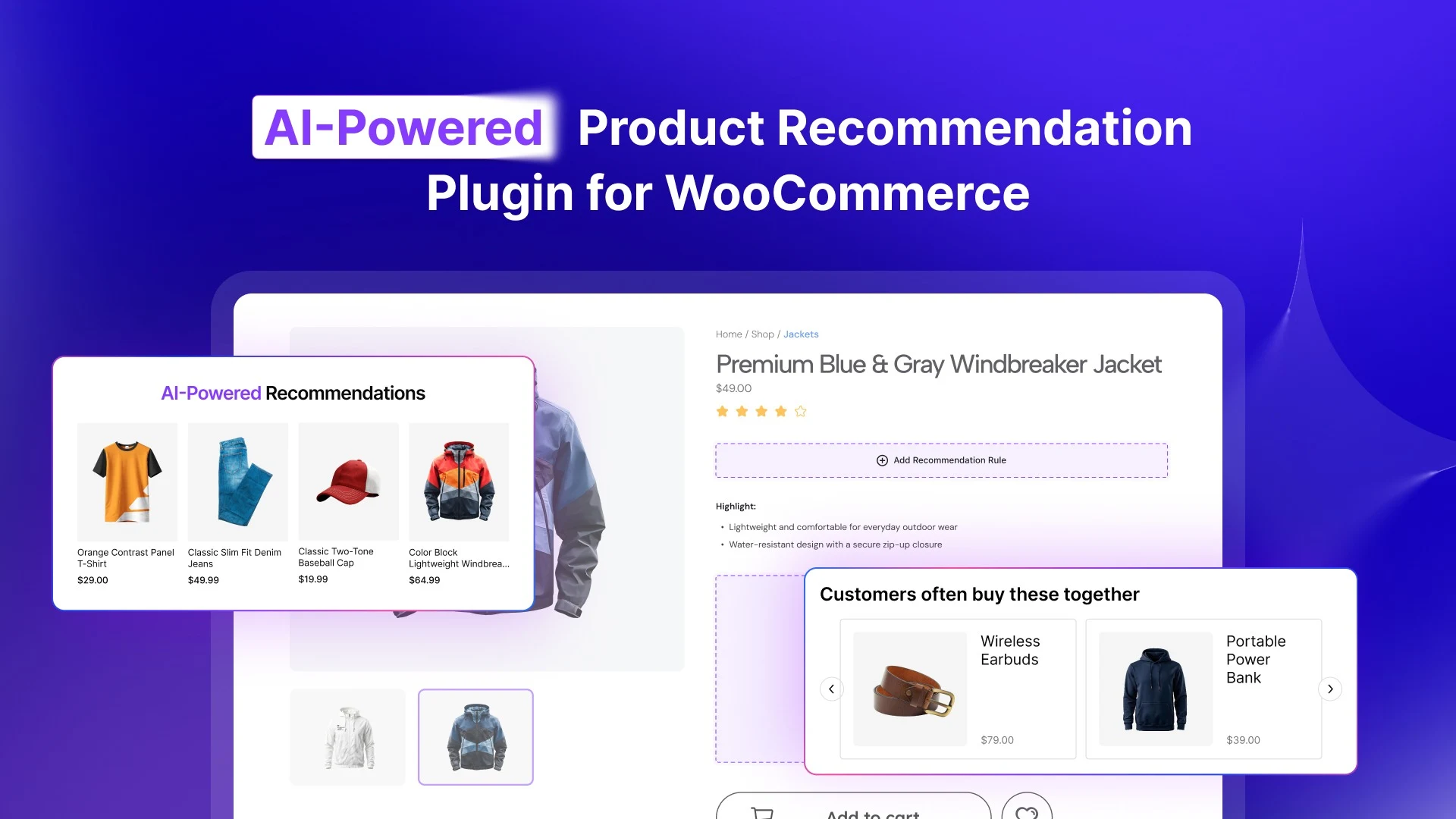
Create AI-Powered Recommendations for WooCommerce
Tell WowRecommend what you want in plain English, and AI builds the recommendation rule for you.
Natural-Language Prompts
Describe your recommendation in plain English instead of setting up every rule manually.
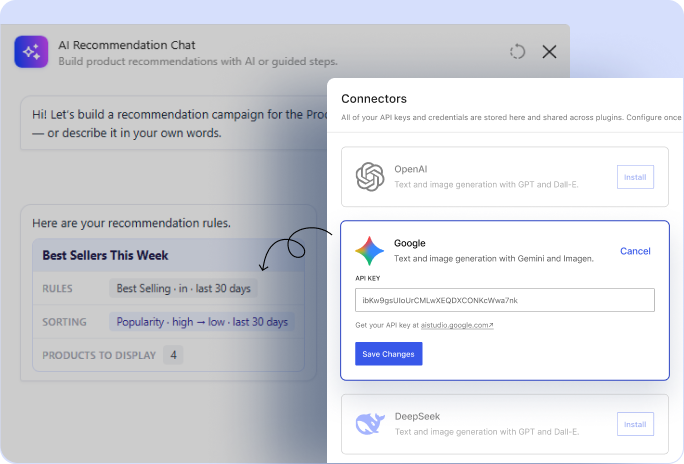
AI-Built Rules
Let AI automatically select the right filters, conditions, and sorting for your recommendation.
Conversational Refinement
Fine-tune the recommendation by chatting with AI and making adjustments as you require.
Smart Sorting to Prioritize the Recommendations
Choose how recommended products are ranked and make sure the most relevant products appear first.

Popularity
Show your best-selling products to attract more clicks.

Conversion
Prioritize products with the highest conversion rates.

Freshness
Show newly added products first to highlight fresh arrivals.

Price
Sort products by price from low to high or reverse.

Rating
Prioritize products with the highest customer ratings and reviews.

Random
Shuffle product order randomly to keep recommendations fresh.

Bought Together
Prioritize products customers most frequently purchase together in orders.
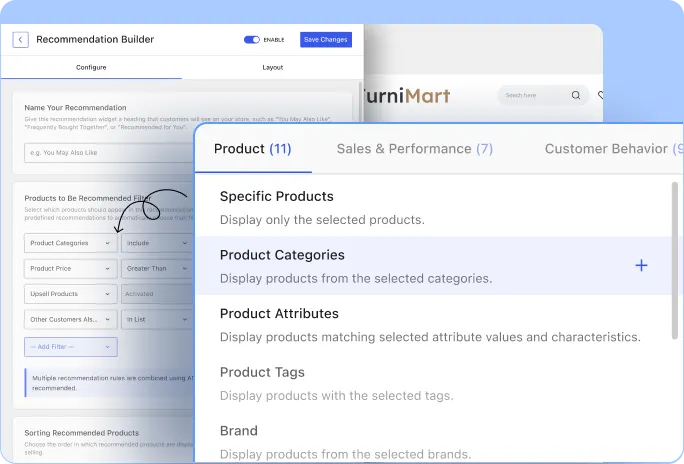
Create Personalized Product Recommendations with 32+ Filters
Create personalized WooCommerce recommendations using your catalog data, sales performance, customer behavior, interests, and product relationships.
Product-Specific Filters
Recommend products based on the details already available in your WooCommerce catalog.
✅ Filter by category, tag, brand, attribute, etc.
✅ Recommend matching the current product’s details
✅ Hand-pick specific products for full control
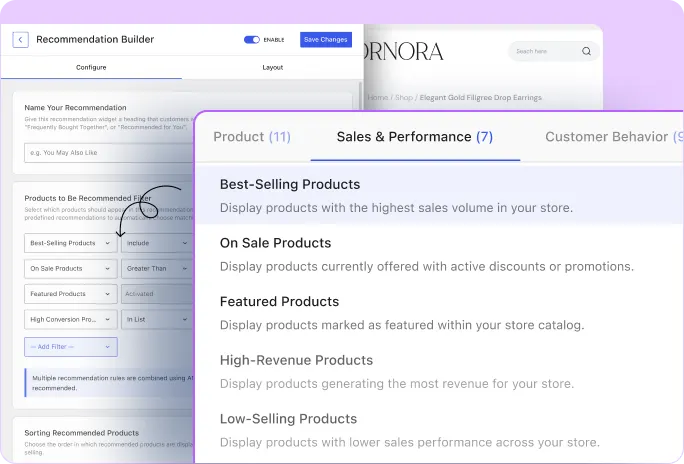
Sales-based Filters
Use real store performance data to recommend products that are selling well.
✅ Recommend best-selling or high-converting products
✅ Highlight featured, on-sale, or new products
✅ Show products based on recent performance data
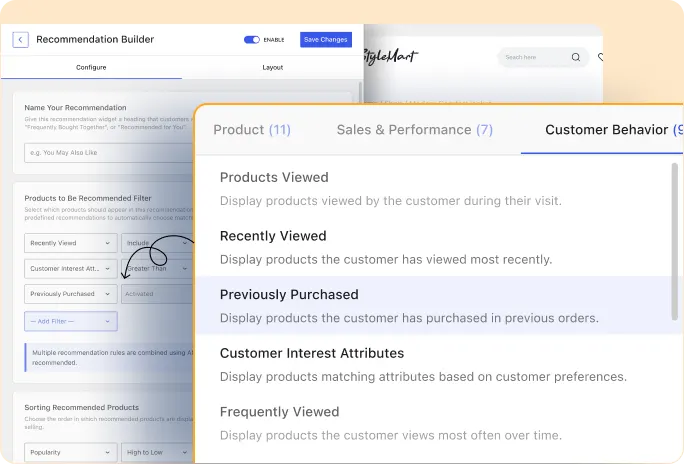
Behavior-based Filters
Use real customer activity to make recommendations more relevant to each shopper.
✅ Recommend recently viewed or most viewed items
✅ Use purchase history-based recommendations
✅ Personalize suggestions based on customer interests
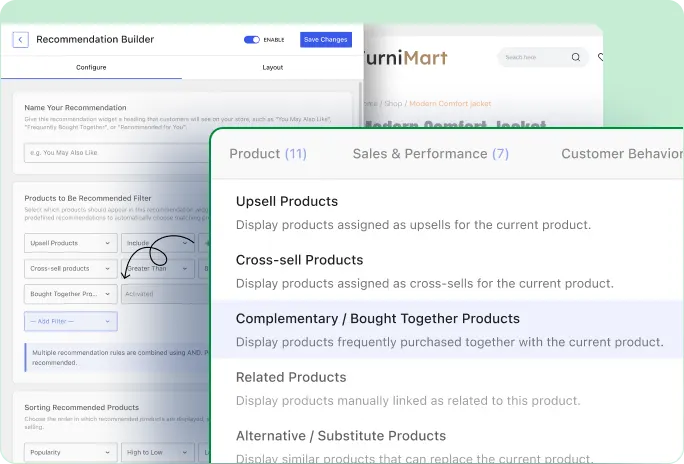
Product Relationship Filters
Recommend products that already have a meaningful connection with the current product.
✅ Show related products already linked
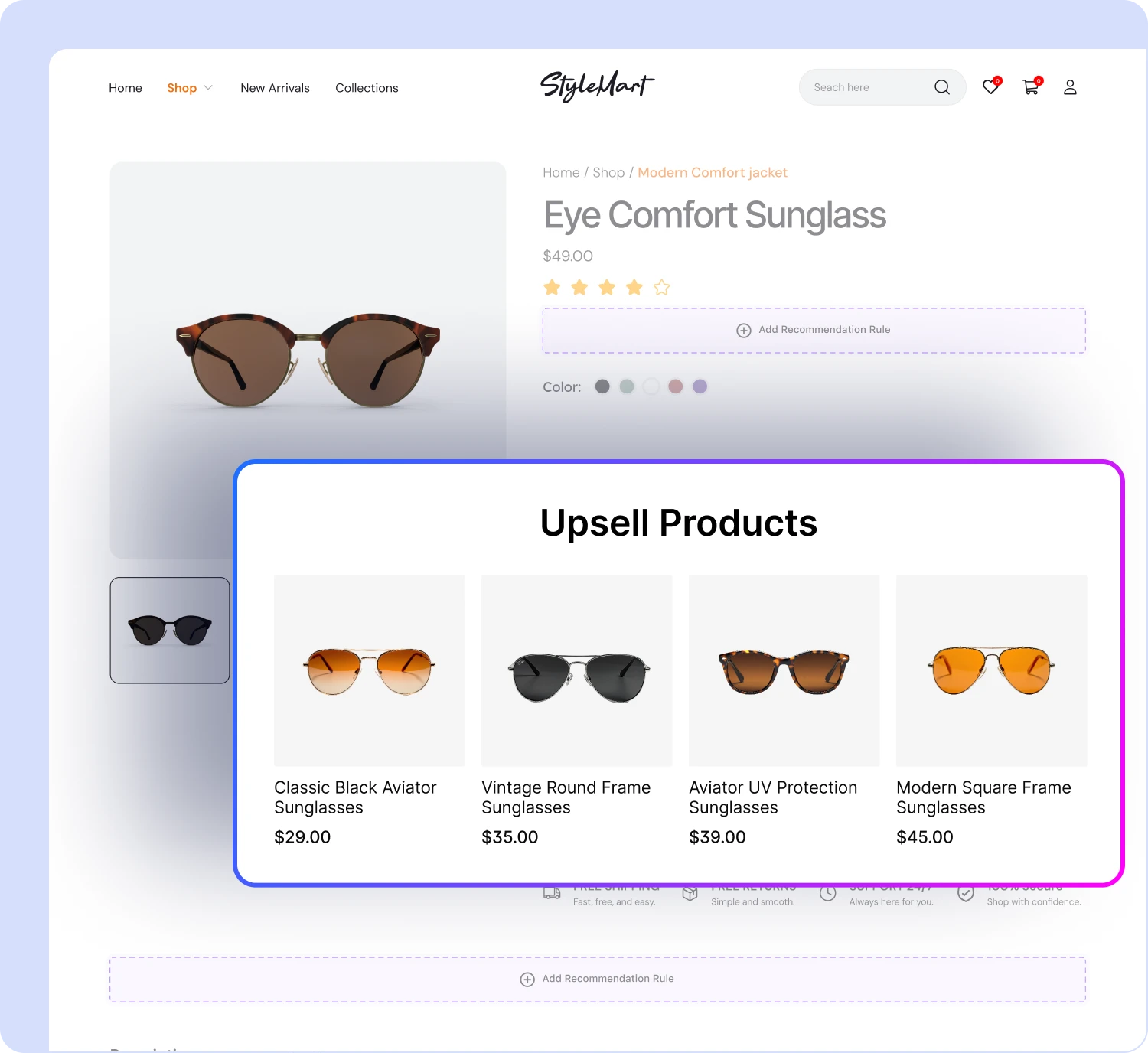
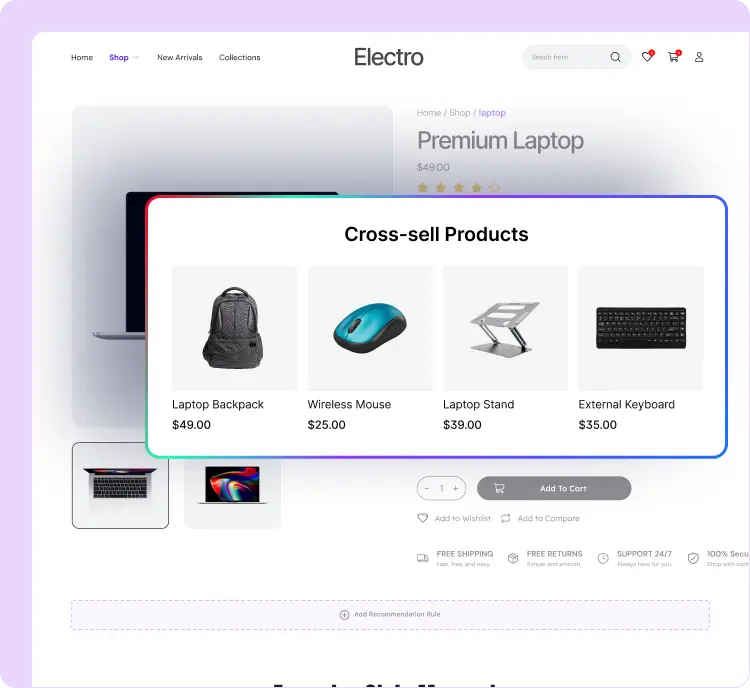
✅ Recommend upsell and cross-sell products
✅ Suggest products customers purchase together
Popup Upsells & Order Bumps for A Complete AOV System
🎁 Popup Upsells
Display upsell offers as popups based on key customer actions, such as adding an item to the cart.
🛒 Checkout Order Bump
Place lucrative add-on offers near checkout so customers purchase more items.
📈 AOV Growth
Combine recommendations, popup upsells, and checkout offers to increase revenue at multiple buying stages.
Get Started Quickly with Product Recommendation Templates
Start faster with ready-made templates for
effective recommendation goals across your store.
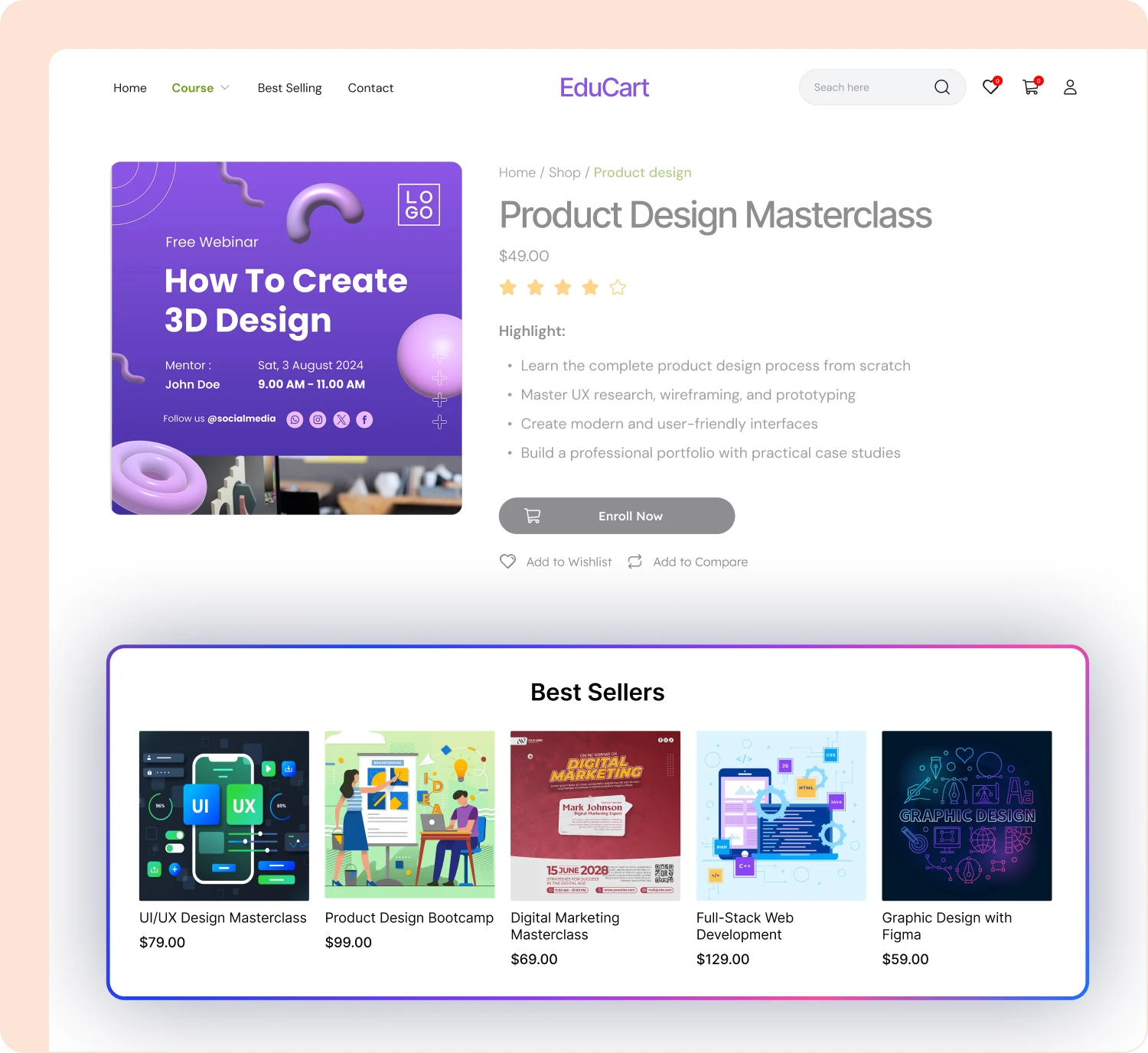
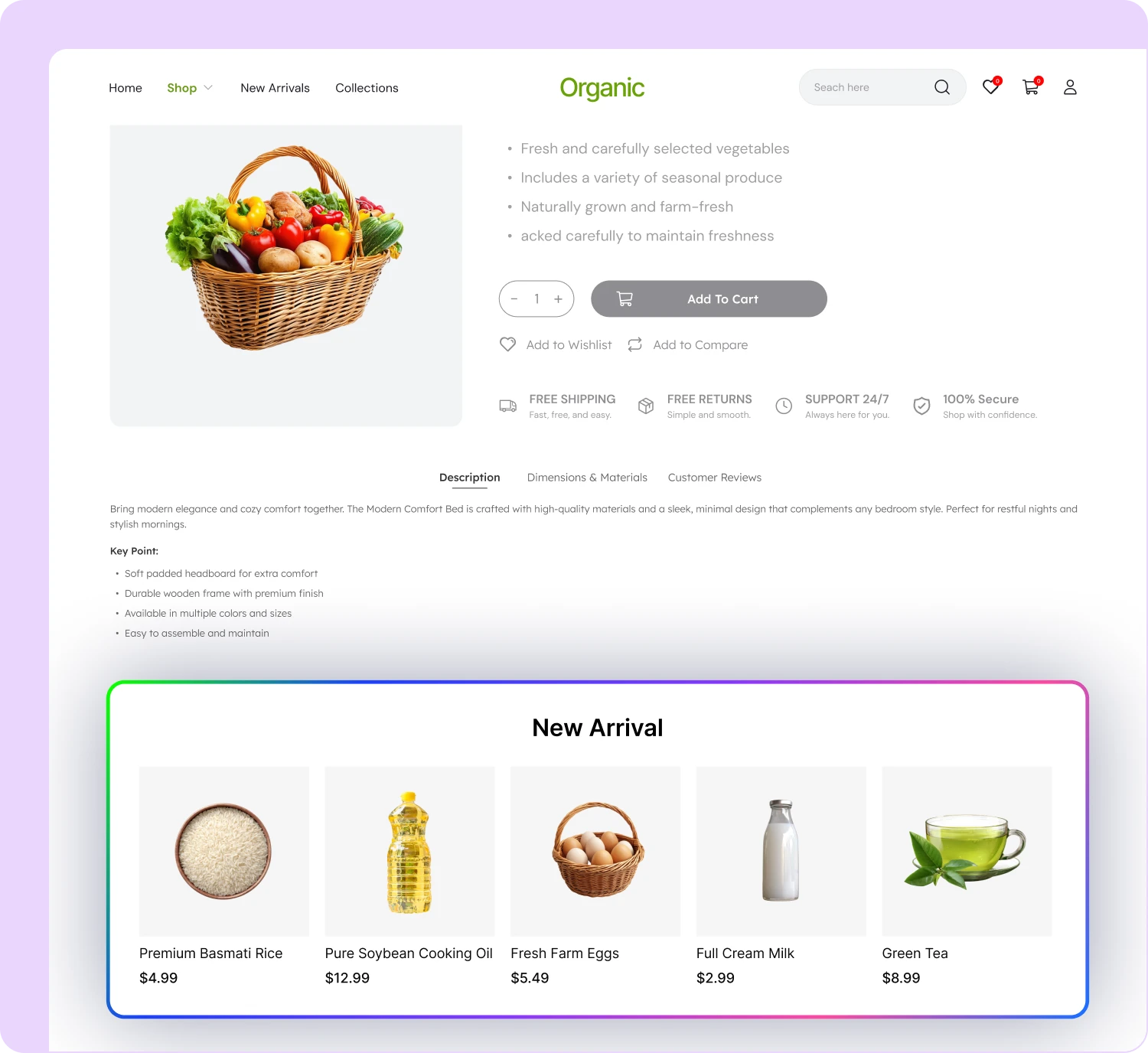
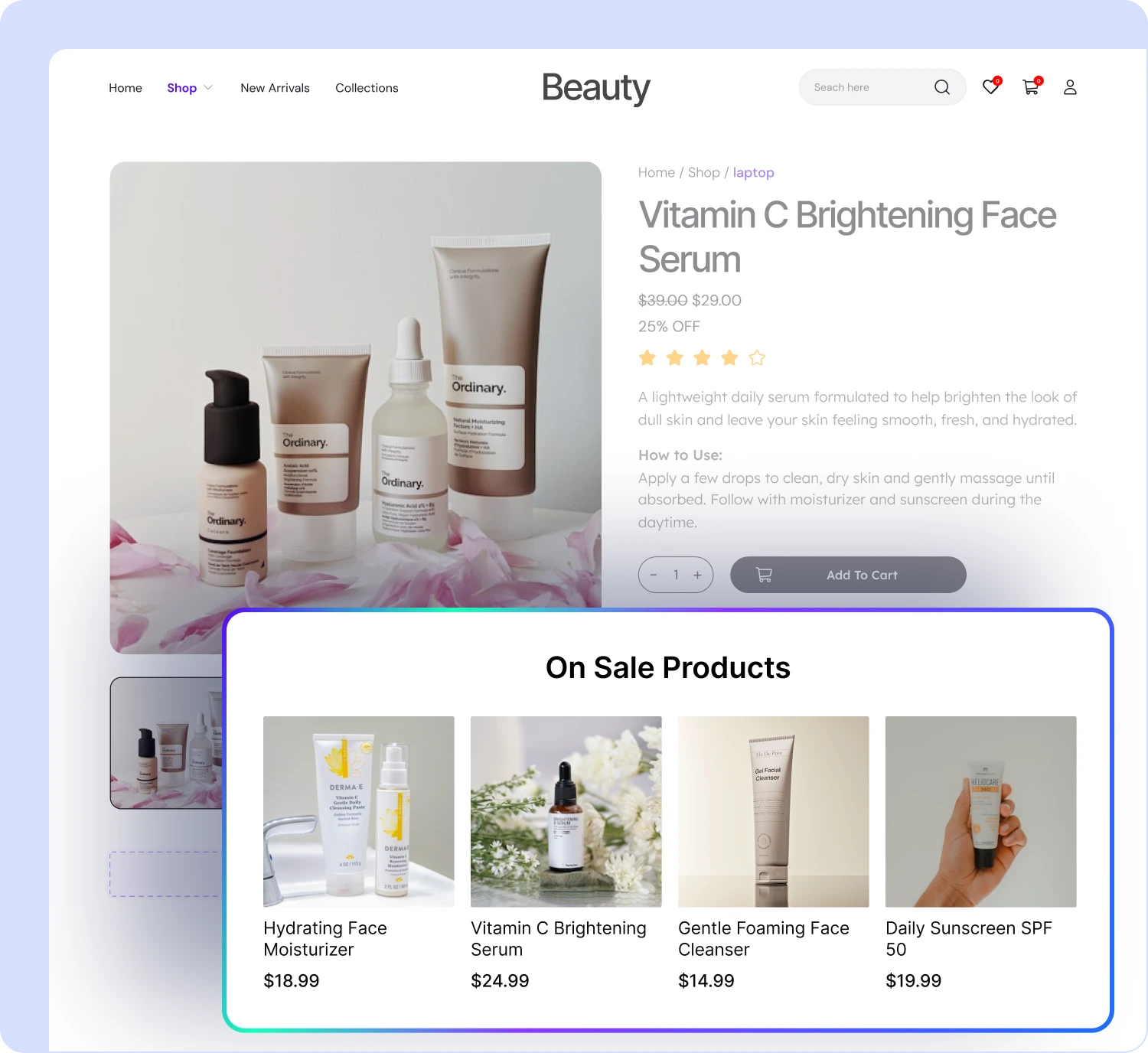
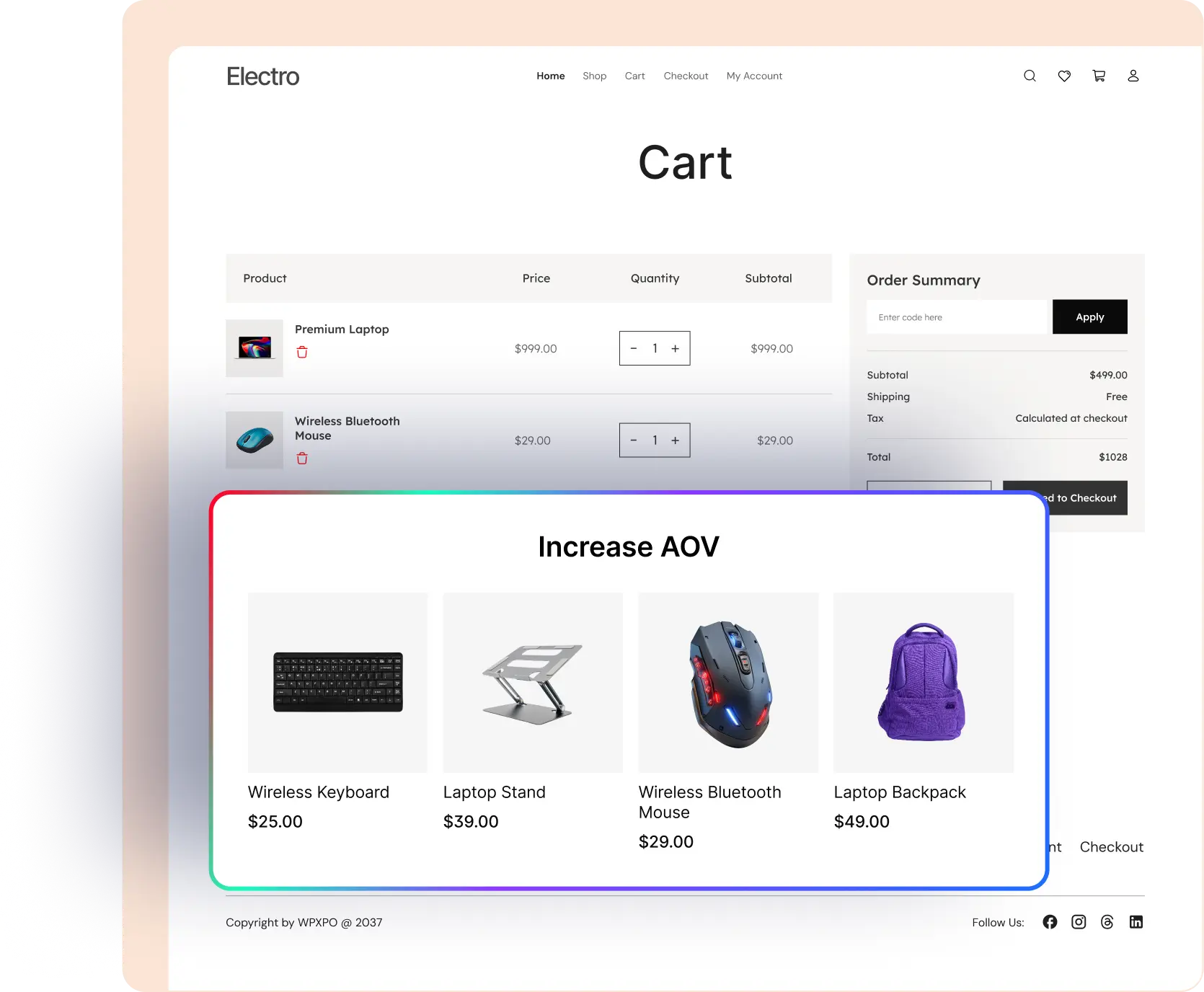
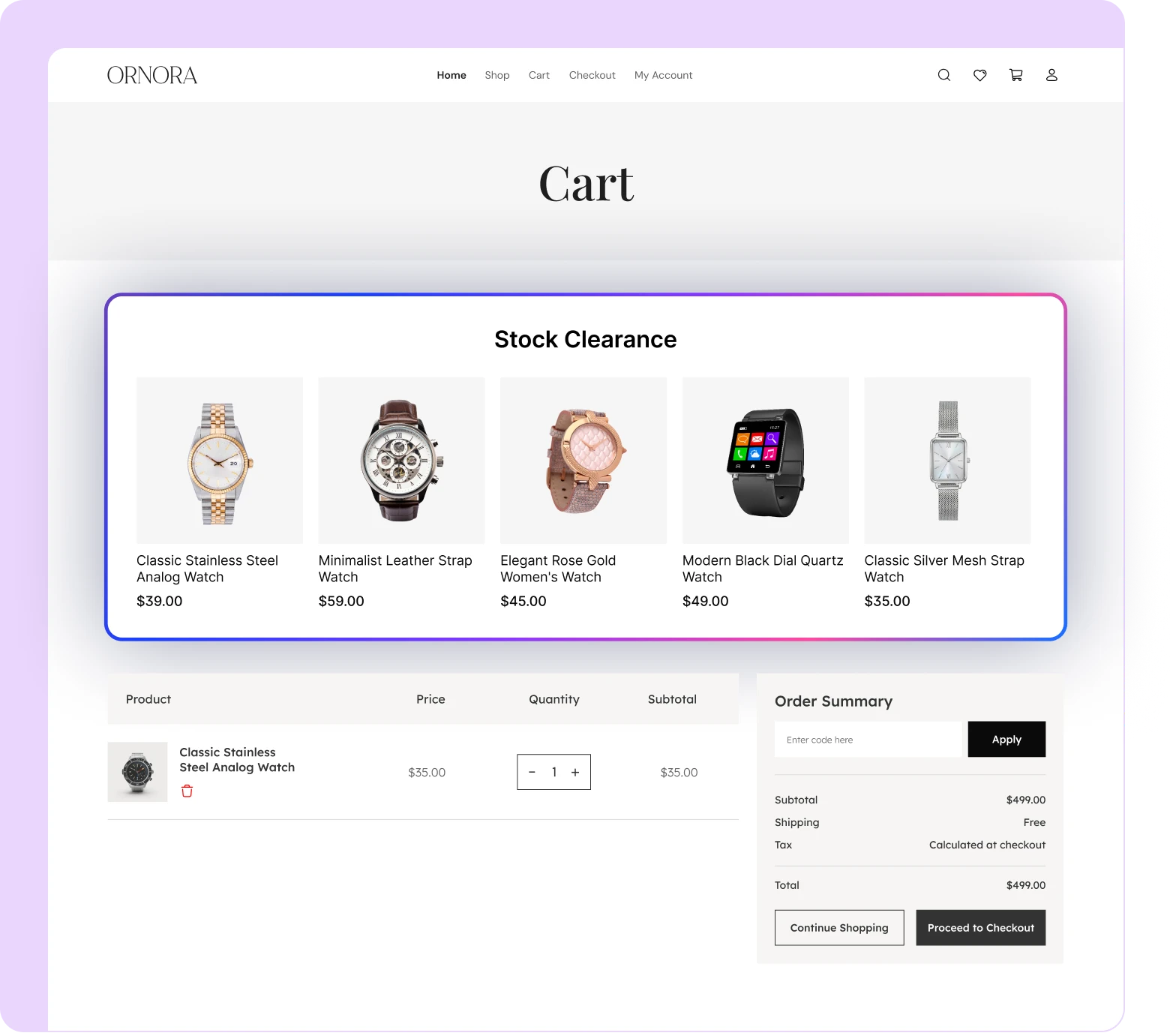
Show Product Suggestions Across the Customer Journey
Place relevant product recommendations across your product, shop, archive, cart, checkout, and thank-you pages to reach shoppers at the right moment.

Product Page
Recommend related products and upgrades on individual product pages.

Shop Page
Highlight bestsellers, new arrivals, and relevant products while customers browse your catalog.

Archive Page
Show category-specific recommendations that help customers discover more products.

Thank You
Suggest complementary products after purchase to encourage customers to return and buy.

Cart Page
Suggest useful add-ons and related products before customers move toward final checkout.

Checkout
Present relevant add-ons as order bumps before customers complete their purchase.
Fully Customizable to Match Your Store
Customize how recommendations look and behave so they fit naturally with your store design.
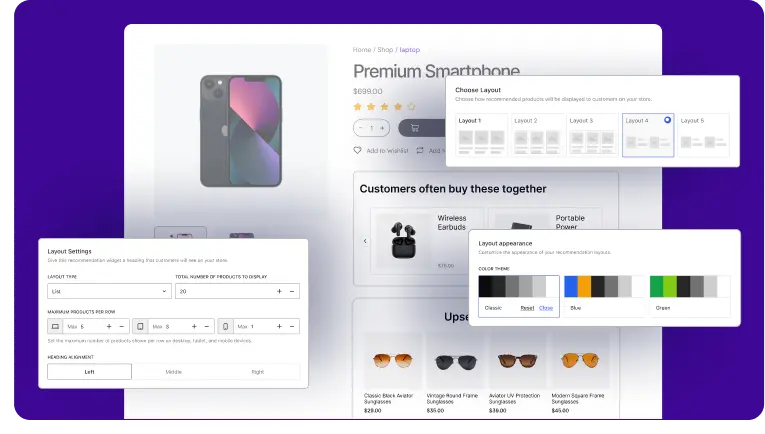
Grid vs Slide View
Choose between grid and slider layouts based on how you want products displayed.
Styling Control
Customize cards, buttons, colors, spacing, borders, and other visual elements easily.
Responsive Control
Set recommendation layout for desktop, tablet, and mobile devices.
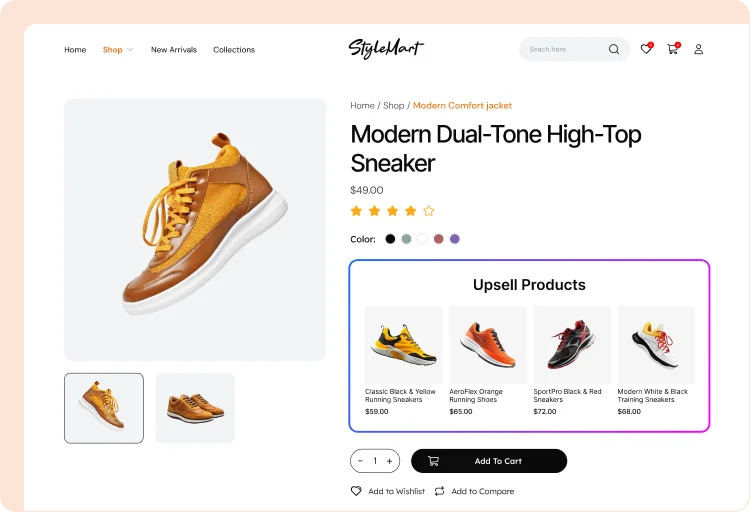
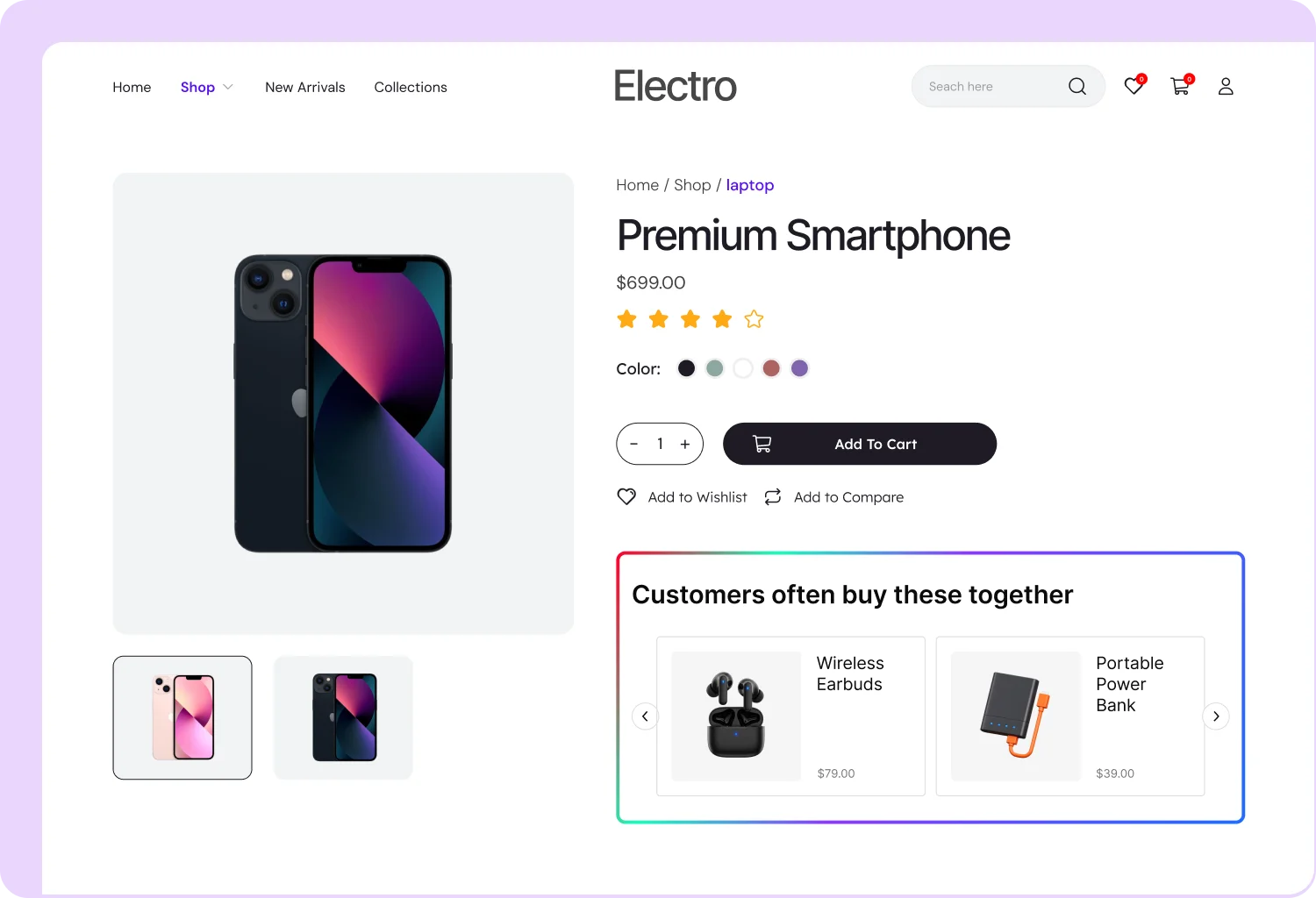
Real-World Use Cases of Product Recommendations
WowRecommend helps you set up relevant recommendations based on your store’s niche, products, and customer needs.
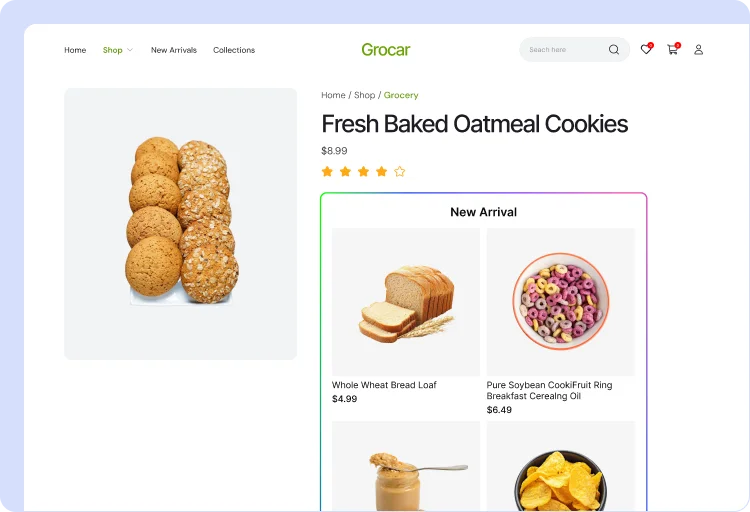
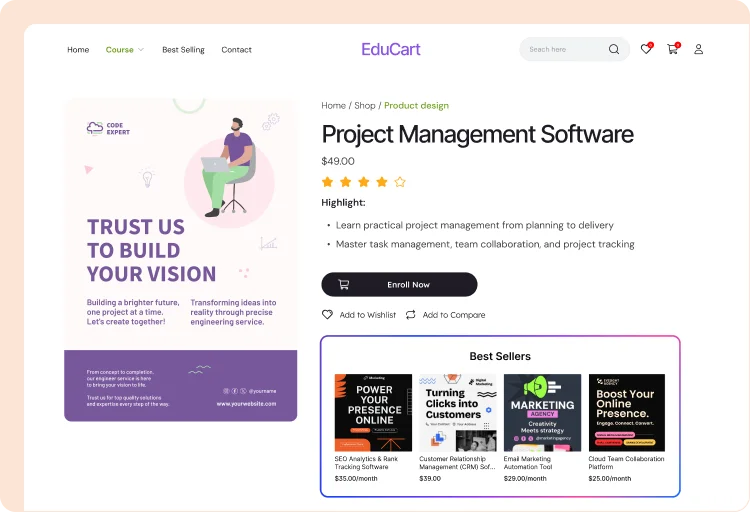
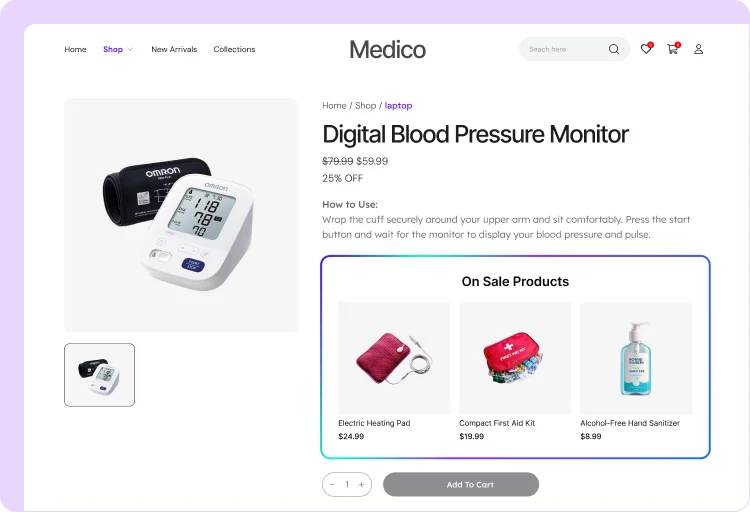
3 Easy Ways to Recommend Products in WooCommerce
Create smarter product recommendations your way. Build rules manually, use guided setups, or let AI create recommendations with simple instructions.
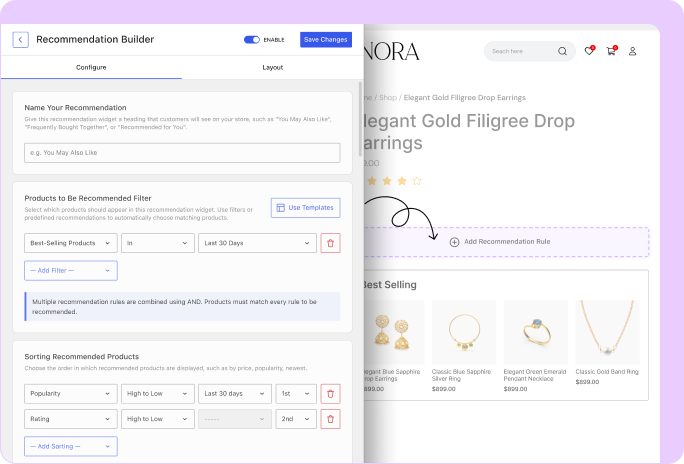
Build Manually
Choose exactly which products to recommend, where they appear, and how they are sorted.
Guided Options
Create recommendations faster with guided workflows.
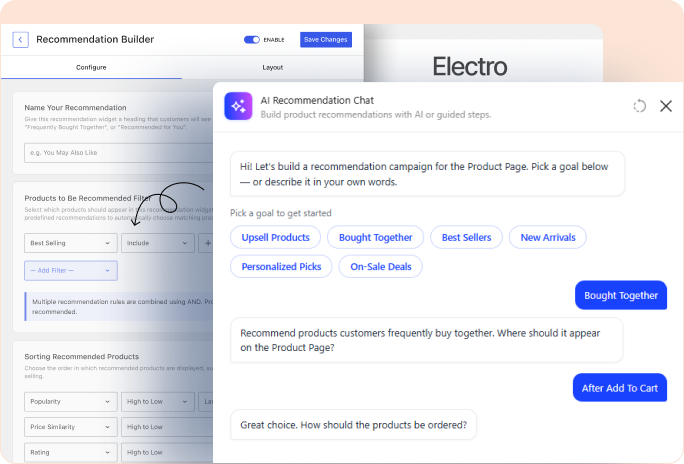
Create Rules with AI
Build rules with AI using simple instructions.


Your Last Chance to Lock In Lifetime Unlimited Access
Get lifetime access to WowRecommend and start driving more sales with AI-powered product recommendations.
Our 100% No-Risk Money Back Guarantee!
All our products are under a 14-day money-back guarantee. So, you have the option to get a full refund on your purchase. Enjoy the convenience and peace of mind of knowing you can return your purchase.

Md Jakir Hasan, CEO & Co-Founder, WPXPO
All pricing is in USD. You can change plans or cancel your account at any time. * Special introductory pricing, all renewals are at full price.

Frequently Asked Questions
Explore common questions about Product Recommendations to understand how it works and whether it’s the right fit for your WooCommerce store.
Feel free to contact our support team in case you have questions.
Start Recommending Smarter with WowRecommend
Turn more browsing into bigger orders with AI-powered recommendations, popup upsells, checkout order bumps, and revenue tracking.