How to Create Template for a Single Page?
Creating a simple page requires an extra step – add a specific condition and publish it as a page. For example, we used the PostX blocks to create a single blog page template. Let’s start from the beginning:
- First of all, go to your WordPress Dashboard.

- Now, go to PostX > Site Builder. Since you are building page templates for the first time, you will see the following:
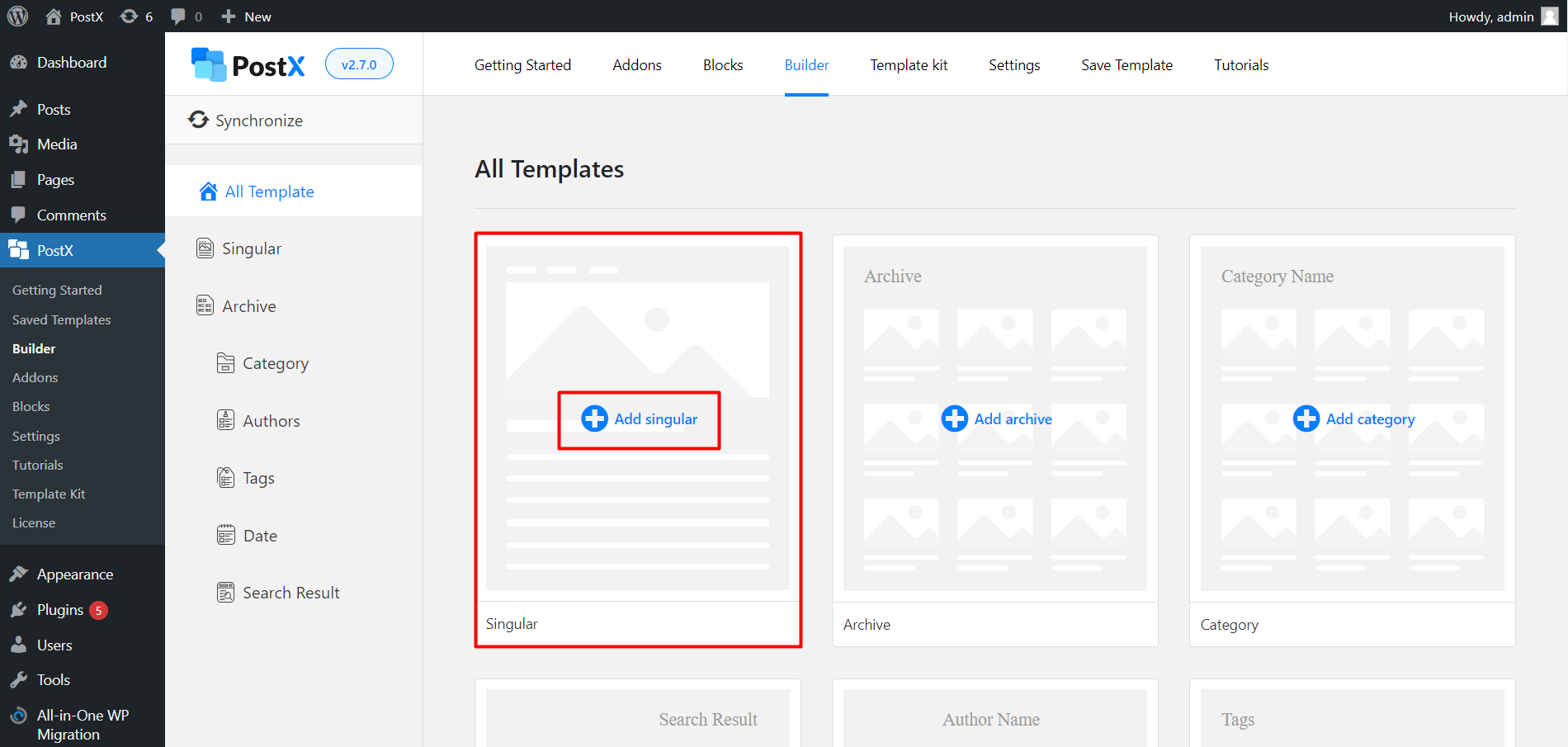
- Click on Add Singular to go to the editor. Once you are in the editor, you can use PostX blocks to create a singular page as mentioned above.

Note: Please note we created this within the Singular page template section in the Site Builder. You just have to change the condition to use the template on a specific page [the blog page in this instance].

- Just add the condition and save it.

- Now, if you go check out the blog page, you will see the following changes: